
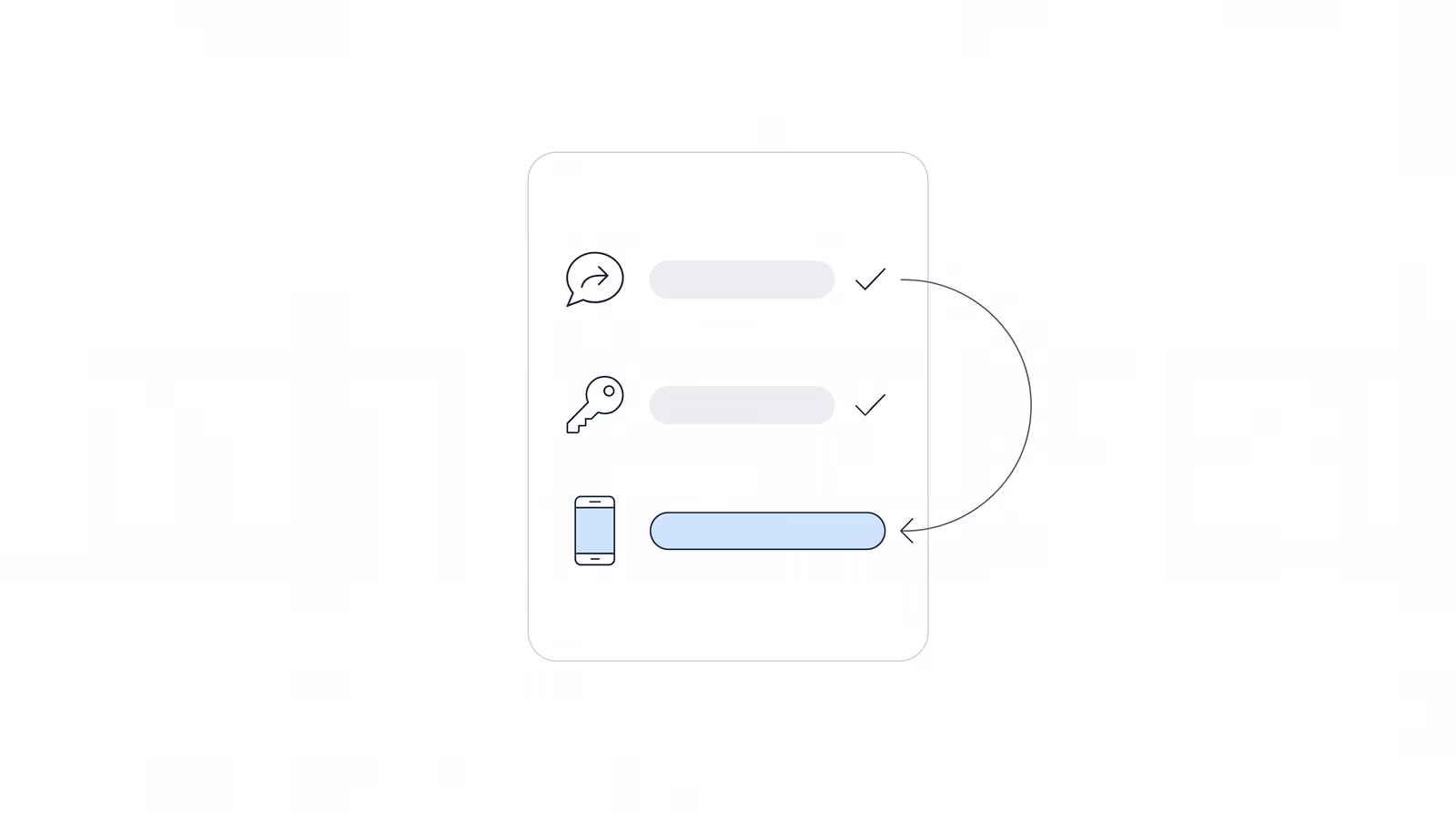
Chronicle takes about 15 minutes to set up and about 30 minutes to train your team on. An ERE monitoring software implementation is that short because nothing has to migrate: the case record already lives at the SSA, and Chronicle reads the ERE’s eFolder and case status for your cases.
An office manager at a 300-case firm is not worried about 15 minutes. She is worried about Tuesday’s hearing, about the paralegal who holds the passcode phone, and about whether anyone will have to re-key a case. Most of that comes down to order: one step, changing the phone number on your ERE account, has to come last.
How long does it take to set up ERE monitoring software?
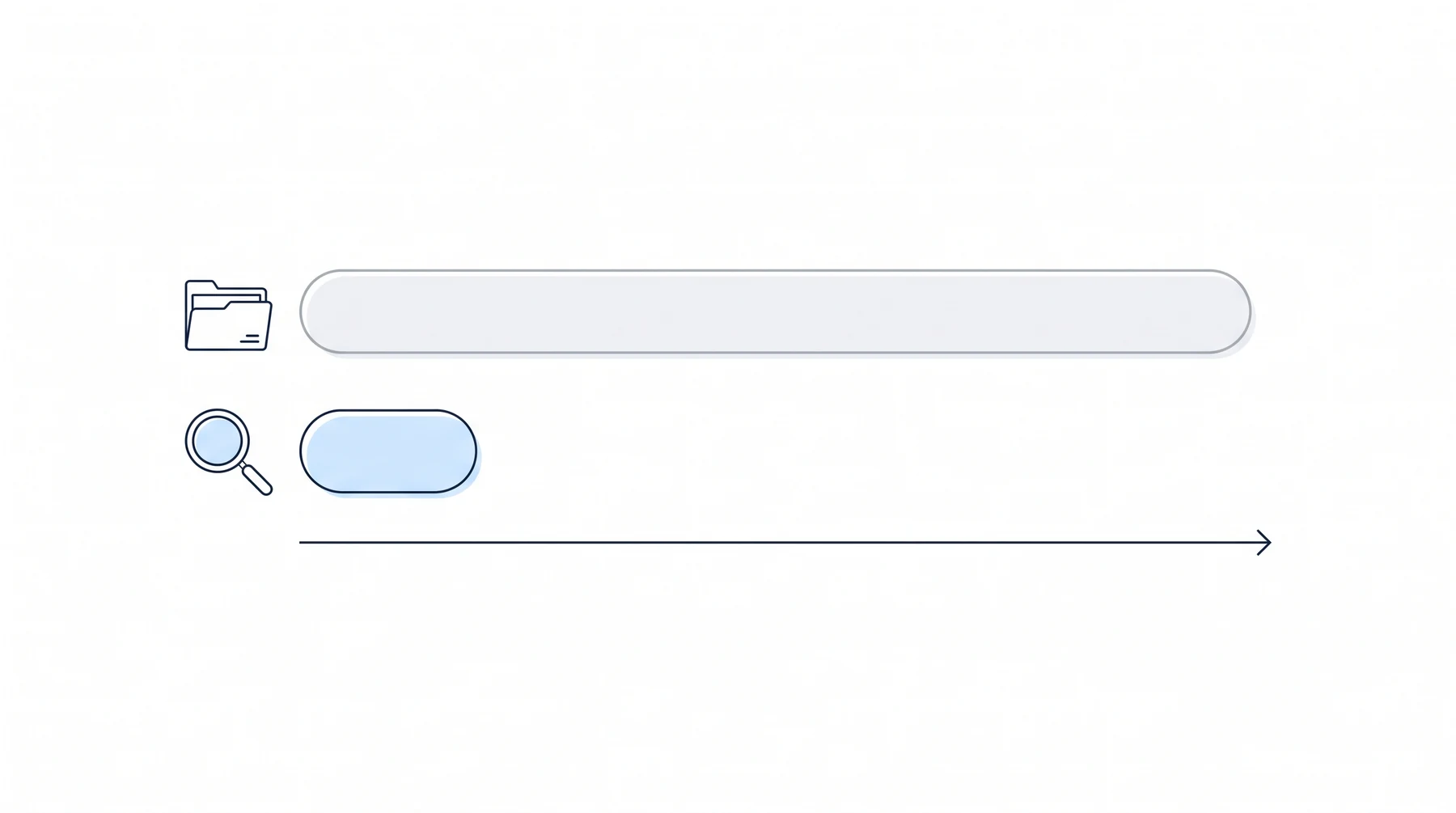
A CMS switch relocates your matters, templates and history. ERE monitoring reads the SSA’s portal (technically the ARS system behind the Electronic Records Express login, which the industry calls the ERE) and leaves your CMS where it is. In our Disability Peers in Practice roundtables, one firm described a case management implementation that ran more than a year, cost thousands and was abandoned.
Two things sit outside the 15 minutes. Connecting a case management system is a separate working session for field and phase mapping. Neos takes about 10 minutes to set up once Neos support enables the integration, but Neos’s own provisioning can take a few days. Plan the week around those, not around the setup call.
What do you need ready before setup starts?
- Your ERE username and password for the representative account Chronicle will monitor.
- The phone that receives ERE passcodes today. Changing the number on the ERE account can ask for a passcode sent to the current phone, so whoever holds it needs to be reachable.
- Your team’s shared number (Google Voice, RingCentral or similar), if staff rely on one to receive codes.
- A role for each person. Chronicle’s roles are Admin, Manager / Rep, Staff, View only and Restricted. Only Manager / Rep, Admin and Billing owner can manage ERE credentials, so the person running setup needs one of those.
- SSN digits for the clients you want monitored, or a connected CMS that can supply them.
- AARPS credentials, if you want them. With them connected, Chronicle checks AARPS for new fee payments automatically every day.
If credentials are the sticking point for whoever signs off, ask for the security report. Chronicle has its own SOC 2 Type II report, issued to Chronicle Technology, Inc., and data is encrypted in transit and at rest.
What order should the setup steps go in?
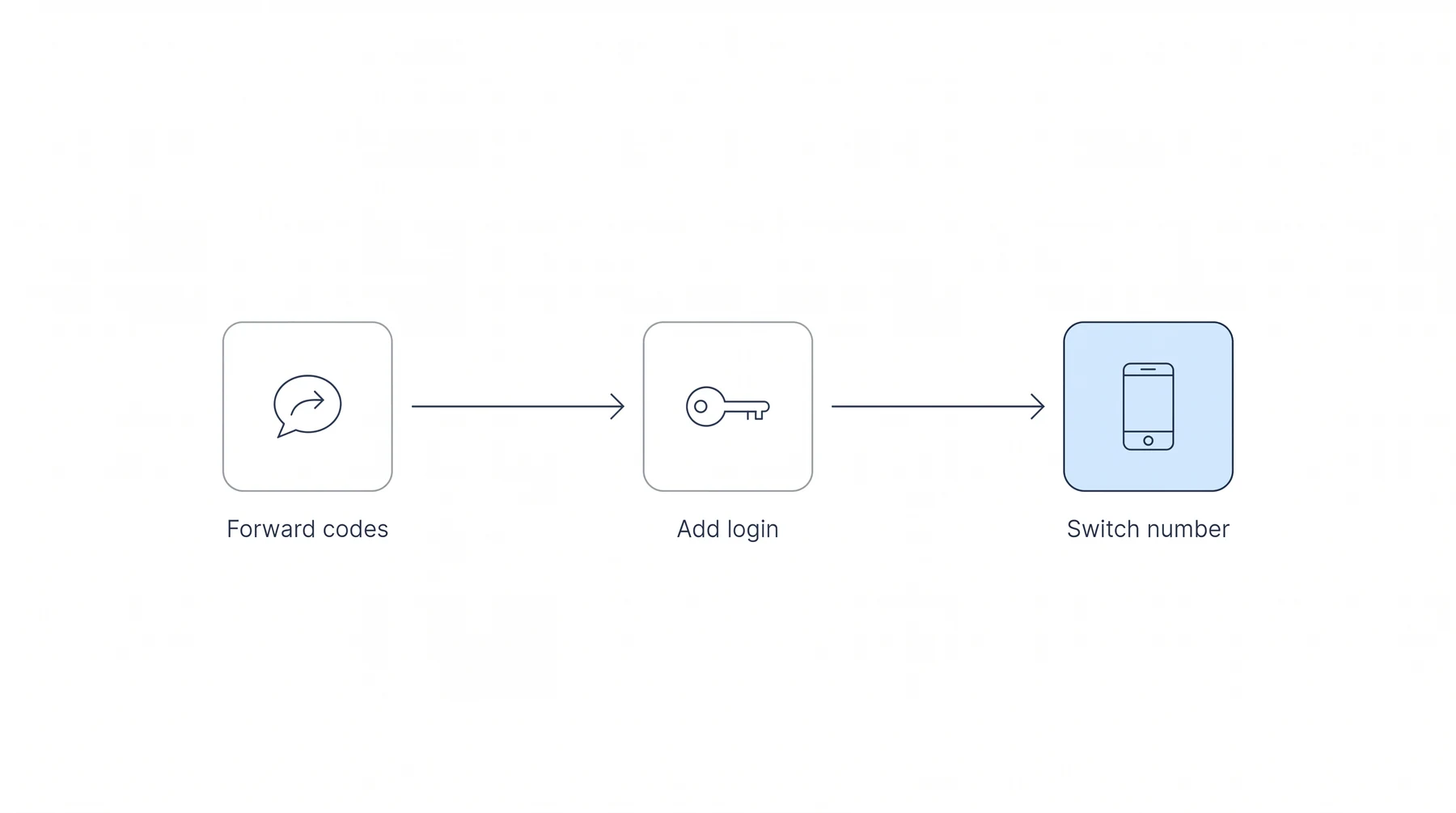
The ERE sends its one-time passcodes to a single phone number, so the order matters: turn on passcode forwarding before that number points at Chronicle, and your team keeps getting codes the whole way through. Everything after step 3 can follow at your own pace.
- Turn on passcode forwarding. In Chronicle, open Settings > Profile > General, enter your team number in Mobile Phone Number, and under OTP Forward switch on Via text (or Via email, for codes in an inbox).
- Add your ERE credentials. Settings > Profile > ERE credentials takes your ERE username and password. The same tab shows the virtual number Chronicle uses to receive one-time passcodes on your behalf.
- Point the ERE at the virtual number. Log into the ERE, open View/Edit Account, and change the Secure Text-enabled Cell Phone Number to the Chronicle virtual number. From then on, passcodes go to Chronicle, which forwards them to your team because step 1 is already on. Chronicle runs a connection check on the credentials and the number together.
- Invite your team. Settings > Team > Invite. Pick a role for each person; new invitees default to Staff.
- Start e-file monitoring. On a client’s Documents tab, enter the first five SSN digits (the last four come from the client record) and click Start monitoring. The client shows as queued for a document pull, and you get an email when the documents are ready.
- Set notifications by category, once people can see their cases.
Firms on Assure have a gentler path: add the Chronicle virtual number as a forwarding number in Assure’s Credential Manager and keep Assure running while you compare (how to use Assure and Chronicle at the same time). When you’re ready to switch fully, it’s the same six steps, covered in our Assure cutover guide.
If the passcode problem is what sent you looking, managing ERE 2FA codes across a team covers the workarounds firms use and where each one breaks.
Do you lose your case history or have to re-enter cases when you switch?
No. The ERE record belongs to the SSA, so there is nothing to re-key. If you are coming from another provider, sign an annual contract and the active cases you already have come over free, so you are never paying twice. What carries over is detailed in the free case backfill.
With a connected Clio, Filevine, Litify or Neos account, Chronicle matches clients to CMS records by last name and the last four digits of the SSN, and fills in a missing SSN from the CMS. Know this before the first sync: when that SSN back-sync adds a case to Chronicle automatically, the case is billed at the standard per-case rate.
Does it connect to your case management system from day one?
Yes, if you run Clio, Filevine, Litify or Neos. Chronicle has direct integrations with all four, included on the Pro plan, and they sync on a schedule of about every 15 minutes. Firms on another CMS, or none, run Chronicle alongside it; Chronicle is not a CMS and does not ask you to switch.
Garza Law Firm completed its Filevine integration setup in under 90 minutes. At Walker Firm, what the managing attorney couldn’t solve in years of trying, Chronicle resolved in a single phone call, and the firm’s Litify plugin matched all active cases within days of adoption.
Since the Fall 2026 updates, the integrations sync both ways: Chronicle sends ERE data into your CMS, and your CMS fills in contact details and case ownership in Chronicle. Once staff roles are mapped, teammates follow their cases in Chronicle based on who owns them in the CMS, so nobody builds a watch list by hand on day one.
Start with a handful of mapped fields (the hearing date is the obvious first one), let the automation run for a week, then add more. The Clio integration guide and the Filevine integration guide walk every step.
What does training and the first month actually look like?
The trial is free for a month, and we monitor 14 of your cases free, plus a free chronology and brief to try. NOSSCR members start with 30 cases instead of 14. Most of what changes for staff is something they stop doing: logging into the ERE to look for updates.
Chronicle checks the ERE and e-file daily for each monitored case and checks SSA status reports about every two hours, then summarizes what changed. William Viner of Viner Disability Law:
The setup process was painless, quick, and easy, period.
Leanne Hernandez of Disability Advocates LLC: “There is no long learning curve at all with it.”
In our Disability Peers in Practice roundtables, practitioners say writing procedures for a new system is easy, getting staff to follow them is hard, and long training videos go unwatched. Keep the rollout narrow:
- Week one: decision notifications for the people who call clients about decisions. Nothing else.
- Week two: hearings, consultative exams and information requests, routed to whoever owns each.
- Contract hearing reps: give them the Restricted role. Restricted users see only the clients an admin assigns them, can trigger ERE checks and upload documents on those cases, and get individual notifications, though not digests or follow rules. View only users receive no notifications at all.
Frequently Asked Questions
How long does it take to set up Chronicle, and how much training does staff need?
About 15 minutes to set up and about 30 to train the team, because no records migrate.
What do we need ready before we start?
Your ERE username and password, the phone currently registered on the ERE account, your team’s shared passcode number and a role for each staff member.
Do we lose case history or have to re-enter cases when we switch ERE tools?
No. The record lives in the SSA’s ERE, and on an annual contract the active cases you already have come over free.
Does Chronicle connect to Clio, Filevine, Litify or Neos from day one?
Yes. Direct integrations with all four are included on the Pro plan and sync about every 15 minutes.
Is there a free trial, and what happens during it?
Yes: a free month, with 14 of your cases monitored free plus a free chronology and brief to try (30 cases for NOSSCR members). Krysti Monaco of the Law Office of Nancy L. Cavey described her firm’s trial this way: “We tested Chronicle and signed up that day. I was so impressed.”
What to do next
More than 180 SSD firms use Chronicle. When the checklist above is in hand, book the setup call.