
How to Manage ERE 2FA Codes Across Your Team (Without Passing Codes During Hearings)
Managing ERE 2FA codes across a team comes down to one design problem: SSA’s BSO system ties two-factor authentication to a single registered phone number. Whoever controls that phone controls your firm’s ERE access. When that person is in a hearing, out sick, or away from their desk, everyone else waits.
The practical options range from simple (a dedicated device at the front desk) to more involved (separate BSO accounts per staff member) to structural (automated ERE monitoring that reduces manual logins enough to make the 2FA problem mostly irrelevant). Which fits depends on your firm size, whether you have remote staff, and how often your code-holder is actually unavailable during the workday.
Why ERE 2FA Creates a Team Coordination Problem
When SSA introduced two-factor authentication to BSO, they solved a security problem and created an operational one.
BSO 2FA works by registering one phone number per account. When a staff member needs to log in, SSA sends a code to that number, and the code expires quickly. If the registered phone is not nearby, or the person who normally holds it is occupied, the login fails. For solo practitioners, that is manageable. For any firm with two or more people who need ERE access on a given day, it creates something you probably did not intend: an involuntary gatekeeper. The person whose phone is registered with SSA becomes the authentication chokepoint for everyone else.
The failure modes are predictable: the attorney is in a hearing and a paralegal needs to pull a document, but the 2FA code went to the attorney’s phone. The office manager steps out for lunch, a case manager needs to check an exhibit file, and again the code goes to the wrong place. A new hire starts and nobody thought through how ERE access would work, so the first day involves a lot of “can you text me the code?” This is not a fringe scenario. Practitioners have been flagging it on disability law listservs consistently enough that it shows up as a recurring thread topic. SSA’s authentication design was not built for firms where multiple people need ERE access throughout the day, and there is no official accommodation for that use case. Firms adapt on their own.
Workaround Options: What Disability Firms Actually Do
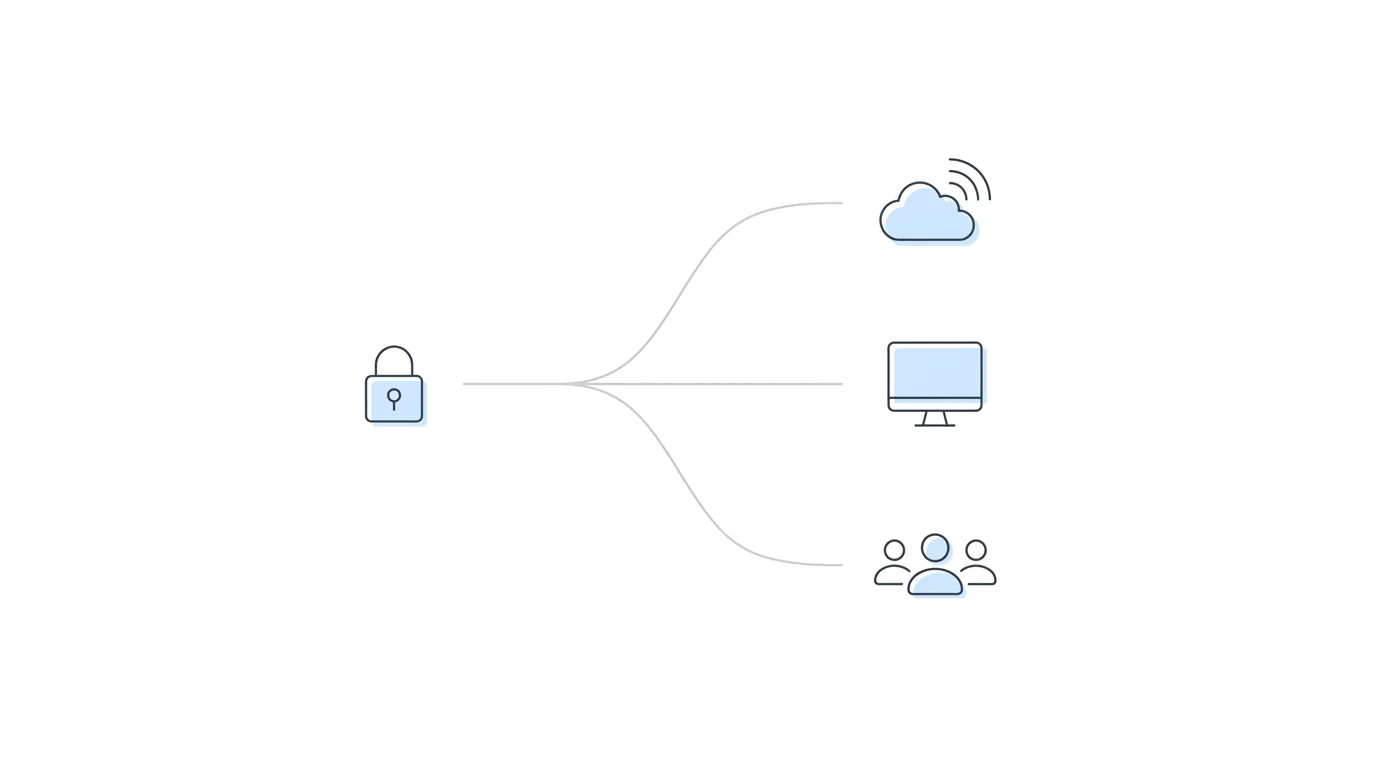
There is no official SSA solution for team-based 2FA management. What follows are the approaches firms use in practice, with honest notes on where each one holds up and where it does not.
Option 1: Google Voice Shared Number
Register BSO 2FA with a Google Voice number accessible through a shared Google account.
Google Voice assigns a phone number that routes SMS messages to any device logged into the associated Google account. If your 2FA codes go to that number, any staff member with the Google credentials can read the code from their own computer or phone, no physical device handoff required.
This eliminates the location problem. A paralegal working from home and a case manager in the office can both receive the same code. The tradeoffs are real, though: someone still needs to be logged into the Google Voice account at the moment the code arrives, session timeouts still require re-authentication, and if the Google credentials change or Google flags unusual activity, access breaks without warning.
Works well for firms with remote staff or multiple offices where routing to one physical device is impractical. (If your firm is fully distributed, running a remote disability practice has broader implications for how you structure ERE access as well.)
Option 2: Dedicated Device at the Front Desk
Keep a phone registered with BSO’s 2FA in one fixed location in the office.
Simple premise: one device, one place, always visible. Staff who need to log in walk to it, grab the code, and continue. No need to track down a specific person. The coordination problem is replaced with a physical dependency on the front desk being staffed.
Remote staff still cannot access it. If the office has genuine coverage gaps, someone has to physically retrieve the code. For single-location firms with consistent front-desk presence, this works reliably and requires minimal setup.
Option 3: Separate BSO Accounts Per Staff Member
Each staff member who needs regular ERE access sets up an individual BSO account, registered to their own phone.
If everyone has their own credentials, they each handle their own 2FA. The attorney being in a hearing does not affect anyone else’s access. This is the cleanest structural fix among the workarounds, because it eliminates the single point of failure entirely.
Two real limitations. First, the setup process takes time — each staff member needs to go through SSA’s registration and credentialing steps individually, which isn’t quick. Second, when someone leaves the firm, removing their BSO access is a slow process, and an account that stays active longer than it should creates a client confidentiality risk. The cleanest workaround among the options, but the offboarding problem means it requires active maintenance.
The Structural Fix: Reducing How Often You Need to Log In
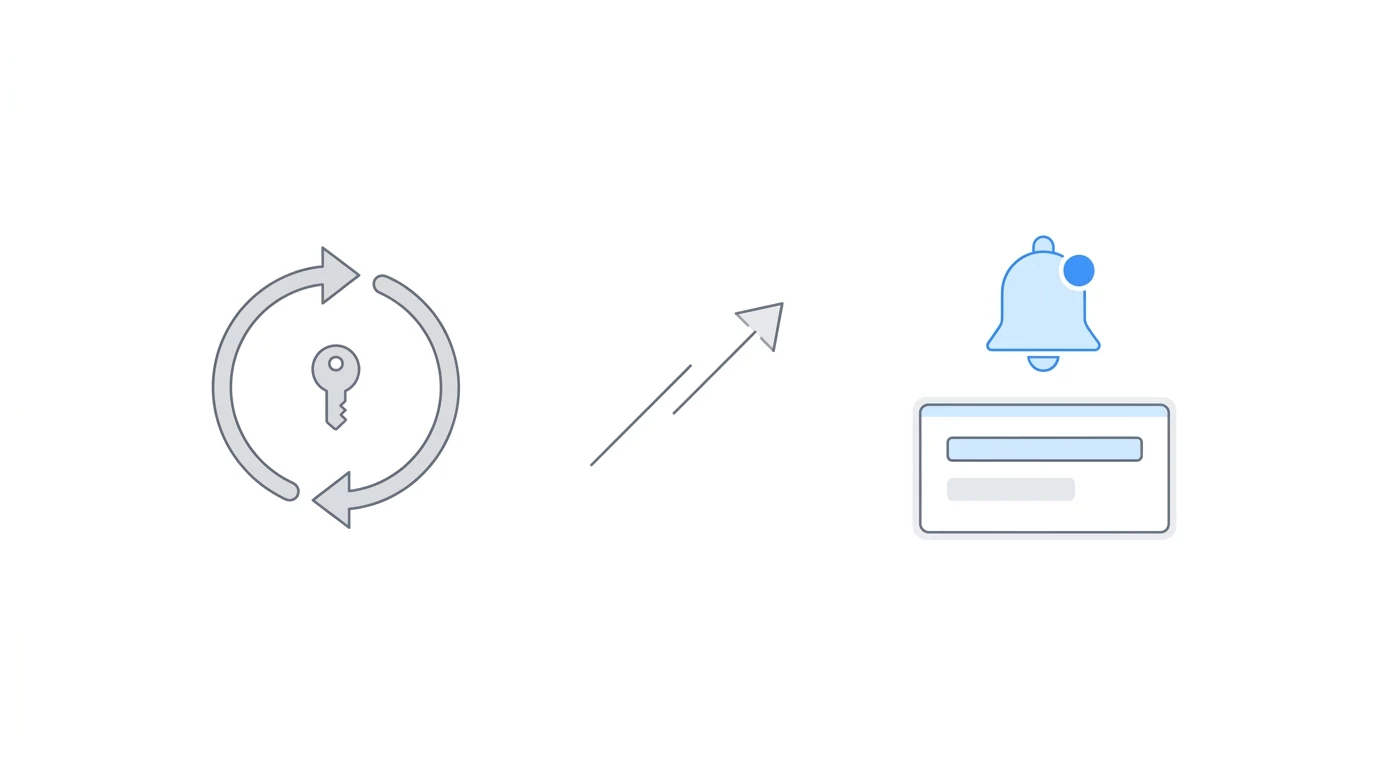
All three workarounds optimize the manual login workflow. They reduce friction, extend who can receive a code, or remove the single-device dependency. None of them change the underlying dynamic, which is that your staff need to initiate ERE sessions repeatedly throughout the day to find out what has changed in your cases.
The structural fix addresses that directly: reduce how often manual ERE logins happen in the first place.
Automated ERE monitoring platforms handle the daily “what changed?” work at the platform level. Rather than a paralegal logging into ERE to check for updates across 150 cases, the platform checks continuously and surfaces changes through alerts and dashboards. Staff see what happened in ERE without having to initiate a session to find it. The 2FA problem does not disappear entirely, because there are still tasks that require a direct human login (uploading documents, for example). But the constant re-authentication cycle that drives most code-sharing gets removed from the daily workflow.
J. Shay Guess at SAM G Enterprises LLC described it: “Before Chronicle, we were constantly passing two-factor codes back and forth, getting kicked out of ERE, and struggling to keep track of updates.” SAM G runs 160 to 170 cases with three people and one BSO-registered phone. The fix wasn’t a smarter code-sharing system. It was making daily ERE logins unnecessary.
The pattern holds across firm sizes. The time cost of manual ERE checking scales with caseload — and so does the dependency on whoever holds the registered device.
Chronicle is an SSD ERE monitoring platform that checks the SSA’s ERE and e-file daily for changes across a firm’s monitored cases. More than 2,800 disability professionals use it to monitor more than 235,000 cases and 11.7 million SSA documents. Automated monitoring is not the only way to handle the 2FA problem, but it is the only approach that addresses the root cause rather than the routing.
Choosing the Right Approach
| Firm type | Recommended starting point |
|---|---|
| 1 to 2 staff, single office, under 100 cases | Dedicated shared device at the front desk |
| 2 to 4 staff, mixed locations, 100 to 150 cases | Google Voice shared number |
| Multiple staff, independent ERE workflows | Separate BSO accounts per person (verify SSA rules first) |
| Code-holder is regularly in hearings | Automated monitoring to reduce login frequency |
| 150+ cases | Automated monitoring; workarounds do not hold at this volume |
The table is a starting point, not a prescription. A lot depends on how often your code-holder is actually unavailable versus how often the workaround is tested. Some firms run Google Voice for years without issues. Others hit a hearing day where the routing fails and decide they need a different approach.
The signal that it is time to move past workarounds is not a single dramatic failure. It is the accumulating cost of small interruptions: a case manager who cannot pull a file when they need to, a paralegal who has to wait for a code that should take seconds but lands during something else. That friction is real, and it compounds.
Frequently Asked Questions
Can multiple staff share one BSO account?
The BSO system is designed around individual accounts. Sharing credentials removes the audit trail for who did what and creates disruption risk if credentials need to change. Separate accounts per person, or a platform that handles authentication centrally, holds up better long-term.
What happens if the phone registered with SSA is lost or replaced?
There are no backup codes for BSO 2FA. SSA will mail a verification code to your address on file, which means a gap in ERE access until it arrives. If you use Google Voice as your registered number, this problem largely disappears since the number isn’t tied to a physical device and doesn’t change when hardware does.
Does an automated ERE monitoring platform handle BSO authentication for the firm?
It still requires valid SSA credentials. The difference is centralization: Chronicle handles the daily session management rather than each staff member authenticating independently throughout the day. Firms provide Chronicle with their SSA representative credentials during setup.
Is there a way to get 2FA codes by email instead of SMS?
Not through SSA’s standard BSO configuration. The system is SMS-based. Google Voice, as a virtual phone number that receives SMS, is the closest practical equivalent for firms that want something that is not tied to a physical phone.
What if the portal goes down entirely?
ERE outages are a separate problem from 2FA friction, though they often arrive together. For a firm-level protocol when the portal is inaccessible, see ERE Down? What to Do When SSA’s Portal Fails.
What to Do Now
If your firm is currently managing 2FA by relaying codes ad-hoc, the immediate step is picking one of the structured approaches above and setting it up before the next hearing day. For most firms under 100 cases, a Google Voice number or a dedicated device resolves the acute problem with minimal overhead.
For firms at 150+ cases, where manual logins are happening throughout the day and the code-holder is regularly in hearings, the workarounds start showing their limits at exactly the moment when the practice is growing and can least afford the interruptions. That is the point where the root cause matters more than the symptom.
If you want to see how automated ERE monitoring fits into your current workflow, request a demo.