SSD Attorney Software That Grows Your Caseload Without Growing Payroll

Chronicle checks the ERE across every case, uploads to the SSA from the client page, and keeps hearing prep ready before you need it — so the practice you have today can carry more than it does today.

Book a Demo
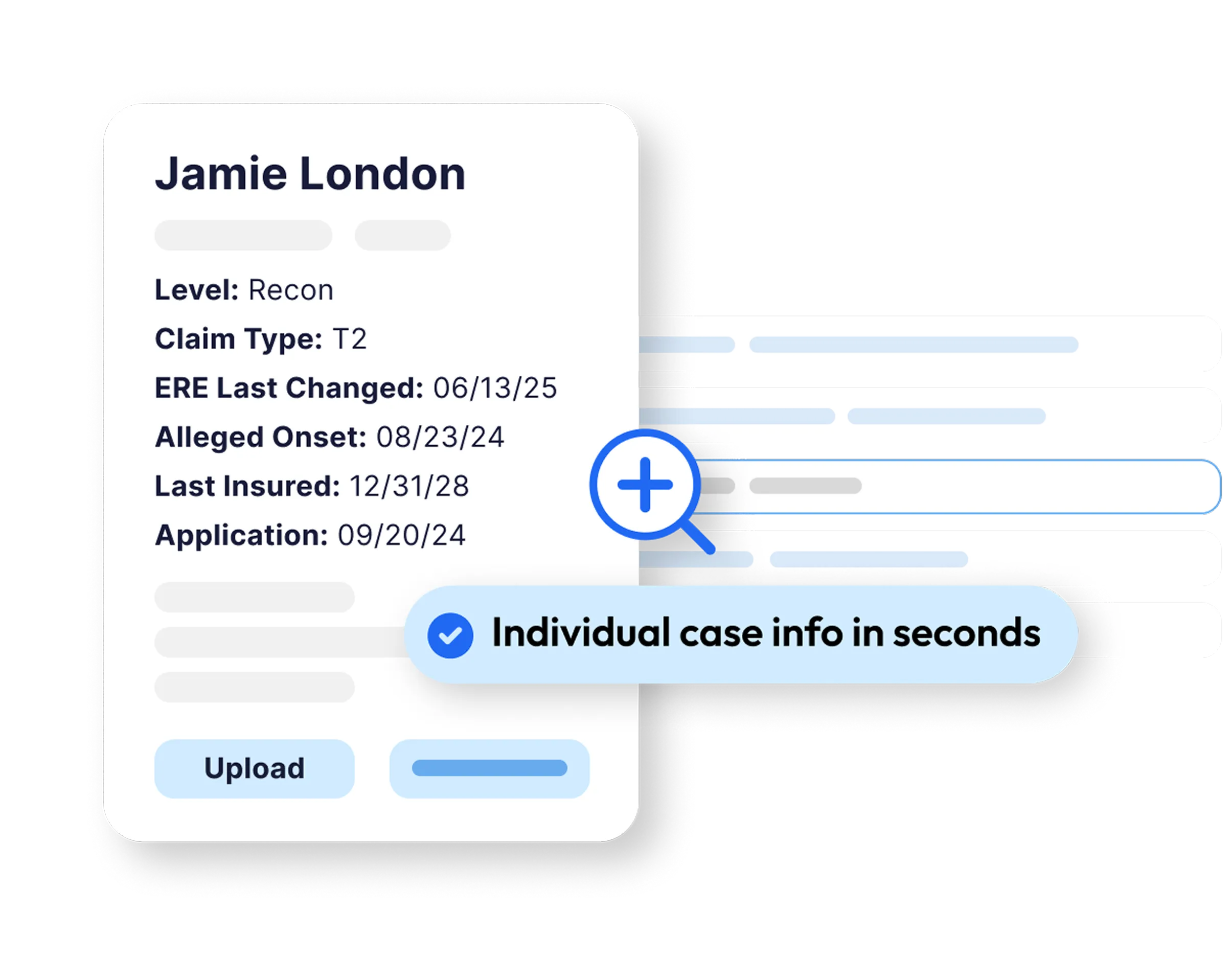
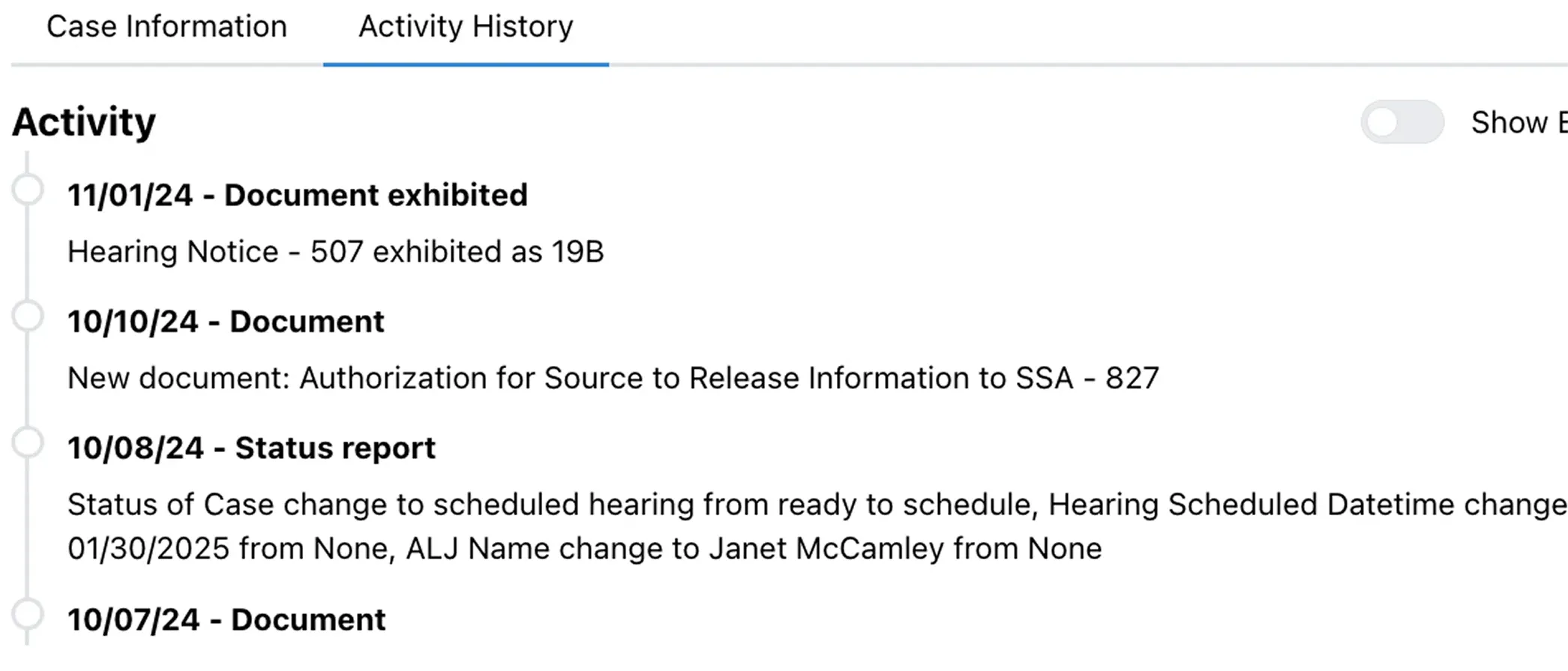
Chronicle interface showing SSD case details and quick individual case info
Chronicle ERE document monitoring interface

ERE updates without the busywork

Chasing the ERE shouldn’t be part of your job description. Chronicle checks it daily, pulls in every notice, and flags what’s new so you don’t miss a thing.

Your staff no longer burns hours chasing downloads, so you walk into hearings with the right information every time.
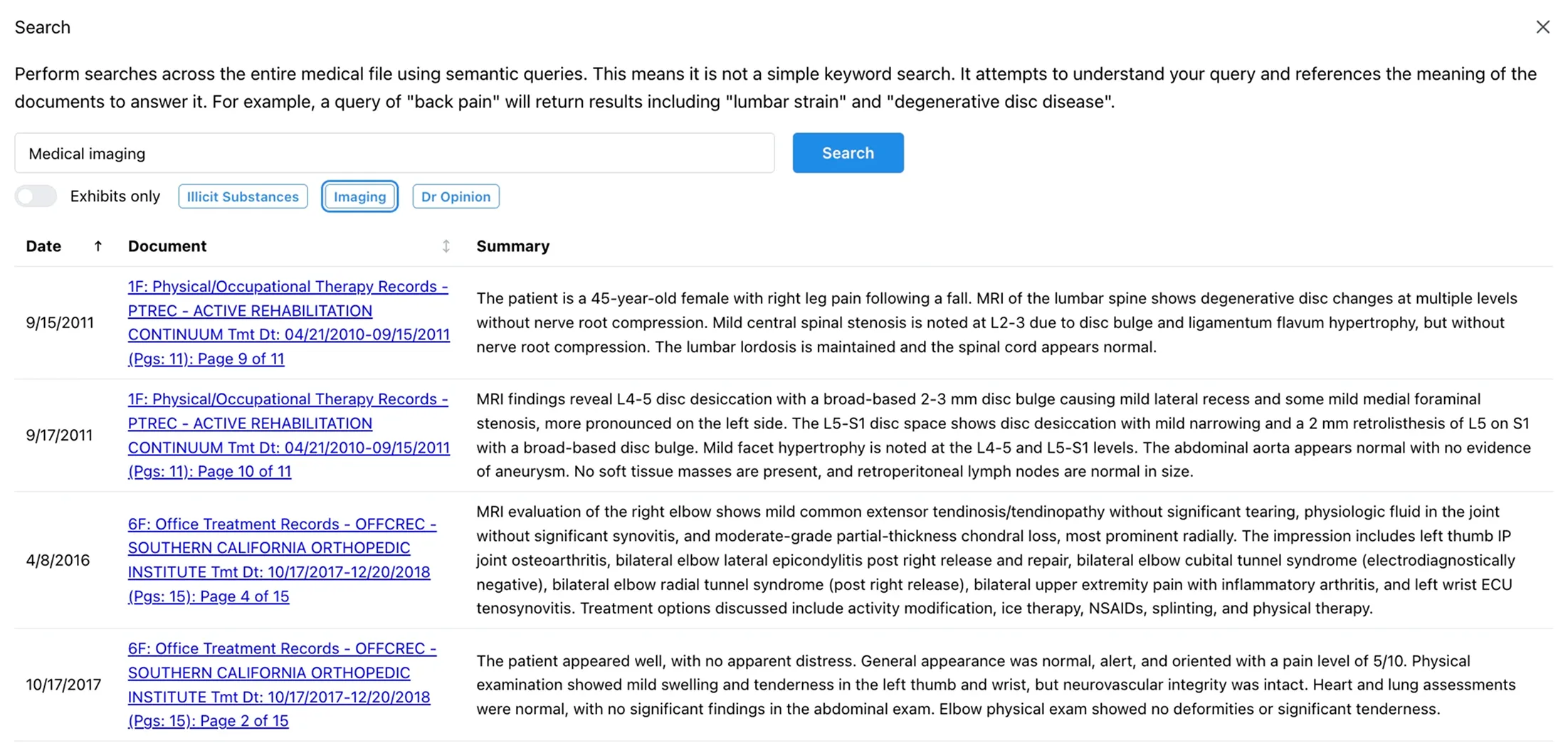

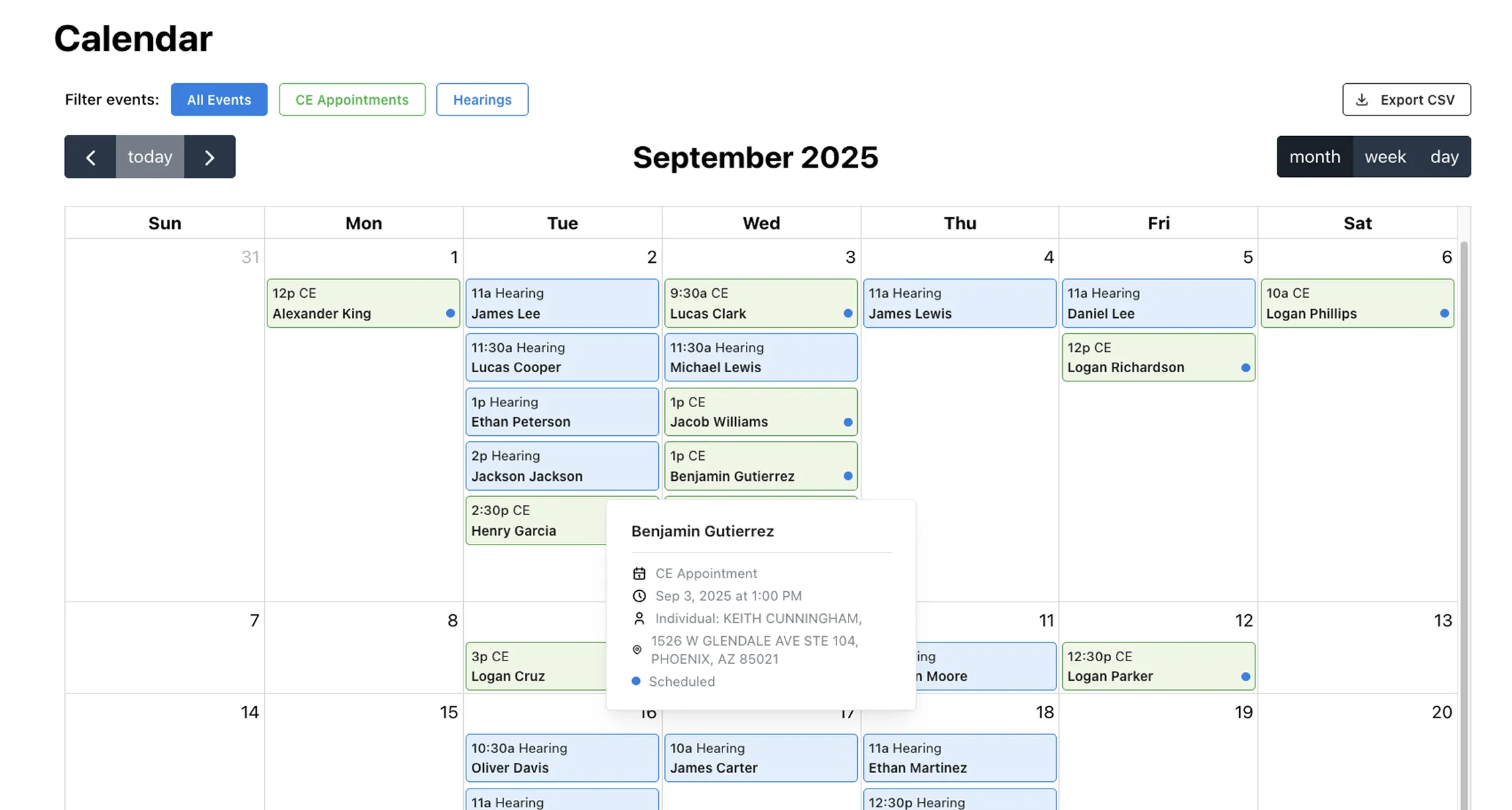
Chronicle CE and Hearings calendar
Team AI workflow visual

What changes when you stop waiting on the mail

The admin does not disappear. It stops being the thing that decides how many cases you can hold.

Before

Reacting to the file

  • You learn about a denial when the client calls to ask
  • Staff check the ERE case by case to see what moved
  • Hearing prep starts when the notice arrives in the mail
  • Taking on more cases means budgeting for another hire
After

Ahead of the file

  • You see the denial the day it posts and file from there
  • Every case checked every two hours, changes come to you
  • Exhibits, chronologies and transcripts ready before prep
  • The caseload grows against the headcount you already have

Ready to take on more without taking on more staff?

See what your firm could carry with the team you already have.

Schedule a Call
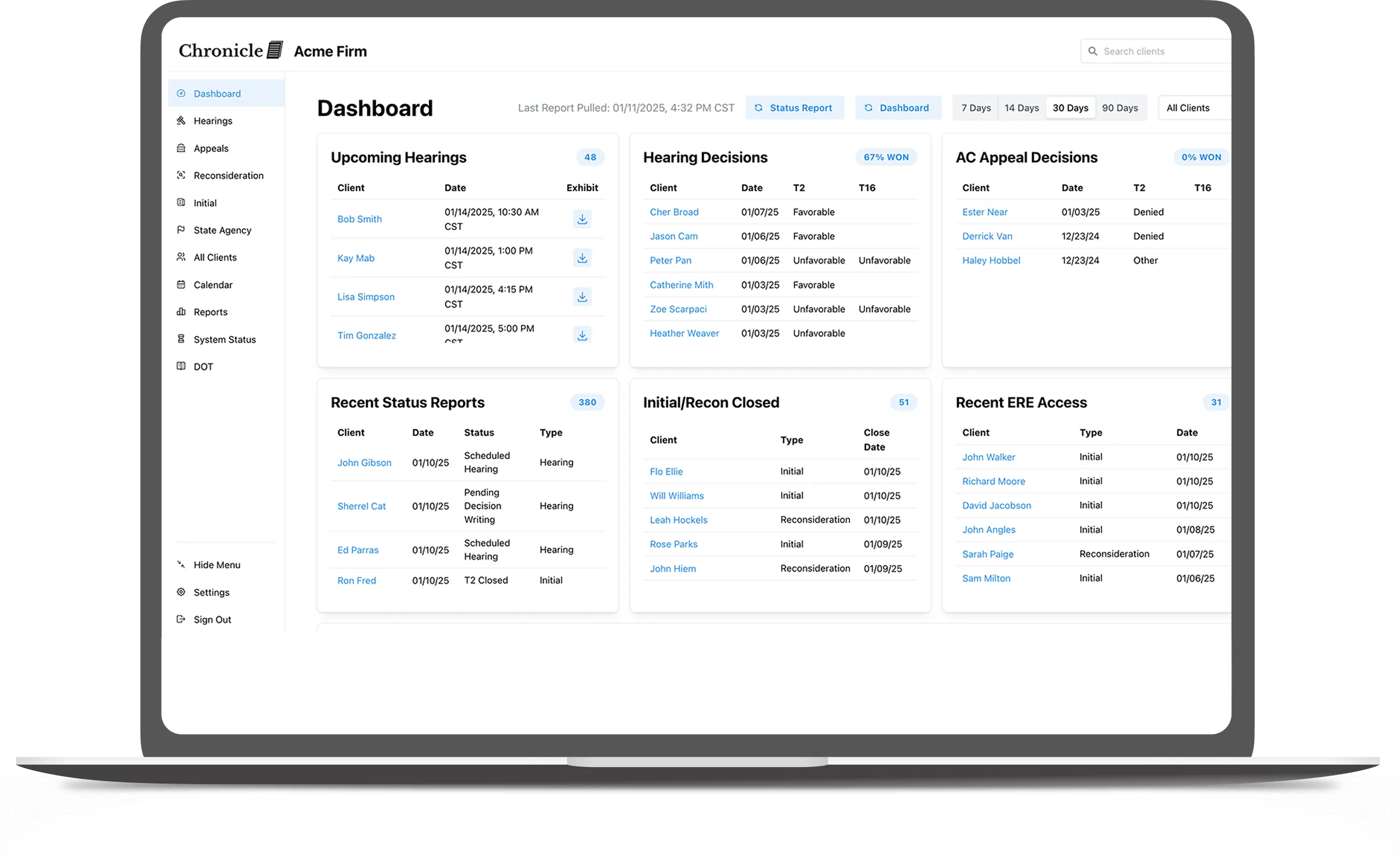
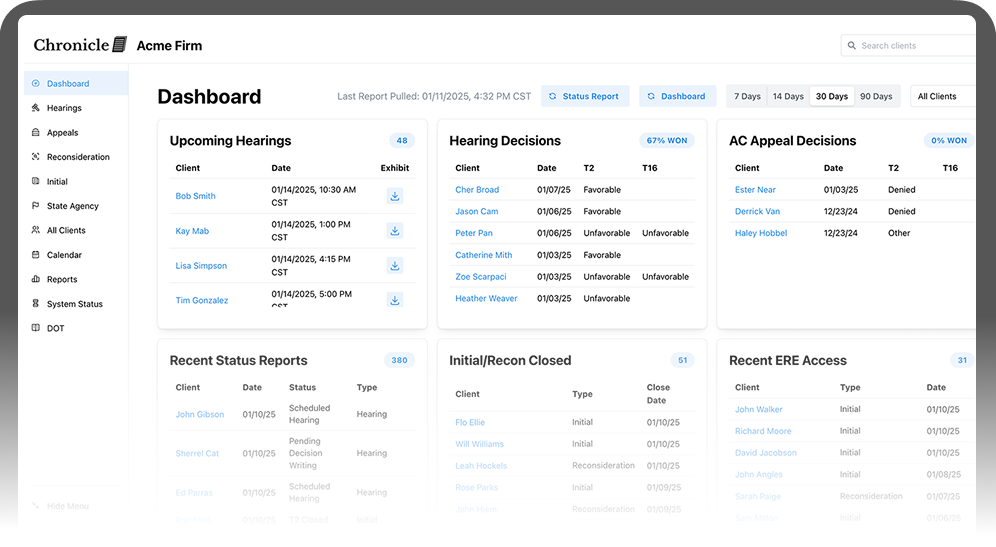
Chronicle dashboard comparison view

From solos to multi-attorney teams, Chronicle scales with your caseload

For Solo Attorneys

  • Handle 200+ cases a year without adding staff
  • Free up hours to focus on client work instead of downloads
  • Reduce burnout by automating repetitive ERE checks

For Small to Mid-Size Teams

  • Keep 2-5 attorneys and staff aligned on deadlines
  • Avoid dropped balls as caseloads grow
  • Build structure without adding layers of admin

For Larger Firms

  • Coordinate thousands of active cases across teams
  • Reduce staff errors with structured prep tools
  • Align attorneys and case managers with real-time dashboards

Proof from SSD firms just like yours

200
cases per case manager at Desert Disability, up from 120
2.5x
caseload growth in 12 months at Garza Law Firm
67%
revenue growth in one year at Ficek Law
Schedule a Call
4.9

150+ Satisfied Firms

Run your own numbers in the ROI calculator →

SSD Attorney Software: Frequently Asked Questions

Chronicle is purpose-built for SSD attorneys and representatives. Unlike generic case management tools, it automates ERE monitoring, organizes SSA files, and prepares exhibits in a single platform. Attorneys no longer waste hours on downloads or worry about missed notices, which means more time for clients and better case outcomes.

Yes. Solo SSD attorneys use Chronicle to manage 200+ cases a year without hiring extra staff. By automating ERE checks and structuring hearing prep, solos save 10-20 hours of admin work weekly and avoid burnout. That extra time can be invested in building stronger cases and serving more clients.

Absolutely. Multi-attorney practices handling thousands of cases rely on Chronicle to keep teams aligned. Features like centralized dashboards and real-time updates reduce staff errors and speed up decision-making. Firms with 3,000+ active cases have used Chronicle to cut manual work and improve staff efficiency without adding headcount.

No, the ERE remains the official SSA system. Chronicle makes it manageable by checking it daily, surfacing new notices, and presenting everything in a clean dashboard. Attorneys get faster visibility into changes while still meeting SSA requirements. Learn more about our case status tools here.

It's really easy to switch from another provider such as Assure. You can start by booking a demo. From there, you'll be able to start a free trial and experience the Chronicle difference for yourself.

Book a demo. We'll show you how other SSD attorneys use Chronicle and how it can work for your firm.

Chronicle platform dashboard view

See How Chronicle Works for Your Firm

Compare for yourself how daily monitoring changes your workflow.

Book a Demo

Join disability practices across the country

Free training invites, workflow guides, and industry reports.