
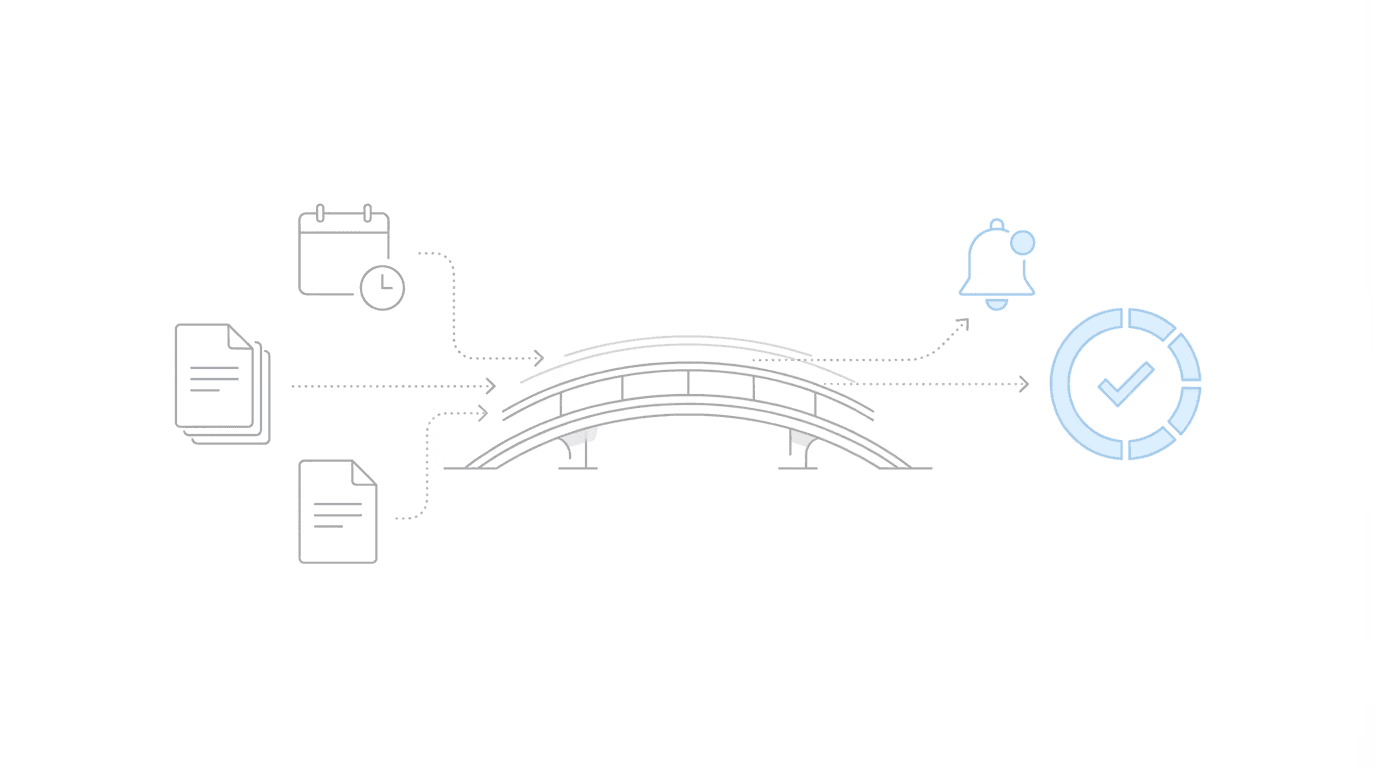
This post was originally published on March 13, 2024 and was then updated on January 29th, 2026.
Yes, you can run both Assure and Chronicle simultaneously. Many SSD firms do exactly this during their transition period. The setup takes minutes: you add your Chronicle phone number to Assure’s credential manager, and both systems can access ERE files from that point forward. Chronicle’s pay-as-you-go pricing means you only pay for cases you actively monitor, so there is no financial penalty for running both tools while you evaluate.
This approach lets your team compare workflows side-by-side without disrupting operations. No cold-turkey switch required.
Why Firms Run Both Tools During Transition
Switching operational software is not a flip-the-switch decision. There is training to consider. Historical data to preserve. And the basic question of whether the new tool actually fits your workflow better than what you have.
Running Assure and Chronicle together addresses all of that.
- De-risk the switch: your team can test Chronicle on live cases without abandoning Assure. If something does not work as expected, you have not burned any bridges.
- Side-by-side comparison: staff see both interfaces daily. Preferences emerge naturally, usually within a week or two. (Forced adoption creates friction; organic preference does not.)
- Historical data stays accessible: Assure retains your historical records while Chronicle handles new monitoring. You can migrate historical data to Chronicle later if needed.
- No double billing pressure: Chronicle’s pay-as-you-go model means you control which cases are active where.
At Anderson Marois & Associates, the managing partner had used Atlasware and then Assure “for as long as it existed.” After seeing Chronicle: “I was sold immediately. It was not a hard decision to make. The product was just superior.” Even with that conviction, having a transition period meant zero operational disruption.
What Each Tool Does
Understanding the difference helps clarify what you are evaluating.
Assure (Atlasware Cloud): Assure is optimized for hearing preparation. It provides ERE access with e-file pulls on a fixed schedule leading up to hearings, typically 3-5 times total. Outside those scheduled pulls, manual updating can take 2-24 hours. The platform excels at exhibit review, brief writing templates, and pre-hearing workflows. For a detailed comparison, see hearing prep vs full-lifecycle SSD operations.
Chronicle: Chronicle is an SSD ERE monitoring and analysis platform. It checks the ERE and e-file daily for each monitored case. When a new document, notice, questionnaire, or status change appears, Chronicle surfaces it. The platform supports the full SSD lifecycle: initial, reconsideration, hearing, and post-hearing updates.
Both tools monitor the ERE. The difference is workflow stage coverage. Assure is primarily optimized for hearing prep; Chronicle provides continuous monitoring at every stage.
Chronicle is CMS-agnostic. It works with Clio, Filevine, MyCase, or any CMS with an open API via Zapier. It also works for firms with no CMS at all.
How the Dual Setup Works
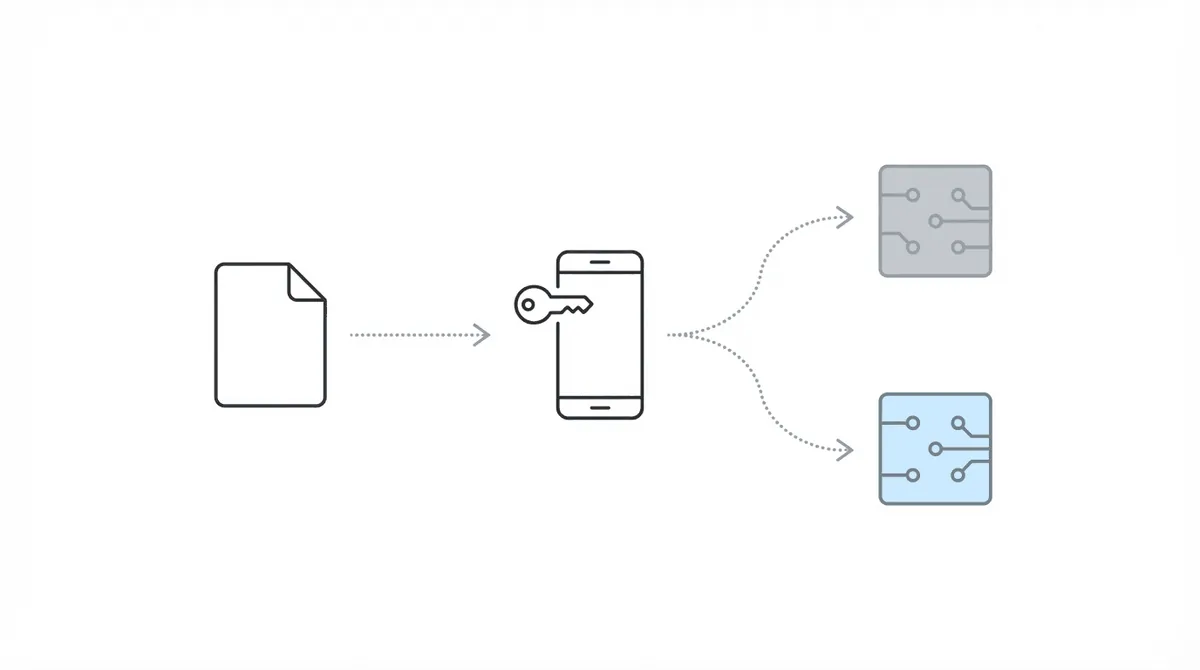
The technical integration is straightforward. Assure’s credential manager supports forwarding ERE 2FA codes to multiple phone numbers. You add Chronicle’s number, and both systems receive the authentication codes needed to access ERE files.
Step-by-step setup:
- In Assure, navigate to Cases in the sidebar
- Select Credential Manager from the dropdown
- Choose the attorney ERE account you want to forward
- Click Edit, then select Add Another under Forward Numbers
- Enter the Chronicle phone number provided during your onboarding
- Click Save
That is it. Setup takes a few minutes.
From this point:
- Chronicle begins daily monitoring of cases you add to the platform
- Assure continues operating as before
- Staff can work in either system for any given task
What to Expect During the Overlap Period
Once both systems are connected, here is what happens operationally.
Chronicle starts monitoring immediately. Any case you add gets daily e-file checks. When something changes, you get notified via email. (Notification preferences are configurable.) If you want to understand what automated ERE tracking looks like in practice, this is where you see it.
Staff can choose their workflow. Some gravitate to Chronicle quickly. Others take longer. There is no pressure to standardize immediately.
Data lives in separate places initially. Historical data stays in Assure. New monitoring data accumulates in Chronicle. This is fine for the transition period.
Most firms report that a preference emerges within one to two weeks. Staff naturally start using the tool that fits their workflow better.
At Disability Advocates LLC, the tipping point came at a specific caseload threshold: “It wasn’t as bad at 50 or 75 cases. But once we hit 100-125, it became more and more cumbersome.” Automation solves that problem, and staff recognize it quickly.
William Viner of Viner Disability Law put it bluntly: “Chronicle allows us to essentially take the work of at least another 50% to 75% of a paralegal.” When staff experience that kind of capacity shift, the preference becomes clear.
When to Complete the Switch
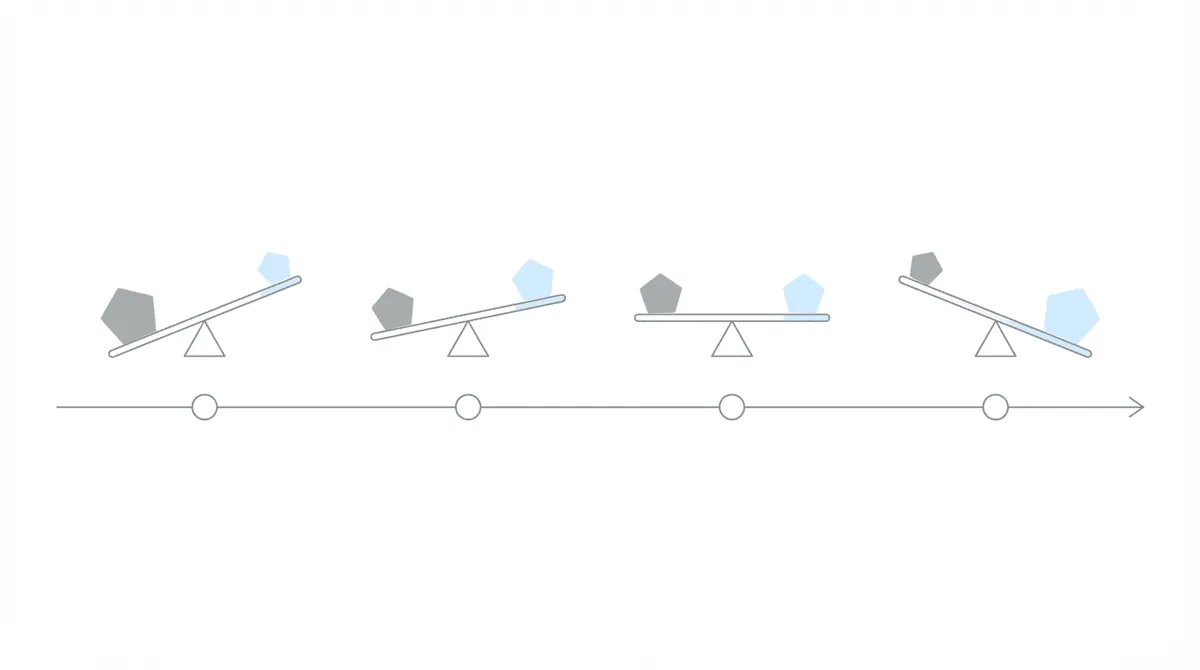
There is no fixed timeline. Some firms run both systems for two weeks. Others take a month or longer, especially if they have complex case stage distributions.
Signals that you are ready:
- Staff consistently reaches for Chronicle first
- You no longer rely on Assure’s scheduled e-file pulls
- Historical data has been migrated, or you are comfortable with it living in Assure
Completing the switch in Chronicle:
- Add full SSNs to cases in Chronicle (this removes any partial-monitoring limitations)
- Your cases are now fully monitored with daily checks
- Optionally, email historical Atlasware status reports to support@chroniclelegal.com for loading into Chronicle
If you want the complete migration process, see how to switch from Atlasware to Chronicle. That covers the full end-to-end transition, including details this guide skips.
What About Historical Data?
Some firms worry about losing historical insights when they switch. Chronicle addresses this.
Download your old status reports from Atlasware. Email them to support@chroniclelegal.com. Chronicle’s team loads them into your account, typically within a few business days.
Once loaded, you have access to historical ALJ win rates, case outcome patterns, and other metrics alongside your new monitoring data. Chronicle can generate AI-powered case summaries from this combined dataset.
If historical analysis is not a priority, skip this step. Chronicle works fine as a fresh start.
Pricing During Dual Use
Chronicle uses pay-as-you-go pricing. You pay for cases you actively monitor.
During the dual-use period:
- You control which cases are active in each system
- Cases you monitor in Chronicle only get billed once
- Cases you keep exclusively in Assure stay on Assure’s billing
There is no double billing for overlapping access. You decide where each case lives.
Many firms find Chronicle more cost-effective overall, but the dual-use period lets you validate that for your specific caseload and workflow.
Common Questions
1. “Will running both tools create duplicate alerts?”
No. Each tool monitors independently based on the cases you add to it. If a case is only in Assure, Chronicle does not alert on it. You control the overlap.
2. “Can I switch back to Assure if Chronicle does not work for us?”
Yes. Your Assure account remains active. Remove the Chronicle number from the credential manager, and you are back to single-system operation.
3. “How long do most firms run both tools?”
Typically two to four weeks. Some firms with complex workflows run both longer to ensure full coverage before completing the switch.
4. “Does Chronicle require a long-term contract?”
No. Pay-as-you-go pricing with no minimum commitment. You can scale up, scale down, or stop at any time.
5. “What if my staff prefers Assure?”
That is useful information. The evaluation period exists precisely to surface that preference. Better to know before a full switch than after.
Getting Started
If you are currently on Assure and want to evaluate Chronicle:
- Schedule a demo to see the platform and get your Chronicle phone number
- Add the number to Assure’s credential manager using the steps above
- Start monitoring a subset of cases in Chronicle
- Compare the workflow over two to four weeks
- Decide when you are ready to complete the switch
Chronicle is built to make the transition low-risk. You do not have to guess whether it works for your firm. Run both, compare, and let your team’s experience guide the decision.
Chronicle is an SSD ERE monitoring and analysis platform. It checks the ERE and e-file daily for each monitored case, supporting the full SSD lifecycle from initial application through post-hearing.