
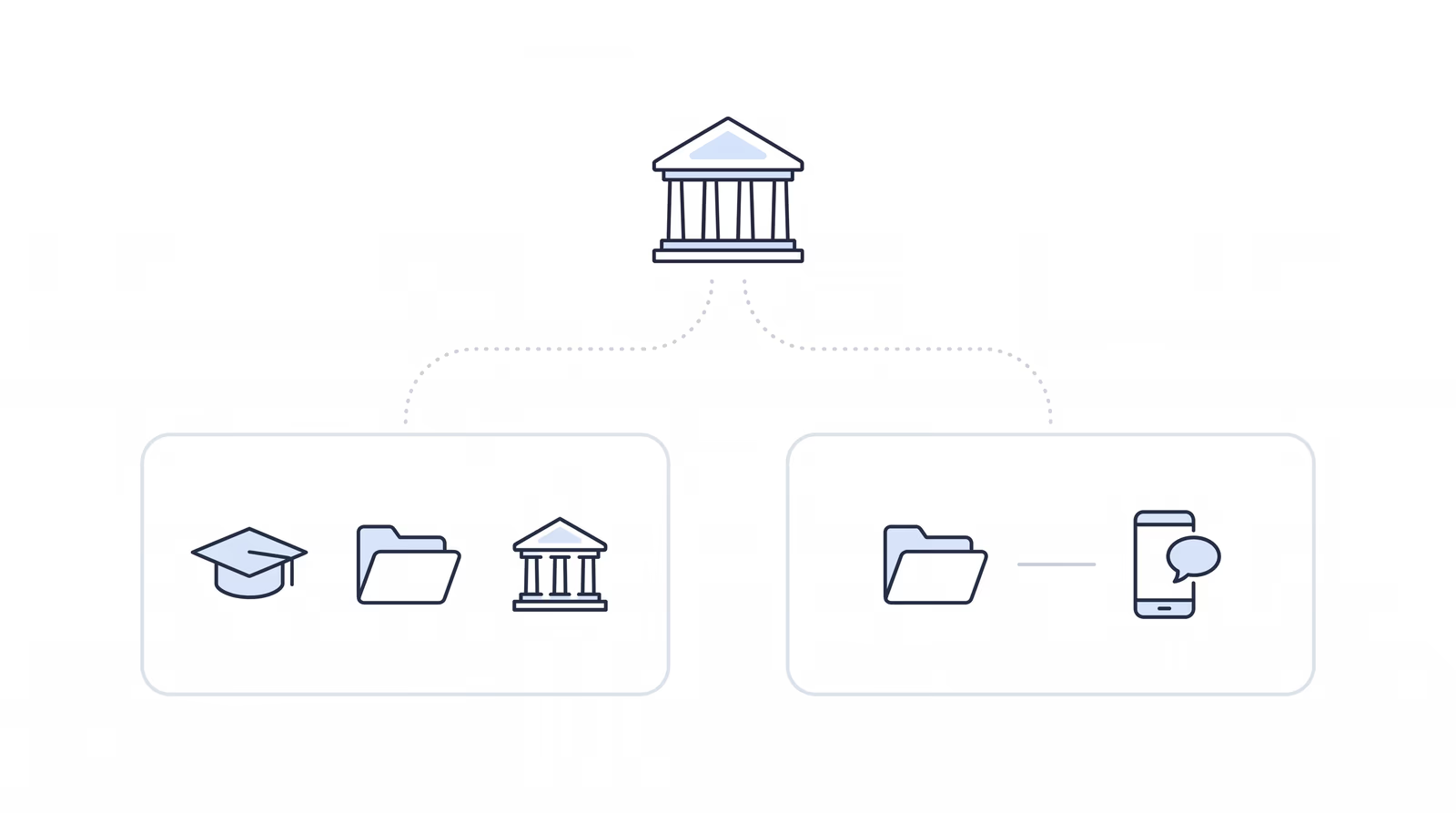
On paper, ACRD’s BSO tool and Chronicle overlap on much of the daily ERE work, so the deciding question is not whether either one monitors the ERE. It is who builds the software, and who you want to trust with it. Chronicle is a fully independent software company with one job: building software for Social Security disability firms. ACRD is a membership association, and its BSO tool is one of the many programs it runs.
The rest of this ACRD BSO vs. Chronicle comparison reports what ACRD’s public help center documents, captured on October 22, 2026 across thirteen articles, next to what Chronicle says about itself. Where ACRD’s documentation is silent, we say so, and we do not guess at what the product does behind the member login.
Who Builds It, and Who Do You Want to Trust?
Start with who stands behind each product, because the feature lists further down overlap more than they differ.
ACRD (Advocates, Counselors & Representatives for the Disabled) describes itself as “a national nonprofit disability advocacy organization supporting professionals in legal, medical, and vocational fields through training, resources, and networking.” Its home page gives its mission as “providing comprehensive training, fostering leadership skills, promoting technological proficiency, and offering valuable networking opportunities.” The services menu lists Training, the EDPNA Mastercourse, Technology, a National Hearing Network, a Career Center and Awards, and the site also features its annual conference. The BSO tool is one part of that work, offered in the member Partner Portal next to ACRD Academy and an appeals referral network.
Chronicle is a fully independent company. It isn’t owned by a law firm, insurer or association, and it builds software only for Social Security disability firms. It works alongside the case management system you already run and partners for adjacent specialties, with medical chronologies coming through Dodo or LexMed. Chronicle has its own SOC 2 Type II report, issued to Chronicle Technology, Inc. It is audited every year, and firms doing due diligence can ask Chronicle for a copy.
Why One Job Matters
Software for SSD practice is never finished. The SSA changes the ERE, case management systems change how they connect, and firms keep asking for the next workflow. A company with one job puts its whole team and budget on that work. An organization that also runs training, a hearing network, a career center, awards and a conference has to divide its people and budget across all of them, and its software competes with every other program for attention. That is not a judgment on any one program. It is how attention works, and it shows up in how fast a vendor fixes what your staff report.
At Chronicle, building only SSD software means firm feedback goes straight into the product. Timothy Walker-Dupler of Walker Firm, a Chronicle customer, describes working with the Chronicle team:
The company’s very receptive to feedback and improving the product and we see those improvements happen within the same day or within the same week.
Timothy Walker-Dupler, Walker Firm, on Chronicle
So ask every provider: what do you do exceptionally well, and what else is competing for your attention? For the rest of your due diligence, we have collected the questions to ask any vendor before you connect client data.
Quick Comparison: ACRD’s BSO Tool vs. Chronicle
| ACRD’s BSO tool | Chronicle | |
|---|---|---|
| Who builds it | ACRD, a national nonprofit membership association. The tool is one service in its member Partner Portal | Chronicle, a fully independent software company that builds only for SSD firms |
| ERE status and documents | Status reports every two hours. A claimant with a change is queued for a document lookup; every other claimant gets an automatic lookup once a day | Status reports about every two hours. New e-file documents pulled daily |
| Case management integration | Not documented in the public help center | Direct Clio, Filevine, Litify and Neos integrations. Clio and Filevine sync about every 15 minutes |
| AARPS fee payments | Manual: staff download the AARPS fee report, upload the spreadsheet, then approve matched payments | Automatic: checks AARPS for new fee payments every day and sends a daily fee-payment notification. No download or upload |
| Messages to clients | Not documented. Notifications and summary reports go to firm staff | Chronicle Dispatch texts clients on case events, with two-way replies |
| ERE uploads | E-folder upload or barcode response, up to 25 files, tracked to Sent or Failed, printable receipt | From a client’s page, with a tracking number and an emailed receipt |
| Hearing audio | In-app player and a speaker-labeled, searchable transcript | Audio playback and transcripts of hearing recordings |
| Federal court appeals | Linked to PACER, status checked every five days | Not offered |
| AI briefs and chronologies | Not documented in the public help center | Prehearing and Appeals Council brief drafts. Medical chronologies through Dodo or LexMed |
Sources for ACRD cells (ACRD’s public help center and acrd.org, captured October 22, 2026): “Claimant File,” “Workers,” “Overview Screen,” “Notification Settings and Summary Reports” and “Federal District Court Cases,” plus the acrd.org home page.
What Are ACRD’s BSO Tool and Chronicle?
What Is ACRD’s BSO Tool?
The name comes from Business Services Online, the SSA login representatives use to reach the ERE. The BSO tool is ACRD’s product, not an SSA one, and ACRD calls each connected BSO account a “worker.” ACRD’s support team activates the tool for a firm, which then enters its BSO username and password in the portal and lists where its one-time passcodes should be forwarded.
Beyond the table, the help center documents an Overview screen of appeal deadlines, hearings, CE appointments and SSA requests (flagged overdue at 15 and 30 days), a claimant file with tasks, notes and a case timeline, and downloads of the OCR’d exhibit packet with a hyperlinked index.
What Is Chronicle?
Chronicle is an SSD ERE monitoring and analysis platform. It checks status reports about every two hours, pulls new e-file documents daily, and alerts the firm when new SSA correspondence or ERE documents are posted, with a summary of what changed. It works alongside any CMS, or none, with direct Clio, Filevine, Litify and Neos integrations, and Chronicle Dispatch carries case events to clients by text.
More than 150 SSD firms use Chronicle. It monitors more than 335,000 cases and 12 million SSA documents.
Where the Two Overlap
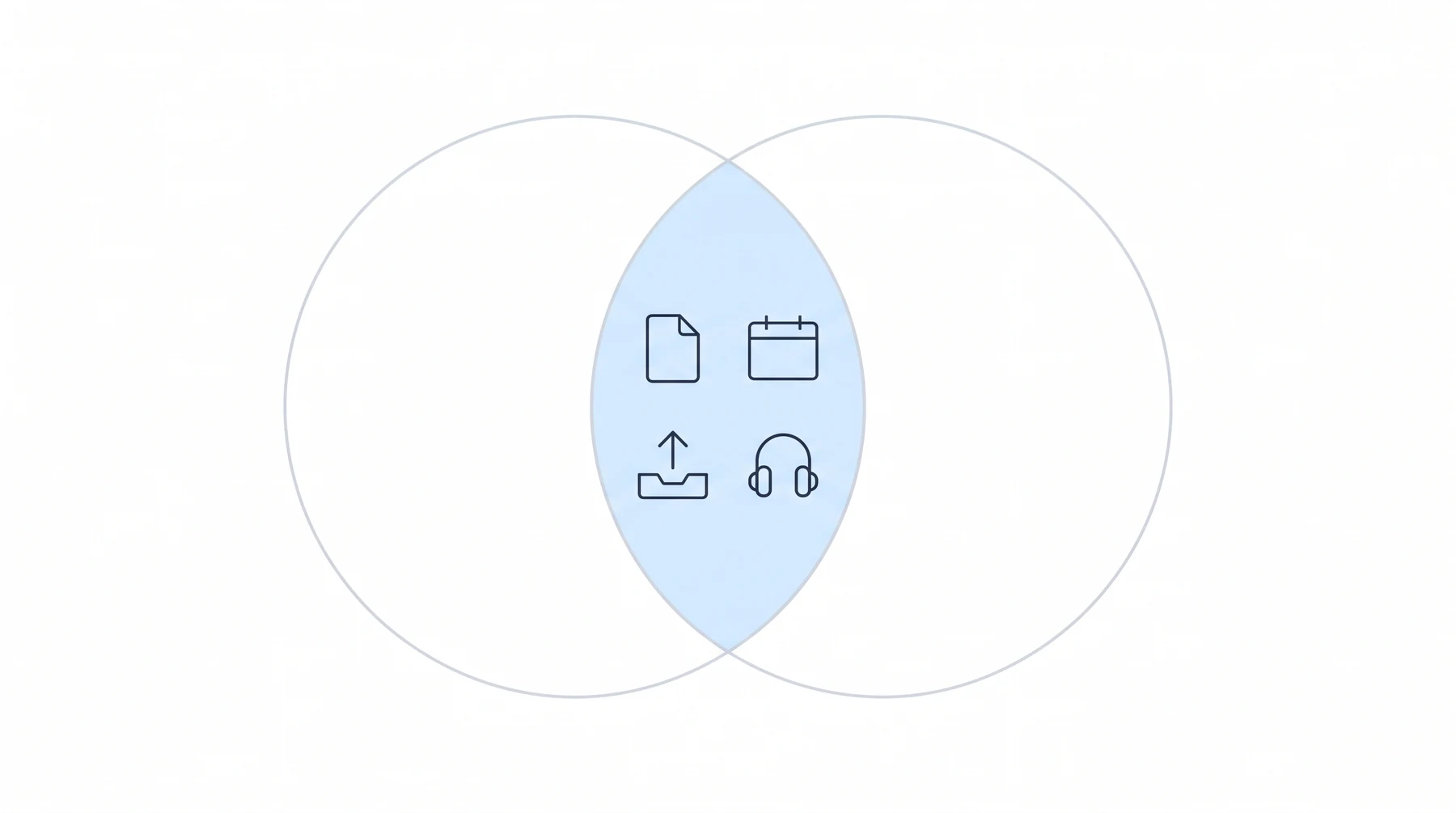
A good deal is the same. Both tools pull ERE status and case documents so staff do not check each case by hand. Both track the deadlines, hearings and SSA requests that come out of the ERE, upload documents with a receipt, and offer hearing audio and transcripts. If the question is whether ACRD’s BSO tool does the core ERE job, its own documentation answers yes.
What separates them is mostly what happens downstream of the ERE, the same line that divides ERE monitoring from case management.
Head-to-Head: Where the Documentation Differs

Case Management Integrations
ACRD’s public help center does not document a case-management integration (as of Oct 22, 2026). None of its thirteen public articles mentions Clio, Filevine, Litify or MyCase. It documents a workspace of its own instead: claimant lists with shared views, tasks, notes and a case timeline. If your staff already work in a case management system, ask where those tasks and notes will live.
Chronicle has direct integrations with Clio, Filevine, Litify and Neos. The Clio and Filevine integrations sync case data automatically, about every 15 minutes, matching cases by client last name and the last four digits of the SSN, and the Litify integration works with Litify’s Salesforce platform. Garza Law Firm completed its Filevine integration setup in under 90 minutes, and Walker Firm matched 3,500 cases between Litify and the ERE within days of adopting Chronicle.
We really enjoy and appreciate the native Filevine integration.
John Foss, Fortis Disability
Ask in your demo
Which case management systems do you sync with today, and can I call a firm that runs mine?
AARPS Fee Payments
Fee tracking is one of the clearest differences in your staff’s day, because on ACRD’s side it is a manual check. ACRD’s worker guide describes the cycle. Someone on your staff downloads the representative’s fee report from AARPS, and then, in ACRD’s words, “you can upload the spreadsheet to the BSO tool.” The tool matches entries to claimants, staff approve the correct ones, and anything that matches no approved firm name or claimant lands in Review Needed for someone to sort out. Paper checks, EAJA and 406(b) fees are entered by hand in the claimant file. A payment shows up in the tool once someone has downloaded and uploaded a report that includes it.
| ACRD’s BSO tool (per its worker guide) | Chronicle | |
|---|---|---|
| Getting the fee data | Staff download the fee report from AARPS | Chronicle checks AARPS for you every day |
| Getting it into the tool | Staff upload the spreadsheet | Nothing to upload |
| Knowing a payment came through | After the next download and upload | A daily fee-payment notification |
Chronicle checks AARPS for new fee payments automatically every day for firms that connect their AARPS credentials, and sends daily fee-payment notifications, so firms know when a fee payment has come through. No one on your staff downloads a fee report or uploads a spreadsheet. Asked about the business side, Jonathan Heeps of Martin, Jones & Piemonte pointed to “the integration with AARPS, seeing what fees are coming.”
Ask in your demo
Does the AARPS fee report reach you on its own, or does someone on my staff download and upload it?
Client Messaging
ACRD’s help center documents notifications for the firm’s own staff: in-app and email alerts on document and status changes, extra alerts on followed claimants, and scheduled email summaries of decisions, hearings and CE appointments. When staff tell a claimant about a CE or a form request, they click Mark Notified to log it. As of October 22, 2026, it does not document messages sent to claimants themselves.
Chronicle Dispatch texts clients when something happens on their case (status changes, decisions, information requests, consultative exams, hearings and monthly check-ins) using templates the firm writes. It is two-way, from a dedicated number for each firm, and Chronicle leaves a note on each Clio matter or Filevine project recording the message. More in the Chronicle Dispatch launch post.
Clients receive case status updates and CE appointment notices automatically, along with another way to communicate with our team.
Jonathan O. Pena, Attorney at Law
ERE Check Cadence
This one is a match. ACRD’s help center documents three paths: “Our tool downloads your status reports every two hours,” a claimant whose status report changes is queued for a document lookup, and every claimant without a change gets an automatic lookup once a day. Chronicle checks status reports about every two hours and pulls new e-file documents daily.
Both are published schedules, not measured times (a schedule says when a check starts, not when a document reaches your staff). The test that matters is your own caseload.
Ask in your demo
On a case I choose, when did the last document post to the ERE, and when did it show up in your product?
When ACRD’s BSO Tool May Fit, and When Chronicle Fits

When ACRD’s BSO Tool May Fit
According to its help center, ACRD’s tool covers some work that Chronicle does not offer. If your firm takes cases to federal court, the BSO tool links each one to PACER, checks its status every five days, and picks the case back up through the ERE if it is remanded. Chronicle has no PACER tracking. A firm that refers Appeals Council or federal court appeals out can send them to ACRD’s network from the claimant file, documents attached.
It also comes through an association many representatives already belong to, in the same portal as their staff’s courses. For a firm that wants one membership to cover training, appeal referrals and an ERE tool, that is a real convenience. Ask ACRD what your membership tier includes, in writing.
When Chronicle Fits
Chronicle fits a firm that wants ERE work to land in the system its staff already use. Its direct integrations with Clio, Filevine, Litify and Neos bring ERE changes into the firm’s case management system, so staff stop retyping them into a second system. Clio and Filevine sync about every 15 minutes, matched by client last name and the last four digits of the SSN. When Chronicle Dispatch texts a client, it leaves a note on the Clio matter or Filevine project, so the record stays in one place.
It also fits a firm that wants its ERE software from an independent company whose only job is SSD software, and a firm that wants clients texted when their case moves. And if your staff would rather stop downloading AARPS fee reports and uploading spreadsheets, it fits that too.
Can a Firm Use Both?
Yes, and it comes down to preference. A firm might keep ACRD’s tool for federal court tracking and appeal referrals and use Chronicle for daily ERE work. If you run both, decide which one your staff work from each day. If direct integrations matter to you, that is the one that should write to your case management system. Both reach the ERE through the firm’s SSA access, so ask each vendor how it signs in and how it behaves alongside a second tool on the same BSO account.
Questions to Help You Decide
A vendor can answer each question below in writing, and Chronicle should answer them as plainly as anyone else.
Nine questions for every vendor
- Who owns your company, and what else does it run besides this software?
- What do you do exceptionally well, and what else is competing for your attention?
- Is the integration with my CMS live today, and can I call a firm using it?
- On a case I choose, when did a document post to the ERE, and when did it appear in your product?
- How do you sign in to the ERE, with whose credentials, and where are they stored?
- Does the AARPS fee report reach you on its own, or does my staff download and upload it?
- When something changes on a case, how does the client hear about it?
- Do you track federal court appeals, and how often?
- What does my plan include, how many users does it cover, and what does it cost each year?
Our buyer’s framework covers switching costs and contract terms in more depth: how to evaluate legal software before you sign.
Frequently Asked Questions
What is ACRD’s BSO tool?
ACRD’s BSO tool is an ERE tool in the member Partner Portal of ACRD (Advocates, Counselors & Representatives for the Disabled), a national nonprofit association. As of October 22, 2026, its public help center documents ERE status reports and document downloads, ERE uploads, hearing transcripts, PACER checks on federal court appeals, staff notifications and AARPS fee-report imports. The name refers to SSA’s Business Services Online login; it is not an SSA product.
Who makes Chronicle?
Chronicle is made by Chronicle Technology, Inc., a fully independent company that isn’t owned by a law firm, insurer or association. It builds software only for Social Security disability firms, and it has its own SOC 2 Type II report, audited every year.
Does ACRD’s BSO tool integrate with Clio or Filevine?
ACRD’s public help center does not document a case-management integration (as of Oct 22, 2026). None of its thirteen public articles mentions Clio, Filevine, Litify or MyCase. Chronicle has direct integrations with Clio, Filevine, Litify and Neos. Clio and Filevine sync about every 15 minutes.
How often does ACRD’s BSO tool check the ERE?
ACRD’s help center says the tool downloads status reports every two hours, queues a document lookup when a claimant’s report changes, and runs an automatic daily lookup for every other claimant. Chronicle checks status reports about every two hours, the same cycle, and pulls new e-file documents daily.
How does ACRD’s BSO tool handle AARPS fee payments?
The firm downloads its fee report from AARPS and uploads the spreadsheet to the BSO tool, which matches each entry to a claimant for staff to approve. Chronicle checks AARPS for new fee payments automatically every day, with no fee-report download or spreadsheet upload.
Does ACRD’s BSO tool text clients?
As of October 22, 2026, ACRD’s help center documents notifications and summary reports for firm staff, not messages to claimants. Chronicle Dispatch texts clients on case events, with two-way replies from a dedicated number for each firm.
On the daily ERE work, the two tools look alike. The difference is who makes them and what else they are doing: an association that runs many programs for its members, or an independent software company with one job, built to fit the system your firm already runs on. We have reported what each one documents, and the choice of whom to trust with your caseload is yours. If you want to test Chronicle against your own questions, book a Chronicle demo and start with question one.