
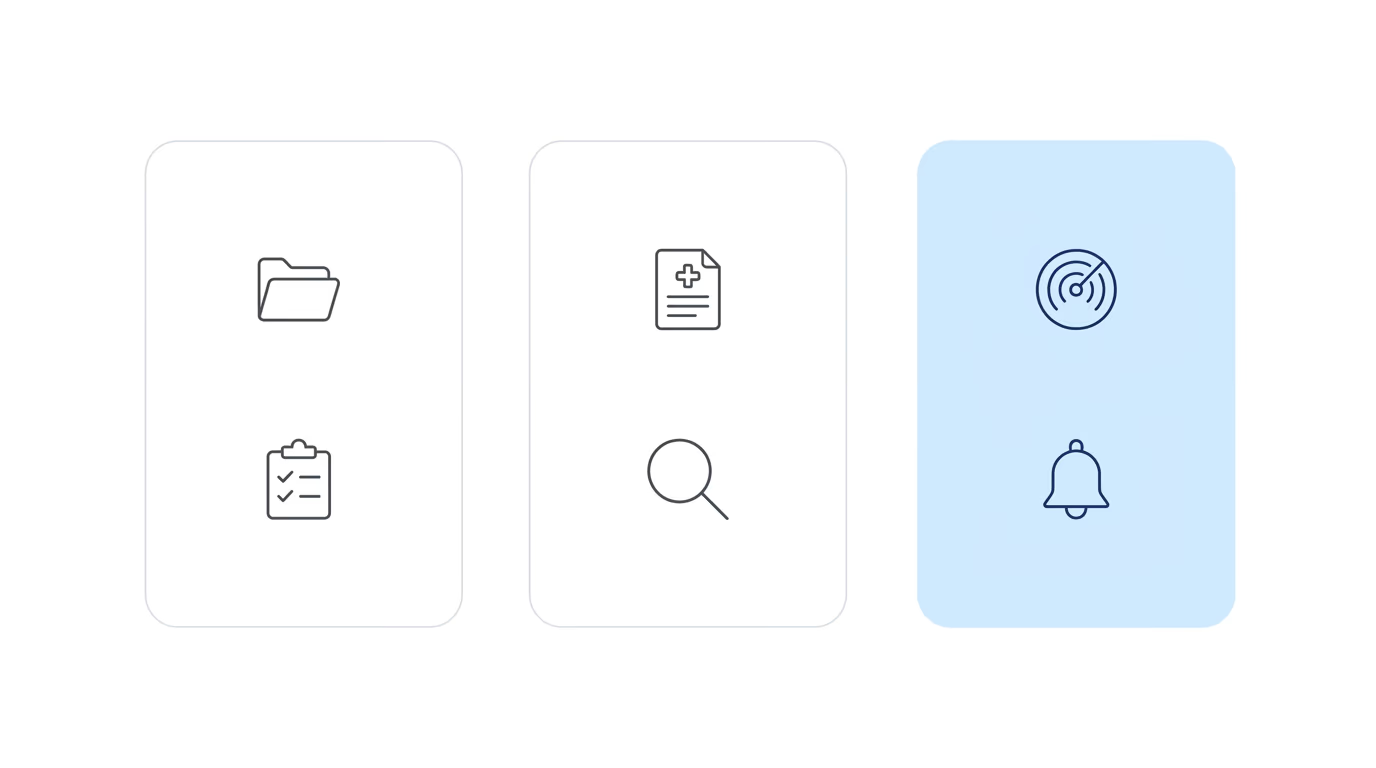
Every Social Security disability practice runs on some combination of software. Most firms start with a case management system, which is the obvious first move. Many eventually add a medical record review tool once record volume becomes a real operational problem. A smaller number add the third category, ERE operations software, which monitors the SSA portal and surfaces what the agency is doing to your cases.
The gap between two categories and three is where most operational problems live.
It’s not that firms chose the wrong tools for the first two categories. Case management software works. Medical record review tools work. The issue is that neither category answers the question that determines whether a firm catches a denial notice before it becomes a missed deadline, or learns about a canceled consultative exam before a claimant misses the rescheduled one. That question is: what did the SSA do to your cases today?
The third category exists to answer it. Most firms don’t have it yet.
Category One: Case Management
Case management software tracks what’s happening inside your practice. Client records, task assignments, deadlines tied to firm workflows, billing, notes, and internal communication all live in the CMS.
The major platforms used in SSD practices include Clio, Filevine, MyCase, Prevail, and Litify. Each handles the core job: organizing matters, routing work among staff, and keeping the firm’s internal operations coherent.
Case management software is always the first tool a firm buys. It’s the obvious starting point because it mirrors how the practice organizes itself: matters, staff, tasks. It answers: what should our team be doing right now?
What it doesn’t answer: what the SSA has done to your cases since the last time someone logged in to check.
The CMS has no connection to the SSA portal. Case status in the CMS is only as current as whatever a staff member last updated manually. That’s not a design flaw; it’s a scope boundary. Case management systems were built to manage what the firm controls, not to monitor a government portal that operates independently of the firm’s activity.
Category Two: Processing the Medical Evidence
Medical record review tools handle the clinical evidence that SSD cases depend on. AI-powered chronology software, record organization platforms, and retrieval services all fall into this category. Superinsight and Dodo are representative tools in this space.
Firms add this category when case volume makes manual processing unsustainable, and that threshold tends to be obvious when it arrives. At 50 cases, a paralegal can manage records manually. At 300, the volume of incoming files, the complexity of multi-impairment cases, and the time required to build a coherent chronology before a hearing creates a bottleneck that software addresses faster and more reliably than adding another person.
This category handles the content of the case file. It answers: what does the medical evidence show, and how is it organized for hearing?
The gap between Category 1 and Category 2 is visible and painful once volume creates it. Staff feel the record chaos before anyone articulates a software solution. That visibility is why most firms with enough caseload eventually add this category.
The gap between Category 2 and Category 3 is different. It doesn’t announce itself as record chaos. It shows up as individual events: a questionnaire that expired before anyone knew it had arrived, a denial notice caught on day twelve instead of day one, a consultative exam rescheduled without the firm noticing until the claimant mentioned it.
Category Three: ERE Operations
ERE operations software monitors the SSA portal, checks the electronic file daily for every monitored case, and surfaces what changed.
This is a different functional category from the first two. A CMS tracks firm activity. Medical review processes clinical evidence. ERE operations software watches the external system that determines what happens to your cases next.
What the SSA posts to the portal isn’t optional reading. Denial notices, questionnaire deadlines, hearing schedule changes, CE exam notifications, post-hearing correspondence, and status updates all appear in the eFolder. Most of them require a response or trigger a next step. Some have strict deadlines attached.
The ERE doesn’t send alerts. It doesn’t email the firm when something changes. A case at initial stage can have a questionnaire deadline pass while staff are managing the rest of the caseload. A denial notice can sit unread while physical mail takes its time arriving from an SSA field office. None of this creates visible chaos in the CMS; the CMS only knows what staff put in it.
Chronicle monitors the ERE and e-file daily for each case in the firm’s caseload, detects changes across all case stages from initial through post-hearing, and surfaces what matters. That monitoring runs regardless of whether a hearing is scheduled, regardless of case stage, and regardless of whether anyone logged in to check.
This is what separates the category from hearing-prep-centric tools, which access the eFolder specifically in the period before a scheduled hearing. ERE operations software is on between hearings, which is when most of the events that determine case outcomes actually happen.
Why Most Firms Run Two
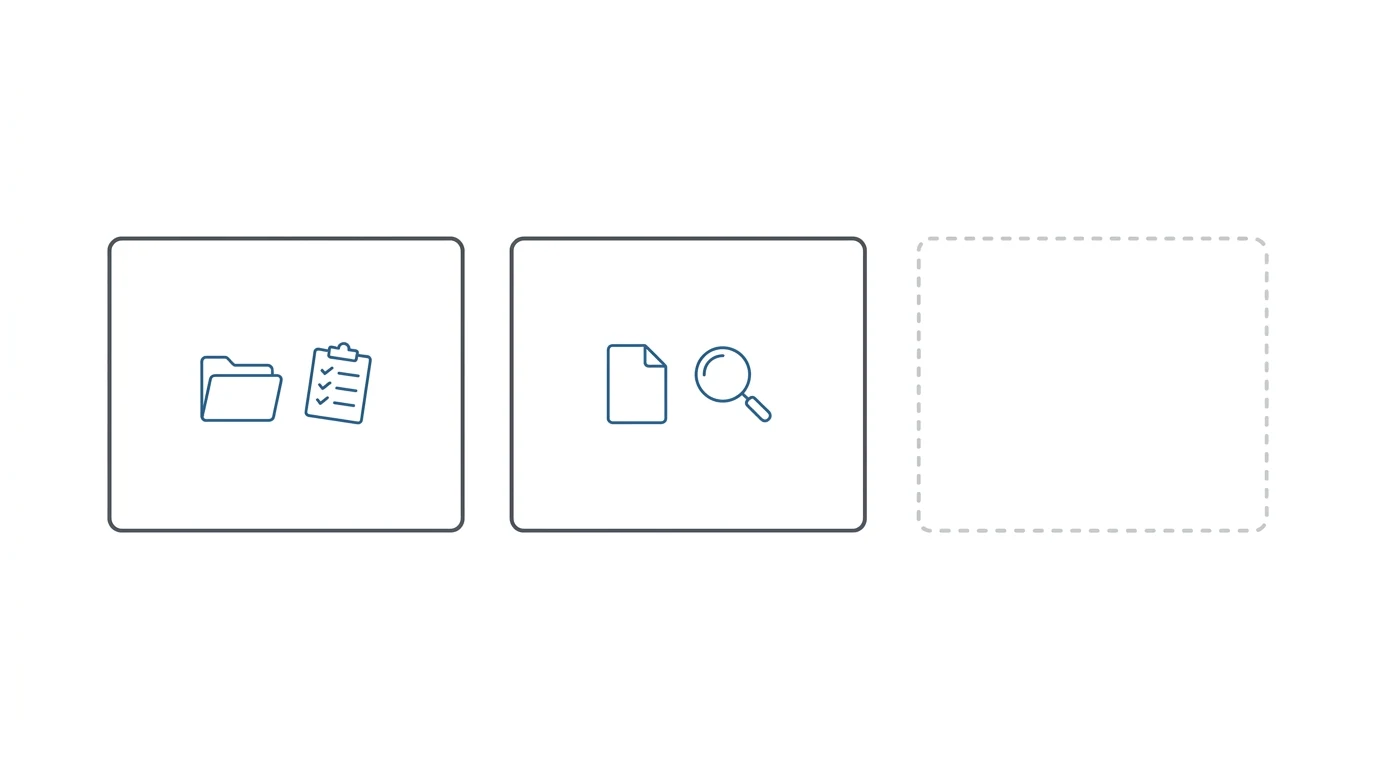
The reason most firms have Category 1 and Category 2 but not Category 3 isn’t oversight. It’s that the need for Category 3 isn’t visible until something goes wrong.
Case management gaps are obvious. When a firm outgrows manual tracking, staff feel it. Tasks fall through. Deadlines get missed in ways that are traceable to a specific workflow breakdown.
Medical record gaps are also obvious, in a different way. When record volume creates backlogs, attorneys feel it before hearings. The problem has a face: a disorganized file, a chronology that took too long to build, a hearing that went less well than it should have.
ERE gaps are quiet. Staff log into the portal to check specific cases when they remember or when a client calls. They don’t know what they’re not seeing because the portal doesn’t tell them what they missed. The questionnaire that expired, the denial notice that sat for ten days before someone checked, the CE cancellation that nobody knew about. These show up as individual bad outcomes, not as a systemic software gap.
At Martin, Jones & Piemonte, staff estimated roughly five or six hours per week per paralegal just checking the ERE. That time wasn’t spent on strategic work; it was manual portal checking. At the Law Office of Nancy L. Cavey, each paralegal was spending 15 to 20 hours per week in the ERE before adding automated monitoring. The labor cost was real. It was just spread across enough staff that no single person tracked the total.
The firms that identified the gap earliest were usually the ones that experienced a specific failure: a missed denial date that required a good cause letter, a CE cancellation that resulted in a rescheduled appointment the claimant missed, a data inconsistency between the CMS and ERE that produced a bad outcome at a hearing. The failure made the invisible problem visible.
What Changes When You Run All Three
The operational picture with all three categories in place is different from what firms running two categories experience.
The CMS still tracks what the firm is doing. Medical review still processes the evidence layer. But the third category adds a continuous feed from the SSA: when something changes in a case, the firm knows. Not when staff check, not when physical mail arrives. When the event posts to the portal.
At The Disability Champions, adding ERE operations software shifted the firm from a paper-mail-driven operation to a real-time monitoring practice. Al Frevola, who took over the firm when it had 900 active cases, describes the before state: “We were wasting 80 to 90 man hours a week doing things a machine should handle.” The firm grew to 3,000 active cases. Three staff positions were eliminated, with Chronicle contributing roughly two-thirds of those savings.
For practices running a CMS-integrated workflow, the three-category setup means ERE data flows back into the system of record without manual entry. William Viner of Viner Disability Law runs automations via Zapier connecting Chronicle to Clio, using Chronicle notifications as triggers for downstream actions in the CMS. What SSA did becomes what the firm does next.
Viner’s assessment of what the third category contributes: “Chronicle allows us to essentially take the work of at least another 50% to 75% of a paralegal.”
Diagnosing Your Own Setup
Five questions to identify whether the third category is where your firm has a gap:
1. When the SSA posts a questionnaire to a case, how does your team find out? If the answer is manual portal checking or physical mail, the questionnaire is visible only when someone looks for it. Automated monitoring flags it when it posts.
2. If a consultative exam gets canceled, when does your firm know? CE cancellations post to the ERE. Firms without monitoring typically find out when the claimant calls, or don’t find out until the rescheduled appointment passes.
3. How many hours per week does staff spend checking the ERE manually? Whatever that number is, it’s time spent substituting labor for Category 3 software. At practices with 200 or more active cases, that number matters more than most firms expect.
4. Does your CMS reflect hearing schedule changes automatically? If staff manually update hearing dates in the CMS after checking the ERE, that’s a workflow gap between Category 1 and Category 3 being closed by human effort.
5. When a denial notice posts, does your firm find out before or after the claimant does? Firms without continuous ERE monitoring frequently receive calls from claimants reporting their own denials. That’s a predictable consequence of monitoring by physical mail rather than by portal.
Frequently Asked Questions
What software does a disability law firm actually need?
Three functional categories. Case management software tracks internal firm activity. Medical record review tools process clinical evidence. ERE operations software monitors the SSA portal continuously. Most firms have the first two. The third is what closes the information gap between the firm and the SSA.
Is ERE monitoring the same as case management?
No. Case management software tracks what your firm is doing internally: tasks, deadlines, contacts, and workflows. ERE monitoring tracks what the SSA is doing externally: portal updates, new documents, case status changes, and correspondence. They answer different questions and require different technical integrations.
Can my case management system handle ERE monitoring?
Standard case management systems don’t connect to the SSA portal. The ERE requires a direct integration with the SSA’s ARS system; CMS platforms weren’t built for that. Some CMS vendors have added basic ERE features, but continuous monitoring across all case stages is a separate technical category.
Do I need both Superinsight and Chronicle?
Superinsight and Chronicle serve different functions. Superinsight is a medical record review tool (Category 2). Chronicle is an ERE operations platform (Category 3). Chronicle integrates with Superinsight, so firms can use both together, with Chronicle monitoring the portal and triggering medical review workflows when relevant documents arrive.
Most firms discover the third category the same way: something goes wrong, the cause traces back to not seeing an SSA event when it posted, and the systemic fix is monitoring rather than more manual checking.
Chronicle is the direct way to add Category 3 to an existing setup. It runs alongside whatever CMS the firm uses and requires no migration of case history. For firms evaluating ERE monitoring vs case management software, the distinction between what each category does is the starting point. For a more detailed look at the medical record review category and how it fits alongside ERE operations, that piece covers Category 2 in depth. Firms that want to see how ERE monitoring and medical AI connect operationally can see the two-category workflow before adding the third.