

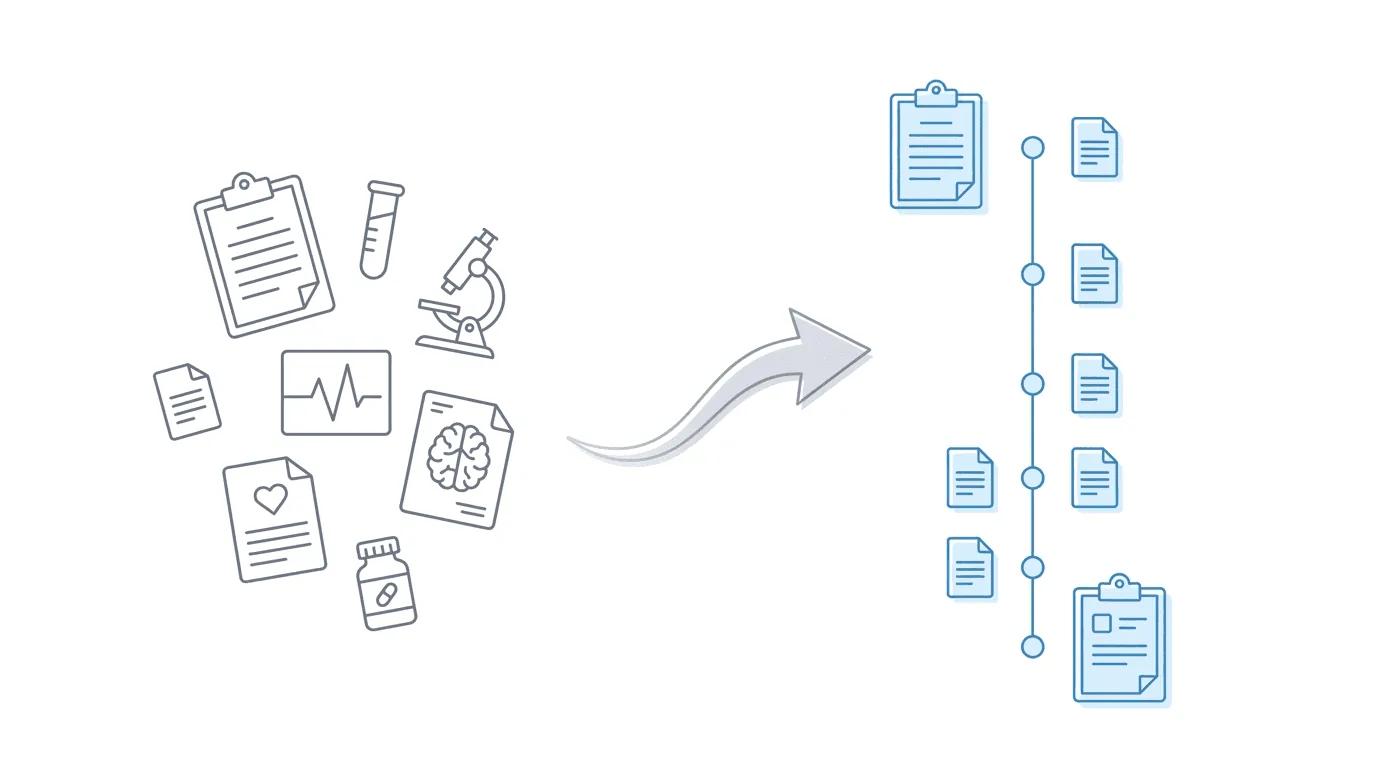
Medical record review software helps disability attorneys organize, analyze, and reference medical evidence for Social Security disability cases. For SSD firms, the core function is producing medical chronologies that support hearing preparation: timelines of diagnoses, treatments, hospitalizations, and functional limitations that align with RFC criteria and Blue Book listings.
The challenge isn’t finding tools that process medical records. Dozens exist. The challenge is finding tools that fit SSD-specific requirements and integrate with your existing workflows.
This guide covers what disability attorneys need from medical record review software, compares the available options, and explains how the right tool connects ERE monitoring to hearing preparation.
What Disability Attorneys Need from Medical Record Review Software
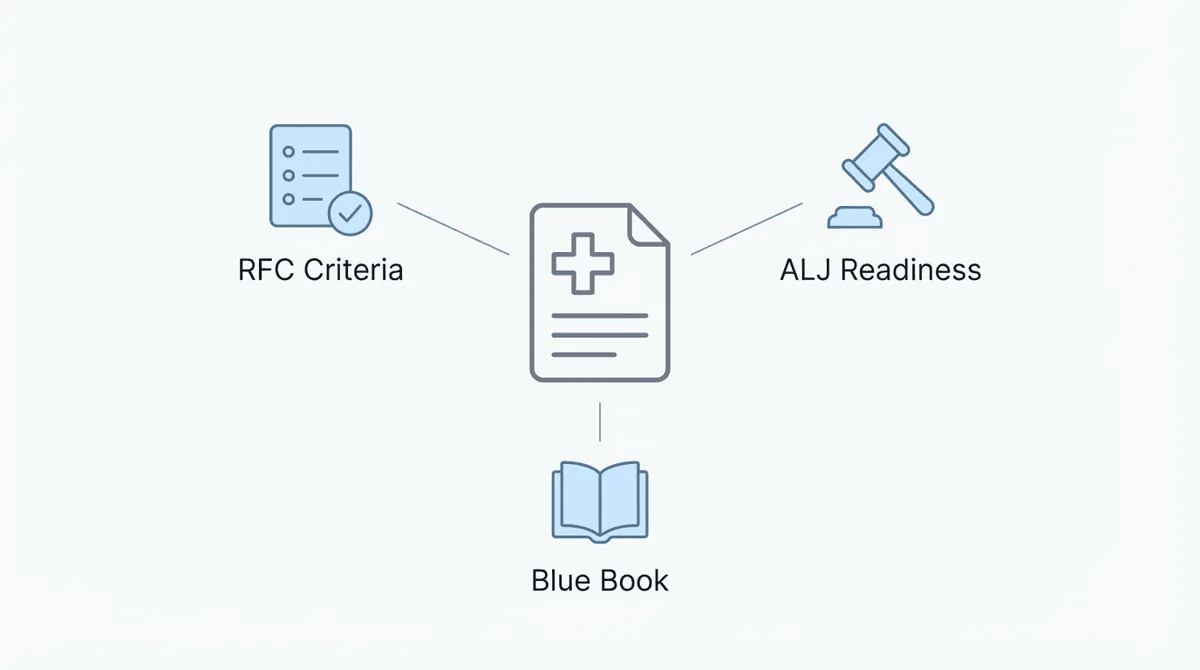
Medical record review for SSD cases differs from personal injury, medical malpractice, or mass tort work. The requirements are specific to how the SSA evaluates disability claims.
SSD-specific requirements:
- RFC analysis alignment: the software should identify functional limitations that map to Residual Functional Capacity criteria. What physical restrictions appear in the records? What mental health limitations are documented? How do these affect the claimant’s ability to work?
- Blue Book listing matching: for claims that might meet a listed impairment, the software should flag evidence that matches specific diagnostic criteria. Meeting a listing requires documented medical evidence matching exact requirements.
- ALJ hearing readiness: during hearings, attorneys need page and section references for specific evidence. The chronology should be searchable and organized for quick retrieval during testimony.
- Volume handling: SSD medical files commonly run 1,000-2,000 pages. Some exceed that. The software needs to process large files without degrading accuracy or taking days to complete.
- Treatment timeline clarity: the chronology should show progression of conditions over time. When did treatment start? How has the condition evolved? What providers have been involved?
What general-purpose tools miss:
Most medical record review software targets higher-volume, higher-dollar practice areas: mass tort, personal injury, insurance defense. These tools optimize for different use cases:
- Mass tort: Processing thousands of files to identify common patterns
- Personal injury: Calculating damages and treatment costs
- Insurance: Reviewing claims for coverage decisions
SSD work has different priorities. You’re not calculating damages. You’re proving inability to work by matching medical evidence to SSA criteria. Generic tools that excel at mass tort processing may not flag the specific findings that matter for RFC analysis or Blue Book matching.
Types of Medical Record Review Solutions
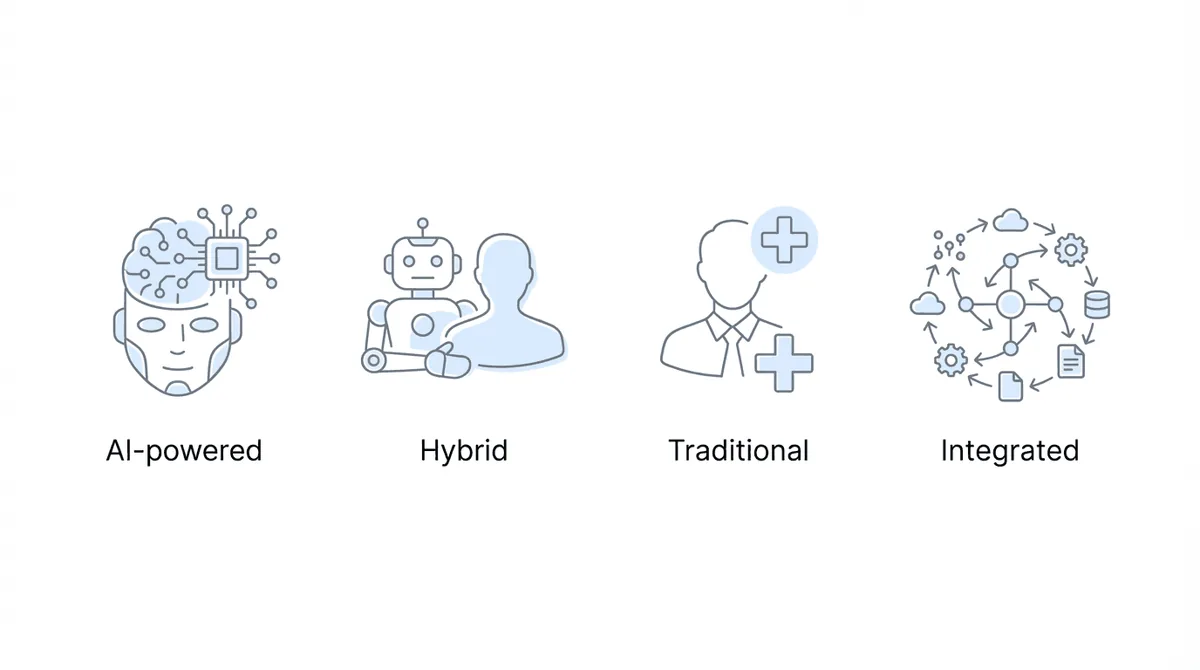
The market breaks into four categories, each with different trade-offs.
AI-Powered Software
These tools use machine learning to process records automatically. You upload files, the system extracts information, and you receive a chronology or summary.
The main advantages are speed (hours instead of days), lower cost per file, and consistency across large volumes. The tradeoff is that quality depends on the training data. Generic AI tools may miss SSD-specific terminology or fail to flag evidence that matters for disability cases.
Examples: Superinsight, Dodo, InPractice, Wisedocs
Hybrid Services (Human + AI)
These combine AI processing with human review. The AI does initial extraction; trained reviewers verify accuracy and add analysis.
Higher accuracy than pure AI, better handling of ambiguous or handwritten records. But you’re paying for that extra layer, turnaround stretches from hours to days, and results depend on reviewer expertise.
Traditional Review Services
Nurse reviewers or medical consultants manually review records and produce summaries or chronologies.
Strengths: deep medical expertise, ability to interpret complex clinical situations.
Limitations: expensive (often hundreds of dollars per file), slow (days to weeks), difficult to scale.
Integrated Platforms
Some ERE monitoring platforms include medical chronology capabilities, either built-in or through integrations. This creates a workflow where records arriving via ERE flow directly into chronology generation.
Strengths: unified workflow, no manual file transfers, chronologies update as new evidence arrives.
Limitations: fewer options; integration quality varies.
Key Features to Evaluate
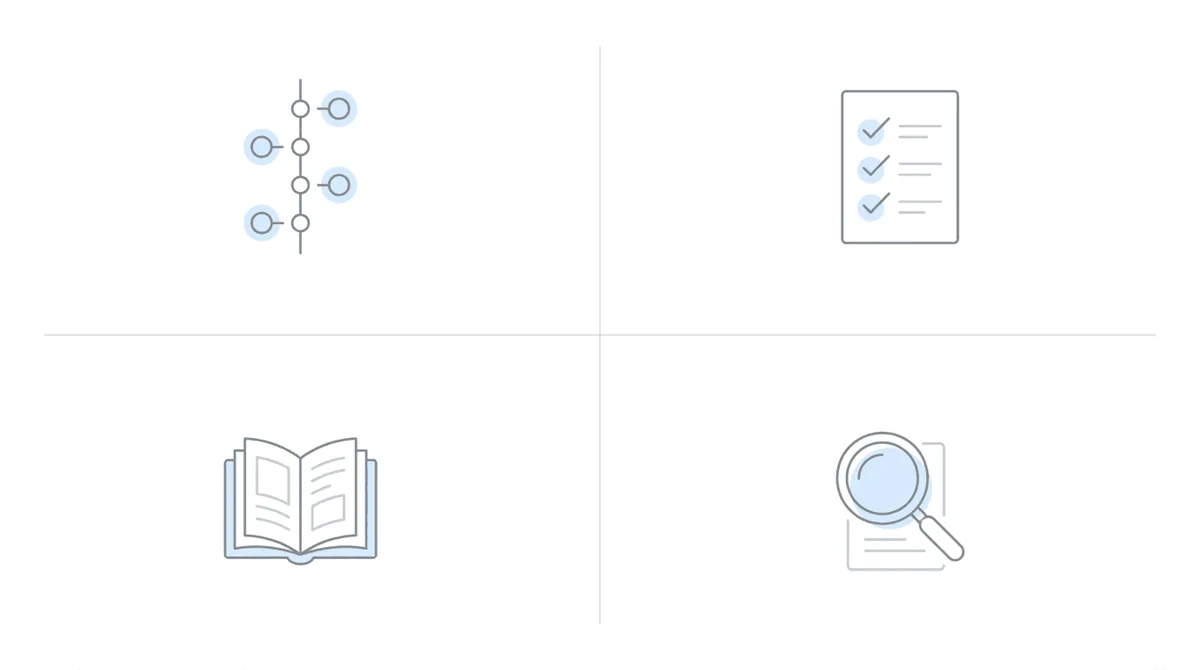
When comparing medical record review software for SSD work, prioritize these capabilities.
Chronology Generation
The core output. Look for:
- Timeline of diagnoses with supporting documentation
- Treatment history by provider
- Hospitalizations and procedures
- Medication history with dates
- Mental health treatment notes
- Physical therapy and other therapies
What makes it useful: clear organization, page references for source documents, and the ability to search and filter.
RFC Extraction
The software should identify functional limitations documented in the records:
- Physical restrictions (lifting, standing, walking, sitting)
- Mental limitations (concentration, persistence, social interaction)
- Environmental restrictions (heat, cold, noise, chemicals)
- Work restrictions stated by treating physicians
What makes it useful: direct mapping to RFC criteria, with citations to source documents.
Blue Book Alignment
For cases that might meet a listing, the software should:
- Identify diagnoses that correspond to listed impairments
- Flag specific findings that match listing requirements
- Note gaps where additional evidence might be needed
What makes it useful: checklist-style alignment showing what’s documented versus what’s required.
Search and Reference
During hearings, you need fast access to specific evidence:
- Full-text search across all records
- Bookmarking and annotation
- Page references that match the exhibit file
- Quick navigation between chronology entries and source documents
What makes it useful: speed under pressure. When an ALJ asks about a specific finding, you need to locate it in seconds.
Security and Compliance
Medical records contain protected health information. Verify:
- HIPAA compliance
- Business Associate Agreements (BAAs) available
- Data encryption in transit and at rest
- Clear data retention and deletion policies
Medical Record Review Software Compared
Here’s how the major options stack up for SSD work.
Superinsight
Superinsight is explicitly SSD-optimized, with Blue Book matching and RFC alignment built into its analysis.
Pricing: Monthly credit-based subscription. Average cost is 2 credits per report ($50-160 depending on plan tier), with advanced reports requiring 3-4 credits. No per-case fees or file size charges.
Strengths: - Blue Book listing matching - RFC extraction - “AI-only” privacy positioning (no human reviewers access records) - SSD-specific training data
Considerations: - Standalone tool; requires manual file upload - No direct ERE integration
Dodo
Dodo focuses on medical record analysis with particular strength in ERE-sourced records.
Pricing: pay-per-use model.
Strengths: - ERE-optimized processing - Fast turnaround (typically under an hour) - Chronicle integration available
Considerations: - Newer entrant to the market - Feature set still expanding
CaseFleet
CaseFleet is a comprehensive fact management platform with timeline visualization.
Pricing: $30-75+ per user per month.
Strengths: - Detailed timeline visualization - Cross-case fact management - HIPAA-compliant tier available
Considerations: - General-purpose litigation tool, not SSD-specific - Requires more setup and configuration - Higher ongoing cost for small teams
InPractice
InPractice positions on speed and low cost.
Pricing: $0.05 per page.
Strengths: - Lowest per-page cost - Fast processing - Simple interface
Considerations: - Less specialized for SSD requirements - Limited RFC and Blue Book features
Wisedocs
Wisedocs targets high-volume processing for insurance and mass tort.
Pricing: enterprise pricing; varies by volume.
Strengths: - Handles very large volumes - Strong enterprise features
Considerations: - Optimized for insurance/mass tort, not SSD - May be overkill for smaller SSD firms
Comparison Table
| Tool | SSD-Specific | Blue Book Matching | RFC Extraction | ERE Integration | Pricing Model |
|---|---|---|---|---|---|
| Superinsight | Yes | Yes | Yes | No | Credit subscription |
| Dodo | Yes | Limited | No | Via Chronicle | Per case |
| CaseFleet | No | No | Limited | No | Per user/month |
| InPractice | No | No | No | No | Per page |
| Wisedocs | No | No | No | No | Enterprise |
The Workflow Gap: From ERE to Hearing
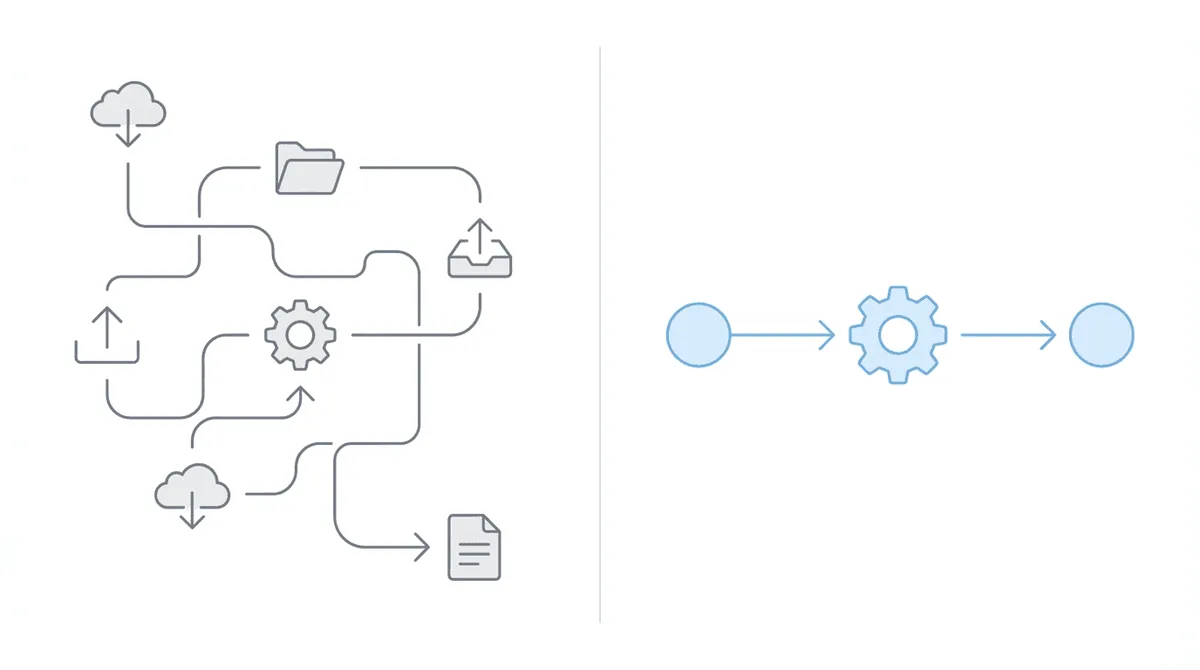
Most medical record review tools operate as standalone systems. You download records from one place, upload them to another, receive a chronology, then manually incorporate it into your hearing preparation workflow.
This creates friction at every handoff.
The typical workflow without integration:
- Records arrive in the ERE (or physical mail)
- Staff download records from ERE
- Staff upload records to chronology tool
- Chronology generates (hours to days)
- Staff download chronology
- Staff incorporate chronology into hearing prep materials
- New records arrive; repeat steps 2-6
What breaks:
- Manual file transfers consume staff time
- Version control problems when records update
- Chronologies go stale as new evidence arrives
- No systematic way to know when to regenerate
The integrated approach:
When ERE monitoring and medical chronology tools connect directly, the workflow simplifies:
- Records arrive in ERE
- ERE monitoring detects new records
- Records flow automatically to chronology tool
- Chronology updates with new evidence
- Hearing prep dashboard reflects current state
Staff aren’t shuttling files between systems. Chronologies stay current as evidence accumulates. The hearing prep workflow has accurate, updated information.
How Chronicle Approaches Medical Record Review
Chronicle supports medical chronology management as part of hearing preparation workflows, through direct integrations with specialized AI tools.
Direct Dodo integration: from within Chronicle, you can generate AI-powered medical chronologies using Dodo. Records from ERE monitoring flow directly into Dodo’s analysis. No manual file transfer required.
Superinsight API integration: as an alternative, Chronicle connects to Superinsight’s API for firms that prefer its SSD-specific analysis.
What this enables:
- Records arriving via ERE are already in Chronicle
- Chronology generation happens within the same platform
- When new evidence arrives, chronologies can be updated
- Hearing preparation dashboards incorporate chronology insights
Pricing: medical chronology is a $50 per case add-on to Chronicle’s base monitoring.
How firms use it:
At Anderson Marois & Associates, the firm uses Chronicle’s medical chronology AI for hearing preparation. As they described it, the tool handles files that would otherwise require extensive manual review, including one example involving a 2,000-page file.
At Ficek Law, medical chronology is the hearing prep backbone. The workflow starts with a high-level summary, then dives into the records as needed. Ficek Law reported a hearing approval rate of 70-75%, up from the low 60s.
What Chronicle doesn’t do:
Chronicle doesn’t replace specialized analysis. If you need the deepest Blue Book matching or the most granular RFC extraction, standalone tools like Superinsight may provide more detail. Chronicle’s strength is workflow integration: the records are already there, the chronology generates in place, and the output connects to hearing preparation.
Deciding Which Approach Fits Your Firm
Choose standalone AI tools if:
- Your workflow doesn’t include ERE monitoring
- You need the deepest SSD-specific analysis (Superinsight’s Blue Book matching)
- You process records from sources other than ERE (medical providers, veterans records)
- You want to evaluate tools independently before committing to integration
Choose integrated chronology if:
- You already use ERE monitoring (or are considering it)
- You want to eliminate file transfer friction
- Your volume is high enough that workflow efficiency matters
- You value updated chronologies as new evidence arrives
Choose traditional services if:
- Your case volume is low (a few cases per month)
- You need specialized medical interpretation beyond what AI provides
- You have complex cases that require clinical judgment calls
Questions to ask when evaluating:
- Does this tool understand SSD-specific requirements (RFC, Blue Book)?
- How does it handle large files (1,000+ pages)?
- What’s the turnaround time?
- Can it integrate with my existing workflow?
- What happens when new evidence arrives?
- Is the output usable during hearings (searchable, referenced)?
Medical record review software ranges from basic chronology generators to sophisticated SSD-specific analysis platforms. The right choice depends on your firm’s volume, workflow, and how much you value integration versus specialized features.
For firms using ERE monitoring, the workflow question often matters more than marginal feature differences. A good chronology that’s already in your hearing prep dashboard may be more useful than a better chronology that sits in a separate system.
Want to see how ERE monitoring connects to medical chronology? Book a demo to see Chronicle’s integrated approach to hearing preparation.