
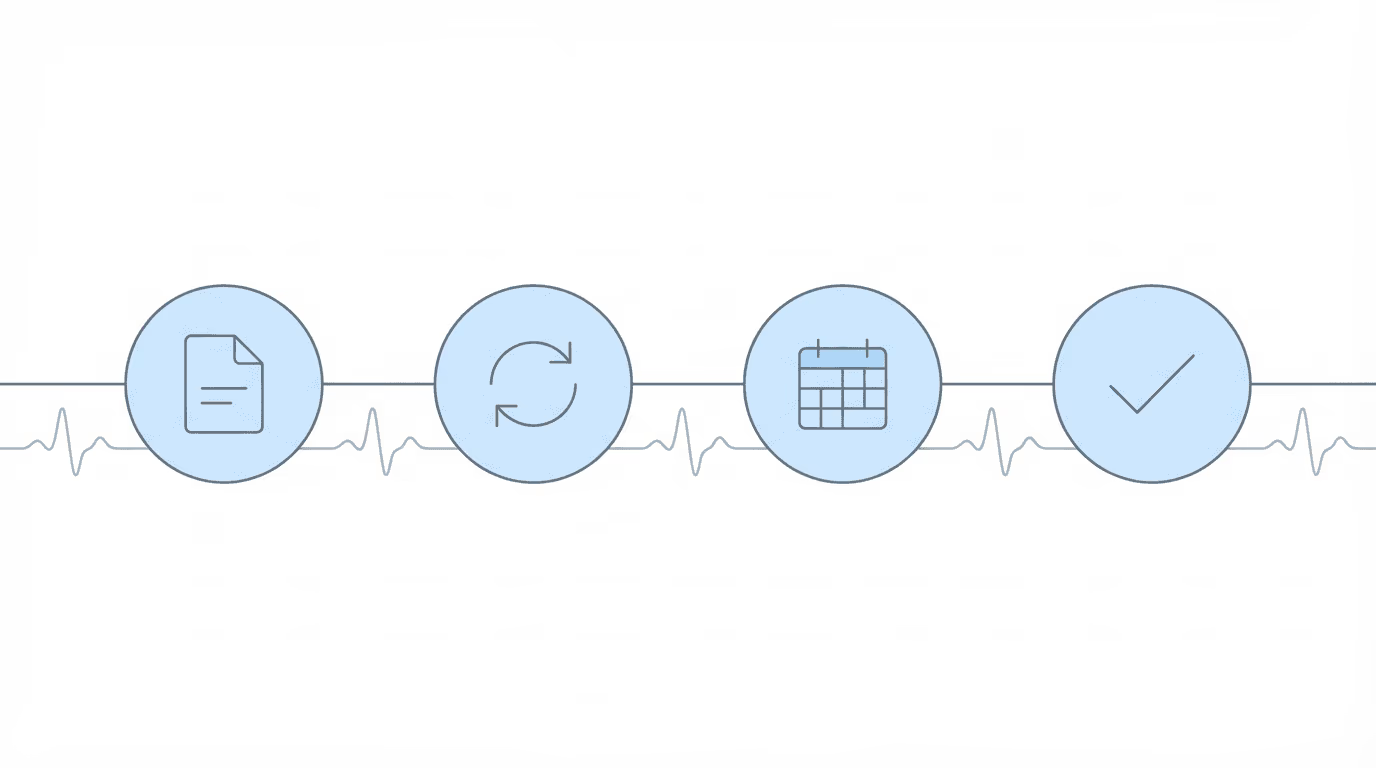
Full-lifecycle SSD operations means maintaining visibility into every case at every stage of the disability process: initial application, reconsideration, hearing, and post-hearing. It’s the difference between knowing what the SSA is doing with your cases today versus finding out weeks later when mail arrives or clients call.
Most SSD software falls into one of two categories: case management systems that track internal work, or hearing prep platforms that engage as hearings approach. Neither provides continuous visibility across the full case lifecycle.
That gap is what full-lifecycle operations fills. And it’s a bigger gap than most firms realize until they’re past 150 cases and manual checking has already started to break down.
What Full-Lifecycle SSD Operations Means
Full-lifecycle SSD operations is an operational approach, not a product category. Your firm has visibility into SSA activity at every stage of a disability case, from the day you file an initial application through post-hearing appeals.
The four stages of an SSD case:
- Initial application: DDS processing, questionnaires, consultative exam scheduling, initial decisions
- Reconsideration: new evidence requests, updated questionnaires, reconsideration decisions
- Hearing: ALJ assignment, scheduling, exhibit deadlines, hearing decisions
- Post-hearing: Appeals Council review, federal court, favorable decision implementation
Full-lifecycle operations means monitoring for SSA activity at all four stages. Not just the hearing stage.
What this contrasts with:
- Stage-specific tools (hearing prep platforms) engage primarily as hearings approach. They optimize for exhibit review, brief writing, and hearing readiness. They typically access ERE 3-5 times on a fixed schedule leading up to a hearing.
- Generic CMS platforms manage internal workflows, tasks, and case records. They answer “what work should our firm do?” but don’t provide visibility into what the SSA is doing.
Full-lifecycle operations answers a different question: “What changed at the SSA today, across all my cases, regardless of stage?”
The Four Stages of an SSD Case (And What Changes at Each)

Understanding what happens at each stage clarifies why continuous monitoring matters.
Initial Application Stage
After filing, cases go to Disability Determination Services (DDS) for evaluation. DDS requests medical evidence from providers, questionnaires arrive requiring claimant responses, and consultative exams get scheduled (and frequently rescheduled). Initial decisions eventually post to the ERE.
This stage is where visibility gaps hurt most. A questionnaire arrives in the ERE but physical mail is delayed. The deadline passes. The case is denied for failure to cooperate. Your firm learns about it when the client calls asking why they were denied. That scenario happens more often than anyone likes to admit.
Reconsideration Stage
If the initial application is denied, reconsideration involves a fresh review by a different examiner. New evidence requests may arrive, additional questionnaires get sent, and reconsideration decisions post to the ERE.
The timing problem here is the appeal window. A reconsideration decision posts on a Friday. Your firm doesn’t see it until the following week when mail arrives. That’s a week of the 60-day appeal window consumed by mail delay.
Hearing Stage
Once a hearing is requested, cases enter the ODAR queue. This stage involves:
- ALJ assignment
- Hearing scheduling notices
- Exhibit deadlines
- Hearing format specification (in-person, video, telephone)
- Post-hearing decisions
Hearing-prep platforms engage at this stage, which is why they’re useful for exhibit review and brief support. The gap is everything that happened during the 12-24 months before the hearing was scheduled.
Post-Hearing Stage
After a hearing decision, cases may continue to Appeals Council, federal court, or favorable decision implementation. This stage gets less attention but matters for client relationships.
A favorable decision posts but the firm doesn’t know until the client receives their first payment. That’s a missed opportunity to contact the client proactively, to be the one delivering good news rather than hearing about it secondhand.
Why Stage-Specific Tools Leave Gaps
Hearing prep platforms serve a specific purpose: getting cases ready for ALJ hearings. They do this well. The gap is timing.
Most SSD cases spend 12-24 months in initial application and reconsideration before a hearing is ever scheduled. During this period, hearing prep platforms provide no operational visibility. That’s a long time to operate blind.
Consider what happens during those months. Questionnaires arrive requiring timely response. Consultative exams get scheduled and rescheduled. Evidence requests need fulfillment. Status changes occur that affect case strategy. Denials post that require prompt appeal filing.
All of this happens in the ERE, visible to anyone who logs in. The question is whether your firm sees it in real-time or learns about it from mail (or worse, from the client calling to ask what’s happening).
The staff workflow impact: without continuous monitoring, staff rely on physical mail to learn about SSA activity. This creates reactive workflows. Clients call about notices before the firm knows. Deadlines compress because mail delivery consumes response time. Staff scramble when questionnaires surface late. Appeals get filed at the last minute instead of proactively.
At Disability Attorney Services LLC, the firm described their initial and reconsideration cases as a “black hole” before implementing continuous monitoring. As they put it: “We need to have a more consistent picture of what’s happening with our clients’ cases at that level.”
What Continuous Monitoring Looks Like in Practice

Full-lifecycle operations requires monitoring infrastructure that checks for SSA activity regardless of case stage.
Daily ERE checks across all cases: the system checks the ERE and e-file for every monitored case, every day. Not just cases approaching hearing. Every case.
Alerts when anything changes: when a new document posts, a status changes, or a hearing gets scheduled, the system surfaces it. Staff don’t need to remember to check.
Dashboard visibility showing case status: instead of logging into ERE case by case, staff see a dashboard showing where every case stands. Which cases have new documents? Which have upcoming deadlines? Which status just changed?
Integration with CMS: the monitoring system connects to whatever case management system the firm uses. When something changes in ERE, it can trigger tasks, notifications, or updates in the CMS.
At The Disability Champions, staff use their monitoring platform “from start to finish of workflow” alongside their CMS. The firm grew from 900 to 3,000 active cases while reducing staff needs, with Chronicle contributing roughly two-thirds to the staff savings.
When Full-Lifecycle Operations Matters Most
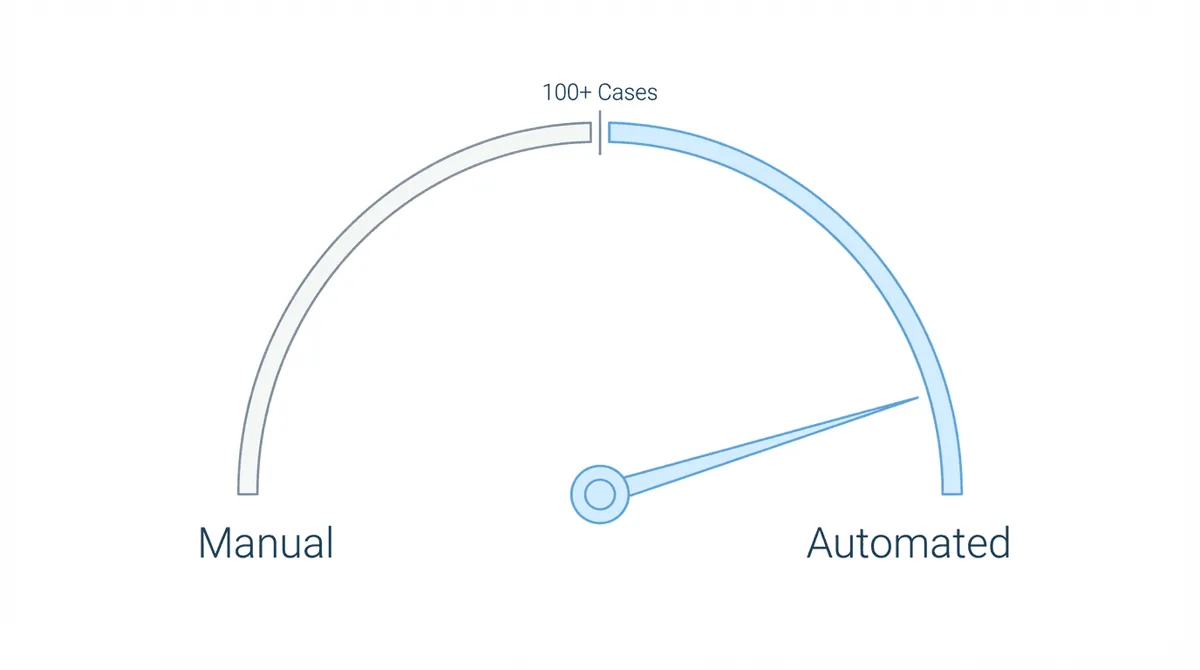
Different firm sizes experience this differently, though the underlying need is the same.
Small Firms (Under 150 Cases)
At small scale, manual ERE checking is possible but risky. One person can log in daily and check each case. The problem is consistency: when that person is sick, on vacation, or buried in hearing prep, checking stops. And nobody notices until something slips.
For small firms, full-lifecycle operations is insurance. One missed questionnaire, one late appeal filing, one consultative exam the client didn’t know about can mean a denial that could have been prevented. At low volume, you can’t afford that single miss.
Growing Firms (150-600 Cases)
This is the breaking point.
At Disability Advocates LLC, the tipping point came around 100-125 cases: “It wasn’t as bad at 50 or 75 cases. But once we hit 100-125, it became more and more cumbersome.”
At this scale, firms face a choice: hire staff specifically to check ERE, or implement monitoring systems that provide the visibility automatically. Most firms that successfully scale choose systems over staff. Hiring for ERE checking isn’t sustainable because the need grows with caseload, and the role is tedious enough that turnover becomes a problem.
High-Volume Firms (600+ Cases)
At high volume, manual ERE monitoring is simply impossible. The math doesn’t work. If checking one case takes 2-3 minutes, checking 600 cases takes 16-25 hours. Every day.
Martin, Jones & Piemonte estimated “five or six hours per week per paralegal” on ERE checking before automation. The Law Office of Nancy L. Cavey: “15 to 20 hours per week” per paralegal. The Disability Champions described their previous state as “wasting 80 to 90 man hours a week doing things a machine should handle.”
At this scale, monitoring infrastructure isn’t a productivity improvement. It’s a prerequisite for operating at all.
Full-Lifecycle Operations vs Other Approaches
Understanding the category distinctions helps evaluate which approach fits your firm.
vs Hearing Prep Platforms
| Aspect | Hearing Prep Platforms | Full-Lifecycle Operations |
|---|---|---|
| Primary focus | ALJ hearing preparation | Operational visibility at every stage |
| ERE access timing | 3-5 times leading up to hearing | Daily checks regardless of stage |
| Case stage coverage | Hearing-centric | Initial through post-hearing |
| Main value | Exhibit review, brief support | Continuous awareness, deadline protection |
When hearing prep platforms fit: firms primarily focused on hearing volume, already have initial/recon visibility through other means, or outsource pre-hearing case development.
When full-lifecycle operations fits: firms that need visibility during initial and reconsideration, want proactive client communication, or are scaling beyond manual monitoring capacity.
vs Case Management Systems
| Aspect | Case Management Systems | Full-Lifecycle Operations |
|---|---|---|
| Primary focus | Internal firm workflows | SSA-facing visibility |
| Core question answered | What work should we do? | What changed at the SSA? |
| Data source | Internal tasks and records | ERE and e-file monitoring |
| Relationship | System of record | Monitoring layer |
CMS and full-lifecycle operations are complementary. The CMS manages your firm’s internal execution. Full-lifecycle operations ensures your CMS reflects what the SSA is actually doing.
vs Manual Monitoring
Manual ERE monitoring works at small scale with disciplined staff. Someone logs in daily, checks each case, notes any changes. At 50 cases, it’s tedious but survivable.
The problem is what happens when that person is sick, on vacation, or overwhelmed with hearing prep. Checking stops, but nobody notices because there’s no audit trail. Who checked what, when? No record exists. If a deadline slips, there’s no way to trace whether someone actually looked.
At 150+ cases, the math breaks down entirely. The time required exceeds what any staff member can reasonably do. Coverage develops gaps during busy periods. And unlike automated monitoring, manual checking can’t prove it happened. It fails quietly.
How Chronicle Approaches Full-Lifecycle Operations
Chronicle is a full-lifecycle SSD operations platform. It checks the ERE and e-file daily for changes across your firm’s cases, from initial application through post-hearing.
What Chronicle provides:
- Daily ERE monitoring at every case stage
- Real-time dashboard showing status across your caseload
- Virtual mailroom for SSA correspondence
- Medical chronology for hearing preparation
- Integration with Clio, Filevine, MyCase, Litify, and Zapier
Chronicle is not a CMS. Instead, it monitors SSA activity and ensures your existing systems stay aligned with what the SSA is doing. It works with whatever case management system you already use, making it CMS-agnostic.
Deciding If Full-Lifecycle Operations Fits Your Firm
Consider full-lifecycle operations if:
- Your initial and reconsideration cases feel like a “black hole” with no visibility
- Staff spend significant time manually checking ERE
- Clients sometimes know about SSA activity before your firm does
- You’re scaling past 150 cases and manual monitoring is breaking down
- You want proactive client communication rather than reactive response
A hearing-prep approach may be sufficient if:
- Your firm focuses primarily on hearing-stage work
- You have other systems providing initial/recon visibility
- Your caseload is small enough for manual monitoring to work reliably
- You outsource case development and only engage for hearing prep
Questions to evaluate your current state:
- How do you currently learn about SSA activity during initial and reconsideration?
- How often do clients contact you about notices or decisions before your firm knows?
- What happens to ERE monitoring when key staff members are unavailable?
- How much staff time goes to manually checking ERE?
Full-lifecycle SSD operations is an infrastructure decision. The firms that scale successfully treat continuous SSA visibility as foundational. The firms that struggle often discover too late that hearing-prep tools don’t solve the visibility gap during the 12-24 months before hearings are scheduled.
The question isn’t whether you need SSA visibility. It’s whether you need it at every stage, or only as hearings approach. For most firms, the answer becomes clear somewhere around the 150-case mark.
Want to see how this works? Book a demo to see Chronicle’s approach to continuous ERE monitoring.