
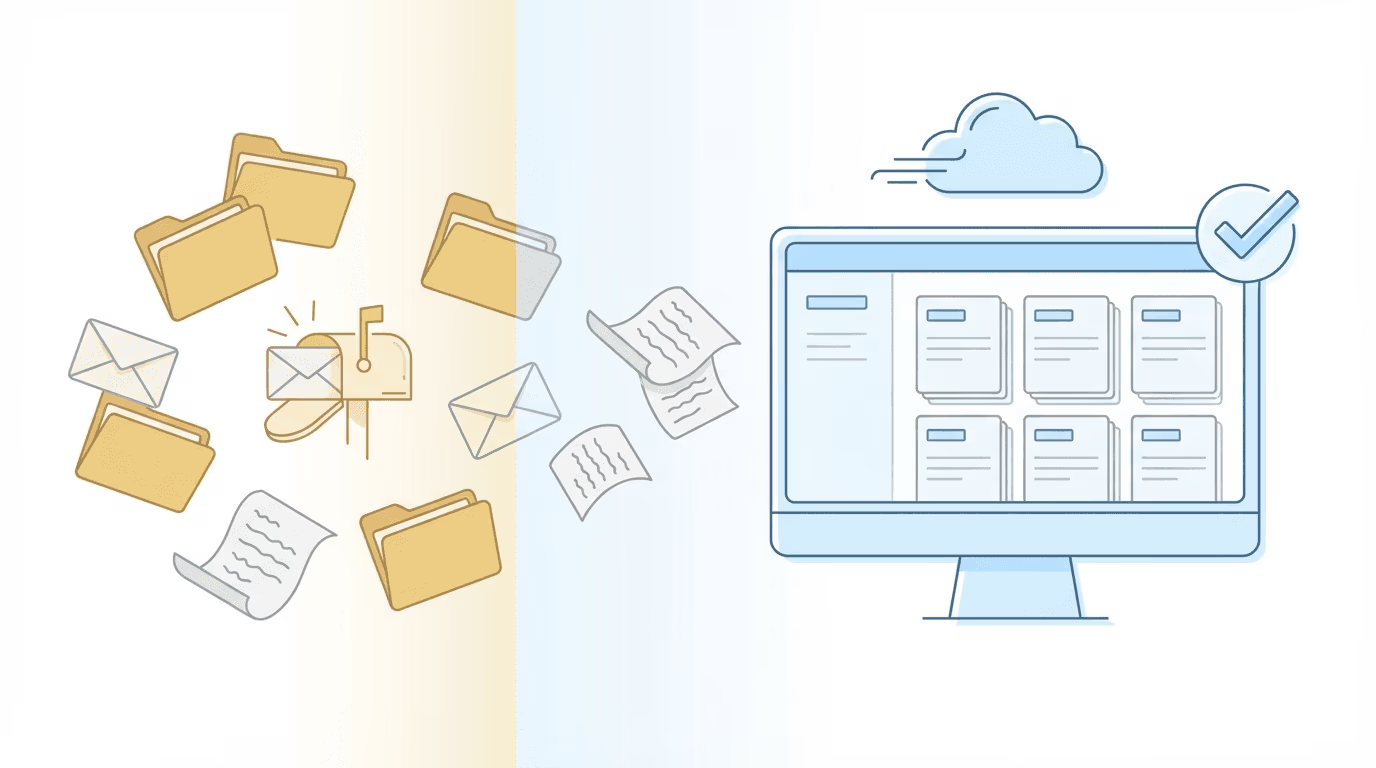
Can you run a fully paperless disability firm? Almost. The ERE handles most evidence submission and case monitoring electronically, and that covers more ground than people expect. Certified mail is still required for initial representative paperwork when field offices have fax problems. But the goal here is not eliminating mail entirely; it is making mail the exception rather than the default.
Firms that make this transition well tend to operate on a simple hierarchy: ERE first, fax second, certified mail only when necessary. Everything else flows through digital channels.
The True Cost of Paper in Disability Practice
Paper dependency creates problems that compound across every case in your caseload, and most of them are invisible until you sit down and actually trace where time goes.
At Martin, Jones & Piemonte, staff described the mail timing issue directly: “We’d get a 10-day notice on day 9 or a 25-day letter on day 24. That made things a lot more challenging.” By the time mail arrives, the deadline clock has already been running in the ERE for days. If your firm is still wrestling with physical mail volume, the disability law office mailroom survival guide covers the operational side of that problem in detail.
The time cost alone is substantial. At the Law Office of Nancy L. Cavey, each paralegal was probably spending 15 to 20 hours per week in the ERE before automation. That is half a full-time position devoted to data retrieval — not analysis, not client communication, just pulling information. This pattern of ERE monitoring consuming paralegal hours is one of the most common operational bottlenecks in disability practice.
At Viner Disability Law, the reactive workflow created professional embarrassment: “We would receive calls from our clients telling us they’d been approved or denied. That doesn’t look very good professionally.” When your clients are informing you about their own cases, something in the workflow has broken down in a way that is hard to explain away.
Then there is the hidden cost: no audit trail. When processes run through mail and manual ERE checking, there is no reliable record of what was checked and when. If something was missed, reconstructing what happened relies on memory and guesswork — neither of which holds up well under scrutiny.
The 3-Channel Framework: ERE, Fax, and Certified Mail
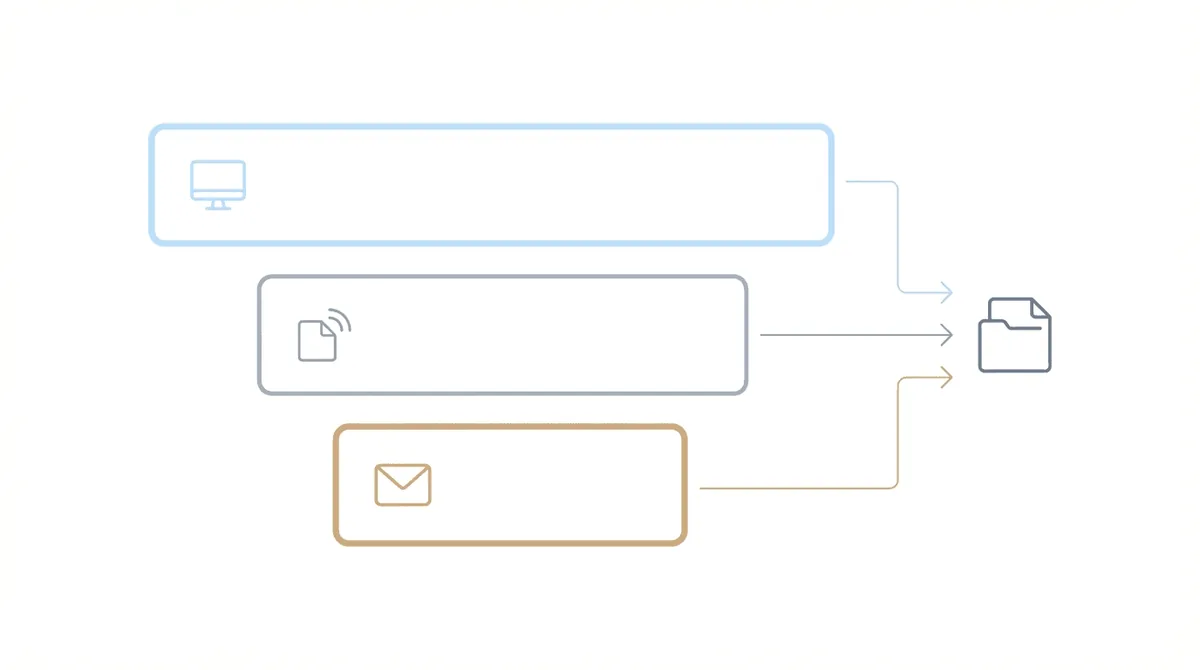
Think of SSA communication as a hierarchy with three channels, each with a clear role.
ERE (Electronic Records Express) is the primary channel. Once you have ERE access for a case, evidence submission happens there. Status monitoring happens there. The e-file lives there. This should handle the overwhelming majority of your SSA interaction — we are talking north of 90% for most firms once they are fully set up.
Fax is the backup. Some field offices have unreliable fax reception (which is its own frustration), but fax remains faster than mail for situations where ERE is not working or you need rapid delivery confirmation.
Certified Mail is the channel of last resort. Use it when you need proof of delivery that can serve as evidence if SSA denies receipt. For initial representative paperwork when offices do not receive faxes reliably, certified mail with return receipt provides the documentation trail you need.
The mistake most firms make is defaulting to mail when ERE is available. Every time you mail something that could go through ERE, you add days to the process and introduce failure points that did not need to exist.
What Goes Through ERE (And When to Use It)
ERE handles evidence submission through the Appointed Representative Services (ARS) portal. The system accepts .pdf, .doc, .docx, .tiff, .txt, .rtf, .xls, and .xlsx files. You can submit up to 25 files totaling 200MB per submission, which is generous enough for most evidence packages.
Representatives requesting fees must submit electronically through ERE, ARS, or iAppeals if the case has an electronic folder. This is not optional; it is the required method for direct fee payment cases.
Each submission requires a barcode from SSA that identifies the case and document type. The barcode system routes your evidence correctly and creates the audit trail — something mail simply cannot replicate with the same reliability.
ERE also provides monitoring capabilities. You can check case status, see hearing schedules, review notices and correspondence, and access the full e-file. Manual monitoring through ERE has its own problems at scale, though, which we address later.
When Certified Mail Is Still Required
Despite the digital-first approach, some situations genuinely require physical mail with proof of delivery.
Initial representative paperwork sometimes needs certified mail when field offices do not receive faxes reliably. As Shelby Knight from Desert Disability described it: “We use Stamps.com with Certified Mail only if we have issues with offices not receiving faxes for initial rep paperwork.”
Request for Hearing submissions may warrant certified mail if you need to establish good cause for a late filing. The return receipt provides evidence of when you sent the request, which matters if SSA later questions timeliness. Understanding critical SSA deadlines helps prevent situations where certified mail becomes necessary due to timing pressure.
HALLEX I-2-3-20 recognizes that proof of mailing can establish good cause when mail is delayed. Having that return receipt documented gives you a defense if SSA claims they never received something — and yes, that does happen more often than you would think.
For the small percentage of documents that truly require mail, Stamps.com or similar services let you print certified mail labels and track delivery without leaving your desk.
The Hybrid Workflow: A Real Firm’s Approach
When Michael Sullivan asked practitioners whether anyone had “abandoned using the US post office to move case materials to the SSA or to get information to the client,” Shelby Knight from Desert Disability shared their actual workflow:
“Once we have ERE access everything gets submitted there. We send clients a snail mail packet once at the beginning of the case but utilize digital client portals, client dedicated webpage.”
This is the hybrid model that works in practice. Initial client onboarding might include one physical packet — forms, authorizations, instructions. After that, communication shifts to digital channels. ERE handles SSA submission. Client portals handle document collection and updates.
The key insight: “paperless” does not mean zero paper. It means paper as exception, with every system built around digital as the default. The distinction matters because firms that chase zero paper often create more friction than firms that accept a small, managed amount of it.
Firms get there from very different starting points. Diane Haar opened Hawaii Disability Legal Services in 2012 with no loans and banker boxes of files, and bootstrapped it into a paperless firm. She tells that story on the first episode of Disability Heroes.
Client Communication: Digital Portals vs. Initial Mail Packets
Client communication presents a different set of considerations than SSA communication, and in some ways it is the harder problem to solve cleanly.
The “one packet at case start” approach works for many firms. Send physical materials once during onboarding — the retainer agreement, SSA authorizations, initial questionnaire, instructions for digital communication going forward. After that first packet, everything flows through digital channels.
Digital client portals bring real advantages here. Documents can be uploaded directly, which eliminates the wait for mail and the risk of lost packages. Messages and documents stay in the same thread, creating a complete communication history rather than scattered emails and voicemails. Portals with 256-bit encryption meet security requirements for client data.
For document collection specifically, mobile-friendly forms reduce friction considerably. Clients can photograph treatment notes, complete questionnaires, and sign authorizations from their phones. Clear instructions in plain language (not legal jargon) improve completion rates — this is one of those areas where small wording changes make a measurable difference.
Automated reminders can chase down missing documents without staff intervention. When a client has not uploaded a requested SSA-827, the system sends reminders on a schedule. Staff only need to step in when automation has not worked, which means their time goes to the cases that actually need human attention.
Tools for Going Paperless in Disability Practice
A complete paperless workflow requires tools across several categories. Not every firm will need all of these from day one, but this is the full stack when you are running a mature digital operation.
ERE/ARS handles SSA submission and provides case access. This is the foundation.
Case management software (Prevail, Clio, MyCase, Filevine) manages internal workflows, tasks, and client records. Choose based on fit with your practice; Chronicle works with any of these through API or Zapier integration.
Client portals (Case Status, or the portal features built into your CMS) let clients upload documents, check status, and communicate securely without phone tag.
Stamps.com handles the certified mail exceptions. Print labels, track delivery, maintain records without post office trips.
Scanner hardware — Fujitsu ScanSnap remains the standard recommendation — digitizes the paper that does arrive. Combined with OCR, scanned documents become searchable PDFs rather than static images.
E-signature tools (DocuSign, Adobe Sign, or CMS-integrated options) eliminate the mail round-trip for retainers and authorizations, which is one of the quickest wins in any paperless transition.
How Automated ERE Monitoring Completes the Paperless Workflow
Going paperless for outbound communication solves half the problem. The other half — inbound SSA visibility — is where most firms stall.
If you still check ERE manually, you have not eliminated paper-era workflows. You have shifted them. Logging in multiple times per day, downloading status sheets, trying to remember what was checked and when. This is paper-style process without the paper, and it breaks down at volume in exactly the same ways. For a deeper look at what it takes to move past manual checking, see our guide on how to automate ERE tracking.
At The Disability Champions, Al Frevola described their pre-automation reality: “We were a paper-mail driven firm, trying to manage a huge volume of incoming mail. We had to scan everything manually, then distribute it to case managers to process—calendaring deadlines, tasks, and more.”
They reported “wasting 80 to 90 man hours a week doing things a machine should handle.”
Chronicle’s virtual mailroom checks the ERE and e-file daily for each monitored case. Changes surface automatically rather than requiring manual discovery. Staff see what happened overnight without logging in and checking each case individually — which, at any meaningful caseload, is the only sustainable approach.
The integration with CMS platforms (Clio, Filevine, MyCase, Prevail via Zapier or API) means data flows into your system of record automatically. Documents route to the right cases. Deadlines populate calendars. Staff work from their CMS, not from ERE screens.
This is what completes the paperless transition. Both outbound (submissions through ERE) and inbound (monitoring through automation) run digitally, with mail as the genuine exception rather than the backup system that actually carries the workflow. That shift from reactive mail-driven operations to proactive digital monitoring is what full-lifecycle SSD operations looks like in practice.
Transition Checklist: Going Paperless in 30 Days
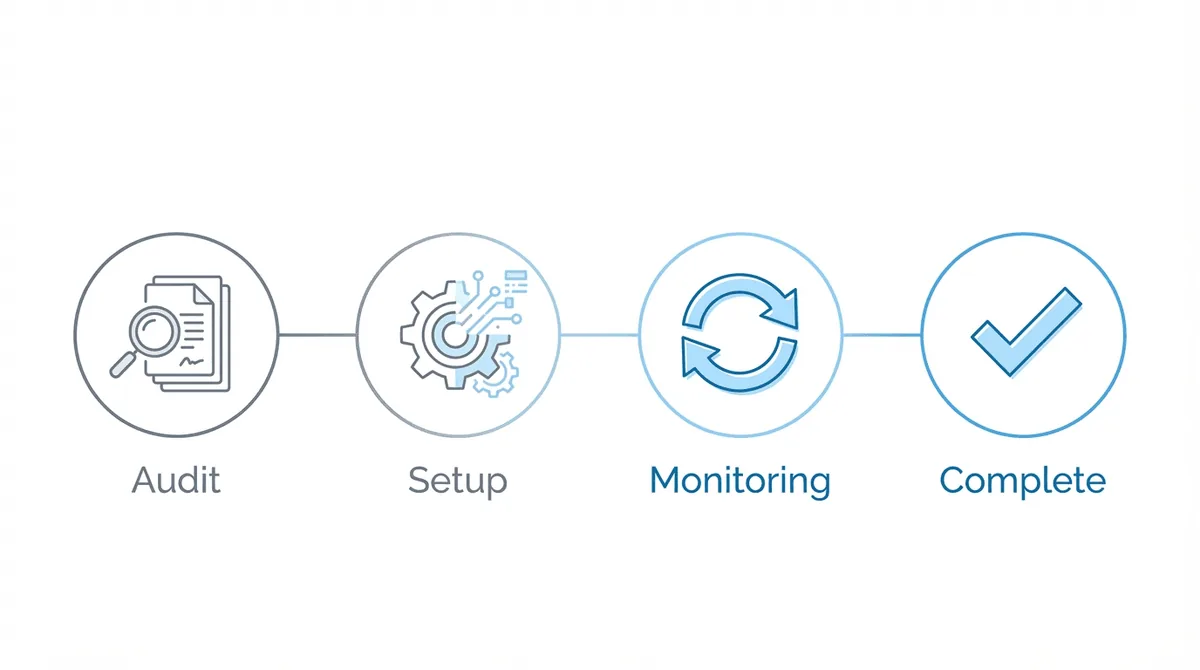
Week 1: Audit and Inventory
- Map every paper touchpoint in your current workflow
- Identify what currently goes through mail vs. ERE vs. fax
- Document which processes require mail and which are just habits (this distinction matters more than most firms realize)
- Assess your current technology stack gaps
Week 2: Set Up Digital Infrastructure
- Ensure ERE ARS access is established and working
- Configure or select client portal solution
- Set up digital intake forms for new clients
- Implement e-signature for retainers and authorizations
- Test Stamps.com workflow for exception cases
**Week 3: Implement **ERE Monitoring
- Evaluate ERE monitoring options that eliminate manual checking
- Configure integrations with your CMS
- Set up routing rules for different document types
- Test the monitoring workflow with a subset of cases
Week 4: Train and Transition
- Train staff on new digital-first workflows
- Establish accountability rituals (who checks what, when)
- Begin transition with new cases using full digital workflow
- Migrate existing cases to monitoring as capacity allows
- Document exceptions that genuinely require mail
Frequently Asked Questions
How do I go paperless in my disability law firm?
Start with the 3-channel hierarchy: ERE first, fax second, certified mail only when required. Submit evidence through ERE once you have access. Use digital client portals for document collection and communication. Implement ERE monitoring to eliminate manual checking. Keep certified mail for initial rep paperwork when field offices have fax issues. The goal is mail as exception, not default.
Can I submit everything to SSA electronically?
Most evidence submission goes through ERE. The portal accepts common file types (.pdf, .doc, .tiff, etc.) up to 25 files and 200MB per submission. Representatives requesting fees must submit electronically for cases with electronic folders. Initial representative paperwork may still require certified mail when field offices have fax problems, but this is a small percentage of total communication.
When do I still need certified mail for SSA?
Use certified mail for initial representative paperwork when field offices do not reliably receive faxes. Use it for Request for Hearing submissions where you need proof of timely mailing to establish good cause. The return receipt creates documentation if SSA questions receipt or timing. For most ongoing case communication, ERE eliminates the need for mail entirely.
What is the best client portal for disability law?
Look for 256-bit encryption, HIPAA compliance, mobile-friendly document upload, and integration with your CMS. Many case management systems (Clio, MyCase, Filevine) include portal features. Dedicated options like Case Status offer additional functionality. The best choice depends on your existing technology stack and workflow needs — there is no single right answer here.
How do I get documents from clients digitally?
Use a client portal that allows document upload within the communication thread. Make forms mobile-friendly so clients can photograph and submit from their phones. Use clear, plain-language instructions (avoid legal jargon). Implement automated reminders for missing documents. The initial onboarding packet can be physical; everything after that flows digitally.