
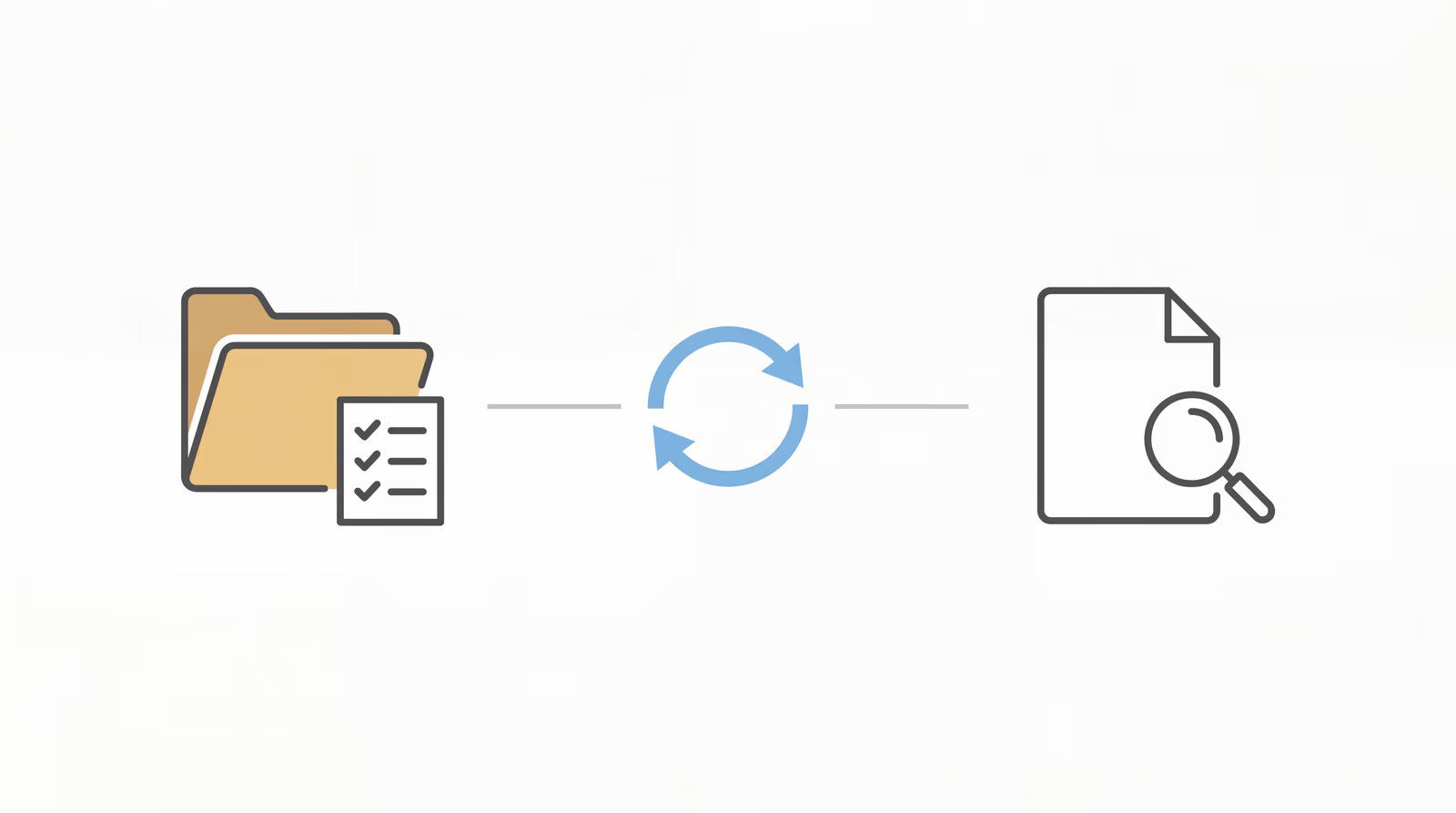
Clio is the system of record for how your firm operates. Chronicle is the system of record for what the SSA is doing. Neither replaces the other, and using only one of them means you’re flying blind on half the picture. Clio knows your tasks, your documents, your billing. It has no visibility into what changed on the ERE this morning. Chronicle fills that gap by checking the SSA portal daily for every monitored case and pushing what changed directly into Clio. Together, they form a complete operational stack for disability law.
What Clio Does Well, and Where It Stops
Clio is genuinely excellent at what it was built to do. Matter management, contact records, task workflows, billing, trust accounting, document storage: Clio handles the firm’s internal execution with a level of integration that most disability practices won’t outgrow. The NOSSCR partnership reflects that: Clio has earned its place as the dominant CMS in the disability space.
But “CMS” is the key word. A case management system manages the firm’s work. It tracks what your staff has done and what they need to do next. It does not watch the SSA portal for you.
That’s a product category distinction, not a criticism of Clio:
| Case Management System (Clio) | ERE Monitoring (Chronicle) |
|---|---|
| What work should our firm do? | What changed at the SSA today? |
| Task lists, billing, contacts | Daily ERE checks, stage changes, new documents |
| Firm-side execution | SSA-side visibility |
| Triggered by staff actions | Triggered by SSA activity |
| Stores what happened | Alerts when something happens |
Clio was never designed to log into the ERE. The Electronic Records Express portal is a separate SSA system that requires its own credentials, its own authentication, and its own daily attention. No CMS (Clio, Prevail, or any other) natively monitors it. That monitoring layer has to come from somewhere else.
The ERE Gap: What a Clio Firm Misses Without Chronicle
The gap isn’t theoretical. It shows up in specific workflows that Clio-based firms recognize immediately when they’re named.
The client-learns-first problem: before Chronicle, William Viner of Viner Disability Law describes a pattern that’s common across the disability bar: “We would receive calls from our clients telling us they’d been approved or denied. That doesn’t look very good professionally.” The denial or approval had already hit the ERE. The client found out another way. The firm found out from the client. This happens because, without ERE monitoring, SSA decisions arrive by physical mail, often days after the event appears in the portal. The client gets the letter first. Learn more about why mail dependency is the silent risk in SSD operations.
The denial date problem is more procedurally dangerous. A denial that appears in the ERE on a Monday might not arrive by mail until Thursday or Friday. The 60-day appeal window under SSA rules starts from the date of notice, not the date you receive it. That delay compresses the window and creates avoidable urgency. Michele Marois of Anderson Marois and Associates puts it plainly: “We don’t even have to wait for a denial letter. We can enter the date of the denial, download whatever denial document it is and get that appeal filed…” That’s what ERE visibility actually changes.
There’s also the question of what Clio never sees in the first place. Clio’s task and workflow automation is one of its strongest features, but it can only trigger on what Clio knows. A DDS case assignment, a hearing scheduled, a questionnaire posted: these events happen at the SSA, not inside Clio. Without a bridge, they never become Clio tasks. Staff have to notice them first, then manually log in and create the task by hand.
Staff at Martin, Jones and Piemonte estimated “Probably five or six hours per week per paralegal” just checking the ERE before Chronicle. That number is real, but it understates the actual risk. As the Claim Manifest notes, manual ERE monitoring fails quietly: it’s not the login itself that creates exposure, it’s the lack of an audit trail for what was checked and when. You can’t prove the ERE was checked on a given date if no one recorded it.
If you aren’t checking the ERE frequently, you’re effectively relying on physical mail to learn about SSA activity. For most Clio firms, that’s the default state.
How the Chronicle-Clio Integration Works
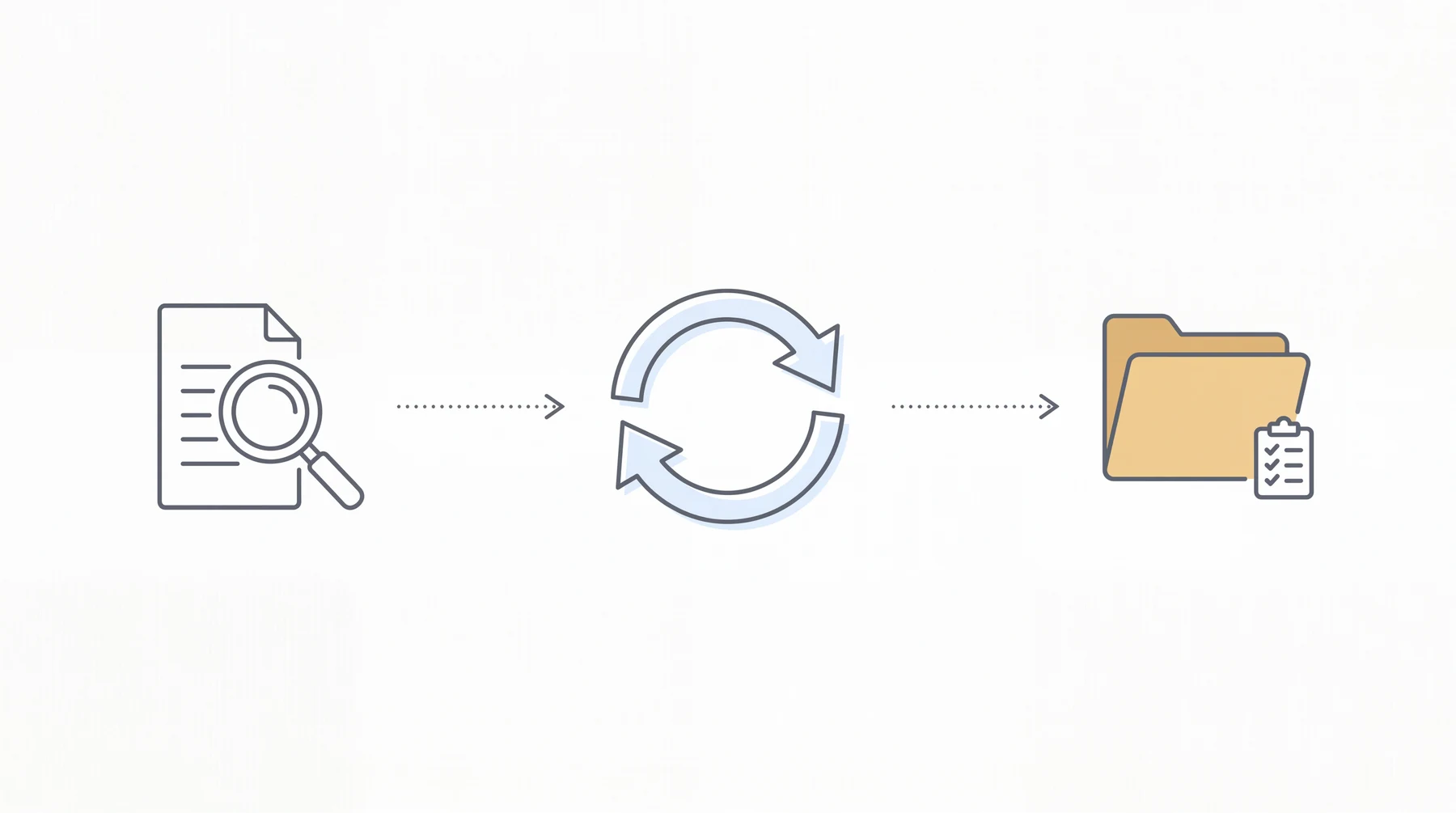
Chronicle connects to Clio through a native integration that syncs case data approximately every 15 minutes. Matching is done by client last name and the last four digits of the SSN, with no manual linking required per case. Once a match is confirmed, Chronicle begins pushing SSA activity into the corresponding Clio matter automatically.
Here’s what the connection looks like in practice:
- Chronicle monitors the ERE daily for every case in your monitored portfolio: new documents, questionnaires, notices, hearing events, and status updates.
- When something changes, Chronicle summarizes what changed and pushes the update to the matched Clio matter.
- Clio receives the update as a case status change, document record, or note, depending on what type of SSA activity occurred.
- Clio automations trigger on that new data (task lists, email drafts, team notifications) exactly as they would for any other Clio data event.
Four specific capabilities define how the integration operates in practice.
Field mapping routes ERE case data (status, hearing date, decision type) directly into corresponding Clio matter fields. Before Chronicle, a paralegal who found a status change on the ERE had to navigate to the Clio matter and enter that information manually. Field mapping removes that step.
Phase mapping goes further. When Chronicle detects that a case has moved from one SSA stage to another (initial to reconsideration, or reconsideration to hearing), it triggers the corresponding phase transition inside the matched Clio matter. That phase change fires whatever downstream automations the firm has built in Clio: task checklists, paralegal assignments, notification sequences. The SSA stage advance becomes the workflow trigger. At Magnolia Disability Law, this is how DDS assignments automatically generate task lists without anyone checking the ERE manually.
Document auto-push places new ERE documents into a Chronicle ERE folder inside each Clio matter as they appear. Staff do not download from the SSA portal and upload to Clio. The document is already in the matter within approximately 15 minutes of appearing on the ERE.
Firms that want more granular triggers than the native integration surfaces can use Zapier as an additional layer. Chronicle’s Zapier connection allows custom automations (for example, triggering a specific Clio task template when a CE notification arrives, or drafting a client email when a DDS assignment appears). The native integration is the faster, lower-cost path; Zapier extends it for edge cases.
At Desert Disability, the native Clio Manage integration surfaces DLI and onset dates in the firm’s weekly docket meetings. That sounds routine until you consider the catch Jeff Herman described: Chronicle’s integration revealed a 3.5-year onset date error that would have gone unnoticed. “Without making that amendment, without that awareness, that client absolutely would have been denied and it would have taken another eight, ten months for the next decision.” The error was caught because the onset date surfaced in Clio through Chronicle, where it was visible during a meeting rather than buried in the ERE.
At Magnolia Disability Law, the Clio integration triggers task lists automatically when DDS assigns a case. Lance White describes the result: “I get an automated update from Chronicle through Clio that tells me I need to send them the email now.” The task arrives without anyone logging into the ERE.
For step-by-step setup instructions, see our guide to connecting Chronicle and Clio.
What Full-Lifecycle Operations Means for a Clio Firm
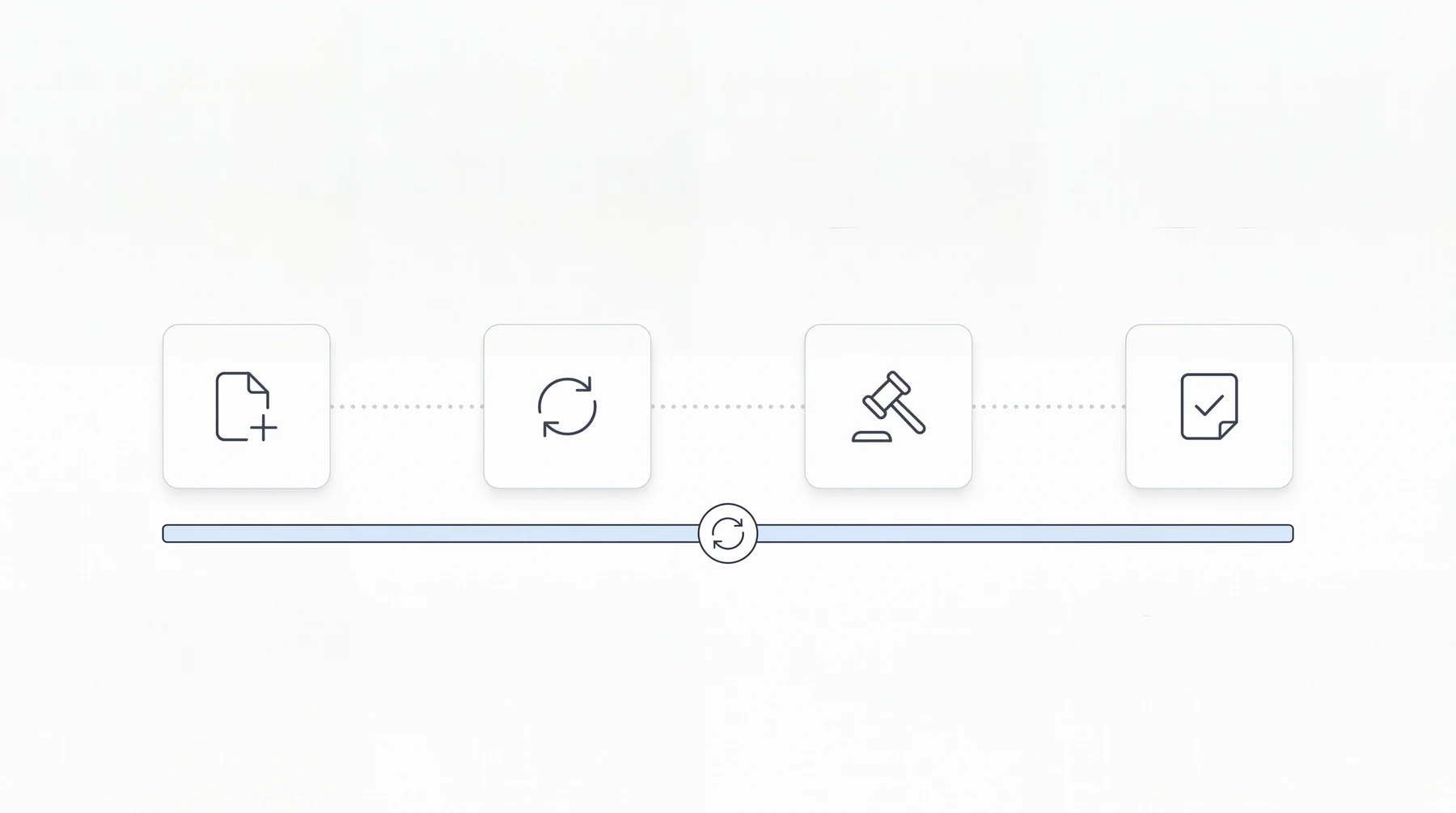
The integration story is the how. The lifecycle story is the why.
Clio disability firms typically think about Chronicle as a hearing prep tool, or as a way to avoid logging into the ERE. Both are accurate. Both are also incomplete. Chronicle supports the full SSD lifecycle (initial, reconsideration, hearing, and post-hearing) with daily monitoring at every stage from the day a case opens.
Initial stage. Most of the monitoring that matters at initial happens quietly: questionnaires posted, DDS assignments, medical records requests. Without daily ERE checks, these events appear only when mail arrives. Chronicle detects them the day they post and creates the corresponding Clio record, which means firms can start tracking SSA activity from day one of a case, not just during the hearing window.
Reconsideration. The gap between reconsideration denial and the next ERE entry is where the 60-day clock matters most. Chronicle monitors this window daily. When a denial appears, it surfaces immediately in Clio rather than arriving by letter four days later. At Anderson Marois and Associates, the firm files appeals the same day the denial appears in Chronicle, without waiting for the mail.
Hearing stage. This is where ERE monitoring tools have historically focused, and Chronicle covers it. That means hearing prep dashboards, exhibit file access, and hearing transcript availability, plus daily monitoring through the hearing date itself. Assure is primarily optimized for hearing prep; Chronicle supports the full lifecycle, which means the monitoring that builds a strong hearing file starts months earlier. That difference is more operational than competitive.
Post-hearing. Stage changes, favorable decision documents, onset date confirmation: all of these appear in the ERE before mail arrives. Chronicle monitors post-hearing activity and pushes it to Clio as it happens.
Chronicle also centralizes SSA mail handling through a virtual mailroom, digitizing and organizing SSA correspondence into a consistent workflow. For Clio firms that currently depend on USPS for denial notices and questionnaire deadlines, the virtual mailroom eliminates the mail-dependency risk entirely. Read more about what the virtual mailroom replaces in SSD operations.
Chronicle also supports medical chronology management as part of hearing preparation, starting with a structured AI summary for attorney review. It doesn’t replace attorney judgment; it gives the attorney a starting point.
Firms Already Running Clio + Chronicle
The three firms most directly relevant to this stack are all Clio users. Their setups differ, but the pattern holds.
Viner Disability Law is a solo practice running 400-500 active cases. William Viner built a Zapier-based workflow connecting Chronicle and Clio: every CE email that Chronicle generates triggers an automatic Clio search, drafts an email, sends it, and logs a note. The entire sequence runs without staff involvement. His estimate: “Chronicle allows us to essentially take the work of at least another 50% to 75% of a paralegal.” That’s the workload Chronicle absorbs on the Clio side alone, before accounting for eliminated ERE logins.
Desert Disability runs 600-700 active cases and uses Chronicle’s native Clio Manage integration. DLI and onset dates surface directly in weekly docket meetings. That routine visibility is how the 3.5-year onset date error got caught before it became a denial. “Without that awareness, that client absolutely would have been denied,” Jeff Herman noted, adding that it would have cost the client 8-10 additional months. Desert Disability also reported that case manager capacity increased from roughly 120 cases each to 150-200 cases each as a result of Chronicle handling the monitoring layer.
Magnolia Disability Law is smaller (90-125 active cases) and took a different setup approach: Lance White built Chronicle and Clio to trigger task lists automatically when DDS assigns a case. Before Chronicle, daily case review consumed 2-3 hours. After: “Now what it’s done is it turned constant case review into instant case review.” Worth noting separately: Magnolia Disability Law has reported zero ERE lockouts in more than two years of Chronicle use. That’s a direct consequence of Chronicle handling logins so staff don’t have to, and it’s the kind of thing that only becomes visible when it stops happening. See our Clio integration launch recap for a demo walkthrough.
What Your Clio Firm Is Still Missing Without Chronicle
This section is an honest gap analysis. Run it against your current workflow and see where the gaps appear.
Can your firm answer these questions without manually logging into the ERE?
- Did any cases receive a denial notice this week?
- Are any hearing dates newly scheduled or rescheduled?
- Are there consultative exam requests with response deadlines approaching?
- What cases changed status at the SSA in the last 72 hours?
- Was that medical record upload from Tuesday confirmed?
If any of those require a paralegal to log in and check, the firm is running partial operations. Clio reflects what the firm has manually entered. The ERE reflects what the SSA has actually done. The gap between those two is where missed deadlines, compressed prep time, and client frustration originate.
The specific risks at 600 or more active cases:
- Missed denial deadlines when field office mail fails or is delayed. The appeal window closes on schedule regardless.
- Staff time consumed by manual ERE data entry, check-by-check, case-by-case. That is time not spent on substantive work.
- Hearing prep compressed because the date was discovered from the mailed NOH rather than from an ERE monitoring alert weeks earlier.
- Clients discovering case outcomes before the firm does, because the SSA notified the claimant directly and the firm’s ERE check was scheduled for later in the week.
At Magnolia Disability Law, constant daily case review was the baseline before Chronicle. Lance White described the shift: “Now what it’s done is it turned constant case review into instant case review.” That transition from scheduled manual checks to real-time SSA visibility is the core operational change Chronicle delivers for Clio firms.
Chronicle monitors more than 235,000 cases and 11.7 million SSA documents across 2,800+ disability professionals. The scale reflects that the operational gap described here is not unique to a particular firm size or Clio configuration. It is a structural consequence of running a disability practice where ERE monitoring is not connected to the system of record.
Getting Chronicle Running Alongside Clio
Setup is a single session. Chronicle’s team handles a white-glove onboarding call covering field mapping and phase linking. Nothing about Clio’s configuration changes.
On day one after setup, manual ERE logins stop being the primary monitoring method. Chronicle begins checking the ERE for every monitored case and pushing updates to Clio. In the first week, you’ll see ERE alerts appearing in Clio without anyone logging in to find them, and Clio automations triggering on SSA activity they had no visibility into before.
Chronicle monitors more than 235,000 cases and 11.7 million SSA documents across 2,800+ disability professionals. The infrastructure exists; connecting your Clio instance to it is the configuration step, not a build project.
To see how the integration works for your caseload, request a Chronicle demo or start a trial.
Frequently Asked Questions
Does Chronicle replace Clio?
No. They’re different tools operating at different layers. Chronicle monitors the SSA’s ERE and pushes activity into Clio so your team can act on it without manually logging in. Clio stays as the system of record for the firm’s work; Chronicle becomes the monitoring layer that feeds it.
How does Chronicle connect to Clio?
Chronicle has a native Clio integration that syncs case data approximately every 15 minutes, matching cases by client last name and the last four digits of the SSN. Firms can also use Zapier to build custom triggers (for example, triggering a Clio task or email draft when a Chronicle CE notification arrives). Both approaches keep Clio as the execution layer.
What does Chronicle give Clio disability firms that Clio can’t provide?
Daily ERE monitoring without logging in, SSA mail interception through a virtual mailroom, AI medical chronology support, hearing prep dashboards, and automated SSA-stage triggers that feed Clio task lists. None of these exist inside Clio natively. They exist at the SSA layer, which is where Chronicle operates.
How long does it take to set up Chronicle with Clio?
Setup typically takes one session. Chronicle’s team provides a white-glove onboarding call covering field mapping and phase linking. Nothing about Clio’s configuration needs to change.
Do I need to switch away from Clio to use Chronicle?
No. Chronicle doesn’t require switching anything; it’s CMS-agnostic. Clio stays as your system of record. Chronicle becomes the SSA monitoring layer that feeds into it, and the native integration means SSA activity flows directly into existing Clio matter records without any additional setup. Chronicle also works with Prevail, any CMS with an API, or no CMS at all, though the Clio path is the most direct.