How often Chronicle checks ERE
Chronicle uses different check schedules for each ERE workflow, so the exact timing depends on whether you are waiting for status reports, client documents, or hearing audio pickup files.
Status reports
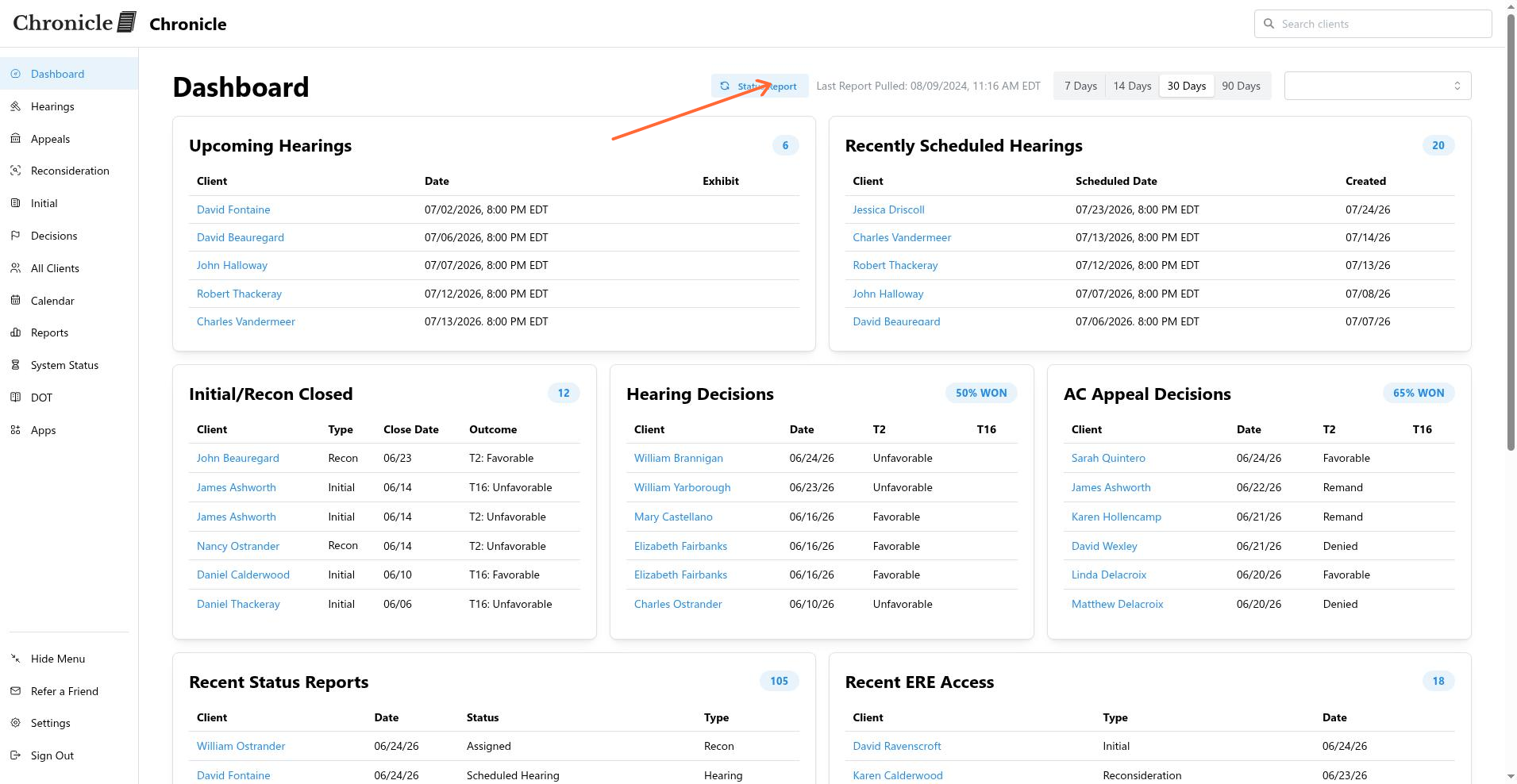
Chronicle checks the SSA Evidence portal for new status reports every 20 minutes. You can also click the status report button on the dashboard to refresh immediately.
You can see when the latest status report was pulled on the main dashboard under Last Report Pulled.
E-File monitoring
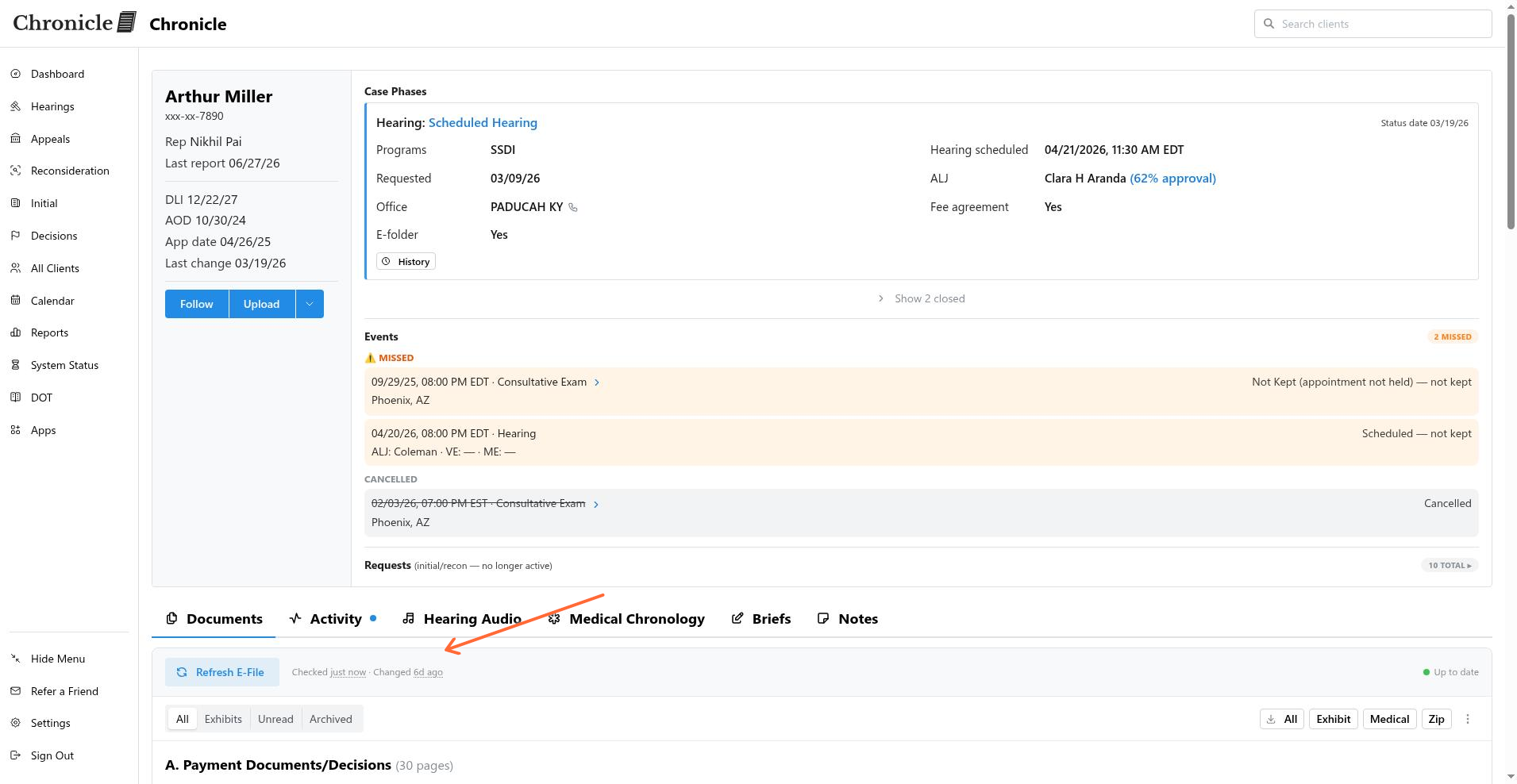
Automatic document pulls run on a schedule that depends on your plan. You can also trigger a manual check at any time.
Pro plans: Chronicle refreshes e-File monitoring every 24 hours.
Essentials plans: Chronicle refreshes once per month by default, and switches to daily when a case is within 30 days of a hearing.
Users on any plan can click the check button on a client’s Documents tab to refresh immediately, regardless of the automatic schedule.
When enabled, the Checked timestamp on the Documents tab shows when the ERE was last polled for that client, and the Changed timestamp shows when the document list last changed.
Hearing audio and pickup files
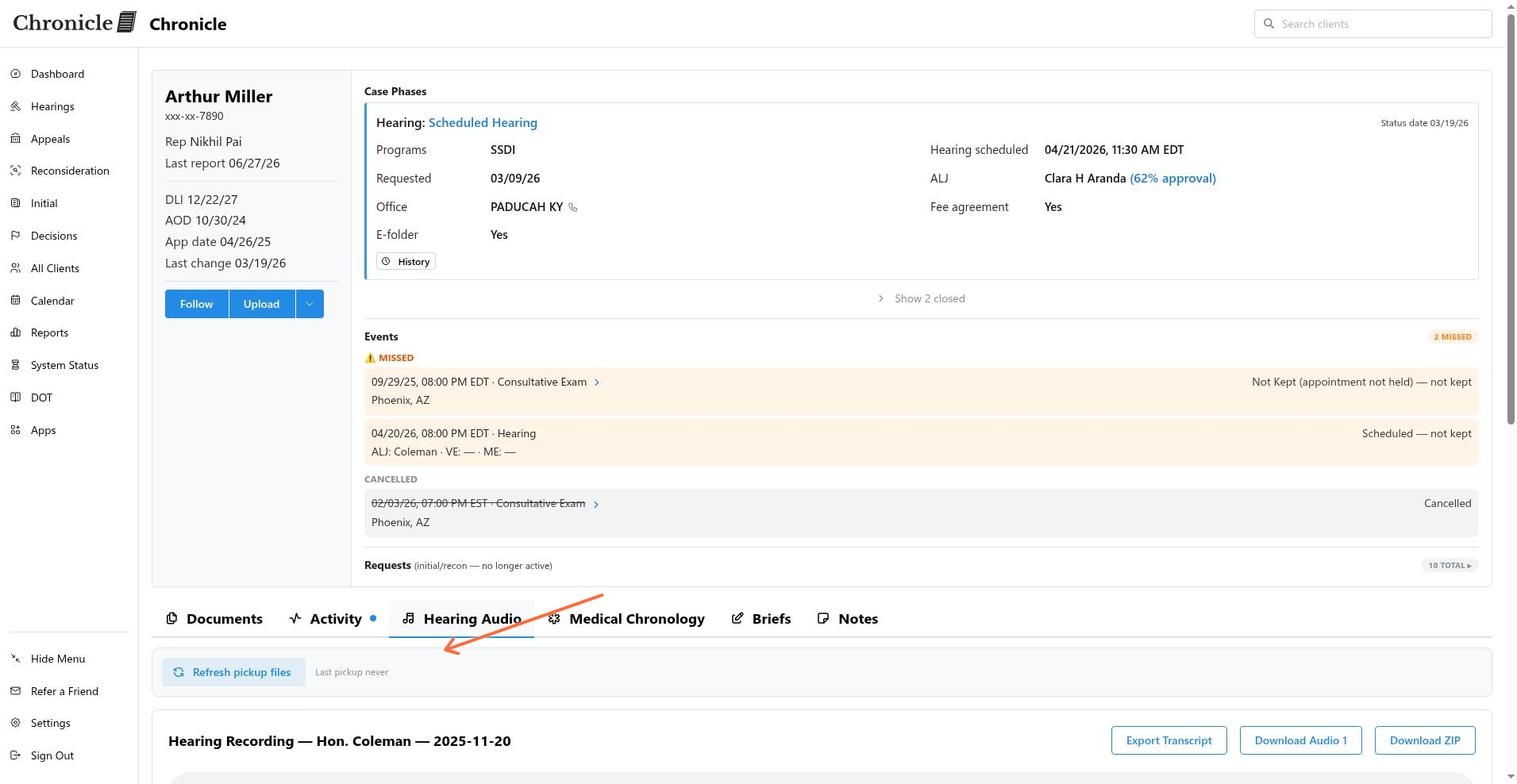
Chronicle checks ERE for new hearing audio pickup files every hour. You can also trigger a manual check by clicking Refresh pickup files on the client’s Hearing Audio tab.
The Hearing Audio tab shows when pickup files were last checked. If no pickup has occurred yet, it displays Last pickup never.
ERE open hours
Checks are only attempted during SSA portal open hours. Even if a schedule says a check should run, the job waits until the portal is available:
Monday–Friday: 4:15 AM to 1:00 AM (next day)
Saturday: 5:00 AM to 11:00 PM
Sunday: 8:00 AM to 11:30 PM
All times are Eastern Time.
Where to check system activity
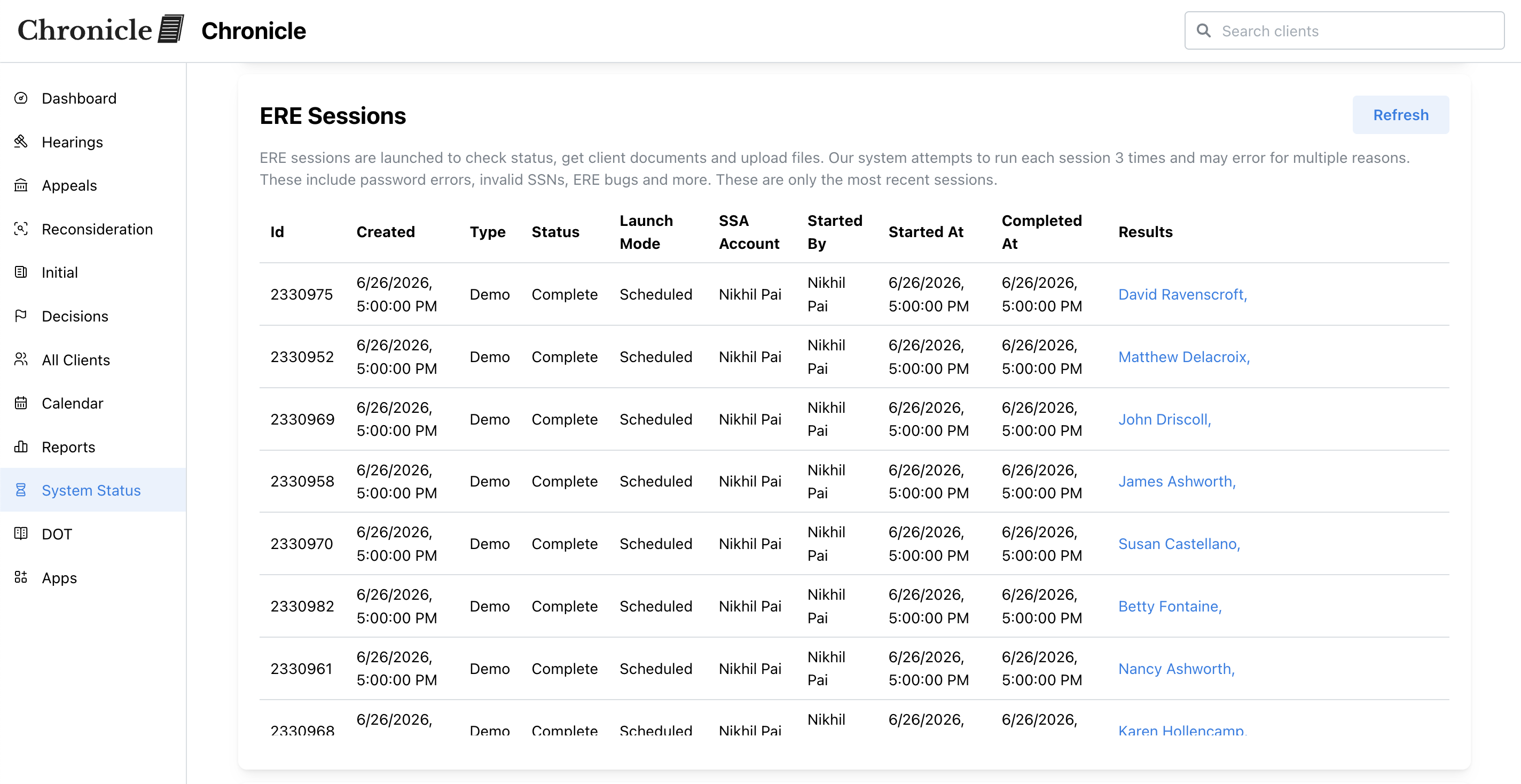
For a full view of recent ERE sessions and system processing status, visit the System Status page. You can also download the status report files from this page.