
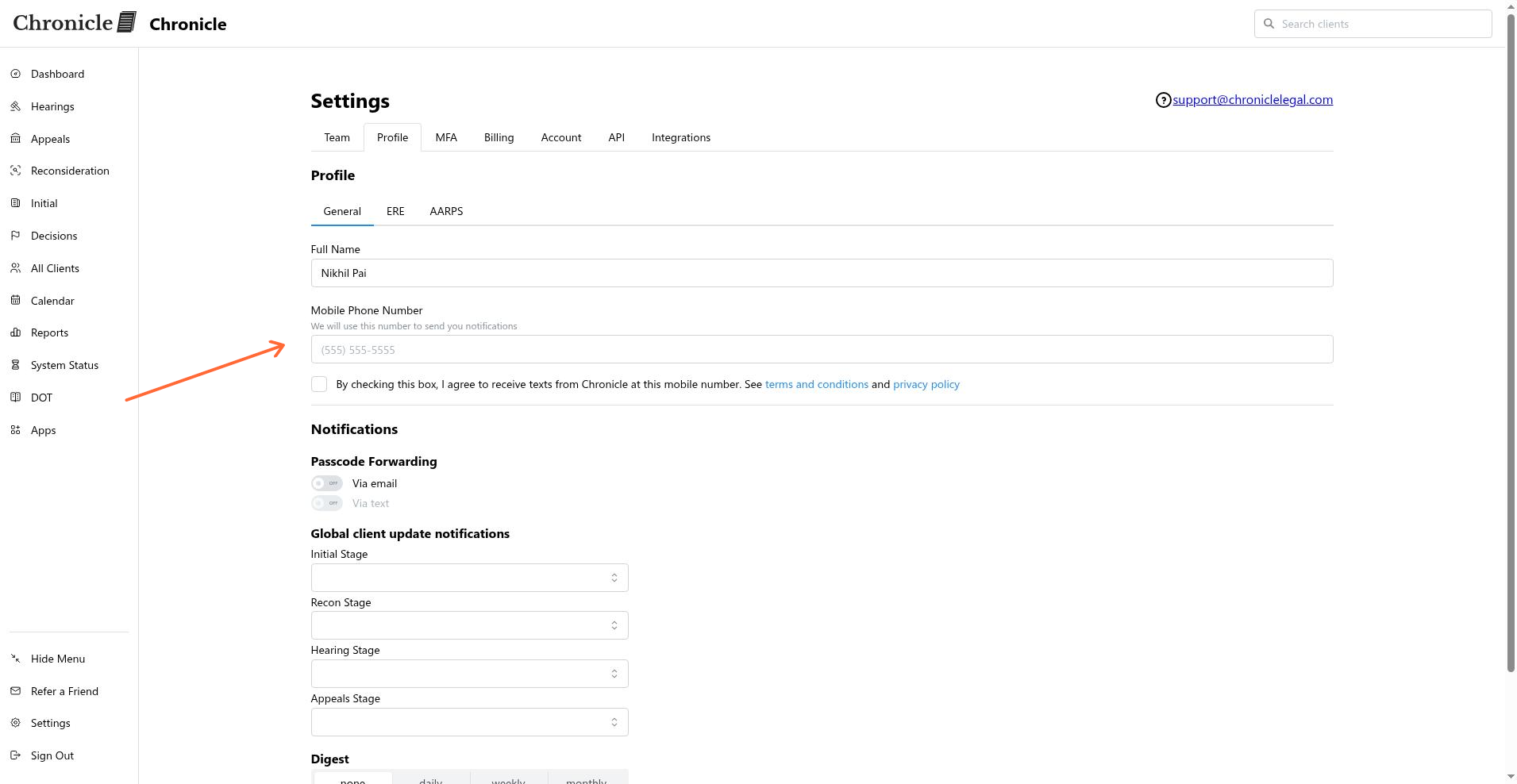
Enter a value in Mobile Phone Number. Chronicle disables Via text when no phone number is present.
Forward passcodes to a team number
Forward SSA one-time passcodes to an eligible team number by adding a mobile number in your profile and enabling Via text.
Before you start
You need a mobile number that can receive SMS messages. Chronicle only shows the notification controls for accounts that are not RESTRICTED or VIEW_ONLY.
Passcode forwarding is configured in your profile. It is separate from adding Chronicle’s virtual number to the ERE or Assure.
Turn on passcode forwarding
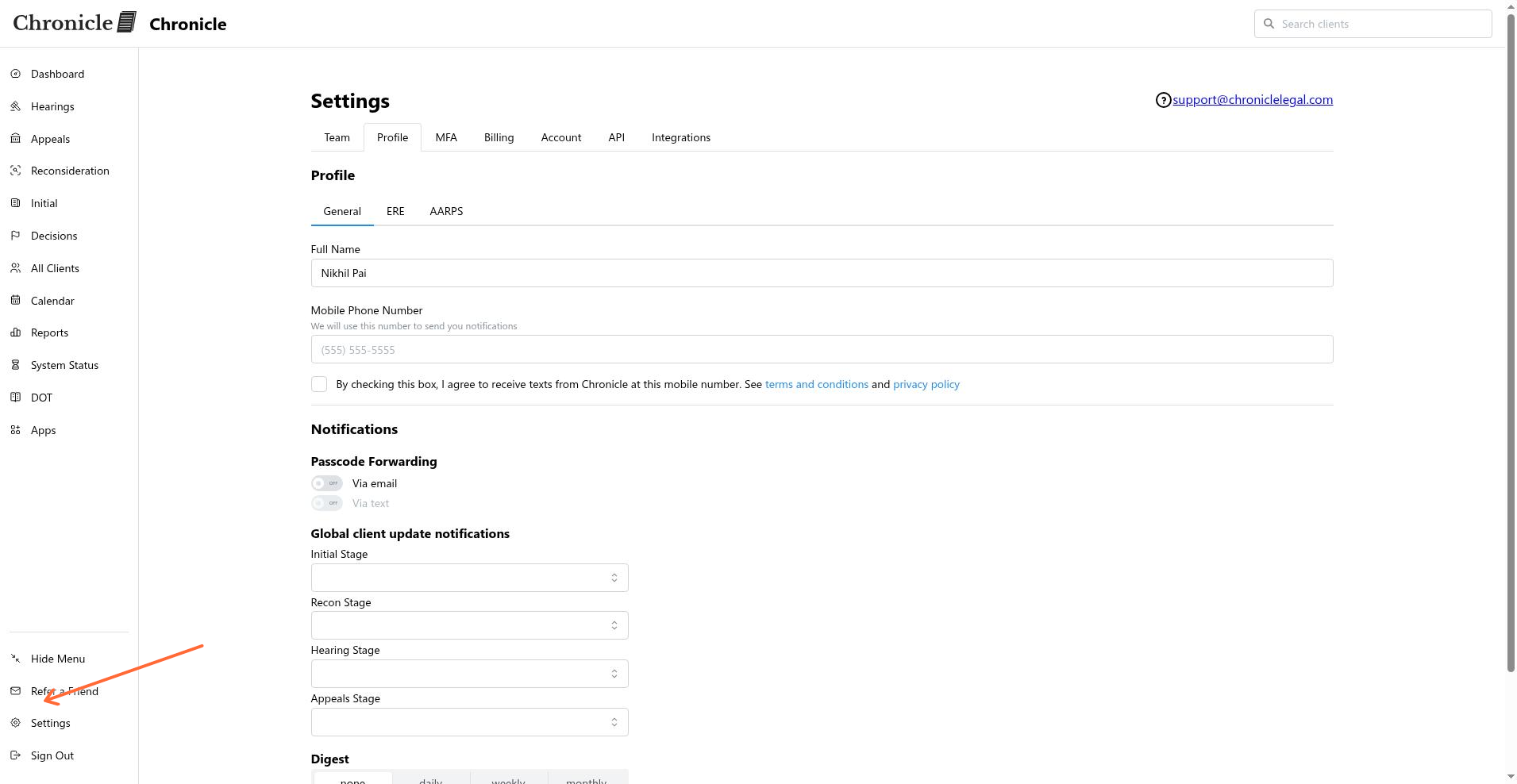
In Chronicle, open Settings > Profile > General.
Enter the forwarding number in Mobile Phone Number.
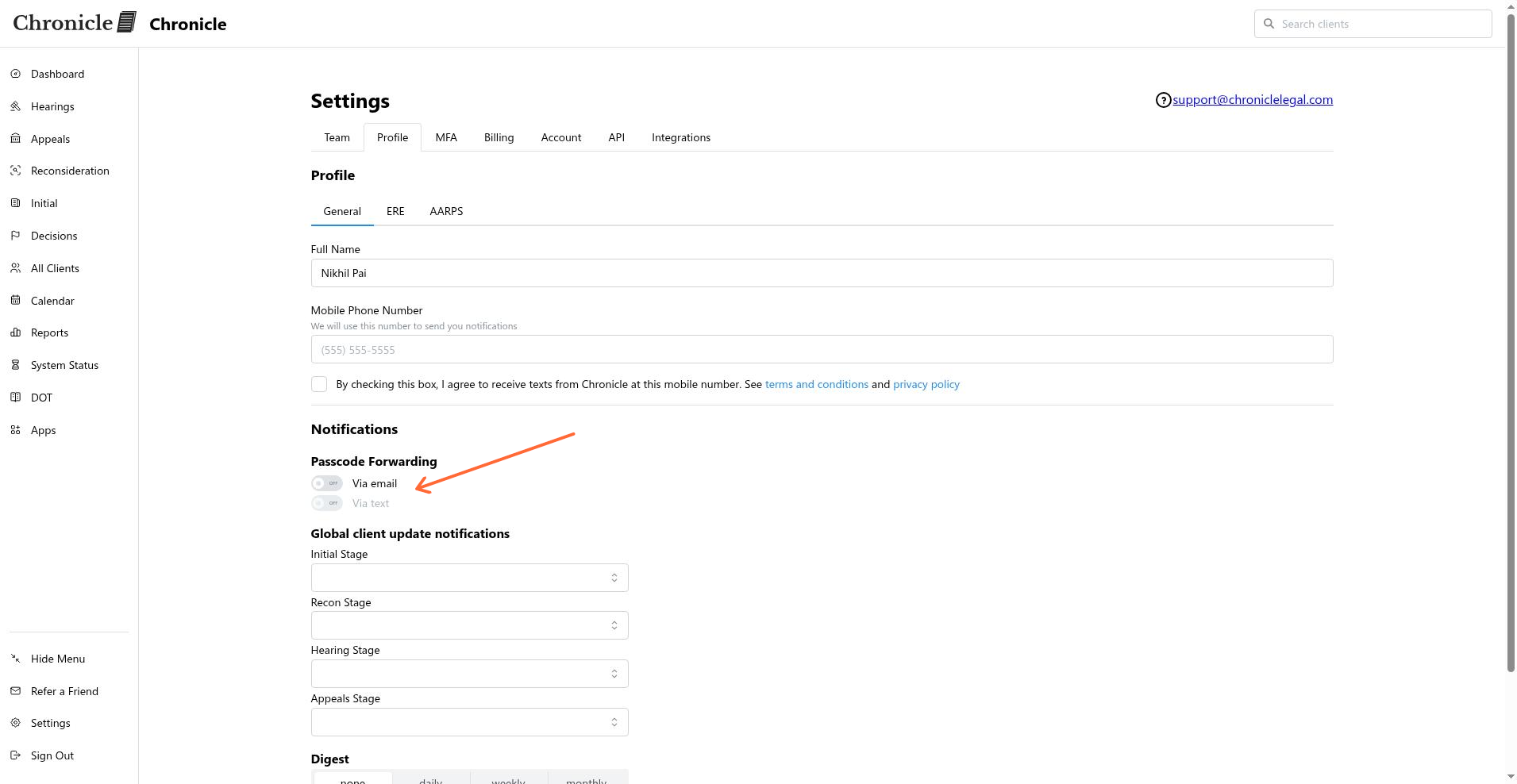
Under Notifications, find OTP Forward.
Turn on Via text. Chronicle disables this control until a mobile phone number is present.
Choose email forwarding
Under OTP Forward, turn on Via email when you also want SSA one-time passcodes forwarded by email.
Related articles
Common issues
Via text is disabled
I cannot see the OTP Forward section
Restricted and view-only accounts do not display the profile notification controls.
Was this helpful?
Was this helpful?