
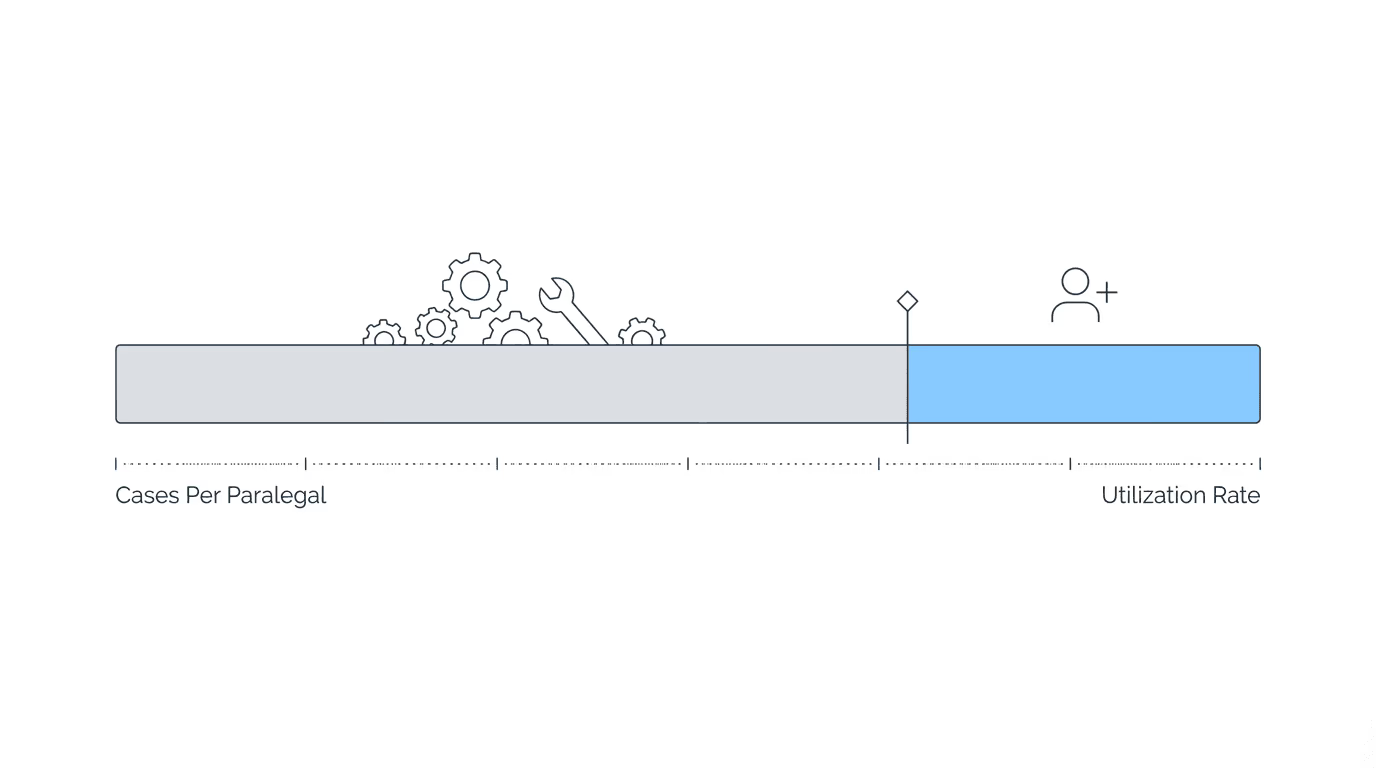
Hiring too early wastes money on capacity you don’t need. Hiring too late burns out staff and damages client relationships. Both feel wrong because both are wrong.
The real question isn’t “should I hire?” — it’s whether you’re genuinely at capacity or trying to solve a process problem with a person. That distinction matters more than most firm owners realize.
Here’s what to look for: staff utilization consistently exceeds 80%, non-billable work exceeds billable work, paralegals manage 100+ active cases each, and you’re turning away qualified clients. Below those thresholds, the answer is usually “fix processes first.”
The Wrong Reasons to Hire
Not every strain signal means you need another person. Some of the most common hiring triggers are actually process failures in disguise.
Reactive hiring from one bad week. A missed deadline or an angry client creates urgency that passes. Before posting a job, ask whether the problem is chronic or acute. A single crisis doesn’t justify a permanent expense — and yet it’s one of the most common reasons firms start drafting job descriptions.
“Everyone’s busy” without utilization data. Busyness and capacity are different things. Staff can be busy doing inefficient work, busy because processes require unnecessary steps, busy in ways that have nothing to do with actual caseload pressure. Without tracking where time actually goes, you’re guessing.
Growth ambition without operational readiness. Wanting to grow isn’t the same as being ready to support growth. If you can’t effectively onboard and manage someone right now, the hire creates problems rather than solving them.
Hiring to solve process problems. This one deserves special attention. If staff spend hours on tasks that could be automated — ERE checking, manual document routing, deadline tracking — the answer is automation, not additional staff doing the same inefficient work. Add the person after you’ve fixed the process.
Capacity Metrics That Actually Matter
Disability practices have characteristic capacity patterns that differ from other law firm models. The numbers below aren’t arbitrary benchmarks; they come from how SSD work actually flows.
Cases per FTE (full-time equivalent):Most SSD paralegals can effectively manage 100-150 active cases, depending on case stage. Initial and reconsideration cases require less intensive management than hearing-stage cases, which demand considerably more document preparation and client communication.
At Disability Advocates LLC, the owner described the friction point: “It wasn’t as bad at 50 or 75 cases. But once we hit 100—125, it became more and more cumbersome…”
That 100-125 threshold shows up repeatedly across firm descriptions as the point where manual processes start breaking. The line isn’t fixed — firms with better automation push the number higher.
Stage-specific capacity:Hearing-stage cases require 2-3x more paralegal time than initial/reconsideration cases. A paralegal managing 100 hearing-stage cases carries a fundamentally heavier load than one managing 100 initial applications. Capacity calculations should weight by stage, and most firms don’t do this. Understanding how workload shifts across the full SSD case lifecycle helps firms avoid misleading capacity math.
Utilization rate:Calculate the percentage of total work hours spent on productive case work versus administrative overhead. The Clio Legal Trends Report found lawyers spend only 33% of their time on billable work. Much of the remainder is administrative tasks that could be automated or eliminated — which raises the question of whether your capacity problem is really a time-allocation problem.
| Metric | Hiring Threshold | Measurement |
|---|---|---|
| Cases per paralegal | 100-150+ | Count active cases / FTE |
| Utilization rate | >80% productive | Productive hours / total hours |
| Non-billable ratio | >50% non-billable | Admin time exceeds case work |
| Client turn-aways | Regular occurrence | Tracking declined inquiries |
Utilization Signals: When Your Team Is Actually Maxed
Numbers tell part of the story. Behavioral patterns tell the rest.
Self-assessment checklist:
- Non-billable tasks consume more time than case work
- Staff regularly work evenings and weekends to keep up
- Deadlines are missed or met only with last-minute scrambles
- Client communications are delayed or reactive rather than proactive
- You’re turning down qualified clients due to capacity
- New cases sit unworked for days after intake
- Quality review gets skipped to save time
- Training and professional development have stopped
- Staff report feeling overwhelmed consistently (not just occasionally)
- Administrative tasks pile up despite regular effort
Three or more of these describing your firm suggests capacity is genuinely constrained. Below that, process improvements may solve the problem without adding headcount. A firm dashboard that surfaces real-time caseload data can help you distinguish between perceived overload and actual capacity limits. It’s worth being honest about this — bringing on a new hire into broken processes just means two people struggling instead of one.
Revenue Thresholds for Hiring
Operational need alone doesn’t determine whether you can afford to hire. The finances have to work too.
Labor cost as percentage of revenue. Target keeping total labor costs under 50% of revenue. Above that, profitability suffers. A hire that pushes labor costs to 60% of revenue may not be sustainable even if the operational case for it is strong.
Profit margin requirements. Small law firms should target 20-30% profit margins. Established firms can aim for 35-45%. A hire should contribute to maintaining these margins over time, not erode them permanently — though there’s often a dip in the first year that recovers as the hire ramps up.
Contingency fee timing. SSD economics involve irregular cash flow. Fees arrive in lump sums after case resolution, not monthly. This is obvious to anyone running an SSD firm, but it’s easy to overlook when projecting payroll obligations six months out. Hiring decisions must account for the gap between taking on cases and receiving payment.
The revenue test. Can the new hire generate or enable revenue that exceeds their fully-loaded cost? If a paralegal enables the attorney to handle 30% more cases, does the additional fee revenue exceed the paralegal cost? Run the math before the emotions of being overwhelmed drive the decision.
The True Cost of a New Hire

Salary is just the beginning. True employee cost runs 25-40% above base pay, and first-year costs are substantially higher than ongoing costs.
Base salary benchmarks: Paralegal salaries vary by market. According to the Bureau of Labor Statistics, national averages run $48,000-$68,000, with an overall average around $60,000. Experienced disability-specific paralegals may command premiums in some markets, though the range depends heavily on geography and local competition.
Loaded cost multiplier (1.25-1.4x salary): - Payroll taxes (Social Security, Medicare, unemployment): 7.65% + state rates - Health insurance: $6,000-$15,000 per year - Retirement contributions: if offered, typically 3-6% match - Paid time off: vacation, sick days, holidays - Equipment: computer, phone, software licenses - Training time: unproductive hours during onboarding
For a $60,000 base salary, true annual cost is $75,000-$84,000.
First-year costs run higher: - Recruiting: job postings, interview time, background checks - Onboarding: estimated average $4,700 per hire - Ramp-up period: 3-6 months before full productivity - Training: manager and colleague time invested
First-year total for a $60,000 paralegal: approximately $109,000-$130,000 fully loaded. That number often surprises firm owners who were thinking in terms of the salary line item alone.
Turnover risk: If the hire doesn’t work out, replacement costs run 30-50% of annual salary. A bad hire costs even more: estimated at 30% of first-year earnings plus the disruption of starting over. This is part of why getting the timing right matters — hiring reactively under pressure increases the odds of a poor fit.
| Cost Component | Typical Range |
|---|---|
| Base salary | $48,000-$68,000 |
| Benefits & taxes | 25-40% of salary |
| First-year onboarding | ~$4,700 |
| Equipment & software | $2,000-$5,000 |
| First-year total | $109,000-$130,000 |
Automation vs. Hiring: The Decision Framework
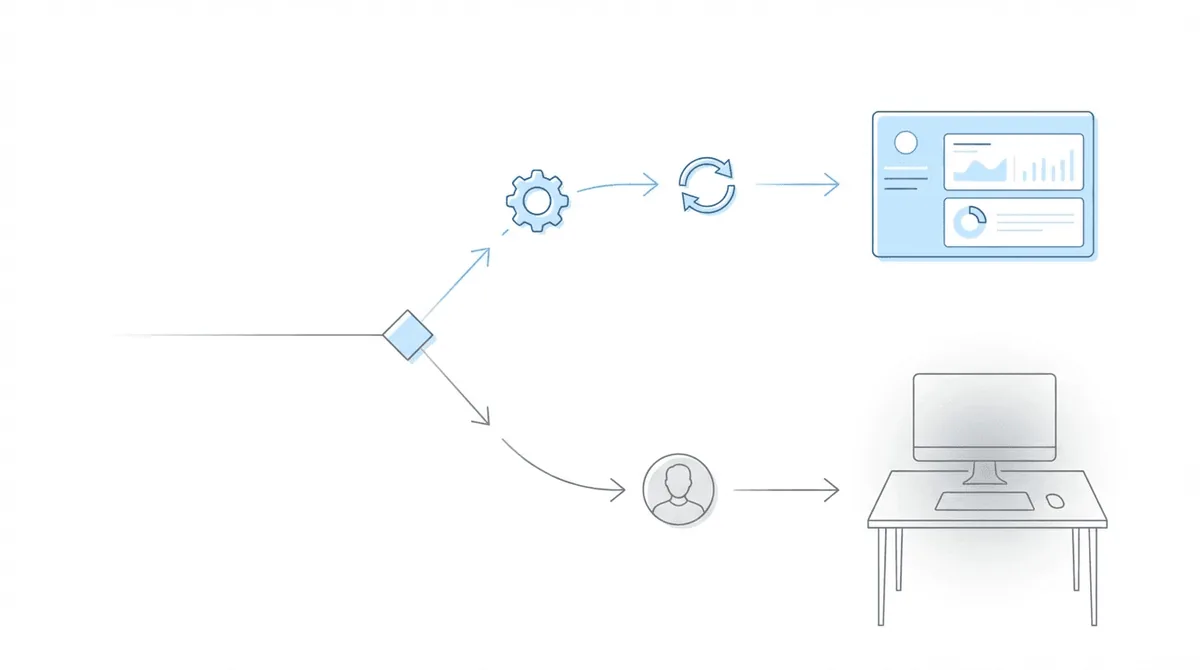
Before adding headcount, it’s worth auditing what automation can handle. In SSD practices specifically, the overlap between “things staff spend time on” and “things a machine could do” is larger than most firm owners expect.
What automation can replace:
ERE monitoring tops the list. At Martin, Jones & Piemonte, staff estimated spending “Probably five or six hours per week per paralegal—just checking the ERE.” At the Law Office of Nancy L. Cavey, each paralegal was spending 15 to 20 hours per week in the ERE.
Chronicle checks the ERE and e-file daily for each monitored case. That time comes back to staff for case work rather than data retrieval.
Other automation opportunities: - Document routing (new files go to the right case automatically) - Deadline tracking (calendar population without manual entry) - Status alerts (notifications when SSA posts changes) - Intake management (form processing, initial data capture) - Template generation (form letters, standard documents)
What automation cannot replace: - Client relationships requiring human judgment - Legal analysis and case strategy - Complex casework requiring experience - Situations requiring empathy and discretion
The line between these categories is usually clearer than people think. If the task is “go check whether something changed and tell someone,” that’s automation. If the task is “figure out what to do about it,” that’s a person.
The “automate first, hire second” principle: At The Disability Champions, the firm grew from 900 to 3,000 active cases while eliminating three positions. Chronicle contributed two-thirds of that staff savings. They reported: “We were wasting 80 to 90 man hours a week doing things a machine should handle.” For a closer look at what those efficiency gains look like in practice, see our automation benchmarks for disability firms.
At the Law Office of Nancy L. Cavey: “It has changed the dynamic in our firm, saved us money on the business side because I didn’t have to hire a third paralegal…”
At Viner Disability Law: “Chronicle allows us to essentially take the work of at least another 50% to 75% of a paralegal.”
Decision tree:
- Is the bottleneck data retrieval, monitoring, or administrative repetition? Automate first.
- Is the bottleneck judgment work, client relationships, or complex analysis? Hiring is likely needed.
- Have you automated what’s automatable and still hit capacity? Then yes — hire.
- Are you unsure where the bottleneck actually is? Audit time allocation before doing either.
What Hiring Ahead vs. Hiring Behind Looks Like
Timing matters as much as the decision itself.
Hiring behind (reactive): At Disability Attorney Services LLC, they described the pattern: “We’re a bootstrap firm…We do too much, then add people in, then do too much again.”
Most SSD firms recognize this cycle. Hiring behind means staff are already burning out, deadlines are already being missed, clients are already experiencing delays. The new hire arrives into a crisis environment, receives inadequate training because everyone is scrambling, and takes longer to become productive. It’s a compounding problem.
Hiring ahead (proactive): You hire when you see capacity limits approaching, not after they’ve been exceeded. The new hire arrives when existing staff can train them properly. There’s time to integrate them into workflows. Nobody is on fire. This sounds obvious but requires discipline — it means spending money before the pain forces your hand.
Lead time reality: The average time to fill a position is 44 days. If you wait until you’re at crisis capacity, you’re 6+ weeks from relief at minimum. Hiring decisions need to anticipate need, not react to it.
A Practical Pre-Hire Checklist for SSD Firms
Before posting that job listing, work through these categories honestly.
Process audit: - [ ] Have you documented your core workflows? - [ ] Can you identify where time actually goes (not where you think it goes)? - [ ] Are there manual processes that could be systematized or automated? - [ ] Is ERE monitoring manual? (If yes, address this before hiring)
Technology gaps: - [ ] Is your CMS fully utilized or are features sitting unused? - [ ] Do you have ERE monitoring automation? - [ ] Are document routing and deadline tracking automated? - [ ] Can staff access systems remotely if needed?
Capacity calculation: - [ ] How many cases per paralegal currently? - [ ] What percentage of time is productive vs. administrative? - [ ] Are you turning away clients due to capacity? - [ ] What would the new hire’s case portfolio be?
Financial readiness: - [ ] Can you sustain the full loaded cost ($109K-$130K first year)? - [ ] Will labor costs stay under 50% of revenue? - [ ] Is cash flow predictable enough to commit to regular payroll?
Role clarity: - [ ] What specific responsibilities will this person own? - [ ] How will you measure their success? - [ ] Who will train and manage them? - [ ] Do you need full-time, part-time, or contract help?
If you can’t answer these questions clearly, that’s its own answer. Solve the clarity problem first — the hiring decision gets easier once you do.
Frequently Asked Questions
When should I hire another paralegal?
Hire when multiple indicators align: paralegals manage 100+ active cases each, utilization exceeds 80%, you’re turning away qualified clients, and you’ve already automated what can be automated. A single stress signal isn’t enough. Check whether process fixes or automation could solve the problem before adding payroll.
How many cases can one paralegal handle?
Most SSD paralegals effectively manage 100-150 active cases, with significant variation based on case stage. Hearing-stage cases require 2-3x more time than initial/reconsideration cases. The 100-125 case range is commonly cited as the point where manual processes start breaking. Stage-weight your calculations rather than using raw case counts.
Should I automate or hire?
Automate first for tasks involving data retrieval, monitoring, and administrative repetition. ERE checking, document routing, and deadline tracking are prime automation targets. Hire when the bottleneck is judgment work, client relationships, or complex analysis that requires human skill. The Disability Champions grew 3x their caseload while reducing staff by automating administrative work.
What’s the true cost of hiring a paralegal?
True cost runs 1.25-1.4x base salary when including benefits, taxes, equipment, and overhead. For a $60,000 paralegal, expect $75,000-$84,000 annually. First-year costs run higher ($109,000-$130,000) when including recruiting, onboarding (~$4,700 average), and the productivity ramp-up period. Factor these numbers into your hiring decision, not just the salary offer.