
“You still have to go over the finished product, but AI has absolutely helped our practice.”
That is one sentence from one practitioner on a disability listserv, and most firms read half of it. The half that gets read is the part about helping. The half that decides whether a purchase works is the part about still having to go over the finished product.
Almost every honest report about AI in a disability practice has this shape. Someone describes real time savings, then immediately describes the review they still perform. A practitioner using Assure’s AI product put it this way: “I still need to go over each link, but it saves a lot of time.” Another, less impressed: “I have yet to see a medical chronology from the AI world that provides succinct yet accurate summaries of each medical visit.” Three different people, three different tools, the same structure underneath.
That structure is the most useful thing you can know before you buy anything.
Chronicle has published two long write-ups of what practitioners said about AI in their own practices, one from small firms and one from larger ones. Both land in the same place: verify every citation yourself. This piece takes that as settled and asks the next question, which is what a firm should actually buy given that the verifying is not going away.
The short version
AI does not remove the attorney’s review of the medical record. It changes what the review is. Reading becomes checking, and the checking moves earlier in the case instead of landing the week of the hearing.
So the question to ask a vendor is not what the output looks like. It is how much verification that output still demands, and where in the case that work lands. A tool that hands back a polished narrative you must read cover to cover has moved your work without removing any of it. A tool that hands back a structured index into a two thousand page exhibit file has changed the job, because now the close reading starts in the right place.
Everything below is that question applied to the specific jobs in a disability practice.
What disability attorneys are actually using right now
The baseline is not “nothing.” It is unsupervised general-purpose AI, already in the building.
On the NOSSCR listserv, one member describes redacting all personal information by hand, uploading records by provider, and having ChatGPT Plus produce a summary first. Another bounced a 406(b) fee question off Copilot before deciding how to file. A third fed an unfavorable ALJ decision into a general AI tool and asked it to produce an Appeals Council brief, which came back, in the poster’s words, “quite voluminous.”
None of those people are showing off. They are solving a problem the vendor market has not answered cleanly, using what they have, and mostly without telling anyone at the firm that they are doing it.
You can see the same thing in what does not get resolved. Four separate threads this year ask some version of the same question: has anyone actually gotten AI to work on medical records, and what are you using? The replies name workarounds more often than they name products. One member sums up the state of play: “AI often provides misinformation and hallucinates.” Another, from the other direction, says simply that it “has absolutely helped our practice.”
A profession with a settled answer does not ask the same question four times in a year. Which means if you are evaluating tools right now, you are not behind. You are early, and you are choosing against a baseline of unsupervised general-purpose AI rather than against nothing.
The verification tax
Here is the pattern worth naming, because no vendor page will name it for you.
Every practitioner who reports that AI works also reports that they still check the output. The time saved is real. The review does not disappear. What changes is the character of the review: instead of reading two thousand pages to find out what is in them, the attorney reads a summary and then checks it against the pages that matter.
Call it the verification tax. It is the portion of the work that survives automation, and it is the single most useful number in any trial you run. Vendors quote generation time. Nobody quotes verification time, because verification time is the part that stays on your side of the transaction.
Practitioners who have worked this out describe the discipline in operational terms rather than philosophical ones. One attorney in Chronicle’s large-firm session put it plainly: “I still check every exhibit. I make sure that every exhibit in the brief is listed correctly, because I’ve still noticed that’s not always accurate.” Another described his calibration as treating the tool like a search engine: “It’s my jumping-off point to start searching… if it gives me a conclusion or a piece of data, my follow-up is, where did you pull that from exactly, so that I can verify it.” That is the verification tax being managed rather than wished away.
This gives you a clean test. Ask what the output lets you stop reading. If the honest answer is nothing, ask what it lets you read in the right order instead, because that is still worth a great deal. Most vendors will answer the second question well and the first one badly, which tells you something on its own. A chronology you have to verify line by line against the exhibit file has a high verification tax. A chronology that points you to the eleven visits that matter in a file of four hundred has a low one, even though you will still open all eleven.
The market has taken two positions on this. One is to minimize the tax, or claim to: Eve, which markets an SSDI product, promises “drafts nearly ready to file, not just ready to read.” That is a coherent position and worth taking seriously. The other position, which is the one behind everything below, is that the tax is not the enemy. Attorneys are going to verify the record regardless, because knowing the record is the job. The goal is to make the checking fast and to move it somewhere useful in the case.
The jobs, and how much checking each one still needs
“AI for disability attorneys” is not one category. It is five jobs with very different verification profiles, and they sit inside a wider SSD software stack that most firms assemble one purchase at a time. The top-ranked article for this phrase lists only transcription products, which quietly excludes record review, chronologies, brief drafting, and portal monitoring. Those are where the hours are.
| The job | What the output is | What you still verify | Where the work lands |
|---|---|---|---|
| Medical record review and chronologies | A dated summary of treatment, ideally with citations back to exhibit pages | That citations resolve to the right page, that nothing decision-relevant was dropped, that DDS findings are represented | Front of the case, if you let it. This is the job with the largest reshuffle. |
| Pre-hearing and AC brief drafting | A draft argument mapped to the record | Every citation, the legal theory, and whether the argument survives the actual record | Before the hearing, or inside the 60-day appeal window |
| Hearing transcription and record search | A transcript, and the ability to find an exhibit during the hearing | Testimony you intend to quote, and anything the transcript renders ambiguously | During and immediately after the hearing |
| ERE and portal monitoring | Notice that something changed on a case | Much less, because this is detection rather than interpretation | Continuously, in the background |
| Intake screening | A qualified or disqualified lead | The disqualifications mostly, since false negatives are expensive and invisible | Before the case exists |
Two things fall out of the table.
The first is that monitoring is different in kind from the rest. Detecting that a decision posted to the ERE is a factual claim about a portal, not an interpretation of a medical record, so the verification tax is close to zero. Either the document appeared or it did not. This is the part of Chronicle that is not really an AI question at all: it is an SSD ERE monitoring and analysis platform that checks the SSA’s ERE and e-file daily for changes across a firm’s cases.
The second is that the other four jobs all carry a real tax, and the size of it depends on something most evaluations never look at.
Why the jobs being connected changes the checking
The verification tax is not only a property of a tool. It is partly a property of how many places the work lives.
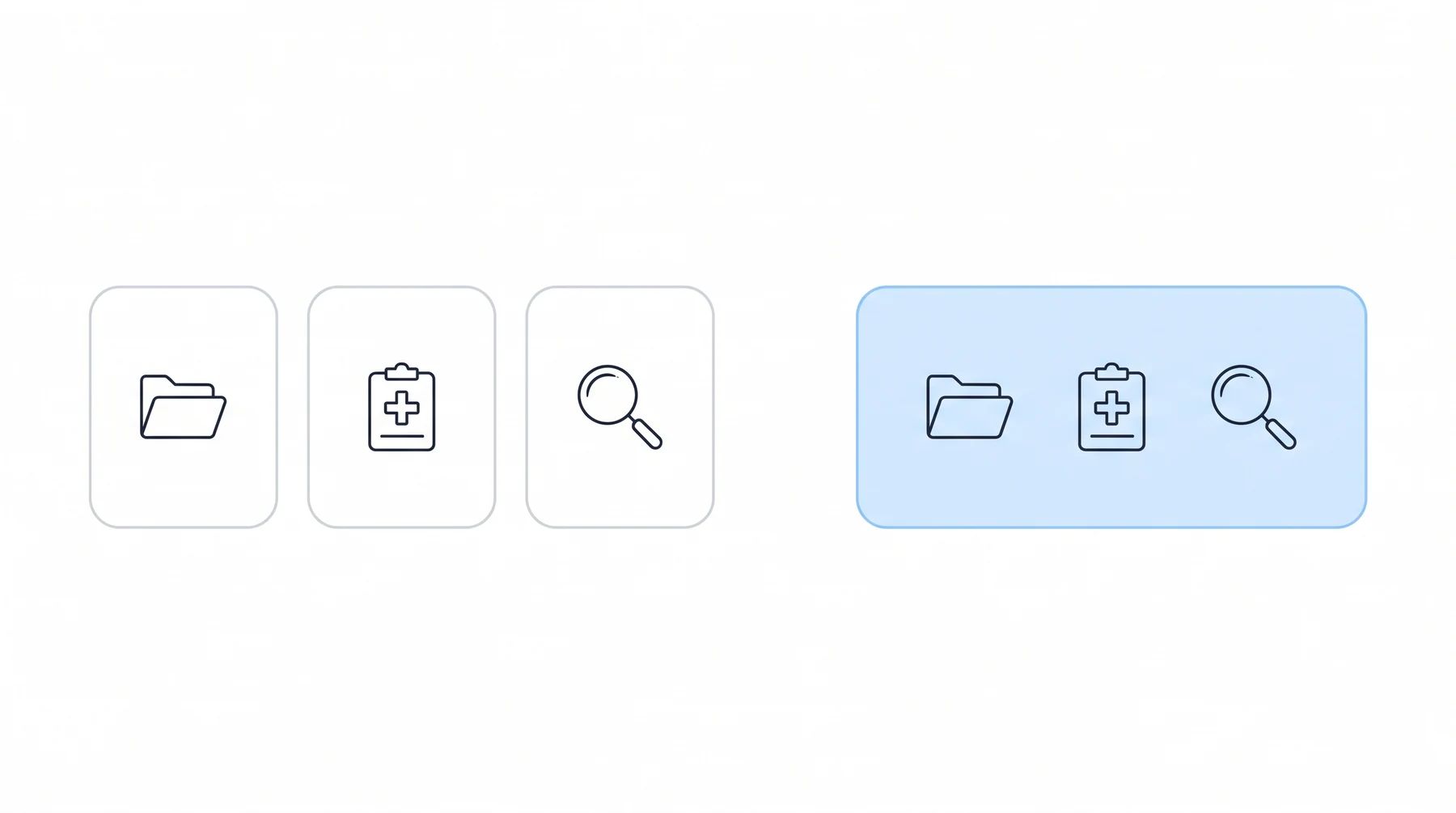
Picture the common setup. A chronology comes from one vendor, so records get exported and uploaded there. A brief gets drafted somewhere else, which means the chronology gets exported again and uploaded again. The exhibit file itself lives in the ERE. Now count the checking. The attorney re-establishes context three times, verifies three outputs against three different views of the same record, and reconciles the places where those views disagree. The tax is not three times one tool’s tax. It is higher than that, because reconciliation is its own work and nobody schedules it.
Now picture the jobs resolving to one case file. The chronology is built from the records already in the case. The brief drafts from that chronology. The exhibit file the citations point into is the one on screen. The checking collapses into a single pass against a record you already have open.
That is the argument for connected tooling, and it is an operational argument rather than a feature one. Chronicle can compile case records into a medical chronology through Dodo or LexMed, and Dodo chronologies refresh as new case documents arrive while LexMed delivers a downloadable report with optional add-ons. From there Chronicle can draft a Prehearing Brief from a LexMed medical chronology, and generate an Appeals Council brief from an ALJ decision. The chain matters more than any link in it. Chronicle is CMS-agnostic and works alongside any CMS, or no CMS at all, with direct integrations for Clio and Filevine, so the case file it builds does not require abandoning what a firm already runs on.
None of this makes the output court-ready on its own, and it should not be described that way. Attorney review is not optional and no chronology replaces clinical or attorney judgment.
What it does change is how expensive the review is.
Ficek Law PC is a useful case here, not because the firm reads less but because of where the reading ended up. Ficek Law reported 10 to 20 hours of staff time saved per week and a hearing approval rate of 70 to 75 percent, up from the low 60s. The approval rate is the number worth sitting with. Time savings are what you would expect from automation. A change in outcomes is what you get when the attorney arrives at the hearing having spent their attention on the right forty pages instead of spreading it evenly across two thousand. As the firm described the effect: “Chronicle gives you your best chance to present a good case for a borderline client. A claim that is very much a 50-50 bet is tilted your way with Chronicle.”
Notice what did not happen there. Nobody stopped reading the record. The reading moved earlier, got targeted, and stopped competing with strategy for the same few days before the hearing.
Tracey Pate at Disability Associates LLC describes the before state precisely:
A tipping point for me when I saw the demo was the option to create a medical chronology through Chronicle, which is something that I spend hours upon hours upon hours going through medical records on my own, reading every page, making notes.
Hours upon hours of reading every page is the thing being displaced. Not the judgment applied to what those pages say.
Where general-purpose AI breaks on disability work
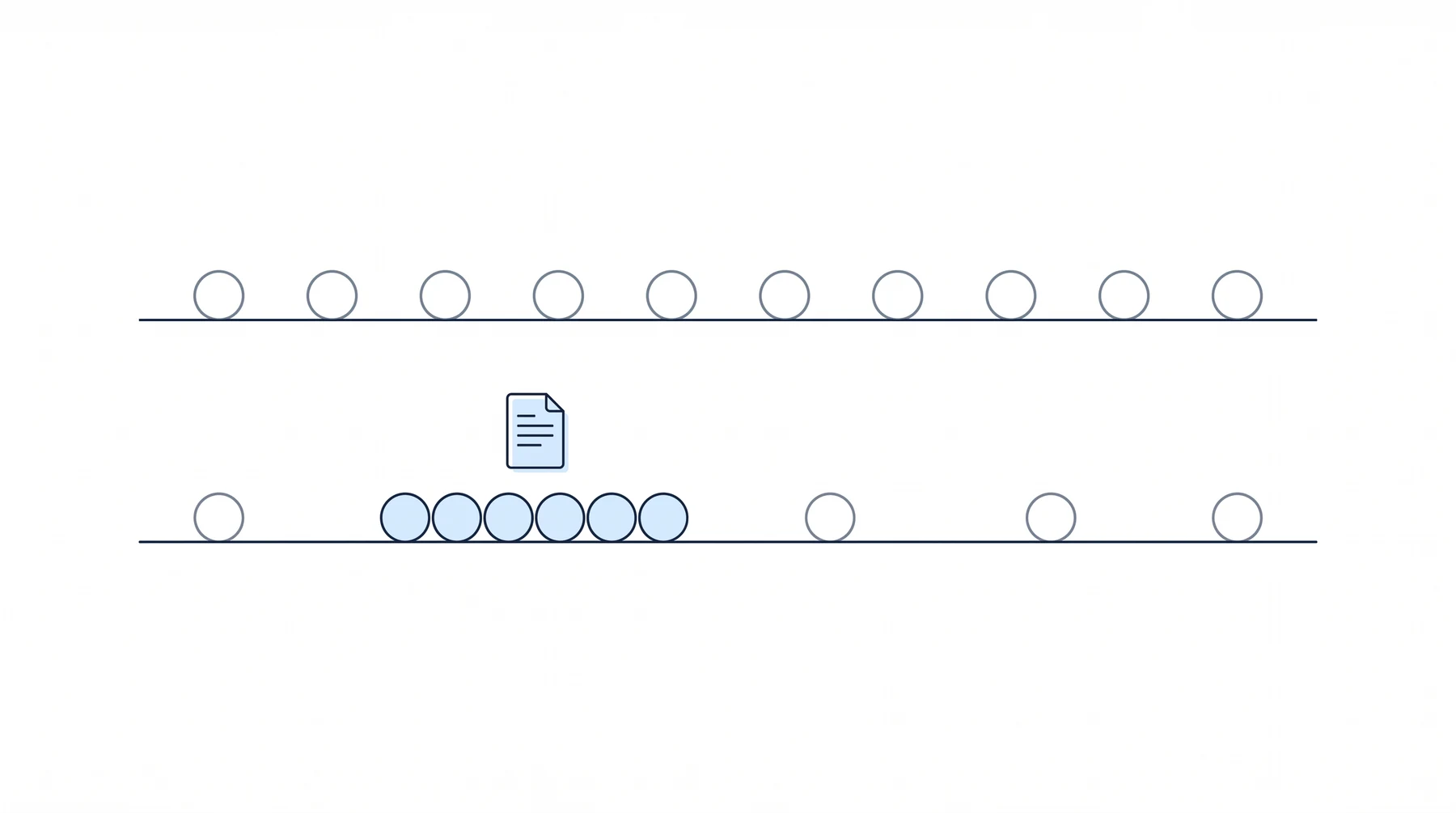
The failure modes practitioners report most often are handwriting, context saturation, and citation drift, and Chronicle’s small-firm session catalogues those with real examples. Worth reading before a trial, because they tell you what to watch for.
There is a fourth failure that gets less attention because it does not look like a failure. General models fail on SSD work in a specific and quiet way. The failure is almost never obvious nonsense, which is what most people are watching for. It is a fluent summary organized around the wrong thing.
One listserv member put a finger on it while describing a general tool: “It does not summarize the DDS findings which, in my opinion, should be a start.” That is the whole failure in one line. A general model has no reason to know that the DDS determination is where a disability case begins, that the rationale in it sets up the arguments you will be making at the hearing, or that a treatment note from 2019 matters differently depending on the alleged onset date. It will give you a clean, chronological, professional summary that simply is not organized around the decision the ALJ has to make.
Fluency is what makes this hard to catch. A summary that reads badly gets checked line by line, because something about it invites suspicion. A summary that reads well gets skimmed.
This is the difference between a general tool and infrastructure built for SSA-facing operational workflows. Chronicle is built for Social Security disability practices and focuses on SSA-facing operational workflows, which is a narrower claim than “it is smarter” and a more useful one.
There is a second issue the listserv is circling that deserves more attention than it gets. One member raised how AI-generated content about a claimant’s medical impairments interacts with SSA’s duty to submit all evidence. Another thread points at state bar guidance on disclosing AI use in briefs. Nobody has a settled answer. Before a tool goes into production at your firm, it is worth deciding what your position is, in writing, rather than discovering it during a hearing. The ABA’s guidance on technological competence is the floor here, not the ceiling.
What to test during a trial
Most trials get run wrong. The firm uploads a clean, recent, well-organized file, watches the output appear quickly, and is impressed. That tells you almost nothing.
- Use your worst file. Two thousand pages, multiple providers, a decade of history, duplicate records, handwritten notes. The easy file is not the one costing you hours.
- Time the checking, not the generating. Generation time is the number vendors publish. Verification time is the number that hits your P&L. Put a clock on it.
- Pull ten citations at random and open them. Do they land on the page they claim? A citation that points to the right exhibit but the wrong page is worse than no citation, because it costs you the lookup and your trust at the same time.
- Check whether the DDS findings are represented. If the summary treats the determination as just another document, the tool does not understand the case type.
- Count the systems the work touches. How many exports, uploads, and logins between raw records and a usable draft? Every handoff is a place where the record has to be reconciled.
- Ask what the output is not meant to be relied on for. A vendor with a good answer has thought about failure. A vendor without one has not.
Run the same file through anything else you are considering. The comparison that matters is not feature lists, it is how long each one takes to trust.
What this costs, and how to think about it
Pricing in this category is close to unreadable, and the units are the reason. Per-seat, per-case, and per-page are three different bets about how your firm grows, and they are not directly comparable no matter how the sales deck lines them up.
The trap is per-case pricing. A per-case fee that is comfortable at twenty hearings a month behaves very differently at two hundred, because the cost scales precisely with the thing you are trying to grow. That is not a reason to avoid per-case pricing (plenty of firms should prefer it, particularly if volume is lumpy). It is a reason to run the math at next year’s volume rather than this year’s, and to ask, out loud and in writing, what happens to the rate when you get there.
Two costs are routinely left out. Switching costs, including whatever it takes to get historical cases into a new system, and the internal labor you are actually benchmarking against. Firms that price a tool against a competitor’s tool are answering the wrong question. The comparison is against what your paralegal currently costs you to do the same work, at the quality they currently do it.
Frequently asked questions
What AI tools do disability attorneys use?
Most firms use some combination of four categories: medical record review and chronology tools, brief drafting, hearing transcription, and ERE or portal monitoring. Many also use general-purpose AI informally. Chronicle spans three of those and reaches chronologies through Dodo or LexMed, which is why it turns up in more than one category. Adoption is otherwise uneven, with no consensus stack.
How much do AI tools for disability attorneys cost?
Pricing is mostly not published. Vendors use per-seat, per-case, per-page, and credit-based models, which makes direct comparison difficult. The practical approach is to model each option at your projected case volume rather than your current one, and to include switching costs.
Can AI write a Social Security disability brief?
AI can draft one. The attorney still verifies every citation and the legal theory, and no draft is filing-ready without that review. Chronicle can draft a Prehearing Brief from a LexMed medical chronology and generate an Appeals Council brief from an ALJ decision, both of which require attorney review before filing.
Is AI accurate enough for medical record review?
Accuracy has improved, but the relevant question is not accuracy in isolation. It is how quickly you can verify the output against the underlying record. Tools that cite back to specific exhibit pages are faster to check, and so is a chronology that lands in the same case file as the record, which is how Chronicle compiles them.
Will AI replace paralegals at disability firms?
Nothing in current practitioner reports suggests that. What changes is the work: less time assembling and reading records end to end, more time on the judgment calls that assembly used to crowd out. The review does not disappear.
Where this leaves you
The firms getting real value from AI are not the ones that bought the most confident product. They are the ones that worked out which parts of the job they were willing to verify differently, and then bought for that.
That is a less exciting conclusion than the category usually offers. It is also the one that survives contact with a two thousand page file.
Run your worst file. Time the checking rather than the generating. Count how many systems the work has to cross before it turns into something you would file. Those three measurements will tell you more than any demo, and they will tell you the same thing about every vendor, including this one.
If the answer you keep landing on is that the checking is the expensive part, the useful move is to stop treating record review, brief drafting, and portal monitoring as three separate purchases. See how Chronicle handles the full case file, or look at what small firms are actually running and how larger firms are approaching AI adoption before you decide.