
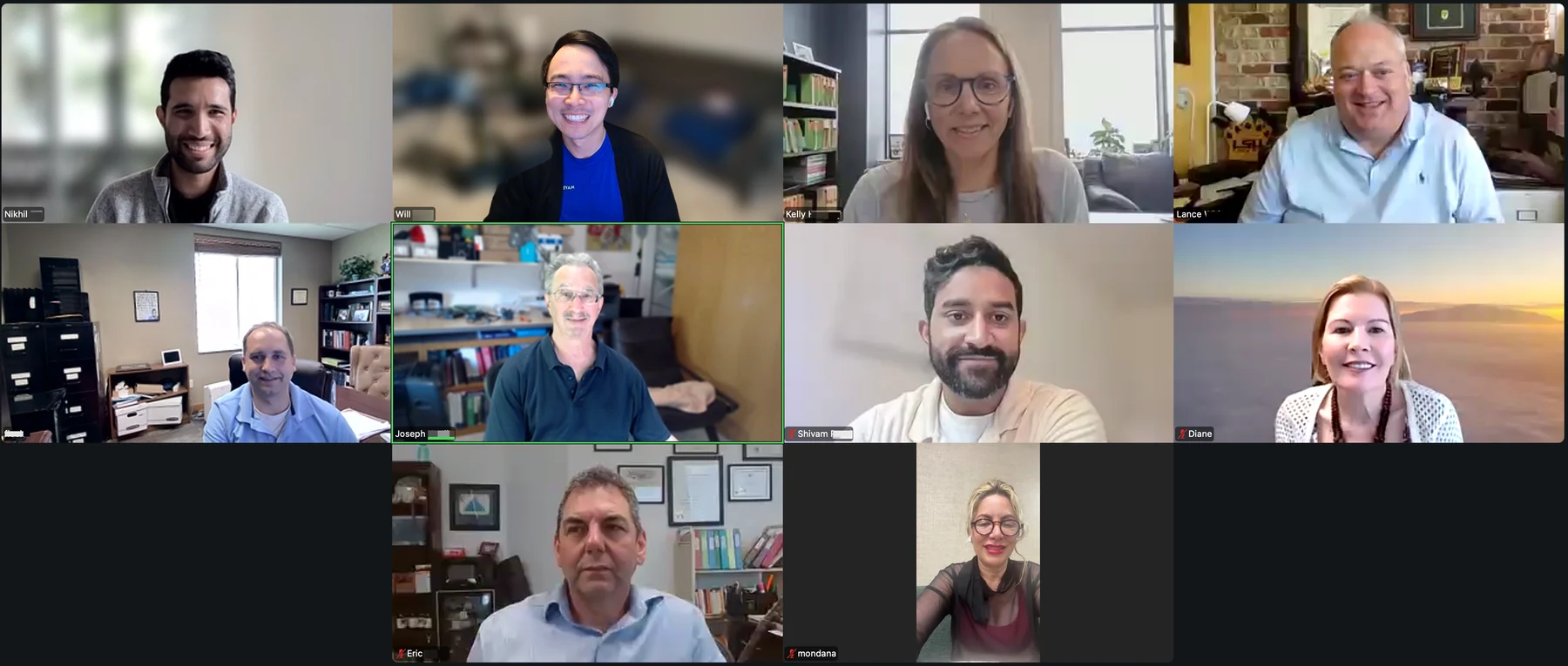
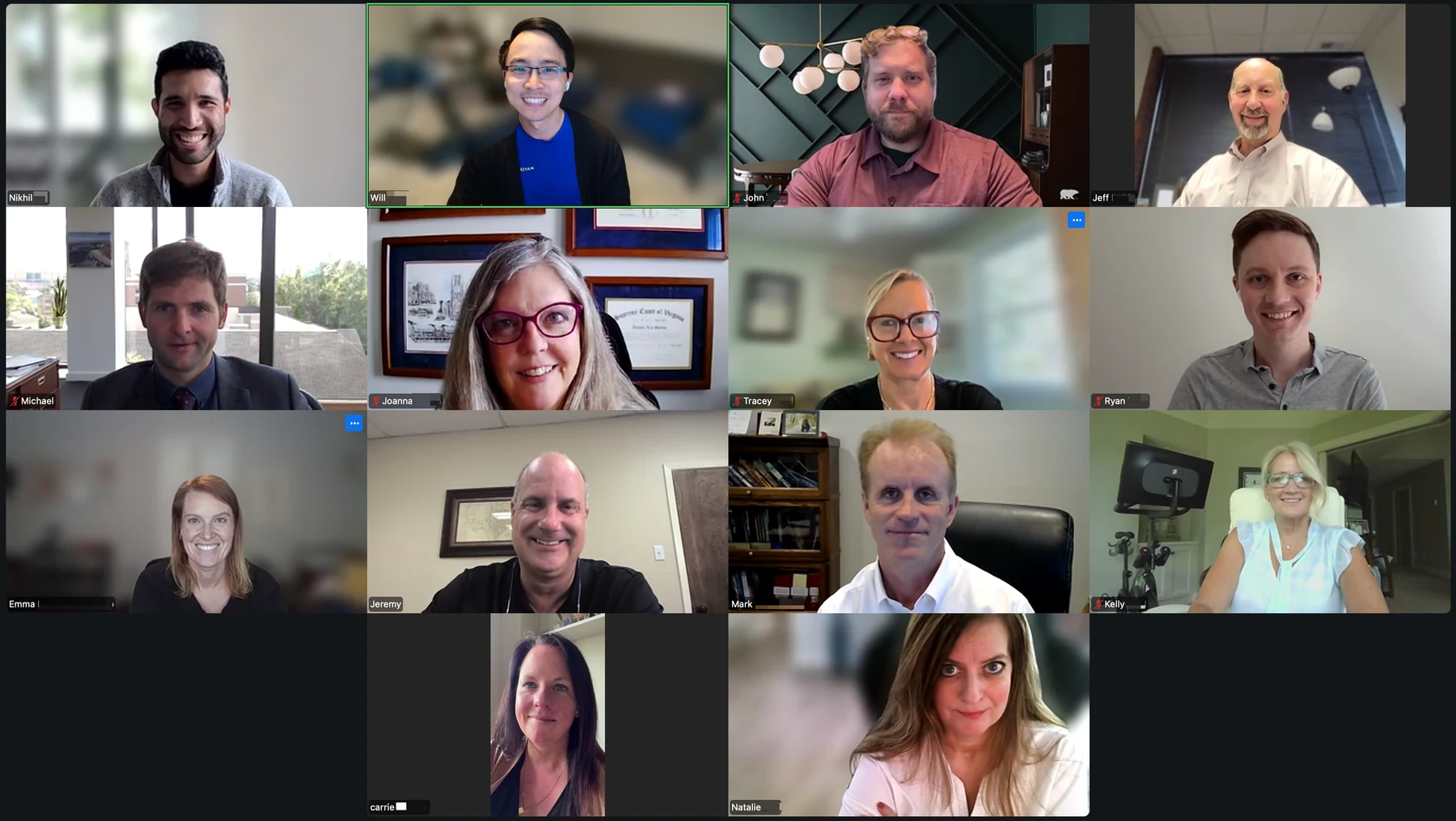
In June 2026, Chronicle brought together two groups of small Social Security disability practices for Disability Peers in Practice, a monthly peer community where practitioners in similar situations work through real operational problems together. The question that shaped both conversations: where is AI actually helping in a disability practice, and where isn’t it? What follows is a practitioner-first recap of what came up.
The Chronology Market Is Settling Into Two Kinds of Buyers
Three tools came up across both sessions with enough repetition to be meaningful: LexMed (disability-specific, built by an SSD attorney, praised for citation accuracy and Chart Vision’s five-step analysis), Supio (personal-injury-first but gaining SSD traction, negotiated down to $200 per case), and CoCounsel ($250 per month flat, broad utility for both chronologies and brief writing). Superinsight surfaced in both sessions and got the same verdict both times: too much output, no clear path to action.
What emerged from the cross-session pattern is that small-firm buyers fall into two distinct camps. The first wants a done-for-you product with accurate citations they can rely on without re-reading every page. LexMed is winning here, specifically because it was built by someone who understood the disability practice area from the inside. The second camp wants interactivity: a system they can push back on, redirect, and shape to match the way they write and argue. That’s where CoCounsel’s prompting flexibility is gaining ground, and where tools built for other practice areas keep hitting a ceiling.
Pricing resistance ran through both rooms. At $200 to $300 per case, the math is uncomfortable against a docket of 60-plus cases. One practitioner negotiated Supio from a $400-500 ask down to $200. Another framed it plainly: “$100 to $300 times 60 clients is real resistance.” The per-case model isn’t going anywhere, but the pricing is often negotiable. Practitioners who pushed back on initial quotes moved them. If you haven’t tested the vendor’s first number, it’s worth asking.
I attended the LexMed webinar that Chronicle hosted, and I’ve been extremely impressed. Their MedCron is accurate, the citations are accurate. I’m now to the point where I’m not reading every page. It’s saving me hours.
— Tracey
Superinsight — when I got the output and it was 64 pages, I’m like, what can I do with this? It made more work for me.
— A small-firm practitioner
I think as far as anybody out there, LexMed is probably the leader. But I still find that a lot of the citations are wrong, and you have to double-check everything.
— Brian
Prompting Is a Learnable Skill, Not a Natural Talent
The prompting conversation ran through both sessions, and practitioners arrived at similar advice from different starting points. In Session 1, the frustration was around tools that deliver a finished product but don’t let you push back on it. In Session 2, three practitioners who’d been at it for a while each described a version of the same approach: establish context, break requests into smaller pieces, save what works, and don’t chase perfection in the prompt itself.
The example that landed best was from Tracey. She was on a call with a client who couldn’t articulate difficulties using his hands. She opened Gemini mid-call, asked for a detailed list of questions targeting manipulative limitations, and got exactly what she needed in real time. The room responded because it reframed what prompting means in practice. It isn’t just hearing prep or brief writing. It’s every moment in the workday where you need a fast, structured output.
Two specific technique points came up consistently: the value of treating the model like a paralegal (establish the role, describe the output, list constraints), and saving effective prompts as reusable references. Brian saves them as templates; Joanna saves them natively in Supio; Tracey saves them to Word docs. The infrastructure of knowledge-sharing around prompting is still informal and firm-by-firm, which means practitioners who have built even a modest prompt library are already ahead.
You should prompt like you would talk to your paralegal about the output that you want. Start with ‘you are an experienced lawyer,’ then describe what you want the output to look like. And then tell it what you don’t want.
— Joanna
Just talk to it in everyday language. Don’t worry about sentence structure or making what you’re saying perfect, because it really does interpret what you’re trying to say.
— Tracey
It’s really trial and error: see what works, and if you get something that worked well, save it.
— Brian
Where AI Breaks: Handwriting, Context Overload, and Citation Drift
Both sessions spent meaningful time on failure modes, and the same three came up independently across both groups.
First: handwritten documents. LexMed misread a treating physician’s RFC, returning a 15-pound lifting restriction as 5 pounds. The error propagated through the entire chronology before it was caught. Joanna added that AI misses unusual tests that don’t appear on a standard lab sheet. The consensus: if the document is handwritten, human eyes are still required before anything goes forward.
Second: context window saturation. Multiple practitioners noted that giving AI too much information at once produces worse results than narrower, more targeted prompts. Tracey said explicitly that limiting the scope of what she feeds a tool gives her better output. Brian described a sequential-prompts approach as more reliable than one large prompt. Practitioners arrived at this through trial and error, not from documentation, which says something about where the real learning is happening in this community.
Third: citation errors across all tools. CoCounsel, LexMed, and Eve all took hits here. The hyperlink feature matters most for verification because it lets practitioners click through and confirm in seconds. The practitioners with the highest trust calibration had developed a discipline around it: specific citation format instructions in the prompt, spot-checks rather than full re-reads, and a second verification pass before anything goes external.
LexMed misread a treating doctor’s RFC where the doctor said the lifting limitation is 15 pounds, and it read it as 5 pounds. I paid $75 for it, and then the whole document was based on the 5-pound lifting restriction.
— A small-firm practitioner
Having too much information for it to review is a problem. It’s better to narrow what I’m giving it so it gives me better results.
— Tracey
Handwritten notes are kind of a disaster. And I’ve also noticed it occasionally will miss something — like a non-traditional test that a client has had.
— Joanna
SSA and DDS Are Already Using AI: The Room Is Getting Ahead of It
One of the sharpest moments of the June sessions came near the end of Session 2. Tracey mentioned hearing the SSA commissioner speak at NOSSCR in Baltimore, describing a strongly pro-AI stance. Ryan then shared a link in the chat to an OIG report confirming that DDS adopted AI tools in October 2025. The room’s reaction wasn’t alarm. It was recognition, and a clear tilt toward urgency.
In Session 1, the institutional angle came up differently. Tony raised concerns about evolving professional standards, comparing the AI moment to when Westlaw arrived and attorneys were suddenly expected to know every case and every contrary authority. The anxiety in Session 1 was about accountability for what AI produces. The anxiety in Session 2 was about falling behind an adversary that has already moved. Both rooms converged on the same practical response: adopt, calibrate, and verify. The reasoning varied; the conclusion didn’t.
I want to get ahead of that. I need to be comfortable with it. I’m sure the judges have AI tools as well, and AI does find things that we don’t. What are the judges prompting? Things like ‘where’s the evidence of alcohol abuse?’ We need to beat them at their own game.
— Tracey
There’s a link in the chat to an OIG report where they announced that DDS was starting to use AI tools back in October 2025.
— Ryan
I’m a little concerned with the standards that attorneys are held to with the advancement of AI — probably similar to when Westlaw came out, where you have to know every possible case or contrary authority.
— Tony
Nobody Discloses, and Nobody Feels Guilty About It
Client disclosure came up in Session 2, and the response was immediate and consistent: no one in the room discloses AI use to clients. The consensus was fast and settled. The reasoning that landed best: as long as confidentiality is protected through reasonable steps, disclosure isn’t required. The closest analogy was not disclosing that you have a law clerk who researches your cases. Nobody questions whether a clerk reviewed the file; the attorney takes professional responsibility for the output regardless of the tools used to produce it.
This landed as a more settled consensus than comparable conversations in prior sessions. The group didn’t debate the ethics at length. They arrived at a shared professional norm quickly and moved on. The one area with some ambiguity was fee agreements: one practitioner noted they might add boilerplate language at some point but specifically didn’t want to get into arguments with clients about it. The HIPAA compliance question got more airtime, particularly around which tools are genuinely closed systems versus which ones require more scrutiny before loading records. The privacy concern is live; the disclosure obligation feels settled to this group.
I mean, I think as long as you’re taking reasonable steps to protect confidentiality… it’s like having a law clerk. I wouldn’t disclose to a client that I have a law clerk who researches for me.
— One attorney in the room
I don’t. I know some people do, and I don’t know where that limit is. I don’t know if I disclose to them that I use Chronicle, or CLIA. I don’t feel like it’s necessary.
— One attorney in the room
Right now, I’m not doing anything to disclose to them.
— One attorney in the room
Build vs. Buy Is Mostly Settled: Buy Domain-Specific, Build Sparingly
The question of building custom workflows versus buying purpose-built tools came up explicitly in Session 2 and implicitly throughout Session 1. The conclusion in both rooms was consistent: for disability practitioners running small firms, the opportunity cost of building is too high. Brian put it most directly: “We’re attorneys — we don’t want to become prompt engineers.” LexMed’s advantage, in his framing, is not technical superiority. It’s that it was built by someone who knows the practice area well enough to ask the right questions and deliver the right output.
That said, the build instinct isn’t gone. One practitioner has invested significantly in training Eve’s Social Security library, to the point where Eve’s eventual SSD practice area appears to have been built substantially on his input. Another built a full agent suite covering intake through AC appeals and has turned that into a consulting offering. A third uses Claude projects to store circuit-specific case law and surface it during brief writing. These aren’t practitioners starting from scratch; they’re customizing within platforms that handle the underlying infrastructure.
The clearer frame that came through across both sessions: buy the domain-specific tool for the core deliverable (the chronology, the brief), and build sparingly for the firm-specific layer on top (workflow automation, firm style, reusable prompts). The practitioners most frustrated are the ones trying to do both with a general-purpose tool.
We’re attorneys — we don’t want to become prompt engineers. LexMed was started by a Social Security attorney who knows what we do and knows what’s important to us. In the grand scheme of things, he’ll probably do a better job than I will, because that’s all he’s focusing on.
— Brian
What set Eve apart for me was the chat. With the other tools, they gave you a product. With Eve, I get that product, and then I can get Eve to write the brief in my style, the way I write them.
— Lance
What’s Next
Disability Peers in Practice returns July 23 with two sessions covering client communications: how do you handle the call when someone is asking about the status of their case?
If you know a disability practitioner who’d benefit from these conversations, we’d welcome them. These sessions are free, capped to keep them small, and open to any SSD practitioner regardless of whether they use Chronicle.
Also in This Series
The June 2026 large-firm cohort had a parallel conversation: staff adoption challenges, rogue AI liability, mail automation ROI, and knowledge base infrastructure. That recap is available separately.
The May 2026 sessions covered earlier-stage AI adoption questions across both cohorts.
Read the May 2026 small-firm recap →
About This Series
Chronicle built Disability Peers in Practice as the virtual water cooler the SSD community has been missing. Sessions run monthly, segmented by firm size, free and capped to keep them small. The format is peer-led and practitioner-first: structured conversation focused on what’s actually working in the room.
Register for the next session →
About Chronicle
Chronicle is an SSD ERE monitoring and analysis platform built for Social Security disability practices. It checks the ERE and e-file daily for changes across a firm’s cases, surfacing status updates, new documents, and upcoming deadlines so your team stays ahead of what the SSA is doing. Chronicle integrates with Clio, Filevine, and other case management systems, and connects with medical chronology tools including LexMed and Superinsight. Disability Peers in Practice is one of the ways Chronicle brings the SSD community together between conference cycles.