
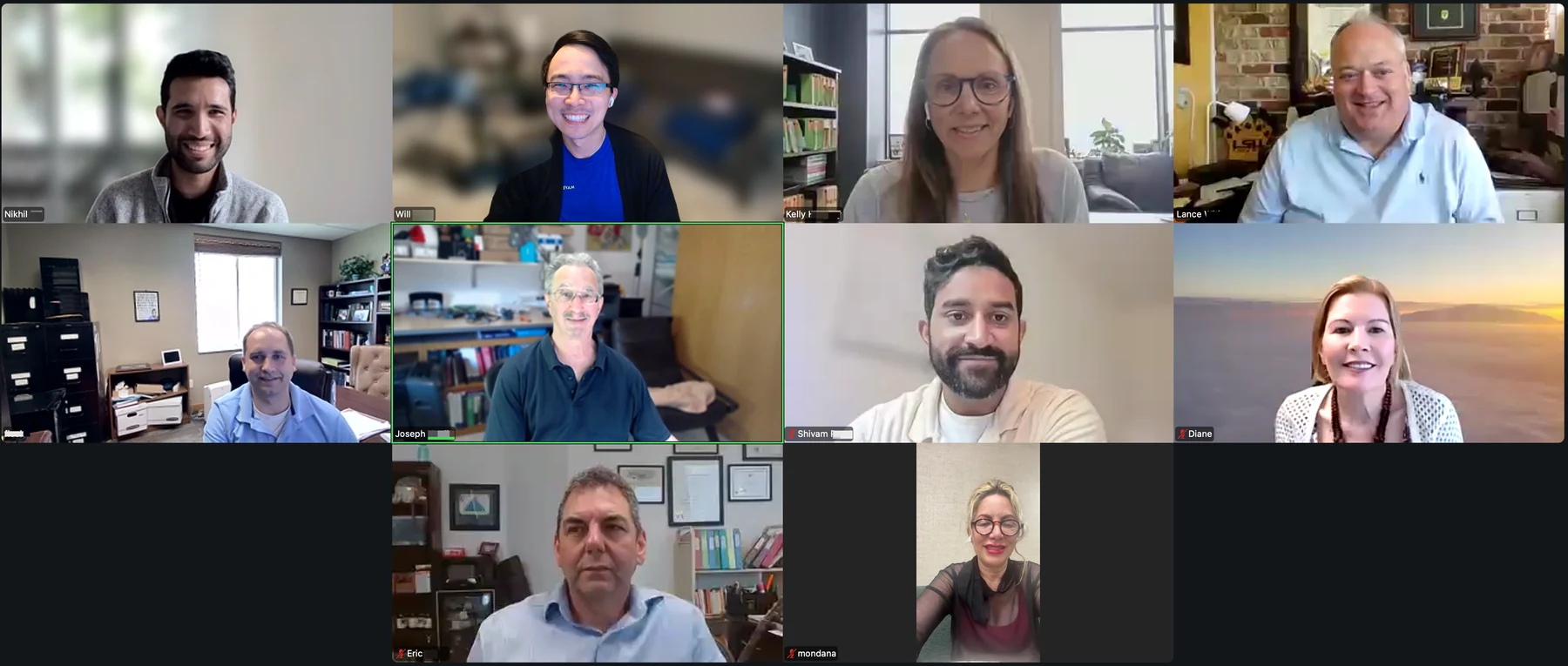
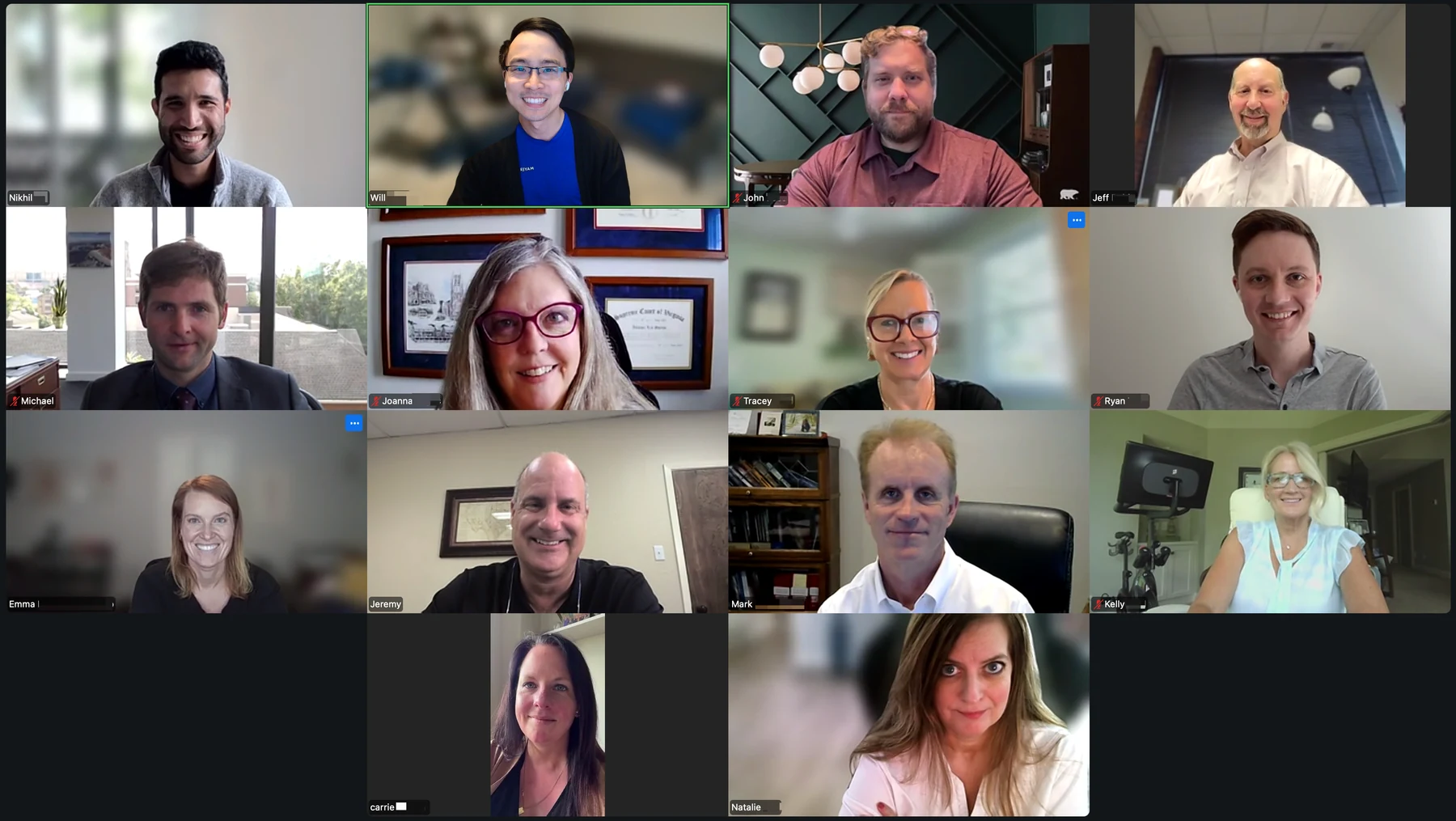
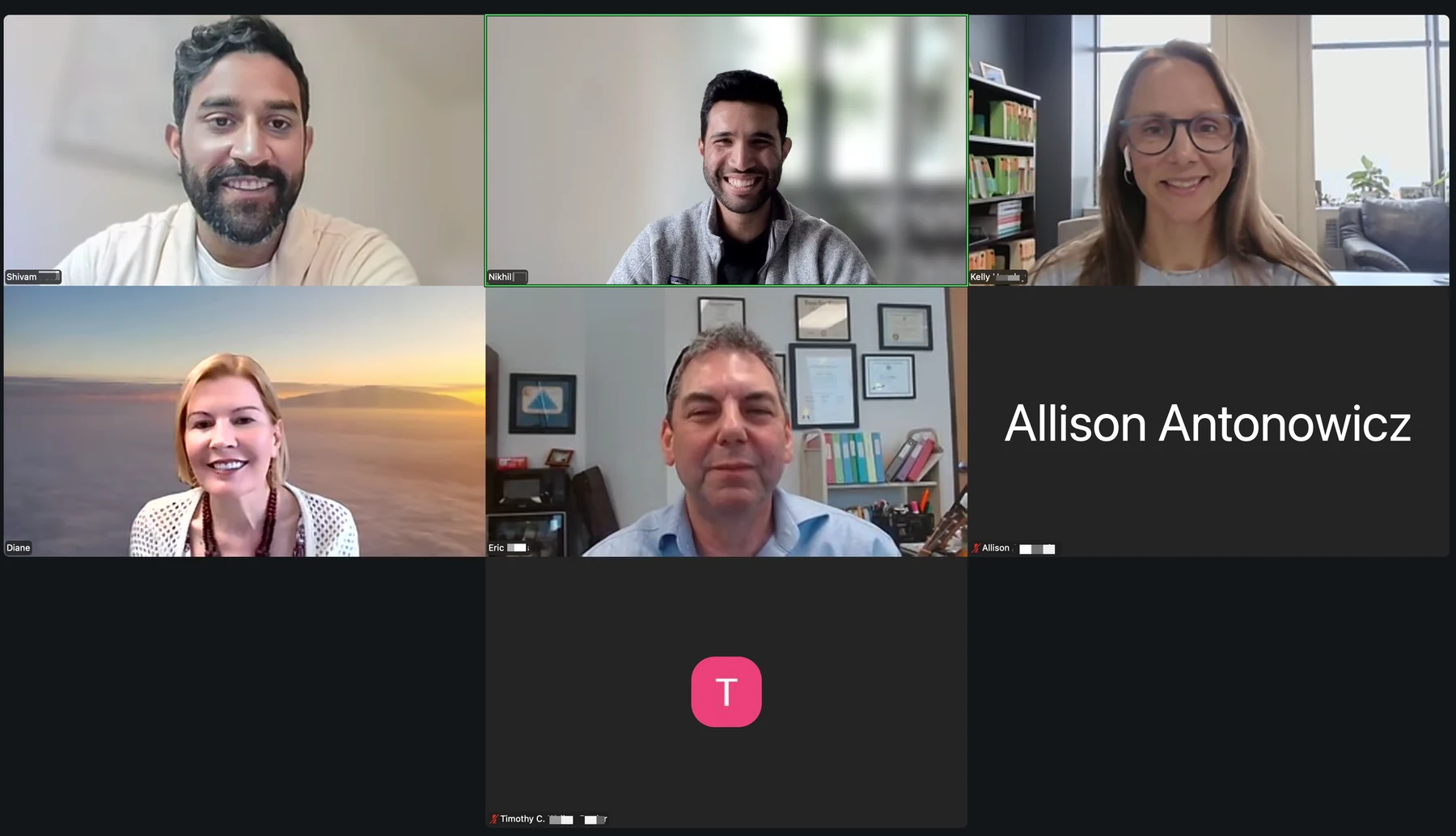
In June 2026, two groups of large Social Security disability practices joined Disability Peers in Practice, Chronicle’s monthly peer community where SSD practitioners work through real operational problems together. The topic: AI and how firms are actually using it right now.
The conversation moved fast, and what surfaced wasn’t primarily about tools. It was about people: who’s using AI, who isn’t, who’s gone rogue, and what separates the firms making real progress from those still waiting to feel confident.
Staff Adoption Is the Hardest AI Problem, Not the Technology
Getting staff to consistently use AI tools is harder than finding good ones. That held across both sessions, regardless of firm size or structure. The pattern came up in two directions: staff who resist adoption, and staff who go unauthorized in the other direction.
For some firms, the resistance is philosophical. Practitioners described employees who don’t believe AI can improve on what they already do and prefer to keep doing it themselves. The burden of converting that skepticism falls on the attorneys who are most excited about the tools.
I feel like here we’re at the other end of the spectrum, where I’m trying to get people on board with trying some of these things out, and there’s a lot of reluctance to lean on it too heavily, or to give it a fair shot.
— Kelly
It’s not just the IT — this isn’t everyone, but some people come with the bias of ‘it can’t do it better than me,’ and they’re going to do it themselves because it’s not gonna take over their role. But it can do it better.
— Diane
Group training sessions came up as the most effective mitigation: having everyone hear the same presentation, raise questions in the same room, and work through concerns together rather than one-by-one. For virtual firms, this is harder to manage, and the problem compounds. One practitioner described her operations person’s day being consumed by IT troubleshooting as new integrations rolled out, pulling her away from higher-value work.
The firms making real progress on adoption aren’t necessarily using better tools. They’re building systems that make the right tool the path of least resistance, or removing the alternative entirely.
Rogue AI Use Is Becoming a Liability Question, Not Just a Quality One
Both sessions surfaced examples of staff using unauthorized AI in ways that created real risk for their firms. The hallucination exposure that practitioners discuss as hypothetical has already materialized.
In Session 1, an attorney described what happened when a paralegal used ChatGPT unsupervised to write briefs:
I’m embarrassed to say — I had a paralegal who was a virtual assistant for us for years, and he used just ChatGPT, and it made up a few cases, and the judge found out. Just like you see in the news, it happened to us. We got sanctioned, and we deserved it, and he’s fired.
— One attorney in the room
In Session 2, a hallucinated doctor with a fabricated exhibit citation appeared in a draft brief generated by a federal appeals ChatGPT extension. It was caught before submission, but only because the attorney reviewed it.
The liability framing sharpened the conversation in Session 2:
The owners of firms and managing attorneys are now the ones being held responsible when associate attorneys turn in briefs with hallucinated citations. I don’t want to get my wrist slapped if my team makes this mistake.
— Jeff
Another practitioner described an employee who had been drafting appeal language through ChatGPT, producing text that was technically plausible but so generic it said nothing. It nearly went out.
That was something we’ve had to keep an eye out for — people who aren’t quite knowledgeable or don’t understand how the system works, and then try to cover by dumping things through AI.
— Kelly
The HIPAA angle added stakes: practitioners named the risk of PHI going into consumer AI tools, and at least one firm has added an AI opt-out clause to engagement letters as a precaution. Zero opt-outs so far. On the policy side, firms are mostly handling this verbally; few have formalized it in a staff handbook. The exception was one firm that has embedded AI use restrictions in its training protocols and locked down external sites firm-wide.
You will absolutely not feed any client information into a chatbot outside of FileVine or one of our approved tools. We’ve started locking down those sites so our workers can’t go out to them or download those apps.
— John
The gap between verbal warnings and enforceable written policy is where most firms are still sitting.
Mail Processing Automation Has the Clearest Near-Term ROI
The most concrete, measurable time savings discussed in either session came from mail processing automation. Session 2 opened with a practitioner who had just gone live the day before with Foundation AI:
Just this morning the receptionist saved about three hours just on scanning a whole stack of things that had been sitting there.
— Jeff
The setup took four months, required building a detailed taxonomy of SSA document types, and involved resolving scanner configuration issues on the first day of live use. The firm was operating under a three-month validation window before going fully automatic. The upfront investment was significant; the consensus was that it was worth it.
The underlying problem is consistent across firms: incoming SSA mail gets manually scanned, named by document type, uploaded into the case management system, and assigned to the right person. All of that is currently human work. Foundation AI handles classification, naming, file routing, and task creation automatically.
Session 1 surfaced the same pain point independently. A practitioner described identifying mail scanning and uploading as his firm’s biggest time sink, and named automating it as his next priority:
I feel like it’s a big time suck for us right now, so that’s the next thing I’d like to get going for the firm, because right now we have someone who manually scans the mail in, then uploads it to each file.
— Shiv
Diane described a parallel approach built on a Python script with Zapier, designed to categorize documents entering her case management system, trigger tasks, and enforce naming conventions. Custom-built and still imperfect, but the goal is identical: remove the manual judgment layer from routine document processing.
By the end of Session 2, mail automation was the top named takeaway:
Mail has been a huge pain point for us, and a staff member saving three hours a day — that’s a great review.
— Ryan
The conversation has moved from whether to automate mail to which vendor and when.
Internal Knowledge Bases Are Replacing the “Ask a Senior Person” Workflow
Both sessions surfaced a structural problem that shows up more sharply as firms grow and go remote: new staff don’t know what to do, so they interrupt someone who does. That person loses 20 minutes. This repeats constantly.
The firms addressing this most directly are building internal AI knowledge bases that staff can query instead. In Session 2, one managing attorney described connecting a Confluence-based handbook covering all relevant regulations and firm processes to Claude through Slack:
We’ve put all of our processes into that, as well as a big Social Security disability handbook with all the relevant regulations and rules. Then you can connect Claude to that, and you can connect Claude to Slack and chat with it through there — it’ll pull all the information from Confluence into Slack.
— John
Kind of what you’re talking about — when we onboard new people, or just in general, it’s open to anyone in Slack. They can chat with it in their own little window… anything related to ‘what do I do in this situation’ or ‘I’m at this stage of the process, what’s the next thing that should happen.’
— John
Procedural questions, onboarding support, and “what’s next” queries all route through that system. Staff aren’t interrupting experienced colleagues; they’re asking the knowledge base.
A lighter-weight version of the same idea came from Session 1, where Diane described configuring a Claude project to search ssa.gov and return answers with source citations for staff on live calls:
You’ve got someone on the phone talking to someone, they can ask a question in the chat. It surfs SSA.gov’s website, gives them the answer, gives them the link to where it found it on the website, and they can say, I’m not really sure, but SSA’s website says X.
— Diane
The common goal across both approaches: make institutional knowledge searchable at the moment of need, without requiring staff to interrupt someone or risk going to an unauthorized tool.
For fully remote firms, this isn’t a nice-to-have. It’s becoming infrastructure.
Peer Communities Are the Primary Tool Evaluation Channel
Neither session produced a practitioner who described a systematic, solo process for evaluating AI tools. The consistent pattern: wait until someone you trust has tried it, then ask what happened.
I really like groups like masterminds and this one, where somebody else demos it first and lets me know their experience.
— TC
Don’t rush into something because it sounds great. Really take your time to think about it. Get a lot of opinions. Do groups like this — this is fantastic.
— Jeff
The inverse pattern was equally instructive. Jeff described a bad experience with one case management platform’s AI feature for medical chronologies: he’d signed a contract based on a vendor demo and had to spend months unwinding it. The contrast between “I trusted the vendor’s demo” and “I waited until firms like mine told me it worked” was the operating lesson the room agreed on.
Diane named what she hoped Chronicle could address: curating and surfacing tool recommendations so practitioners don’t have to sort through the noise themselves. The volume of new AI products hitting the market makes individual evaluation impractical.
I’m hoping Chronicle will spearhead that for us, because it is hard to find the time. There’s so much coming out, and it’s what I started by saying — everything’s changing so rapidly.
— Diane
Peer roundtables are functioning as the due-diligence layer that vendor demos can’t replace. The firms investing in these relationships are making faster, safer tool decisions than those trying to evaluate alone.
AI at the Hearing and Brief Level Is Table Stakes; Judgment Still Lives With the Attorney
By the time practitioners in both sessions introduced themselves, the question of whether to use AI for medical chronologies and brief writing was largely settled. The active conversation was about how to use it without getting burned.
Multiple attorneys described using Claude and ChatGPT for brief drafting and then editing for accuracy. One attorney uses AI in real time during hearings, querying a project pre-loaded with case documents to surface information as judges ask questions. Another described running the brief through a second AI pass after generation: ask it to scrutinize every case and citation, then verify the output.
The consistent quality control principle across both sessions: verify every citation yourself.
I still check every exhibit. I make sure that every exhibit in the brief is listed correctly, because I’ve still noticed that’s not always accurate — we want to be 100% accurate on the briefs.
— Courtney
I look at it like Google. It’s my jumping-off point to start searching… I’ve taken to: if it gives me a conclusion or a piece of data, my follow-up is, where did you pull that from exactly, so that I can verify it.
— Ryan
One attorney’s federal-court colleague pre-screens records by hand, highlights the sections he wants focused on, and feeds the highlighted PDF to Claude for chronology work. He reads every page; AI handles the reorganization.
The one area where both sessions drew a clear line was federal court brief drafting. Both Diane in Session 1 and Carrie in Session 2 named federal briefs as off-limits for AI generation, not because of quality concerns but because the citation verification burden is too high and the consequences of a hallucinated cite are too severe.
I won’t let it write my federal court briefs. I’ve seen so many people get burned with that. I’ll let it proofread, but I’m still double-checking to make sure it hasn’t done anything with the citations.
— Diane
The practitioners in this room have moved past the question of whether AI belongs in disability practice. The active work is building personal and firm-level quality control habits that capture the efficiency gains without inheriting the liability.
What’s Next
Disability Peers in Practice returns July 23 with two sessions covering client communications: how to handle the status call, what AI can and can’t do to reduce the volume, and what firms with effective systems have built. If you have a process worth sharing, or questions you want the room to take on, join us.
Know a firm this conversation would be useful for? Forward this along.
Also in This Series
The June 2026 small-firm cohort had a parallel conversation: AI failure modes, prompting technique, disclosure norms, and the build-vs-buy question. That recap is available separately.
The May 2026 sessions covered earlier-stage AI adoption questions across both cohorts.
Read the May 2026 large-firm recap →
About This Series
The SSD community has been missing a regular virtual space where practitioners in similar situations talk through real operational problems together. Chronicle built Disability Peers in Practice to be that space.
Sessions run monthly, segmented by firm size, free and capped to keep them small. The format is peer-led and practitioner-first: structured conversation focused on what’s actually working in the room.
Register for the next session →
About Chronicle
Chronicle is an ERE monitoring and analysis platform built for Social Security disability practices. It automatically checks the SSA’s ERE and e-file daily across your firm’s cases, surfacing status changes, new documents, and upcoming deadlines before they become problems. Chronicle is CMS-agnostic and works with Filevine, Clio, Prevail, and other platforms your firm already uses. Disability Peers in Practice is one of the ways Chronicle brings the SSD community together outside of conference season.