
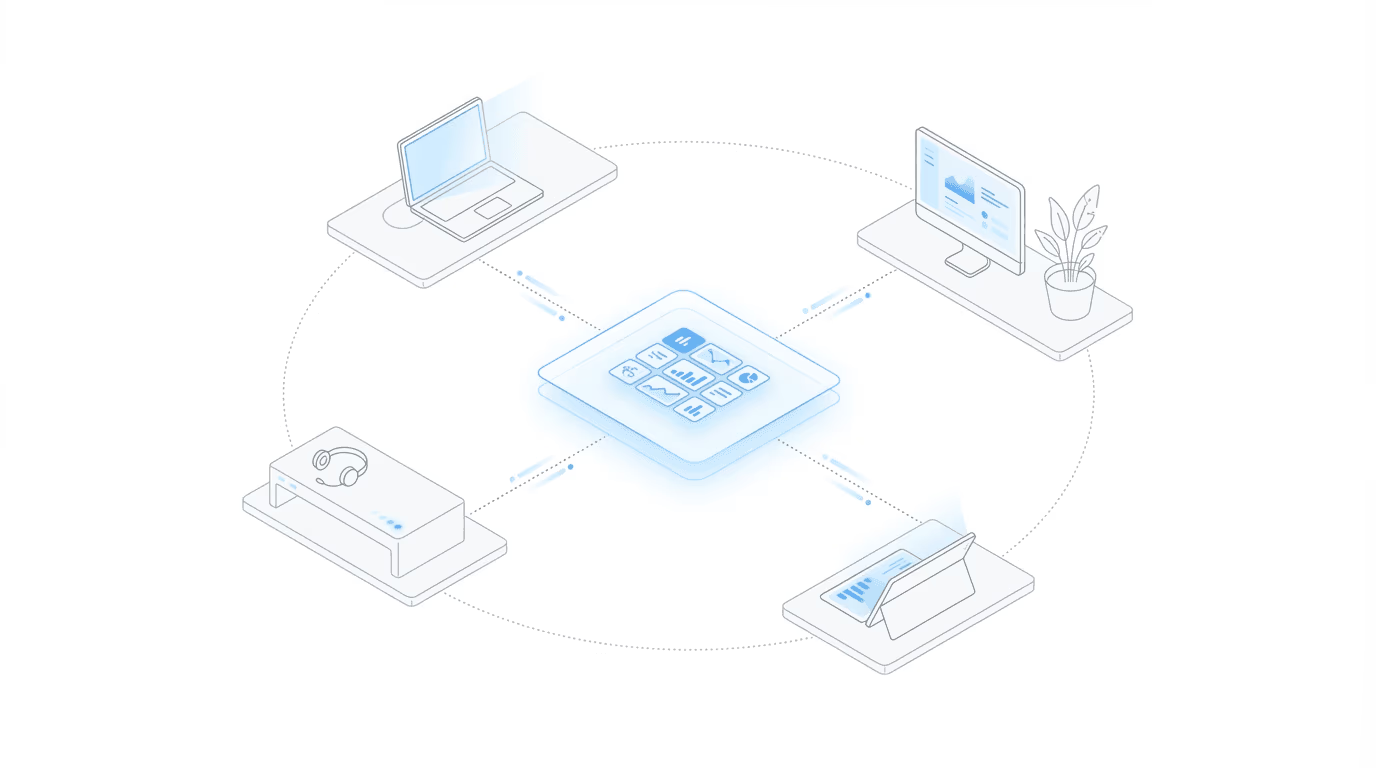
Can you run a disability law firm remotely? Yes. Disability law is one of the few practice areas where the entire workflow already lives online.
Hearings happen on video. SSA interaction runs through the ERE portal. Medical records arrive digitally, evidence is electronic, and client communication happens primarily by phone and email. No courtroom presence, no physical filing, no geography-dependent workflow. The infrastructure was already there before anyone started calling it “remote work.”
The harder question is what makes it work at scale. Plenty of firms went remote during COVID and muddled through. The ones operating successfully in remote or hybrid models now have solved three specific problems: visibility into case activity, coordination across distributed staff, and proactive client communication. None of those require a physical office, but all of them require intentional systems.
Why Disability Law Works Remotely
Most practice areas still have some anchor to a physical location. Litigation requires courtroom time. Real estate involves closings and physical documents. Criminal defense means jail visits. Disability law has shed most of those anchors.
Video hearings changed the math. Post-COVID, video hearings became the default. The Office of Hearings Operations conducts hearings remotely for most cases now, which eliminates the geographic constraint that once tied firms to specific hearing office regions. A firm in Phoenix can serve claimants across multiple states without opening satellite offices.
The ERE was cloud-based before cloud was a buzzword. SSA’s portal for case management exists online. You access the same ERE whether you’re in an office or working from a kitchen table. The system was designed for remote access long before the rest of the legal industry caught up.
Medical records follow the same pattern. Provider portals, electronic health records, and fax-to-email services mean evidence arrives digitally. The days of boxes of paper records are largely gone (though some smaller providers still fax the old-fashioned way).
There’s also the client side. Disability claimants frequently have mobility, transportation, or health limitations that make in-person meetings difficult. Phone and video communication can actually be more accessible than requiring office visits.
The Technology Stack for Virtual SSD Practice
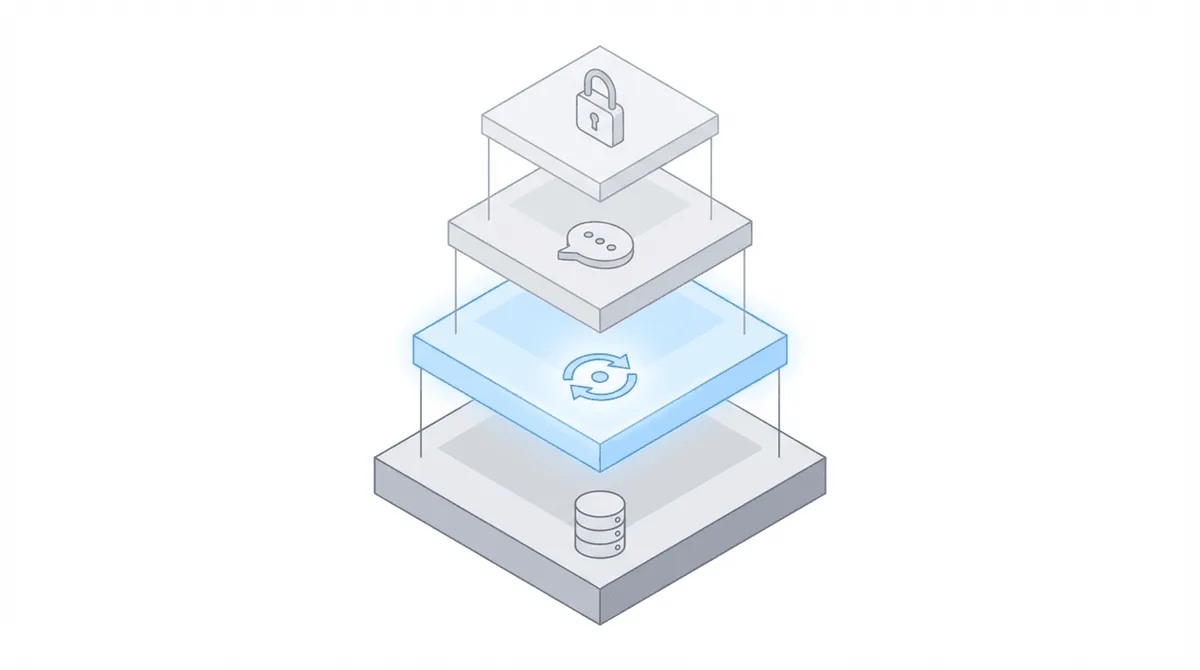
Running a remote SSD firm requires deliberate technology choices. Each layer solves a different problem, and the gaps between layers are where things break down.
Case management software is the system of record: tasks, notes, documents, client information. Prevail, Clio, MyCase, Filevine, or others. For remote work, cloud-based access is non-negotiable. Everyone needs to see the same information regardless of where they’re sitting.
ERE monitoring is where remote SSD practice gets specific. Manual ERE monitoring becomes a real friction point once your team is distributed. When everyone shared an office, someone could shout across the room about a new hearing notice. That doesn’t work when your paralegal is in a different time zone.
Before implementing automated monitoring, firms describe the chaos. At SAM G Enterprises: “Before Chronicle, we were constantly passing two-factor codes back and forth, getting kicked out of ERE, and struggling to keep track of updates.”
At Disability Advocates: “Before we got smart and started using Chronicle, a typical day would involve logging into ERE multiple times and obtaining passcodes…”
Chronicle checks the ERE and e-file daily for each monitored case. Staff see what changed without coordinating logins, sharing 2FA codes, or wondering who checked what. The dashboard provides the same visibility to in-office and remote staff.
For communication and collaboration, Teams or Slack handle internal coordination. Video conferencing covers meetings and client consultations. The specific tools matter less than consistent adoption across the team; the worst outcome is half the firm on Slack and the other half relying on email threads.
Document management needs cloud storage with appropriate access controls, version control so people aren’t working from outdated documents, OCR for searchable PDFs, and encryption for client data. Client communication portals handle secure document exchange and status updates. Phone systems need to work regardless of location (VoIP, Teams calling, etc.).
| Category | Purpose | Examples |
|---|---|---|
| CMS | Internal workflow management | Prevail, Clio, MyCase, Filevine |
| ERE Monitoring | SSA visibility | Chronicle |
| Communication | Team coordination | Teams, Slack, Zoom |
| Documents | Secure file management | SharePoint, Google Drive, Dropbox |
| Client Portal | Secure client communication | Case Status, CMS portals |
| Phone | Voice communication anywhere | VoIP, Teams calling |
Managing Remote Paralegals and Staff
The hardest part of remote management isn’t technology. It’s replacing the informal coordination that happens when people share a physical space. In an office, you walk over and ask a question. You overhear a phone call that gives you context. You notice when someone looks overwhelmed. None of that exists remotely.
You have to build systems that replace those casual information flows.
Visibility replaces supervision. Staff need to see case status without asking. When a paralegal can check a centralized dashboard and know what happened overnight, what’s due today, and what changed on their cases, they stop interrupting each other for information. At The Disability Champions, this principle operates at scale with a hybrid model: 10 in-office staff and 10 remote staff managing 3,000 active cases. Remote and in-office staff see identical information through shared dashboards.
Task routing matters just as much. When a new document arrives or a deadline approaches, automated routing puts it in front of the right person without someone having to remember to tell them. Clear ownership means nothing falls into the gap between people. That gap, incidentally, is where most remote firms lose cases they shouldn’t.
Daily rhythms matter more when people are distributed, not less. A brief daily standup (10 minutes, often async in chat) keeps everyone oriented. Clear expectations about response times prevent the anxiety of unanswered messages. Tracking key SSA deadlines becomes even more critical when team members aren’t in the same room to remind each other. And onboarding remote hires requires documentation that in-office firms can skip. When you can’t learn by watching the person next to you, written processes become essential. How do we handle a new hearing notice? What’s the workflow for evidence submission? These need to be documented, not just known.
Client Communication in a Remote Model
Remote work doesn’t mean less client communication. Done right, it means more proactive communication because you’re not waiting for clients to call asking for updates.
At Viner Disability Law, the team emails clients about case developments “weeks before” SSA mail arrives at the client’s home. Clients hear news from their attorney first, not from a government letter. That builds trust in a way that no amount of marketing can replicate.
The alternative is what many firms experienced before implementing visibility systems: “We would receive calls from our clients telling us they’d been approved or denied. That doesn’t look very good professionally.”
Choosing the right channel for each type of communication makes a difference. Video calls work for consultations, case strategy discussions, and situations where reading client reactions matters. Phone calls handle quick updates. Email works for status updates and information the client should have documented. Client portals work for document exchange and status that clients can check on their own schedule.
Set expectations upfront. Tell clients how and when they’ll hear from you. What response time should they expect? How should they reach you for urgent matters? Most client frustration in remote models comes from ambiguity, not from the remote setup itself.
Security and Compliance for Remote Work
Remote work introduces security considerations that in-office operations handle by default.
ABA Model Rule 1.6(c) requires “reasonable efforts” to prevent unauthorized access to client information. The bar associations have provided guidance on what “reasonable” means in practice, though the standard evolves.
For firm infrastructure, the baseline is straightforward: encrypted communications for client data, vendors with appropriate security certifications (SOC 2 compliance or equivalent), multi-factor authentication for all systems containing client information, password policies enforced through a password manager, and VPN access when using public networks.
Home office setup requires a dedicated workspace where screens aren’t visible to household members, no shared devices that family members access, secure disposal of any physical documents, and locked storage if physical files exist. Most of this is common sense, but it needs to be written into policy so there’s no ambiguity.
When evaluating any software that touches client data, ask about security certifications. SOC 2 Type II is a reasonable baseline for any vendor handling case data.
Hybrid Models: When to Maintain Office Presence
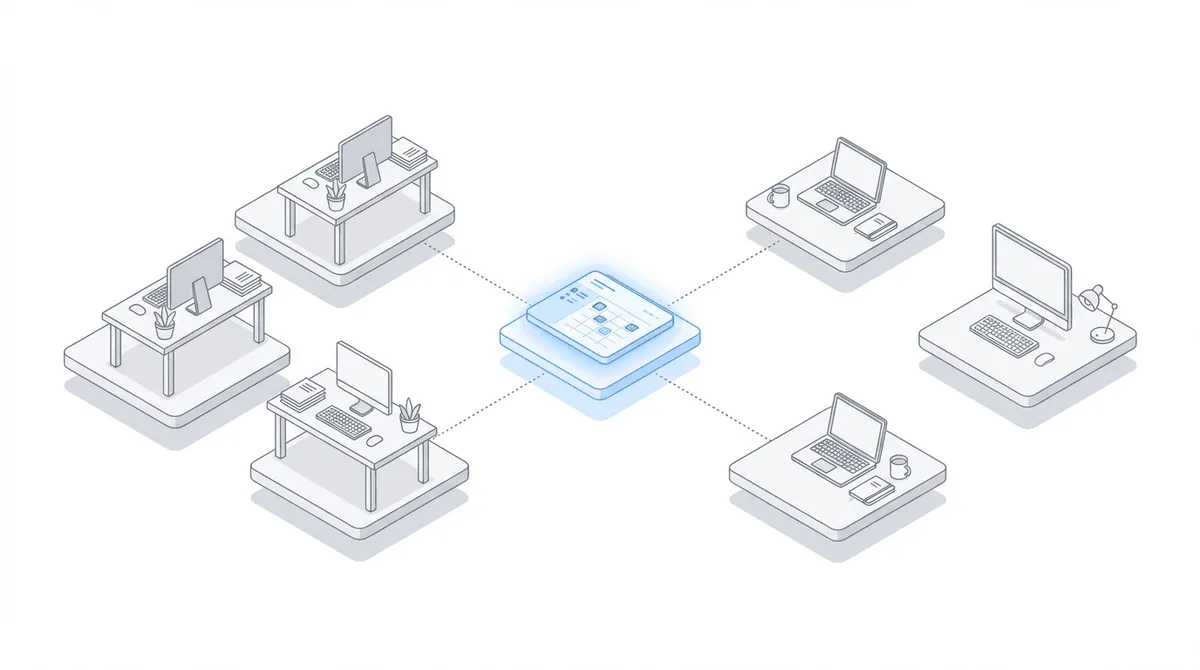
Not every firm should go fully remote. For many, a hybrid model balances flexibility with the coordination benefits of being in the same room sometimes.
Office presence still matters for complex client situations that benefit from face-to-face conversation, team building and culture development (especially for newer hires), hearing prep training where shadowing and real-time feedback are valuable, and equipment or infrastructure that doesn’t travel well. The Disability Champions operates a true hybrid: 10 in-office staff and 10 remote staff, with both groups accessing the same systems and seeing the same case information. The hybrid model expands the talent pool (you can hire beyond commuting distance) while maintaining a physical presence for situations that benefit from it.
For scheduling, designated in-office days create predictable overlap. Tuesday/Thursday is common. Core hours when everyone is available regardless of location give the team a reliable window for collaboration. In-person time should be reserved for collaboration, not heads-down individual work that could happen anywhere.
The decision between hybrid and fully remote usually comes down to a few factors. Higher case volume benefits from coordination infrastructure that reduces reliance on physical presence. Larger teams need systems regardless of location; smaller teams can rely more on informal coordination. Some client populations benefit from an in-person option. And if you hire beyond the local market, some version of remote becomes unavoidable.
Making the Transition
Step 1: audit current workflows. What actually requires physical presence? What processes assume co-location that could work differently? Many “we’ve always done it this way” patterns don’t require an office.
Step 2: assess the technology gaps. Can staff access all necessary systems from any location? Is ERE monitoring manual (problematic for remote) or automated (location-independent)? Do you have communication tools that work asynchronously?
Step 3: pilot with willing team members. Test the remote workflow before committing the entire firm. Identify friction points with a small group; solve them before expanding. This is where most firms discover the tools they thought were sufficient aren’t.
Step 4: document policies. Remote work agreements covering expectations, equipment, security requirements. Communication norms: response times, meeting cadences, availability hours. Security protocols for home offices.
Step 5: measure and iterate. Track productivity metrics (cases per FTE, deadline compliance, client satisfaction) before and after transition. Adjust based on what you learn. Remote work is a practice to refine, not a switch to flip.
The transition timeline varies by firm. A small firm with cloud-based systems already in place might shift in weeks. A larger firm with legacy infrastructure might need months. The common thread: visibility infrastructure (particularly ERE monitoring) becomes more important when staff don’t share a physical space, not less.
Frequently Asked Questions
Can disability attorneys work remotely?
Yes, and disability law is better suited to remote work than most practice areas. Hearings happen on video, SSA interaction occurs through the ERE portal, medical records arrive digitally, and client communication is primarily phone and email. There’s no required courtroom presence or geographic anchor. Firms run fully remote or hybrid models at scale; the key is having the right visibility and coordination infrastructure in place.
What tools do virtual disability law firms use?
The core stack includes cloud-based case management software (Prevail, Clio, MyCase, Filevine), an ERE monitoring platform like Chronicle for SSA visibility, communication tools (Teams, Slack, Zoom), secure document management with encryption, client portals for document exchange, and VoIP phone systems. ERE monitoring becomes particularly critical for distributed teams because manual login coordination falls apart when people aren’t in the same office.
How do I manage remote paralegals in my disability firm?
The short answer: replace supervision with visibility. Staff should see case status, deadlines, and changes through dashboards rather than asking someone. Implement automated task routing so work goes to the right person without verbal delegation. Establish daily rhythms (brief standups, response time expectations) and document processes that would otherwise be learned by watching colleagues. Clear ownership and shared systems matter more than physical proximity.
How do I maintain security with remote staff?
Follow ABA Model Rule 1.6(c) “reasonable efforts” standard. Use encrypted communications, require multi-factor authentication, choose vendors with appropriate security certifications, and establish VPN requirements for public networks. For home offices: dedicated workspace with screen privacy, no shared devices, secure document disposal. Written policies in remote work agreements create accountability.