
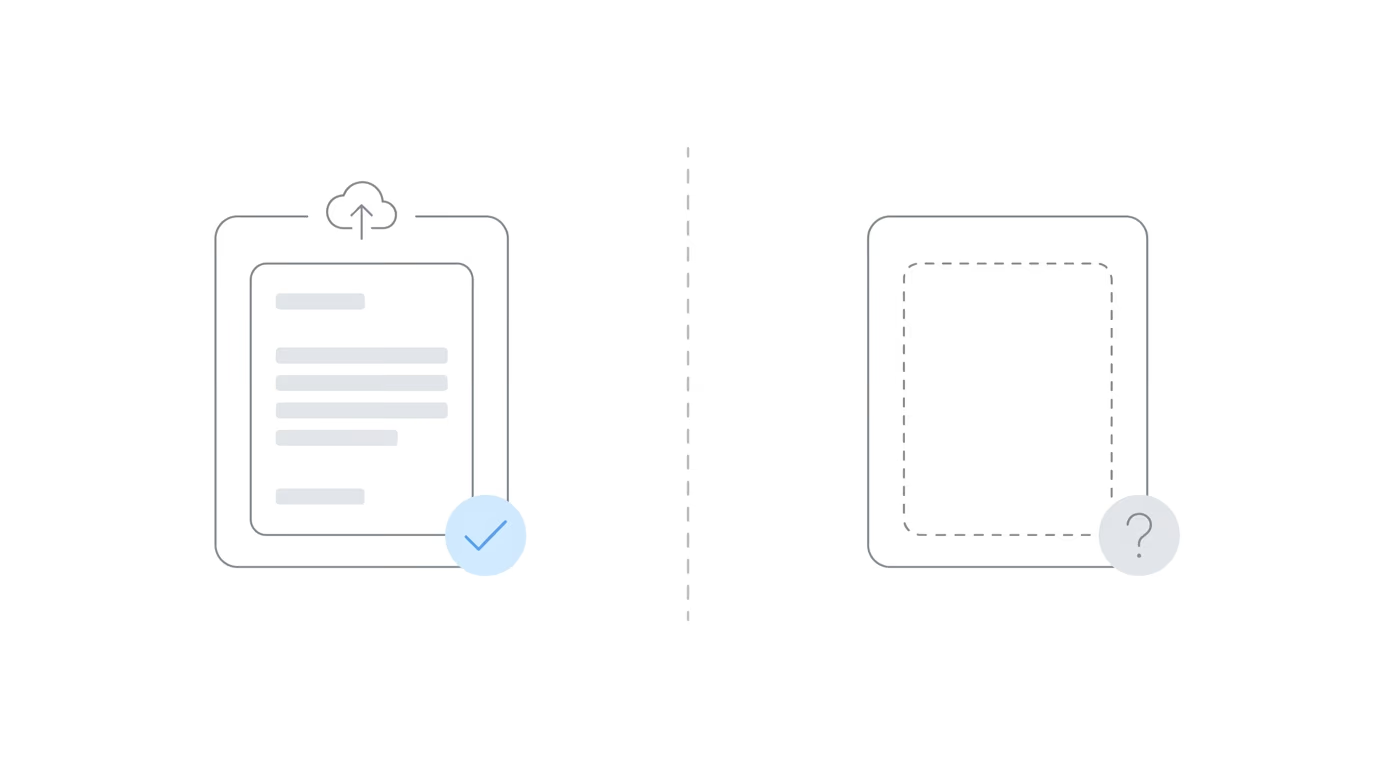
Every disability representative has been there: you submitted the brief, the medical records, the exceptions to the AC brief. ERE showed “Sent.” Receipt confirmed.
Except it wasn’t.
Days later, you check the eFolder. The document isn’t there. The hearing is in three days, or the AC is working through the file, and the submission you tracked and confirmed simply doesn’t exist as an exhibit. What happened?
“Sent” and “Exhibited” are two distinct states in SSA’s document processing pipeline, and the gap between them is where cases fall apart. Quietly, and often at the worst possible moment.
This guide maps that pipeline, shows you where to look when submissions don’t appear, and gives you the exact escalation path when time is short.
What “Sent” Actually Means in ERE
When you submit a document through ERE and the confirmation screen appears, SSA has received your file on their web server. That’s it. The tracking number confirms the upload completed. It does not confirm the document was routed to the correct docket, processed into the eFolder, or assigned an exhibit number.
After upload, the file enters SSA’s internal processing queue. It goes through automated processing steps before moving through a systems check and being routed to the appropriate office and branch.
None of this is visible to you. There’s no status update when processing completes, no second confirmation when a staff member assigns the exhibit number. You can look up your tracking number in ERE, but that status reflects the upload only, not what happens downstream. (When ERE itself goes down, that’s a separate problem entirely; see what to do when SSA’s portal fails.)
The gap between “submitted” and “exhibited” can stretch from a few hours to several days. Under current SSA staffing conditions, sometimes longer.
The Exhibiting Pipeline: What Actually Happens After You Hit Submit
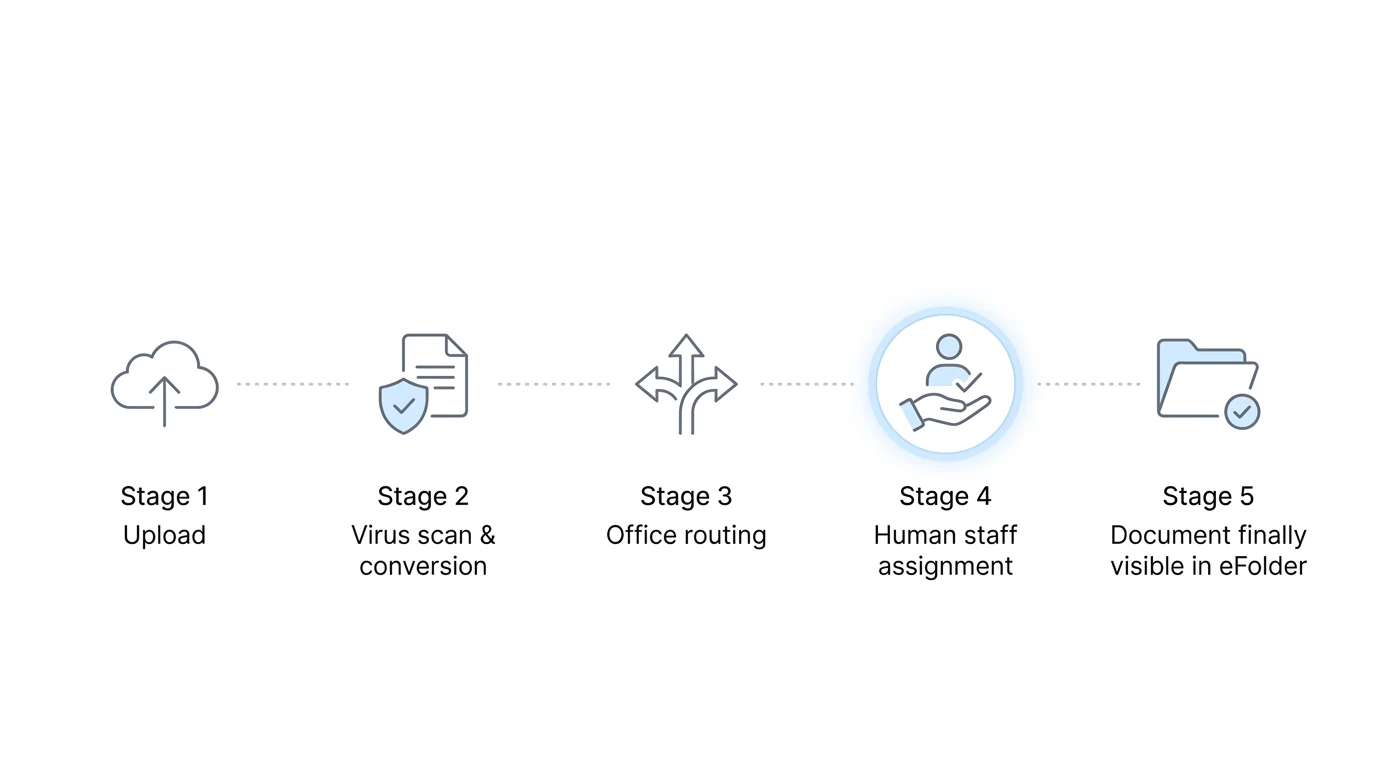
Understanding where delays concentrate makes them easier to catch and escalate. Here is the pipeline from upload to eFolder:
Stage 1: Upload to SSA’s web server. Your confirmation screen appears and your tracking number is generated. The file exists on SSA’s infrastructure. Your part is done.
Stage 2: Automated processing. The file goes through SSA’s internal processing steps before it can be routed.
Stage 3: Systems routing. The processed file is routed to the correct SSA office — OHO for pre-hearing submissions, the Appeals Council for AC-level submissions. Routing depends on the case docket and which branch handles it.
Stage 4: Staff assignment and exhibit numbering. A staff member at the receiving office assigns an exhibit number, integrates the document into the exhibit file, and updates the record. This is the step that makes a document formally “exhibited,” and it requires human action on SSA’s end.
Stage 5: Document visible in eFolder. Only now does the document appear in the eFolder under an exhibit number.
The AC adds one more routing step: submissions go through the Appeals Council’s branch system before being assigned to a specific reviewer. That extra step adds time, sometimes substantial time. Practitioners have reported waits of several days to several weeks between “Sent” and seeing the document appear in the eFolder at the AC level.
For a case at reconsideration or a standard ALJ hearing, a few days of delay is usually an inconvenience. For an AC submission with a deadline closing in, or evidence submitted the week before a hearing, the stakes are different. The SSA deadlines disability attorneys must track don’t pause while the exhibiting queue works through a backlog.
This Happens at Every Level
Exhibiting delays are not an Appeals Council problem specifically. The same gap between “Sent” and “Exhibited” exists at OHO, and at the initial and reconsideration stages too. The AC’s extra routing step makes delays there more predictable and often longer, but the underlying issue is present throughout the adjudication process.
The scenario practitioners have described: a hearing scheduled less than a week out, and the exhibit file still hasn’t been updated to include recently submitted evidence. The hearing proceeds on schedule regardless. If critical evidence isn’t in the exhibit file when the ALJ reviews the record, it may not factor into the decision. It may trigger a post-hearing submission process that carries its own risks.
Your ERE confirmation doesn’t protect you there. What protects you is knowing the document is exhibited before the hearing, not just submitted.
At OHO, the fix is urgent but direct: the hearing office has a contact path for representatives flagging pending submissions. At the AC level, the escalation is different, but the logic is the same. A tracking number is not a guarantee. Verification is.
How to Confirm Your Document Has Been Exhibited

When you need to verify a submission is actually in the record, work through these steps before calling anyone:
1. Check the eFolder via ARS. Log into ARS and navigate to the eFolder for the case. Look for the document under the exhibit list; it should show an assigned exhibit number and date. If it’s not there, it hasn’t been exhibited.
2. Check your tracking number in ERE. Look up the submission status. “Sent” means the file reached SSA’s server. Nothing more.
3. Factor in how long ago you submitted. Within the last 24–48 hours, the document is probably still in processing. A day or two of lag is normal. If it’s been more than a week and the document still isn’t in the eFolder, that’s not processing lag.
4. Check the document description in the exhibit list. Don’t just scan for the exhibit number you expect. Scan the descriptions too. Occasionally a document gets misfiled, or an exhibit number gets assigned to a different record.
5. If it’s not there and time is short, escalate. Don’t wait to see if it resolves. If a hearing is approaching or an AC deadline is near, call now.
Escalation: Who to Call and What to Say
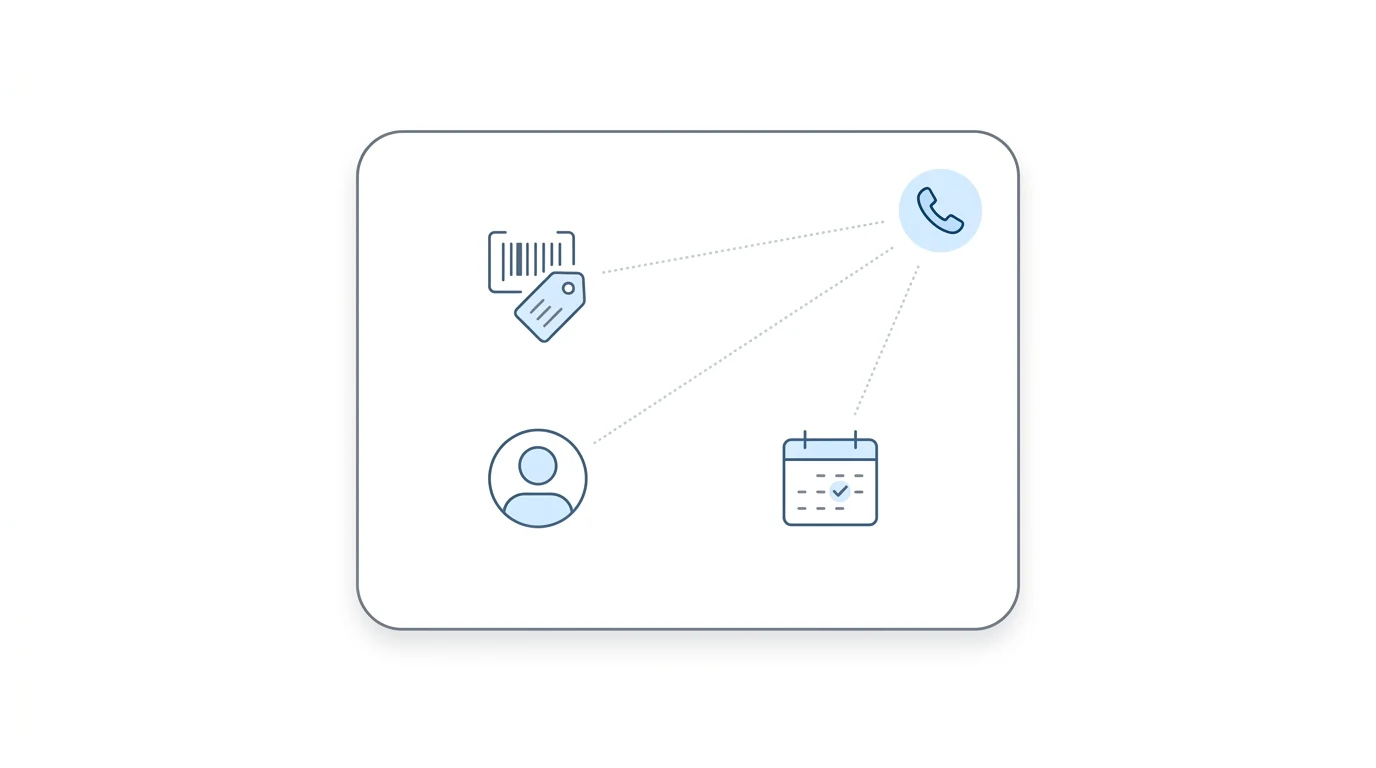
These numbers should be in your quick reference. Not buried somewhere for emergencies only.
ERE Help Desk Phone: 1-866-691-3061 Hours: 7am–5:30pm EST, Monday through Friday Email: electronic-records-express@ssa.gov
The ERE Help Desk handles questions about submissions, tracking numbers, and upload errors. If you believe a document was submitted but never made it through SSA’s processing queue, or if you received an error notification by email, start here.
Appeals Council Branch (for AC-level cases) Main: 703-605-8000 Toll-free: 1-877-670-2722
When you call the AC, be direct: tell them you have the receipt for the submission but do not see the document in your ERE eFolder. That framing (“I have the receipt, but it’s not appearing in my ERE”) is specific enough to tell them what you need. It signals you already checked, you have the tracking number, and you need them to locate and process the submission.
What to have ready before you call:
| Item | Why it matters |
|---|---|
| ERE tracking number | Confirms SSA received the file; gives the representative a starting point |
| Date and time of submission | Helps narrow down the processing batch |
| Claimant name and SSN | Required to pull the docket |
| Document description | Confirms which file you’re asking about |
| Hearing date or AC deadline | Establishes urgency |
Write down who you spoke with, what they said, and what they committed to do. If the document still doesn’t appear after that call, you have a record for the next one.
One note: if SSA emails you to say the upload failed, that is not optional reading. An error notification means the document was not processed to the eFolder, regardless of what the ERE confirmation screen showed when you submitted. Re-upload immediately, check the file for format or size issues, and start a new tracking number.
Why Exhibiting Delays Are Getting Worse
The practitioners flagging these issues aren’t being impatient. The exhibiting pipeline has genuinely slowed, and the reasons aren’t mysterious.
SSA’s workforce has contracted through a combination of retirements, budget pressure, and attrition. The staff who handle manual exhibit assignment (the human step at Stage 4 of the pipeline) is thinner than it was two years ago. The AARPS transition (SSA’s replacement for ARS, the Appointed Representative Services system) is adding technical disruption at the same time. New platform, reduced staffing, manual bottleneck. Delays compound.
Practitioners have described waits of a week or more that would previously have resolved in a day or two. Cases that are nowhere in the system at the AC level despite a confirmed submission receipt. These aren’t edge cases anymore.
The practical response: build exhibiting verification into your standard workflow. Not your emergency workflow. Not a step you add when something feels off. Every submission with a deadline attached should have a calendar reminder to check the eFolder a few days later. The gap between “Sent” and “Exhibited” is a routine status to monitor, and right now it’s wider than practitioners are used to. Firms that have moved to automated ERE monitoring surface these gaps passively, without someone having to remember to check.
Frequently Asked Questions
What does “Sent” status mean in ERE?
“Sent” means your file was successfully uploaded to SSA’s web server and a tracking number was generated. It confirms the upload completed, not that the document was processed, routed, or added to the eFolder as an exhibit. The exhibiting step happens later, after SSA’s internal processing queue runs its course.
How long does it take for a submitted document to appear in the eFolder?
Under normal conditions, one to two business days. Under current conditions (SSA staffing reductions and the ongoing AARPS system transition), waits of several days to a week or more are common, particularly at the AC level. If a document hasn’t appeared after five to seven business days, treat it as an exhibiting failure, not a processing delay.
What if SSA sends an email saying my upload failed?
Re-upload immediately. An email notification means the document did not process through to the eFolder, regardless of what the ERE screen showed at submission time. Check the original file for format or size issues, then resubmit with a new tracking number.
Can I flag a missing document directly before a hearing?
At OHO, contact the hearing office directly before the hearing date. Don’t assume the ALJ will catch that the exhibit file is incomplete. At the AC level, call the branch line to confirm your submission is in their queue. In either case, your ERE tracking number from the original submission is the starting point for that conversation.
The Practical Shift
The confirmations SSA provides are useful, and tracking numbers matter. But they were never designed to confirm that a document was formally incorporated into the record, and treating them that way creates a false sense of completion right at the moment the work isn’t finished.
Verifying exhibiting is not a special procedure for cases that feel risky. It belongs in the workflow for any submission with a deadline attached to it. Build it in, keep the escalation numbers where you can find them, and when documents don’t show up in the eFolder, move early rather than late.
The gap between submission and exhibiting has always existed. Right now, it is wider than it used to be.