
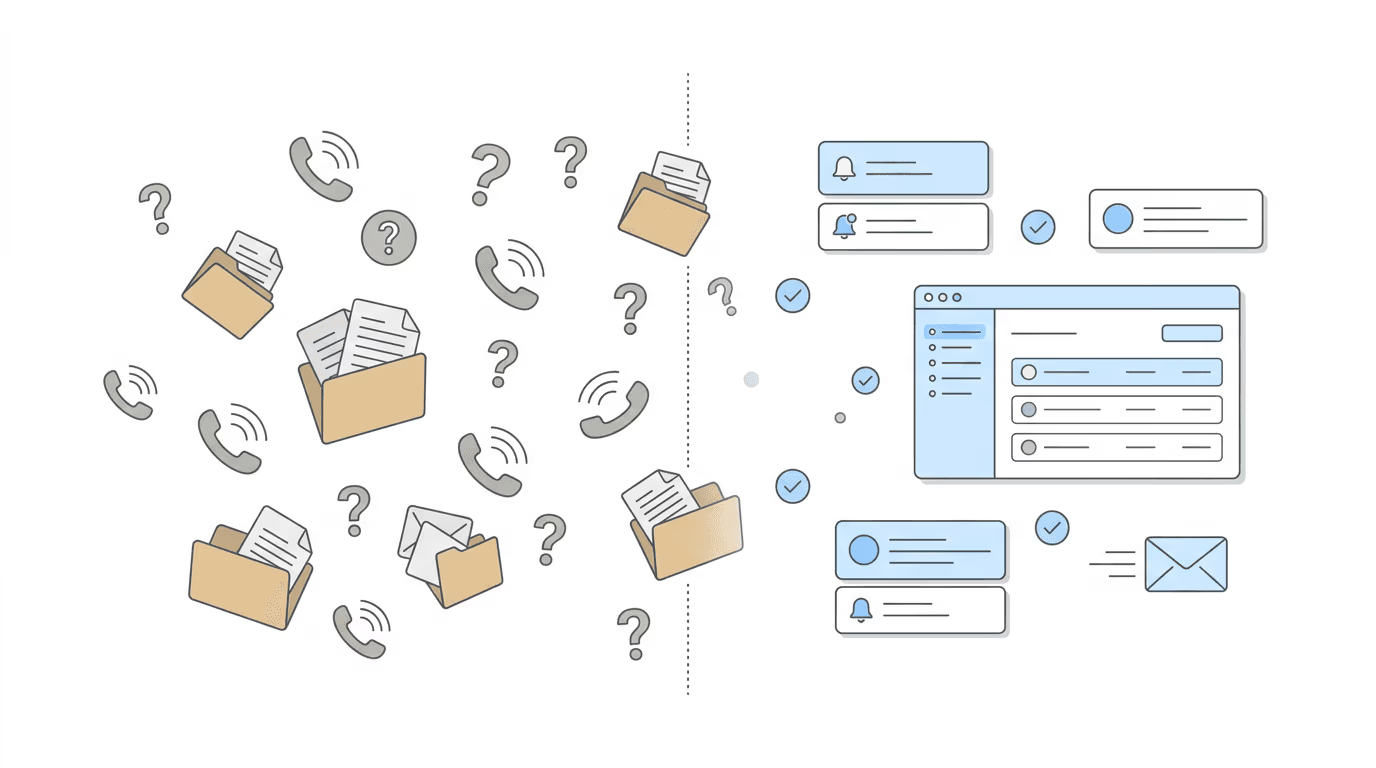
The fastest way to reduce “what’s happening with my case?” calls is to answer the question before clients ask it. Build a system that pushes status updates to clients automatically, set expectations at intake, and reserve phone time for the conversations that actually need a human voice.
The Client Call Problem in Disability Law
Disability cases move slowly and unpredictably. A typical SSDI claim takes 12–24 months from initial application through hearing. During that time, clients have limited visibility into what’s happening: the SSA doesn’t send regular progress updates, hearing dates shift without warning, and mail from the agency arrives late or not at all.
That information vacuum creates anxiety. And anxiety creates calls.
For a firm with 200 active cases, even a fraction of those clients calling once a month generates hundreds of inbound calls. Each one pulls a paralegal away from case work: checking the ERE, looking up the status, relaying what they find, reassuring the client that things are still moving. Across a week, firms routinely lose 10–15 hours to status inquiry calls alone.
It compounds at scale. A firm at 500 cases doesn’t get 2.5x the calls; it gets more, because larger firms tend to have less personal rapport with each client. Less rapport means more uncertainty. More uncertainty means more calls.
Why “Communicate More” Is the Wrong Advice
The standard guidance is to improve communication. Send more updates. Be more responsive. Return calls faster.
That misses the structural problem.
William Viner of Viner Disability Law described it directly: “We would receive calls from our clients telling us they’d been approved or denied. That doesn’t look very good professionally.”
The issue isn’t communication frequency; it’s timing. When clients learn about their own case outcome from SSA before their attorney does, the relationship takes a hit regardless of how many newsletters or check-in calls the firm sends. The client trusted the firm to be on top of things. The firm found out second.
Reactive communication (responding to inquiries as they come in) won’t fix this. The calls aren’t happening because clients are impatient. They’re happening because clients have information needs that nobody is proactively filling.
Proactive vs. Reactive: The System Difference
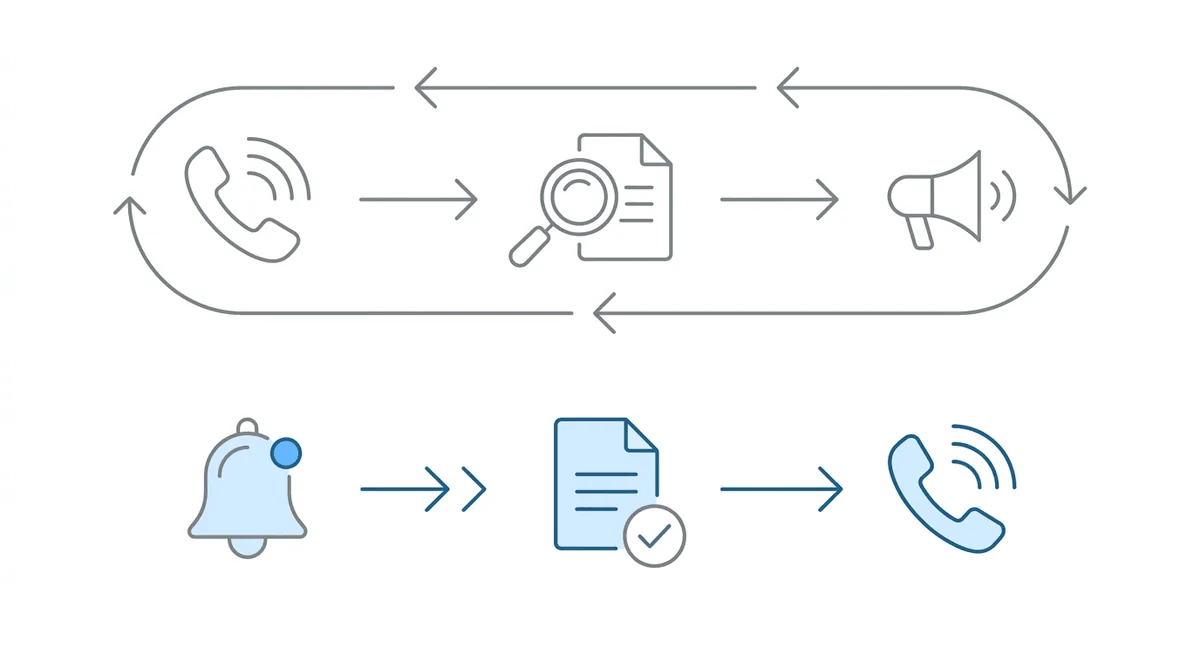
Reactive communication: Client calls. Paralegal checks ERE. Paralegal relays status. Client hangs up, somewhat reassured. Repeat in three weeks.
Proactive communication: ERE shows a new document posted. Firm gets alerted. Paralegal reviews it, then calls or emails the client with an update, before the client even knew something changed.
The difference isn’t just efficiency. Proactive firms are ahead of the information. Reactive firms are behind it. Clients can tell.
Firms that make this shift consistently report two things: fewer inbound status calls and higher client satisfaction. When you push information out, clients don’t need to pull it.
Building Your Proactive Communication Stack
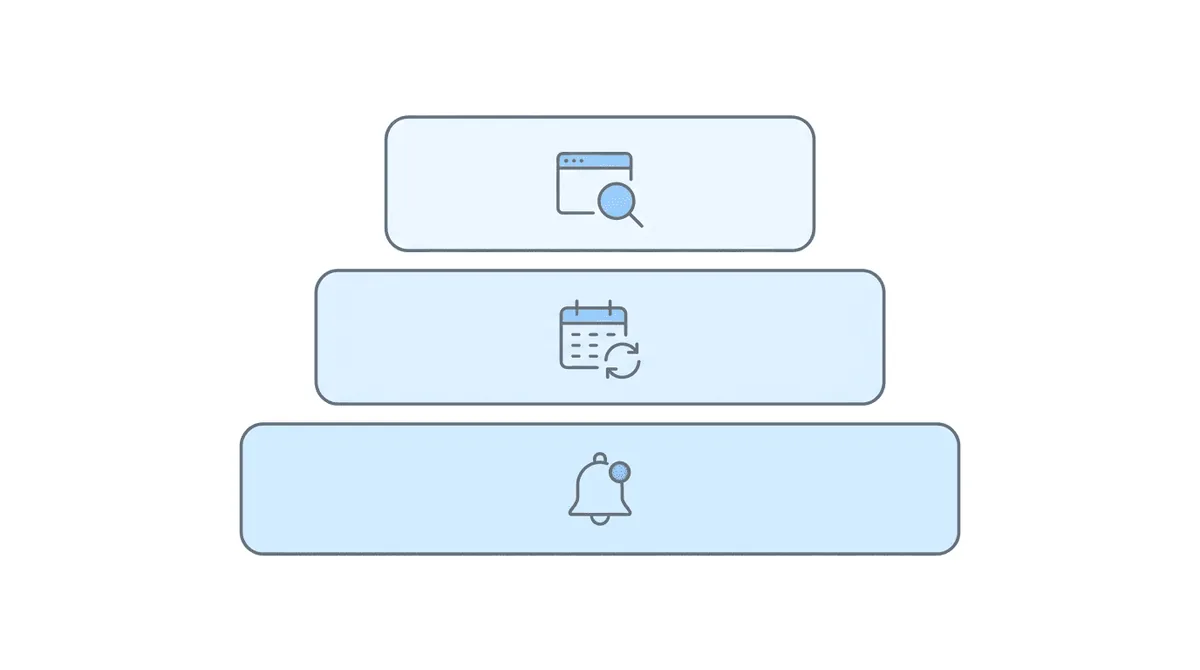
A practical system has three tiers. Start with Tier 1 and build from there.
Tier 1: Automated Status Alerts
The foundation is knowing when something changes at the SSA before your client does. If you’re monitoring the ERE daily, you already have that information. The next step is routing it outward.
When a new document posts to the ERE (a notice, a hearing letter, a questionnaire) your team gets alerted. A paralegal reviews it and sends a brief client update: “A new notice was posted to your case file today. We’ve reviewed it and here’s what it means.” Or simply: “No action needed on your end; we’re handling it.”
This doesn’t require a client portal. An email or text works fine. What matters is the trigger: something changed, so you’re reaching out.
Tier 2: Scheduled Check-In Cadence
Not every case has frequent ERE activity. Initial applications can sit for months with nothing visible happening. During those quiet periods, clients still want to know their firm is paying attention.
Set a scheduled outreach cadence by case stage:
- Initial application: Monthly email or call, even if the update is “no change yet, still pending, here’s the current average wait time.”
- Reconsideration: Every 2–3 weeks. Faster movement at this stage, more to track.
- Pre-hearing: Biweekly leading up to the hearing date, with specific prep milestones shared.
- Post-hearing: Weekly or as-needed, since decisions can come quickly.
The content of these check-ins matters less than their consistency. A client who gets a monthly “no updates, still on track” message almost never calls to ask for a status update.
Tier 3: Self-Service Access
For firms ready to invest further, a client-facing portal or FAQ page can deflect a significant share of routine questions.
Common elements:
- Case timeline visualizer: Where is my case in the process? What comes next?
- FAQ page: “What is a consultative exam?” “How long does a hearing take?” “What happens after a denial?”
- Document access: Clients can view documents you’ve shared, which reduces “can you resend that” calls.
Tiers 1 and 2 handle the bulk of the call volume problem. But for firms at 300+ cases, self-service becomes a real time saver.
Setting Expectations at Intake
The best time to reduce future calls is the first conversation.
At intake, cover four things:
What they’ll hear from you and when. “We’ll send you an email update whenever something new appears in your case file. If there’s a quiet stretch, you’ll still hear from us at least once a month.”
What they should do if they get mail from SSA. “If you receive anything from the SSA (a letter, a questionnaire, an appointment notice) call us or forward it immediately. We may already have it, but we want to confirm.”
When to call vs. when to wait. “If it’s been more than [your cadence] since your last update from us, you’re welcome to call. Otherwise, no news generally means things are progressing normally.”
How to reach you. Specify the channel (email, phone, text, portal) and your expected response time.
Firms that script this into their intake process see fewer anxiety-driven calls within the first 90 days. The client knows what to expect, which chips away at the uncertainty that drives most calls.
Scripts for the Five Most Common Client Calls
Even with proactive systems, clients will still call. Here’s language for the calls that come up most often.
“What’s happening with my case?""Let me pull up your file. Your case is currently at [stage]. The last activity was [date/description]. The next expected milestone is [X]. We’ll reach out as soon as anything changes.”
“How much longer will this take?""Based on where your case is now, the typical timeline for [current stage] is [range]. That varies by region and caseload, but we’re tracking it and will let you know if anything shifts.”
“I got a letter from SSA, what does this mean?""Can you read me the title or send a photo? This is a [type of notice]. Here’s what it means for your case: [explanation]. We need you to [specific action] by [date].” Or: “No action needed; we already have this on file.”
“I have a consultative exam, what do I do?""A consultative exam is an appointment SSA scheduled with one of their doctors. It’s important that you attend; missing it can delay or hurt your case. Here’s what to expect: [brief walkthrough]. We’ve already been alerted to this on our end.”
“When do I get paid?""Fee payments are processed by SSA after a favorable decision, and the timing varies. We’ll let you know as soon as we see the fee authorization come through.”
Keep these in a shared doc so every staff member uses the same language. Consistency reduces call time and builds client confidence.
When to Pick Up the Phone
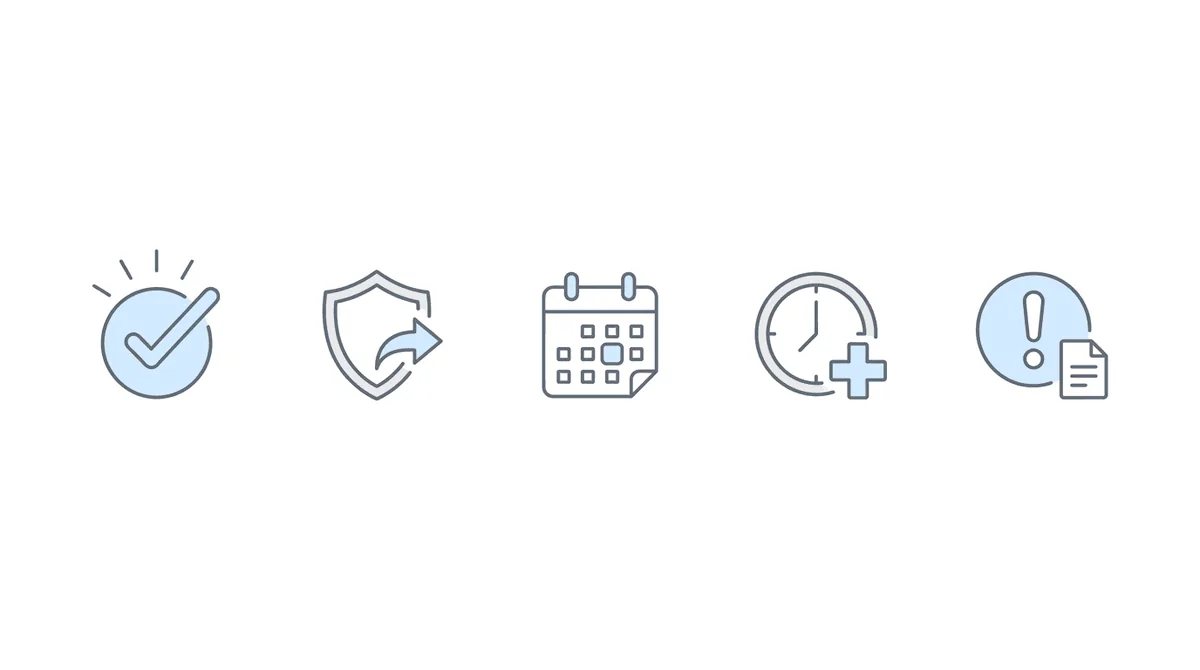
Automation handles the routine. But certain moments require a human voice.
Always call for:
- Favorable decisions. This is the best call your firm makes. Don’t let a client find out from an SSA letter.
- Unfavorable decisions. Clients need to hear next steps from their attorney, not read a denial notice alone.
- Hearing** scheduling.** Walk through what to expect, what they need to prepare, and the timeline.
- CE appointment notices. These have tight windows. Confirm the client received it and understands the stakes of attending.
- Anything with a due date. Questionnaire responses, medical evidence requests; if the client has to act, call them.
Krysti Monaco of the Law Office of Nancy L. Cavey described what happened after her firm adopted daily ERE monitoring: Chronicle “freed up our paralegals’ time so much so that they’re able to call clients more, give updates, upload documents while on the phone with the client.”
That’s the real payoff. Automating the routine doesn’t mean less human contact; it means better human contact. Paralegals spend their phone time on the conversations that actually matter, not repeating the same status update for the third time that day.
Making It Work with ERE Monitoring
The proactive communication stack depends on one thing: knowing what’s happening at the SSA before your clients do.
Chronicle checks the ERE and e-file daily for each monitored case. When a new document posts, a status changes, or a hearing gets scheduled, the firm is alerted. That alert becomes the trigger for Tier 1 outreach: the notification that reaches the client before they have a reason to call.
Brett Fulton of Disability Attorney Services put it simply: “Our customer service has improved with less resource outflow…and it helps our employees from the standpoint of less frustration [in their day to day work].”
The pattern holds across firms that adopt daily ERE monitoring: client calls go down, satisfaction goes up, and staff time shifts from reactive status-checking to proactive case work. The communication problem isn’t really a communication problem. It’s a visibility problem. Solve the visibility, and the communication fixes itself.