
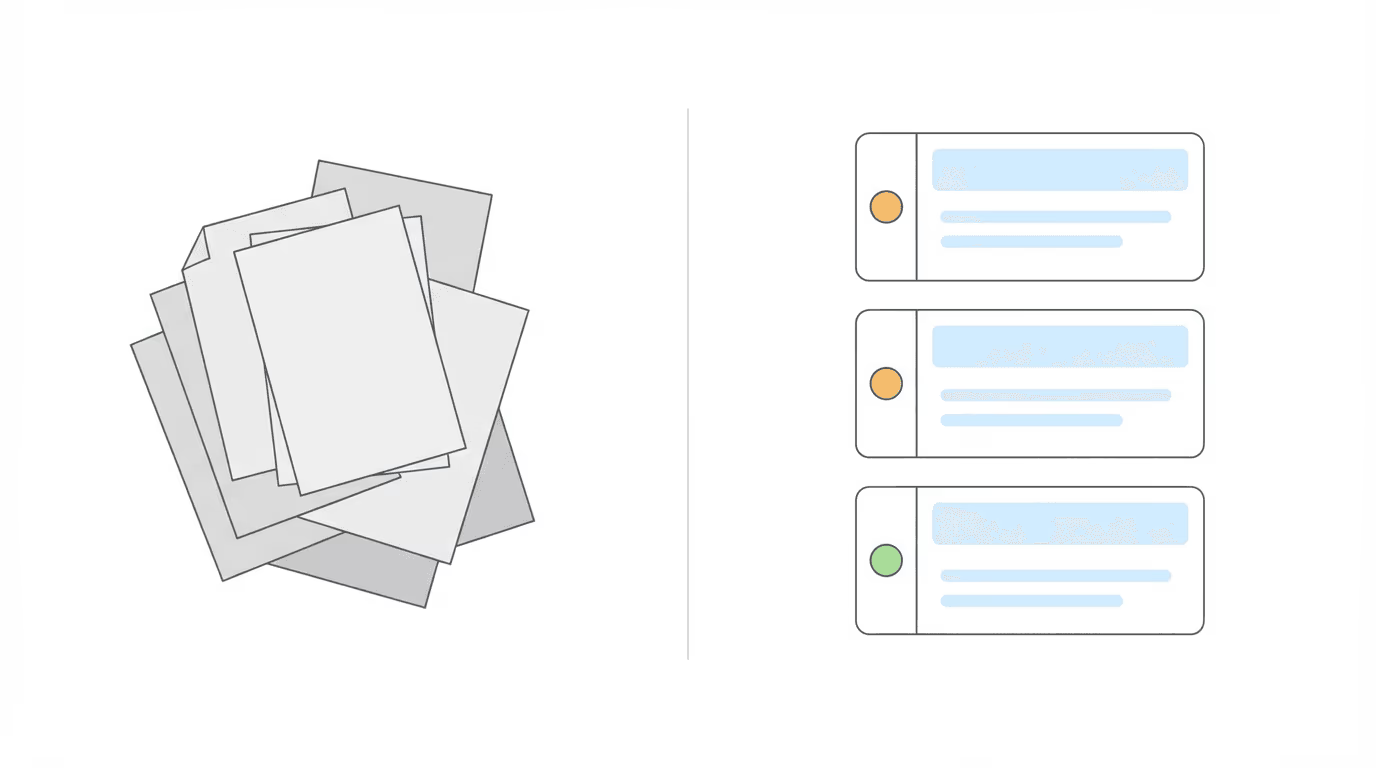
When we launched the Chronicle x LexMed integration in November, attorneys could turn ALJ denials into appeal-ready briefs from inside Chronicle. Since then, the LexMed team has shipped two major upgrades to the engine behind that integration.
V3 is now live for all users. If you’re a Chronicle customer, you already have it.
What Changed in V3
Earlier versions of the ALJ Audit produced a detailed report listing potential errors. V3 rebuilds the output so that every error is individually graded by severity. The interface got a redesign to match.
Graded Error Severity
Every finding is now classified as high, medium, or low. Attorneys see immediately which errors carry the most weight for appeal. No more scanning a flat list trying to prioritize on the fly.
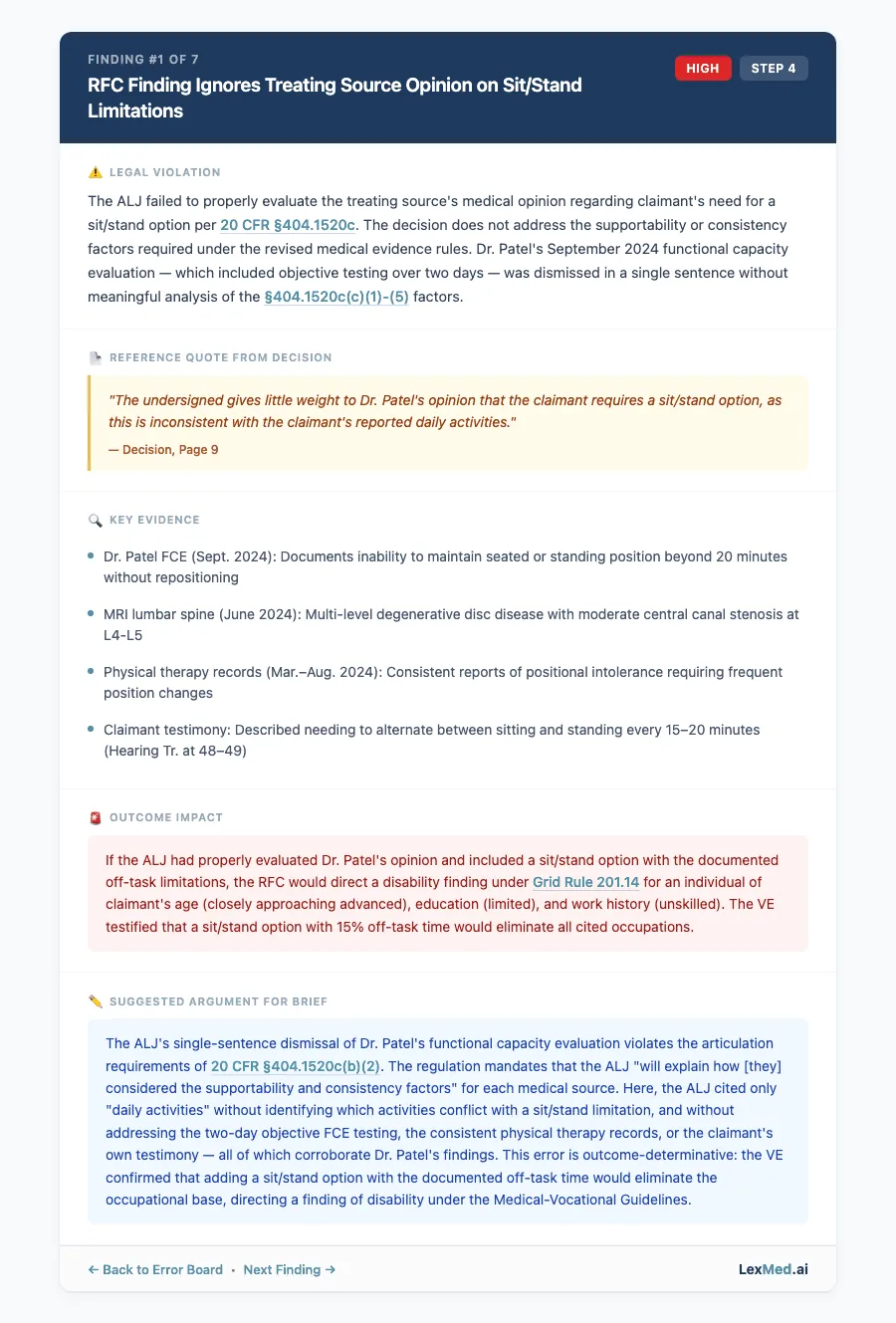
Executive Error Board
The top of every audit is a summary dashboard. Click any error and it scrolls directly to the full analysis below. Think of it as a table of contents for legal errors.
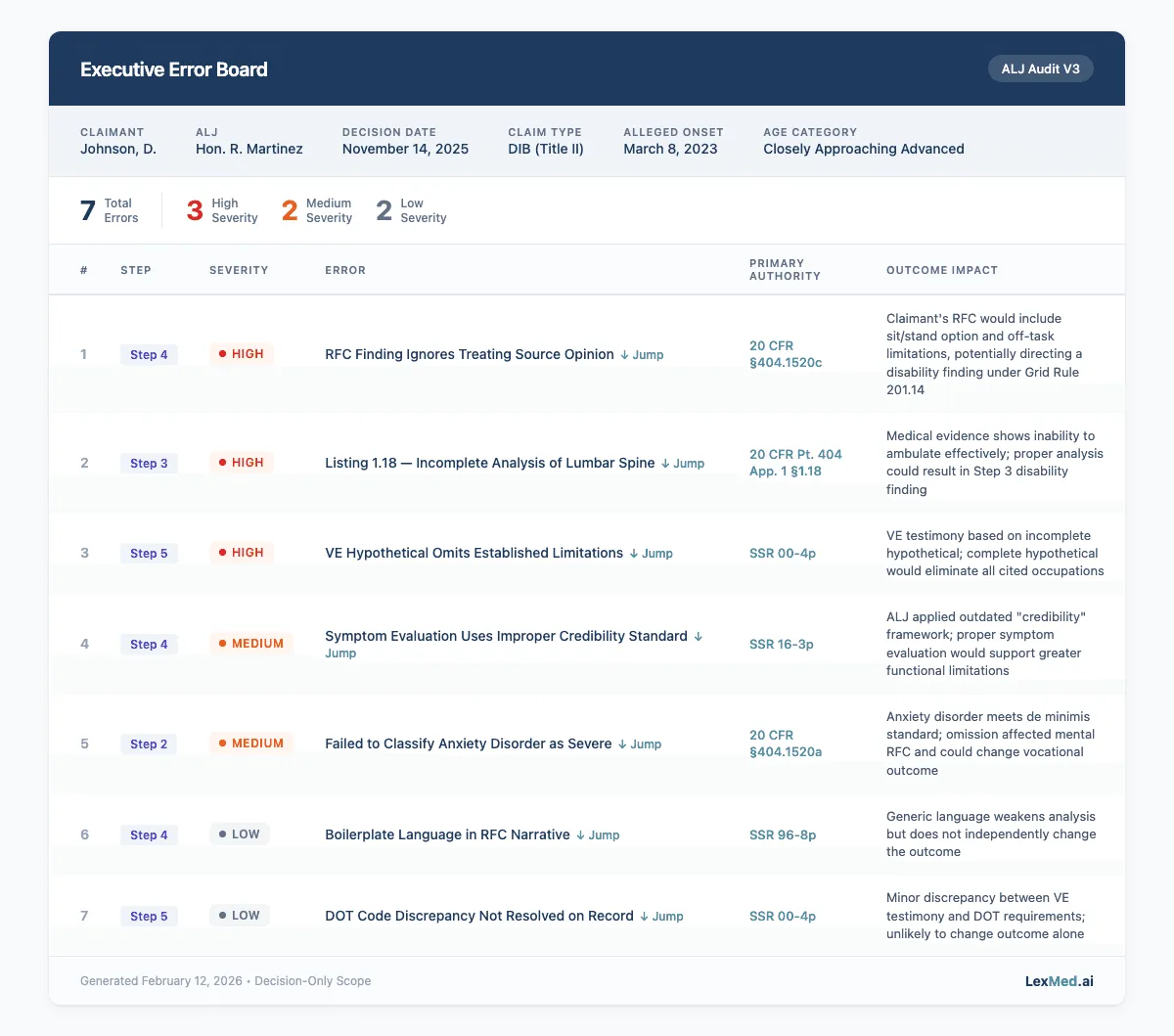
Embedded Hyperlinked Citations
Every CFR, SSR, HALLEX, and Listing citation in the PDF is a clickable hyperlink to the actual regulation. This cuts the 30+ minutes attorneys typically spend switching between the brief and a browser to validate citations. (The time savings here are real; citation lookup is one of those tasks that doesn’t feel long until you add it up across 10 cases.)
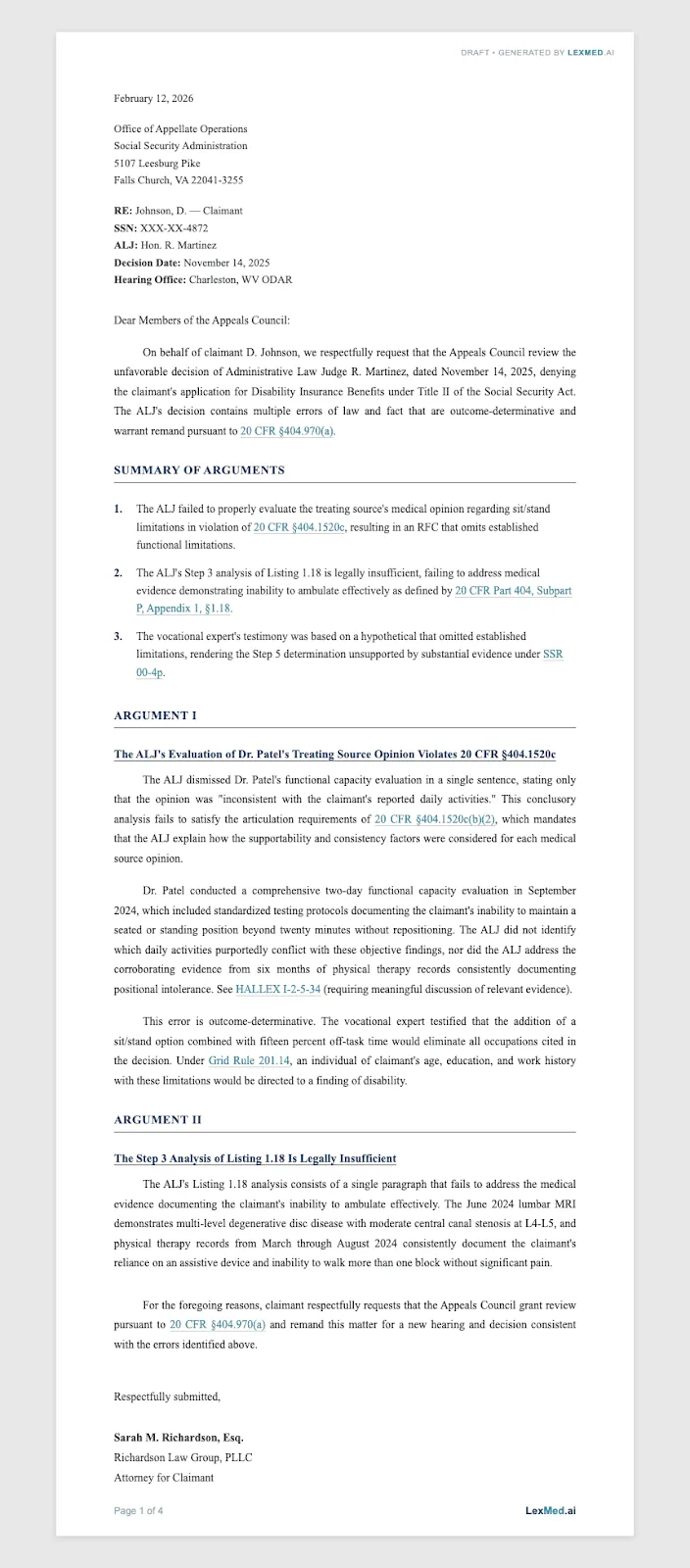
Upgraded AC Brief
The AC Brief now uses your specific graded errors as its arguments. High and medium severity errors get distilled into legal arguments following a proven appellate template. The result is a brief that directly references your specific errors, not a generic summary.
Output includes DOCX with firm letterhead and PDF.
Smart Guardrails
V3 won’t flag “beneficial errors” where the ALJ’s mistake actually helped the claimant. If the ALJ gave a more restrictive RFC than the medical opinions suggested, that’s not worth arguing. This kind of legal nuance reduces false positives and brings the output closer to what a seasoned appellate attorney would actually draft.
Regulatory Coverage
V3 covers all SSA Blue Book Listings (1.00-14.00), special impairment SSRs (fibromyalgia, headaches, obesity, mental impairments, DAA, IC), RFC checklists including “killer factors” like off-task time and absenteeism, Grid Rule shortcuts, and SSR 24-3p (effective January 6, 2025).
From Report to Workflow
V2 gave attorneys a report. V3 gives them a workflow.
Previously, attorneys ran an ALJ Audit, got a text report of potential errors, then had to figure out which ones were worth arguing, manually research the applicable regulations, validate every citation, draft the AC brief from scratch, and format it for filing. That sequence could easily consume 4-8 hours per case.
V3 collapses that. The audit grades errors by severity so attorneys know immediately where to focus. Every citation links directly to the regulation. And the AC Brief drafts itself from the audit findings.
The path from “unfavorable decision” to “draft brief ready for review” now takes minutes instead of hours.
How It Works in Chronicle
The workflow hasn’t changed. Same one-click integration, completely rebuilt engine underneath. You can review the live demo from the initial launch to see how the integration works here.
- Open a denied case in Chronicle
- Click the AC Brief tab
- Click “Request LexMed Brief”
- LexMed analyzes the decision against 100+ regulations, grades every error, and drafts the brief
- Audit and AC Brief auto-save to your Chronicle case file
Turnaround is 5-10 minutes. No new setup. No upgrade step. V3 is already what you’re getting.
Results in the Field
The national AC remand rate is around 15.5%. Over the past decade, it’s averaged closer to 13-14%. Getting a remand is hard. Getting them consistently at scale is harder.
“I have done this work a very long time…my AC remand rate jumped to 23% after we introduced his product into the workflow, along with Chronicle.”
— Michael Sullivan, attorney at Sullivan Law Office
That’s a 65% lift over the decade average.
What Attorneys Are Saying
A senior appeals attorney at a Top-500 national firm (16 years experience, 174+ audits completed):
“We’ve played with some other AI stuff and this seems to be the most advanced for social security stuff that at least I’ve come across.”
A CEO at a national disability firm:
“One attorney that prior to this was appealing 2% of his ALJ decisions… he’s got them now appealing significantly more. That’s a big difference, and everybody has gone up.”
A solo practitioner:
“It puts it in order a lot quicker than me spending about four or five hours trying to do it.”
Founder Perspective
We asked LexMed’s founder, Nick Coleman, on what he believes are the biggest changes with V3. He told us:
“The biggest upgrade in V3 is the guardrails. Earlier versions would flag everything, including errors that actually helped the claimant. V3 thinks like an appellate attorney. It knows not to argue beneficial errors, it knows the difference between Title II and Title XVI citations, and it applies the latest SSRs including 24-3p. The output is something you can actually file.”
— Nick Coleman, Founder, LexMed
Pricing
It’s $100 per ALJ decision. This includes the full audit report and the auto-generated AC Brief. Single price, no add-ons.
Next Steps
If you’re an existing Chronicle user: It’s already live. Run your next denied case through the AC Brief tab.
If you’re new to Chronicle: Book a demo to learn more
Questions about LexMed? Contact nick@lexmed.ai or book a demo with LexMed