
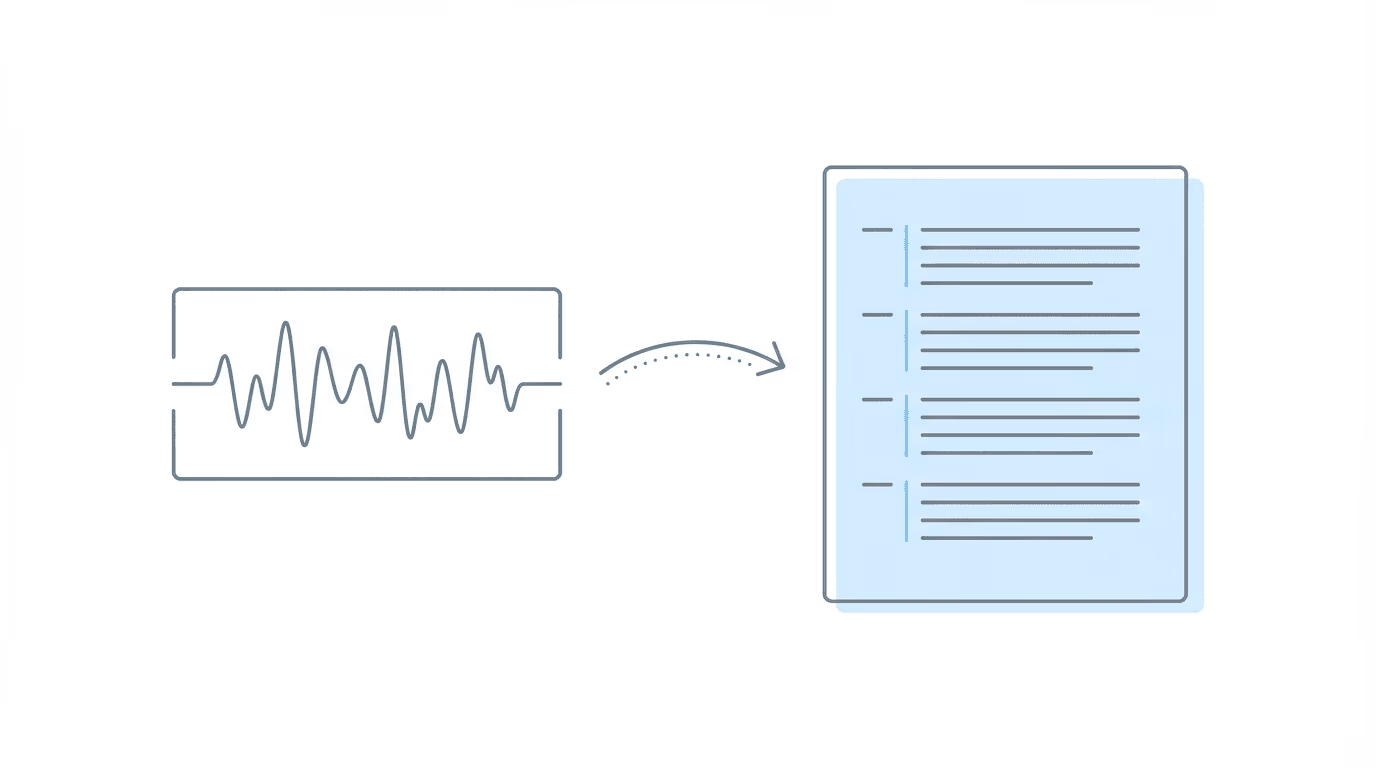
Hearing transcript software converts ALJ hearing audio into searchable, timestamped text that disability attorneys can cite directly in post-hearing briefs. The core value is speed and precision: instead of scrubbing through 45 minutes of audio to find a vocational expert’s admission, you search the transcript and copy the passage with its timestamp attached.
The hearing ended 45 minutes ago. You have testimony from the vocational expert that directly contradicts the RFC. The medical expert confirmed your client’s limitations align with the treating physician’s findings. Somewhere in that recording is the ALJ’s question about sedentary work that could anchor your entire post-hearing brief.
Now you need to find it.
Most disability attorneys know this scenario. The hearing went well, but the clock starts immediately. You have a limited window to submit a post-hearing brief, and every relevant moment from that testimony needs precise citation. Listening through the full recording repeatedly, hunting for the exact timestamp where the VE admitted your client couldn’t maintain pace, compresses an already tight deadline.
General legal transcription services exist. Rev, Verbit, Sonix, and others built their businesses on depositions, court reporting, and evidence review. They’re accurate and fast. But they weren’t designed for this particular workflow, where the transcript needs to connect directly to the medical chronology you built, the ERE documents you pulled, and the brief template waiting for specific citations.
That gap is what this guide addresses.
Why Disability Attorneys Need Hearing Transcripts
Post-hearing briefs in Social Security disability cases require specificity. You’re citing exact testimony to support legal arguments, not summarizing what happened. When the vocational expert concedes that someone with your client’s limitations couldn’t perform their past work, you need the timestamp. When the ALJ asks about symptom frequency and your client describes daily episodes, that moment needs to be findable.
ALJ hearings have a distinct structure. Unlike depositions with opposing counsel and objections, disability hearings typically involve direct examination of the claimant, testimony from vocational experts, and sometimes medical expert opinions. The ALJ controls the flow. Relevant testimony can surface at any point; the VE’s most important admission might come in response to a hypothetical buried 35 minutes into the recording.
Manual review works at low volume. If you’re handling a few hearings per month, you can listen through recordings and note timestamps as you go. That approach breaks down as volume increases. When you’re preparing multiple post-hearing briefs simultaneously, the time spent hunting through audio files directly reduces the time available for legal analysis and writing.
The difference shows up in the brief itself. Precise citations versus vague references to “testimony during the hearing.”
What to Look for in Hearing Transcript Software
Disability attorneys evaluating transcription software should consider factors specific to their workflow, not just generic accuracy benchmarks.
Turnaround time matters more than you’d expect: if transcription takes 24-48 hours, you’ve lost time from an already compressed window. Some solutions generate transcripts in minutes; others take days. For post-hearing briefs, faster is directly better.
Timestamps need to be accurate and accessible: a transcript without timestamps is a text file you still have to cross-reference against the audio. Look for solutions that embed timestamps at regular intervals or allow you to click directly to the audio from any point in the text.
Speaker identification reduces confusion: ALJ hearings involve multiple speakers (the judge, the claimant, the attorney, vocational experts, medical experts, sometimes interpreters). Transcripts that label speakers correctly save significant time when you’re looking for the VE’s specific testimony.
Searchability is the core feature. The entire point of transcription is to make audio searchable. You should be able to search for “sedentary,” find every instance, and jump to the timestamp immediately.
Security and compliance aren’t optional. Hearing recordings contain protected information. Any solution handling this data should meet basic security standards, though most established transcription services already do.
Integration determines actual workflow value: this is where generic and SSD-specific solutions diverge most sharply. A transcript that lives in a separate system requires manual steps to connect it to your case file, medical chronology, and brief. A transcript embedded in your hearing prep workflow connects these elements automatically.
General Legal Transcription vs SSD-Specific Solutions
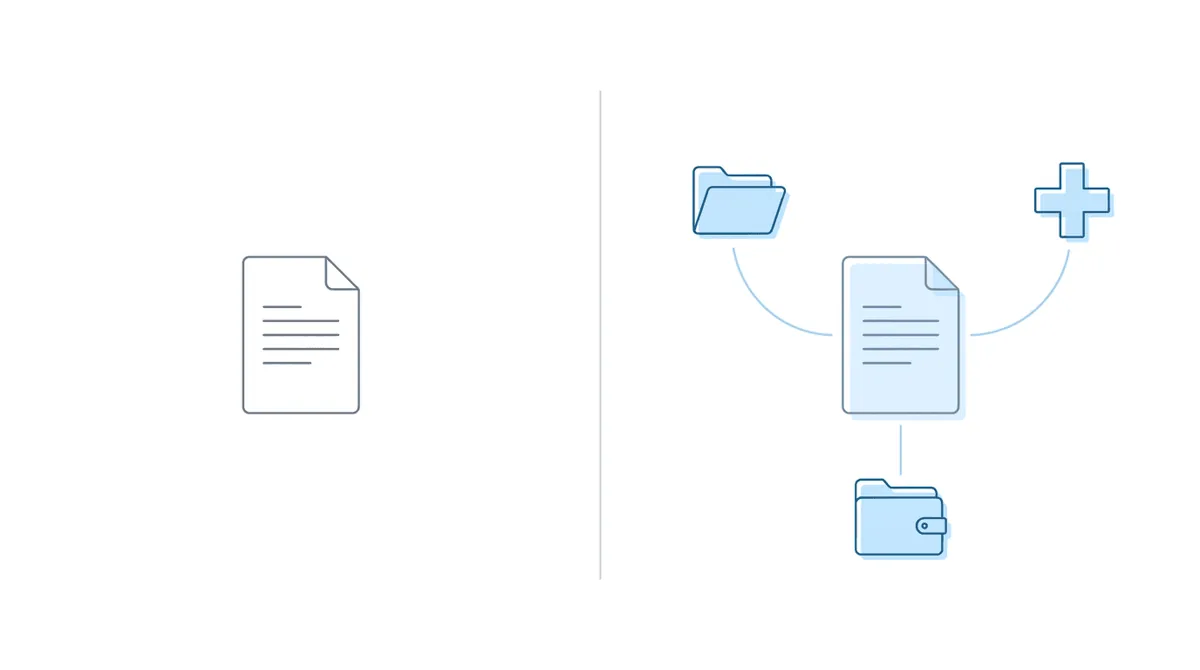
General transcription services like Rev, Verbit, and Sonix have invested heavily in AI accuracy, claim 96%+ transcription fidelity, and offer fast turnaround. For depositions, evidence review, and general legal audio, they work well.
The gap shows up in workflow integration, not transcription quality.
| Factor | General Transcription Services | SSD-Specific Solutions |
|---|---|---|
| Accuracy | 96%+ AI, 99%+ human review | Comparable AI accuracy |
| Turnaround | Hours to days depending on service tier | Minutes in some cases |
| Speaker ID | Yes | Yes |
| Timestamps | Yes | Yes, often with click-to-audio |
| Integration with medical chronology | None | Direct connection |
| Integration with ERE documents | None | Part of same system |
| Integration with case files | Manual export/import | Native |
| Designed for ALJ hearing structure | No | Yes |
General services produce a transcript file. You download it, import it somewhere else, and manually connect it to your other case materials. That works, but it’s a workflow with extra steps that multiply across every hearing.
SSD-specific solutions treat the transcript as one component of the hearing prep process. The same system that holds your medical chronology, your ERE documents, and your case status now holds the transcript. Search works across all of it. The brief you’re writing can pull timestamps directly.
This distinction matters most at volume. A solo practitioner handling four hearings monthly might find the export/import workflow tolerable. A firm handling 15-20 hearings monthly experiences that friction daily.
How Transcripts Fit Into Post-Hearing Brief Workflows
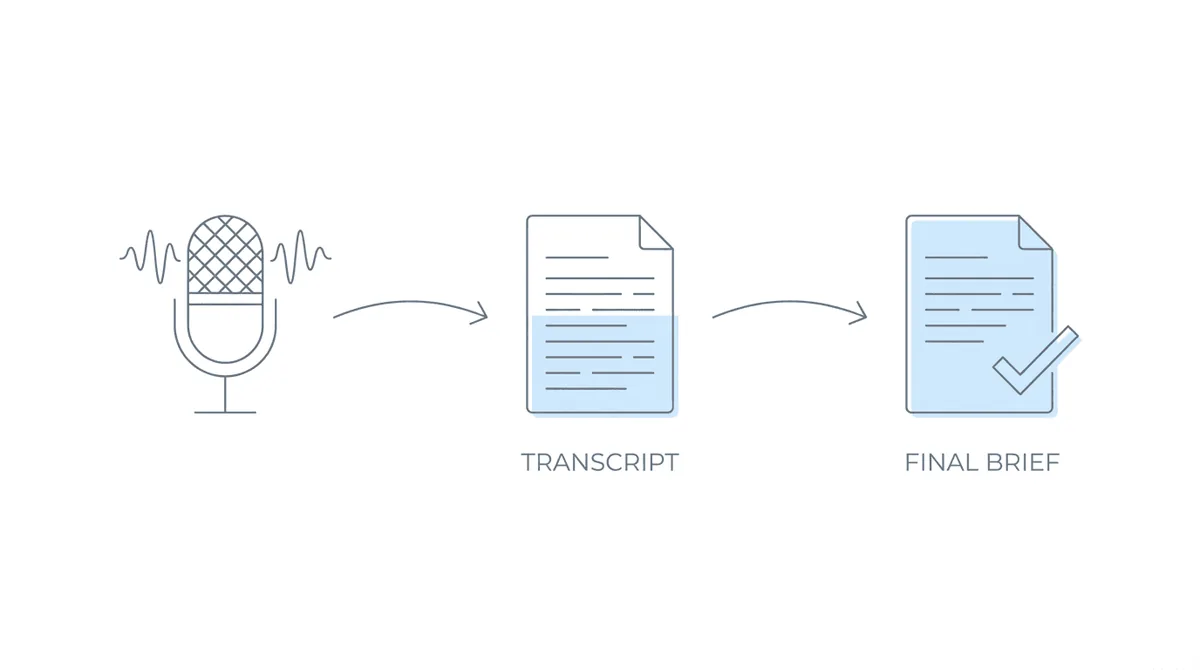
The practical value of hearing transcript software shows up in how it connects to brief writing. An integrated workflow looks different from the piecemeal approach.
Audio capture happens automatically or with minimal effort. The hearing is recorded through your video conferencing platform or the tribunal’s system; that recording gets into your transcription system without manual file management. Depending on the solution, transcription completes in minutes to hours. Faster is better because it moves the transcript from “pending” to “usable” while the hearing is still fresh.
From there, the workflow shifts. Instead of scrubbing audio, you search. The VE’s testimony about job numbers, the claimant’s description of daily limitations, the medical expert’s opinion on RFC consistency; all searchable. You type keywords and jump directly to relevant sections.
Timestamps travel with copied text. When you copy a passage from the transcript, the timestamp comes with it. Pasting into your brief gives you the citation automatically. No manual notation, no risk of misattributing a time.
The transcript lives alongside related materials. Your medical chronology, your ERE documents, your hearing prep notes, and now your transcript all exist in the same workspace. Cross-referencing becomes natural rather than a context-switching exercise. (This assumes your systems are actually integrated; standalone transcription services don’t provide this.)
The time you’d spend managing files, hunting through audio, and manually noting timestamps gets redirected to the work that actually matters: analyzing testimony and writing the brief.
Evaluating Hearing Transcript Solutions
When assessing options, these questions help distinguish between solutions that look similar on feature lists.
1. “How fast is the transcript actually available?”
Ask for specific timeframes, not ranges. “Usually same day” is different from “within 15 minutes of upload.”
2. “Can you demo with a real hearing recording?”
Accuracy claims are tested against clean audio in controlled conditions. Your actual hearing recordings have background noise, overlapping speakers, and variable audio quality. Test with representative files.
3. “Where does the transcript live after generation?”
If it exports to a standalone file you then have to import elsewhere, factor that workflow cost into your evaluation. Direct integration with your hearing prep system has material value.
4. “How does it handle multiple speakers?”
Play a section with the ALJ, claimant, and VE all speaking within a few minutes. Check whether speaker labels are accurate and consistent.
5. “What’s the actual cost per hearing?”
Pricing models vary. Per-minute transcription charges add up differently than flat monthly fees. Calculate based on your actual hearing volume.
Audio retention matters too. For cases that may require later review, having both the transcript and the original audio accessible is worth confirming upfront.
Search functionality is worth testing. Basic text search is expected. More useful: search that highlights all instances, lets you jump between them, and shows surrounding context.
How Chronicle Handles Hearing Transcripts
Chronicle is built for Social Security disability practices. It focuses on SSA-facing operational workflows: ERE monitoring, case status tracking, medical chronology, and hearing prep. Hearing transcription fits into that system as a native component, not an add-on.
Chronicle provides hearing preparation dashboards to support case readiness. Transcripts are generated from hearing audio and become immediately available alongside the other materials you’ve assembled for that case.
At Anderson Marois & Associates, the firm uses Chronicle’s automated transcripts that arrive within minutes of upload. The workflow is direct: transcript text includes timestamps, and the copy/paste process brings those timestamps into the brief. No separate file management, no manual timestamp notation.
Ficek Law reported that Chronicle’s hearing transcription significantly reduces time spent on hearing review. The shift from scrubbing through audio to searching text changed how quickly the firm moves from hearing to brief submission.
At The Law Office of Nancy L. Cavey, live hearing transcripts for briefs was a specific requirement when evaluating solutions. The firm handles 15-20 monthly hearings with a small team; transcript turnaround directly affects capacity.
The broader context matters here. Chronicle supports the full SSD lifecycle: initial, reconsideration, hearing, and post-hearing updates. Hearing transcription isn’t a standalone feature; it’s part of infrastructure that connects ERE monitoring, medical chronologies, deadline tracking, and case status. The transcript for a post-hearing brief exists in the same system as the ERE documents that showed the hearing notice, the medical records you organized, and the status updates tracking the case.
Generic transcription services produce accurate text. Chronicle produces accurate text inside the operational system where SSD firms actually work. That integration is the differentiation.
“If Chronicle took away the hearing features, I’d be hurting. It would be a step backward…” That’s from Ficek Law, where the hearing capabilities have become part of how the firm operates.
Chronicle is CMS-agnostic. It works with any CMS with an API, or no CMS at all. The hearing transcription capability doesn’t require changing your case management system; it adds a layer of SSD-specific functionality on top of whatever you currently use.
Frequently Asked Questions
How accurate are AI-generated hearing transcripts?
Accuracy depends on audio quality. Modern AI transcription typically achieves 95-97% on clear recordings. Disability hearings with multiple speakers and variable audio quality may see slightly lower accuracy on difficult passages. The practical question is whether accuracy is sufficient for searchability and initial drafts; most firms find it is, with manual review for citations used in briefs.
How long does transcription take?
Generic services range from same-day to several days depending on service tier and volume. SSD-specific solutions like Chronicle generate transcripts within minutes. For post-hearing brief workflows, faster turnaround preserves more of your writing window.
Can I use general transcription services for ALJ hearings?
Yes. The transcription quality is comparable. The tradeoff is workflow integration. General services produce files you manage separately; SSD-specific solutions embed transcripts in your hearing prep system alongside medical chronologies, ERE documents, and case files.
What about transcription for Appeals Council or federal court cases?
Post-hearing briefs for ALJ hearings are the most common use case, but transcription is valuable at other stages too. Appeals Council submissions may reference hearing testimony; federal court records require the same precision. Solutions that handle ALJ transcription typically work for these contexts as well.
Conclusion
Hearing transcript software solves a specific problem: turning audio from ALJ hearings into searchable, citable text for post-hearing briefs. General legal transcription services do this adequately. SSD-specific solutions do it within the workflow where disability attorneys actually operate.
The evaluation comes down to where you want the transcript to live. If standalone files work for your practice, generic services are capable and often less expensive. If you want transcripts embedded alongside medical chronologies, ERE documents, and hearing prep materials (with timestamps that copy directly into briefs) that’s a different category of solution.
Chronicle approaches this as infrastructure. Hearing transcription is one component of a full-lifecycle SSD platform, connected to everything else the firm touches for that case. For practices handling regular hearing volume, that integration changes daily operations.
The next step is testing. Run an actual hearing recording through any solution you’re considering. Check accuracy, turnaround, and how the transcript connects to your existing workflow. The right answer depends on how you work.