
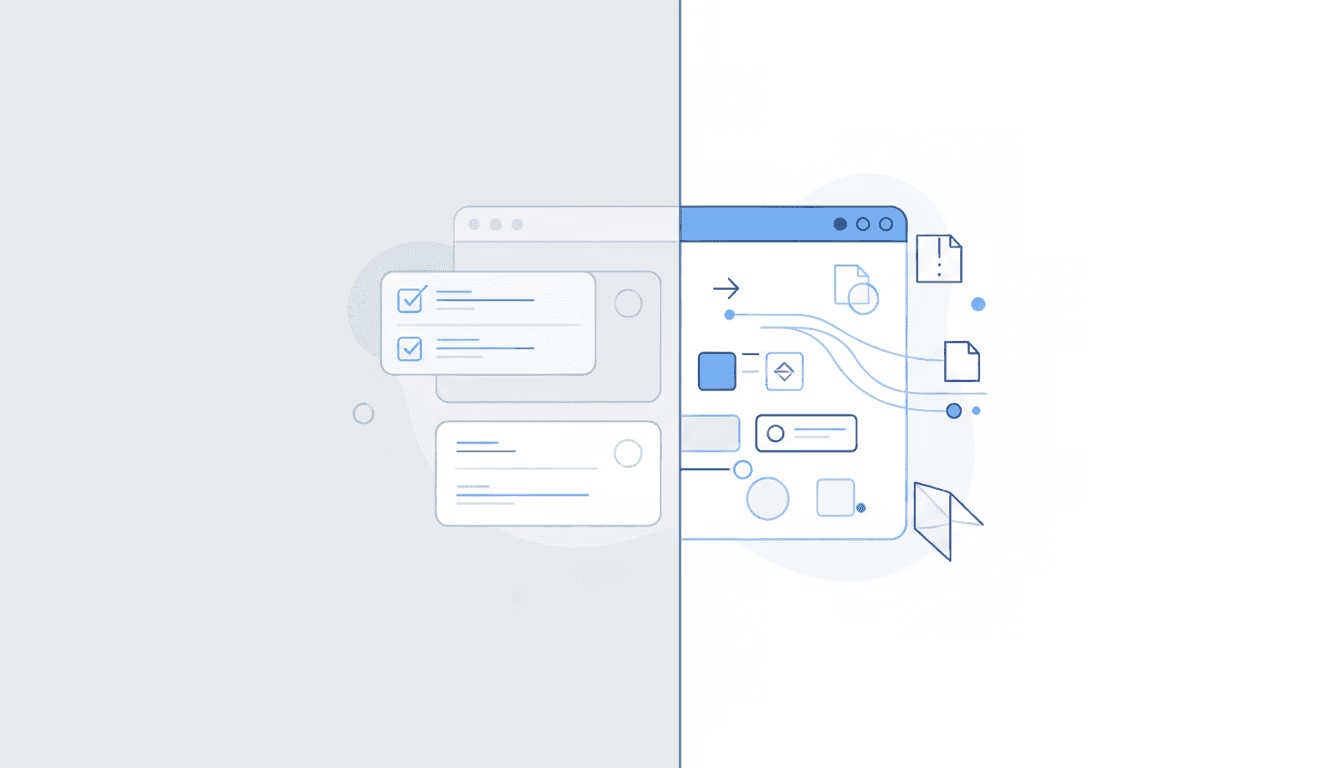
Most disability law firm dashboard software shows the same thing: tasks, deadlines, and internal workflows. Open any CMS and you’ll see what your staff needs to do. What you won’t see is what the SSA did yesterday.
That gap matters more than most firms realize.
A dashboard that tracks internal tasks is useful. But if you’re still learning about SSA decisions from client phone calls or mail that arrives a week late, your dashboard is solving the wrong problem. It’s showing you downstream effects rather than upstream causes.
The distinction comes down to two categories of visibility: internal (what work should we do?) and external (what changed at SSA?). Most firms have invested heavily in the first category. They’ve largely ignored the second.
What “Dashboard” Means in Disability Law Software
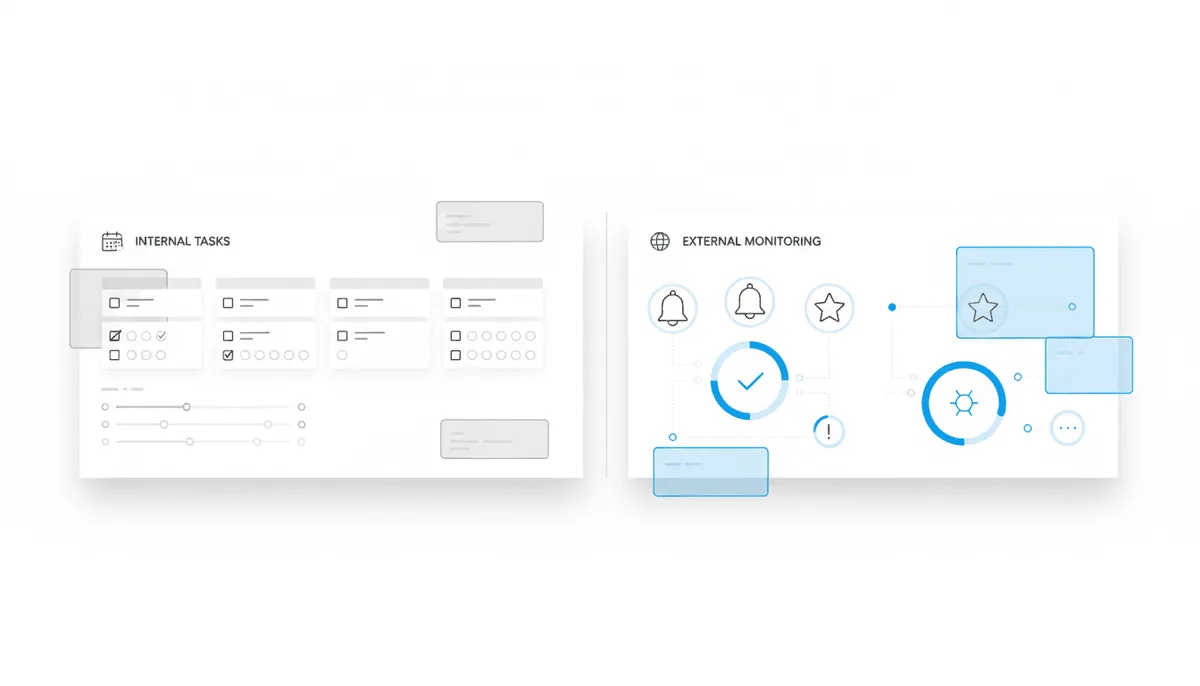
Dashboard software for disability practices falls into two fundamentally different categories. The distinction matters more than the marketing suggests.
Internal task dashboards show firm activity. These are built into case management systems and focus on what your team needs to accomplish: pending tasks, upcoming deadlines, document requests, intake status. They answer “what work is on our plate?”
SSA visibility dashboards show external activity. These monitor the SSA’s Electronic Records Express portal (the ERE) and surface what changed: new documents posted, status updates, hearing scheduling, questionnaires, notices. They answer “what did SSA do today?”
Most CMS platforms offer the first type. Intake dashboards, matter dashboards, reporting dashboards. These help manage internal operations and track productivity. They’re blind to SSA activity unless someone manually logs into the ERE and checks each case.
The confusion happens because both categories use the same word. Firms assume they have visibility when they actually have task management. These aren’t interchangeable, though vendors sometimes blur the line.
The Problem with Internal Task Dashboards Alone

CMS dashboards excel at organizing firm work. Where they fail is telling you what triggered that work in the first place.
Consider what happens when SSA posts a new document. The ERE updates immediately. But unless someone logs in and checks, the firm doesn’t know. Days pass. Eventually a letter arrives in physical mail. Someone scans it, creates a task, and the CMS dashboard finally reflects the work. By then, the deadline clock has been running for a week.
This is the core limitation: internal dashboards are downstream of reality. They show work after it’s been created, not the SSA activity that created it. That lag is where risk lives.
The consequences show up in predictable ways:
Clients know before you do: SSA sends notices to claimants too. When your client calls to ask about their denial before you’ve seen it, the professional credibility hit is real.
Mail delays compress deadlines: a 10-day notice that arrives on day 8 leaves almost no time to respond. A 25-day letter that shows up on day 20 creates scramble mode. These aren’t hypotheticals. At Martin, Jones & Piemonte, staff described receiving “a 10-day notice on day 9 or a 25-day letter on day 24” as a regular occurrence before they gained ERE visibility.
Manual checking doesn’t scale: staff can log into the ERE and check cases individually. For small practices, that’s tedious but manageable. For firms handling 200 or 500 cases, it becomes impossible. Martin, Jones & Piemonte estimated their paralegals spent five or six hours per week just checking the ERE manually. That time adds up, and things still get missed.
No audit trail exists: manual ERE monitoring fails quietly. It’s not the login that breaks; it’s the lack of any record showing what was checked and when. If a deadline slips, there’s no way to trace whether someone actually looked.
SSA Visibility Dashboards: What Changed at the ERE Today?
The ERE is the SSA’s source of truth for disability cases. It contains real-time information: case status, hearing scheduling, notices and correspondence, questionnaires, evidence uploads, and the full electronic file. Everything the SSA knows about a case is there.
An SSA visibility dashboard monitors this portal automatically. Instead of staff checking cases one by one, the system checks every case daily and reports what’s new. No manual logins required.
That changes how firms start their day. Staff see exactly what changed overnight: which cases have new documents, which have status updates, which have hearing dates scheduled. Portfolio-level visibility replaces case-by-case guesswork.
What daily ERE monitoring typically reveals:
- Status changes (decisions, denials, approvals, closures)
- New documents posted to the e-file
- Hearing scheduling updates and manner of appearance
- Questionnaires and forms requiring response
- Notices and correspondence
- Evidence uploads and exhibit activity
Chronicle provides real-time monitoring of SSA Electronic Records Express activity. The system checks the ERE and e-file daily for each monitored case and summarizes what changed so teams can act on it.
The critical distinction: Chronicle is not a CMS. It monitors the ERE while your CMS manages tasks and firm execution. These are complementary systems. ERE monitoring answers “what changed at SSA?” and case management answers “what should we do about it?”
Chronicle is CMS-agnostic and works alongside whatever system a firm already uses. It integrates with Clio, Filevine, MyCase, and Litify, plus any system with an API via Zapier. The goal isn’t to replace internal task management but to feed it accurate, timely information about SSA activity.
What to Look for in a Disability Firm Dashboard
When evaluating dashboard software, the checklist differs depending on which problem you’re solving.
Must-Haves for SSA Visibility
| Capability | Why It Matters |
|---|---|
| Automatic ERE monitoring | Eliminates manual checking; catches updates you’d miss |
| Daily (or more frequent) checks | Earlier awareness enables earlier action |
| Portfolio-level view | See changes across all cases without opening each one |
| Deadline alerts | Surfaces time-sensitive items before they become emergencies |
| Status change notifications | Know about decisions, denials, and closures immediately |
Nice-to-Haves
| Capability | Why It Matters |
|---|---|
| CMS integration | Routes ERE updates into existing workflows automatically |
| Hearing prep features | Medical chronology, transcripts, brief support |
| Document organization | OCR, search, exhibit management |
What to Avoid
Some dashboard tools market visibility without actually providing it. If the system has no ERE access, you’re looking at a task tracker dressed up with better graphics. Manual refresh requirements defeat the purpose entirely; if someone still has to remember to check, the automation value disappears.
Watch for hearing-prep-only positioning. These tools optimize for the final stage of a case but leave you blind during initial applications, reconsideration, and post-hearing follow-up. Full lifecycle visibility matters more than deep features in one phase.
Closed ecosystems are a quieter problem. A dashboard that doesn’t integrate with your existing CMS creates yet another place to check. That’s not visibility; it’s additional overhead.
The evaluation question is simple: does this show me what SSA did today, or only what my staff plans to do?
How Firms Use Dashboard Visibility Operationally
Abstract benefits matter less than operational reality. Here’s how firms actually use SSA visibility dashboards day-to-day.
The Daily Monitoring Rhythm
Firms with ERE visibility check their dashboard throughout the day. At Anderson Marois & Associates, staff flag status changes and trigger next steps without waiting for attorney oversight. The dashboard becomes the first place they look (before Prevail, before email). At Ficek Law, the same pattern: Chronicle sits alongside calendars as part of how the day starts.
The shift from reactive to proactive is what firms mention most. Knowing what changed overnight means preparing rather than scrambling.
Proactive Client Communication
This one is harder to quantify but matters more than people expect.
Before gaining ERE visibility, William Viner of Viner Disability Law received calls from clients telling him they’d been approved or denied. The firm would learn about decisions from the claimants themselves, because SSA mails notices to both parties. Think about how that feels to the client: they know before their own attorney does.
With daily monitoring, that dynamic reverses. Viner now emails clients before notices arrive by mail, sometimes weeks earlier. The professional credibility shift is real. Clients trust firms that know what’s happening before they do; they’re less likely to trust firms that seem to be catching up.
Scaling Without Adding Headcount
The Disability Champions grew from 900 to 3,000 active cases while actually reducing headcount. They reported a 75%+ drop in admin work after implementing Chronicle. Ficek Law reported saving 10-20 hours of staff time per week. In both cases, the hours previously went to manual ERE checking and mail reconciliation.
The visibility layer matters more as caseload grows. At small scale, manual checking is tedious but survivable. At 600 cases, it breaks.
Catching What Mail Misses
At The Disability Champions, decisions and closures appear within 24 hours via dashboard alerts. Physical mail can take a week or more to arrive. Daily ERE monitoring catches what mail misses and provides an audit trail of when updates actually appeared. Manual checking can’t match that consistency, and it definitely can’t prove that someone looked.
Frequently Asked Questions
Do I need an ERE monitoring dashboard if I already have a CMS?
Yes. They solve different problems. Your CMS manages internal tasks and workflows; an ERE monitoring dashboard shows what SSA did today. Most high-volume SSD firms run both. Chronicle works with Prevail, Clio, Filevine, or anything with an API.
What size firm benefits from SSA visibility dashboards?
Both small and large, though the failure modes differ.
Small firms benefit because one missed notice can be catastrophic when you don’t have staff redundancy. There’s no backup if someone forgets to check. Large firms benefit because manual monitoring at scale is impossible; you simply cannot check 600+ cases by hand with any consistency.
How quickly can I see changes after SSA posts them?
Chronicle checks the ERE daily. New documents, status changes, or notices typically appear within 24 hours. Physical mail takes a week or more.
Will this replace my current case management system?
No. Chronicle monitors the ERE and surfaces SSA activity. Your CMS continues to manage tasks, contacts, and workflows. The two are complementary: Chronicle tells you what changed at SSA; your CMS tells you what to do about it.
What about firms that use Assure for ERE access?
Assure is a hearing prep platform. It’s optimized for exhibit review and pre-hearing workflows, not continuous operational monitoring. Chronicle covers the full SSD lifecycle: initial applications, reconsideration, hearing, and post-hearing stages with daily monitoring throughout. If your visibility needs extend beyond hearing prep, the approaches differ significantly.
The Visibility Gap
The firms that operate most smoothly aren’t necessarily the ones with the best task management. They’re the ones who know what’s happening at SSA before anyone has to tell them.
A CMS dashboard shows internal work. An ERE monitoring dashboard shows external reality. Running the first without the second means operating partially blind, catching up to information that’s already available elsewhere.
Chronicle was built for this gap. It checks the ERE daily, shows changes across your entire caseload, and integrates with existing CMS platforms. For firms still learning about decisions from client calls or late mail, that visibility is the missing layer.