
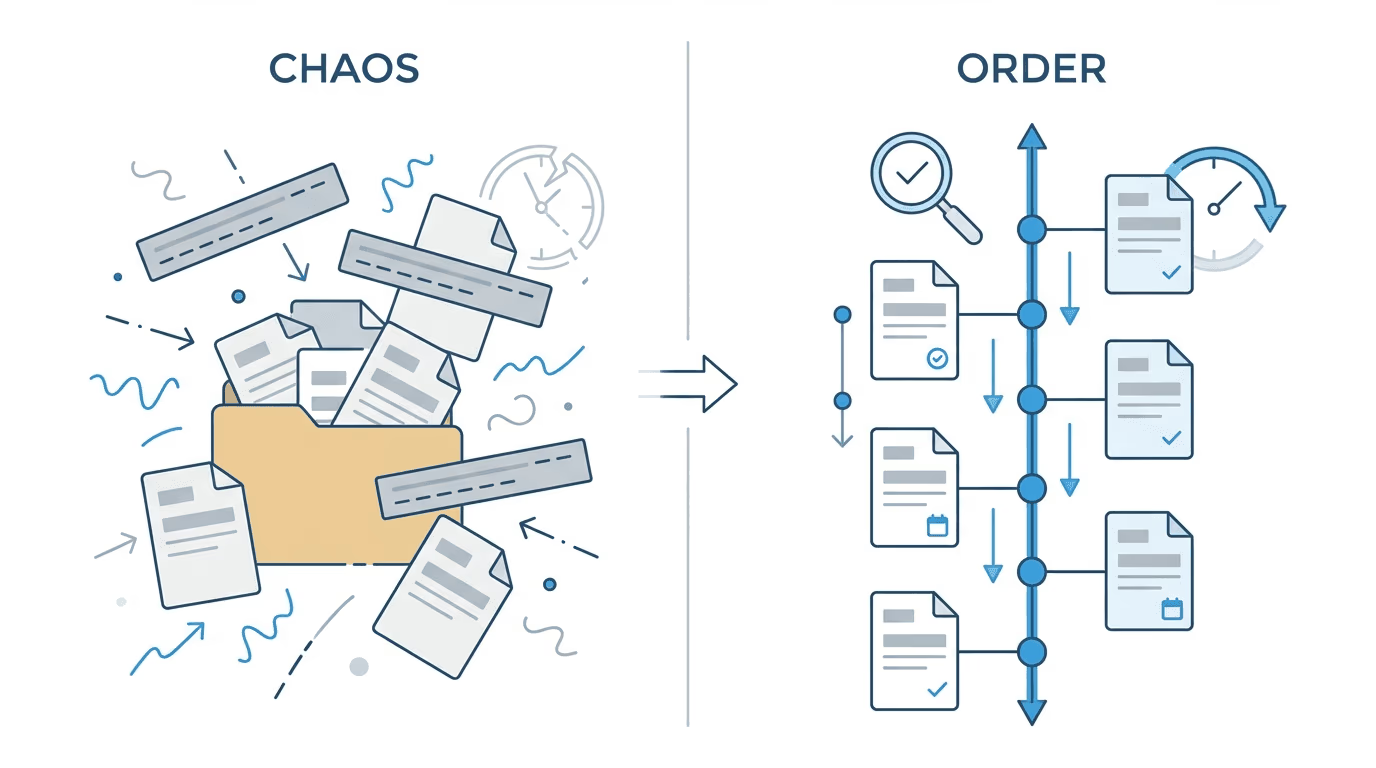
Medical chronology software converts unstructured medical records into organized timelines for legal use. For disability law firms, the best options integrate with ERE workflows, support SSD-specific outputs (RFC analysis, treatment compliance), and produce chronologies that serve hearing preparation rather than PI settlement demands.
Every SSD case eventually comes down to the medical records. A single file can run 1,500 pages of treatment notes, imaging reports, and specialist consultations. Paralegals spend 15 to 20 hours organizing that manually. Meanwhile, the hearing date approaches.
Medical chronology software automates most of this. AI extracts dates, diagnoses, providers, and treatments from raw records, then organizes everything into a timeline attorneys can actually use. What took days now takes hours or less.
Here’s the problem: nearly every medical chronology guide on the internet is written for personal injury firms. PI workflows differ from Social Security disability practice in fundamental ways. The tools built for PI may not address what SSD attorneys actually need for hearing preparation.
This guide covers medical chronology software with disability law workflows in mind. It explains what to evaluate, which platforms fit SSD practice, and how medical chronology connects to existing ERE monitoring and case management systems.
What Medical Chronology Software Does

The process works in stages. You upload records (most platforms accept PDFs, scanned documents, and electronic health record exports). The software runs optical character recognition to read both typed and handwritten notes.
Then comes extraction. AI identifies key data points: patient demographics, appointment dates, diagnoses, procedures, medications, provider names, and clinical findings. The extraction mimics what a paralegal does manually but processes hundreds of pages in minutes.
The output is a structured chronology. Events appear in date order with source citations. Most platforms include page references so you can verify any entry against the original record.
For disability law, the chronology serves a specific purpose: demonstrating how medical evidence supports (or doesn’t support) a claimant’s functional limitations over time.
Key Criteria for Evaluating Medical Chronology Software
Not all platforms suit every practice. Before comparing features, establish what matters for your firm.
Accuracy with verification: extraction accuracy varies. Some platforms claim 95% or higher, but those numbers come from vendor testing. The real test is your records. Can you trust the output without line-by-line review? Look for platforms that cite specific page numbers and allow quick verification.
Security and compliance: medical records contain protected health information. Any platform handling PHI needs a HIPAA Business Associate Agreement. Ask about SOC 2 Type II certification, encryption standards (AES-256 for data at rest and in transit), and access logging.
Integration capability: where does the chronology go after creation? If your workflow involves a case management system or ERE monitoring tool, integration matters. Manual export and re-upload adds friction that compounds over dozens of cases.
Output format: some platforms produce dense tables. Others generate narrative summaries. SSD practice often benefits from chronologies that highlight functional limitations, treatment compliance, and gaps in care. Check whether the output format serves your hearing prep process.
Pricing model: per-page pricing works for occasional use. Subscription models suit high-volume firms. Some platforms charge per case or per chronology. Calculate your actual cost based on typical file sizes and case volume.
SSD vs Personal Injury: Different Requirements
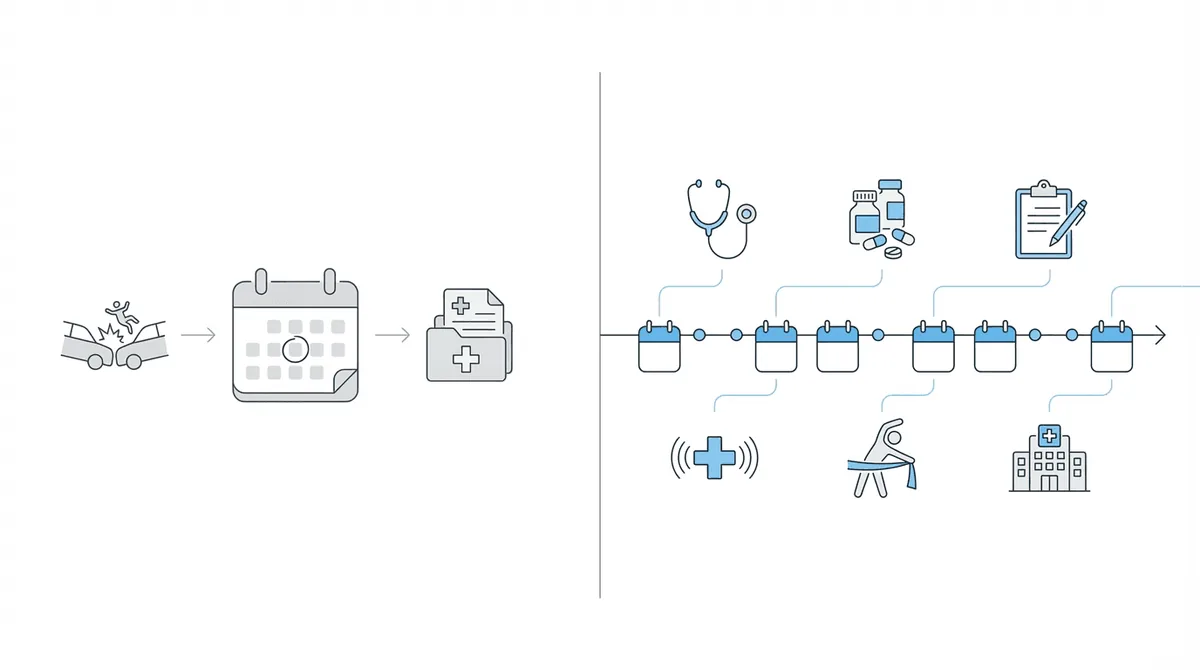
Most medical chronology guides assume you’re building a personal injury demand package. That assumption shapes the tools they recommend.
PI cases need chronologies that establish causation from a specific incident. Treatment records connect to an accident date. Damages calculations require itemized medical expenses.
SSD cases work differently. The SSA evaluates disability through a five-step sequential evaluation. Medical evidence must show severity of impairments across at least 12 months, residual functional capacity limitations, treatment compliance and response to care, activities of daily living that corroborate claimed limitations, and consistency between medical findings and subjective symptoms.
An ALJ reviewing your case wants a medical chronology that maps to these questions. A tool optimized for PI settlement packages may not surface the right information.
| Consideration | Personal Injury | Social Security Disability |
|---|---|---|
| Timeline focus | Single incident to present | 12+ months of treatment history |
| Key evidence | Causation from accident | RFC limitations and severity |
| Output goal | Settlement demand | Hearing preparation |
| Record source | Medical providers, subpoenas | ERE, provider records |
| Typical file size | 200-800 pages | 500-2,000+ pages |
There’s another difference: where records come from. SSD firms pull documents through the ERE (Electronic Records Express), the SSA’s portal for case files and e-folders. Records arrive incrementally as the case progresses. The chronology tool needs to handle records that accumulate over months, not a single document dump.
Top Medical Chronology Software for Law Firms
The market includes both general-purpose platforms and tools designed for specific practice areas. Here’s how the major options compare for disability law use.
Dodo (DodoDetect)
Dodo gets the SSD-specific part right. The platform emphasizes RFC analysis support, treatment timeline visualization, and condition severity tracking. Most general-purpose tools miss these entirely.
For firms using Chronicle for ERE monitoring, Dodo offers a direct integration. Records flow from Chronicle into Dodo without manual file transfers. This matters because medical evidence arrives continuously through the ERE; an integrated pipeline reduces handling time and ensures records reach analysis without sitting in download folders.
Best for: SSD and workers’ comp firms wanting tight integration with ERE workflows.
SuperInsight
SuperInsight positions itself as a privacy-first platform with fully automated AI processing. No human reviewers access your documents. The platform generates medical chronologies, summaries, and condition-specific analyses.
Chronicle offers an API integration with SuperInsight, providing another option for firms that want automated chronology generation connected to their ERE monitoring workflow. The 100% AI approach appeals to firms where data privacy ranks high on the priority list.
The catch: it’s a standalone upload unless you’re using the Chronicle integration. Records don’t flow in automatically from ERE otherwise, so you’re still shuttling files between systems.
EvenUp MedChrons
EvenUp processes over 1,600 chronologies weekly across 1,500+ personal injury firms. Their model combines AI extraction with human expert review. The platform integrates with major case management systems including Filevine, Litify, and others.
The human review layer adds accuracy verification but also adds time. EvenUp’s primary focus is PI demand packages. SSD firms may find the output format oriented more toward settlement documentation than hearing prep. Worth testing if you handle both practice areas, but probably not the first choice for pure SSD work.
Filevine MedChron
MedChron lives inside the Filevine ecosystem. If you already use Filevine for case management, the chronology tool connects natively. Upload records and MedChron processes them within your existing workspace.
The platform handles OCR, classification, and chronology generation. It adds Bates numbering automatically. The limitation is obvious: you need Filevine. Firms using other CMS platforms can’t access MedChron as a standalone tool.
Legalyze.ai
Legalyze offers a subscription model at $150/month with no per-page fees. The platform can process thousands of pages, generating chronologies with page citations. For small firms (or those with high volume but limited budget), the flat pricing stands out.
Integration options include connections to MyCase, Smokeball, CASEpeer, and Litify. The platform isn’t SSD-specific, but the pricing makes it worth testing for disability practices with significant record volume.
CaseFleet
CaseFleet approaches chronology differently. Rather than pure AI extraction, it emphasizes fact management. You upload records, highlight relevant portions, and the system builds entries from your annotations. AI assists but doesn’t replace human judgment.
For complex SSD cases where nuance matters, this approach offers more control. You decide what enters the chronology. The tradeoff is time: CaseFleet requires more active engagement than fully automated platforms.
InPractice.ai
InPractice offers a standalone medical review platform. Upload records, receive organized chronologies and summaries. The platform emphasizes speed and handles various document types including handwritten notes.
As a standalone tool, InPractice doesn’t tie you to a specific CMS. It works for firms wanting chronology capability without changing their existing tech stack.
How to Choose the Right Medical Chronology Software
Selecting a platform requires testing with your actual files. Vendor demos use clean, well-organized records. Your cases probably include faxed documents, handwritten notes, and records from multiple providers with inconsistent formats.
Run a real test. Most platforms offer trials. Upload a genuine case file. Compare the output against what a paralegal would produce. Note where the AI missed context, misread dates, or failed to identify key providers.
Check citation accuracy. Every chronology entry should link to a source page. Spot-check entries against the original records. If citations are wrong or missing, the time you save extracting gets spent verifying.
Evaluate integration fit by considering your current workflow: where do records arrive (ERE, direct from providers, client submission)? Where does work happen (CMS, separate intake system, paper files)? Where does the chronology need to go (hearing prep folder, CMS matter, export for counsel)? A chronology tool that doesn’t connect to your other systems creates manual transfer steps. Those steps add time and error opportunity.
Ask about SSD-specific features. Can the platform organize findings by impairment? Does it track treatment compliance over time? Can you filter for RFC-relevant limitations? These features matter for disability law and may not exist in PI-focused tools.
Calculate true cost. Per-page pricing can spike on large files. A 2,000-page case at $0.10 per page costs $200 for one chronology. Subscription models may offer better economics at higher volume. Factor in the number of cases and average record size.
Medical Chronology in the SSD Workflow
For disability law, medical chronology fits between record collection and hearing preparation. The timing matters.
Records accumulate throughout a case. Initial applications include existing treatment documentation. As the case progresses through reconsideration and hearing levels, new records arrive. Consultative exam reports. Updated treatment notes. Additional imaging.
Waiting until all records arrive to build a chronology delays hearing prep. Running chronology continuously as records come in keeps the file current.
This is where ERE monitoring connects to medical analysis. Chronicle checks the ERE and e-file daily for each monitored case. When new medical evidence posts, it surfaces immediately. With Chronicle’s Dodo integration, those records can flow directly into chronology generation. No manual downloads. No file transfers. Records move from SSA to analysis without paralegal handling.
At Ficek Law, medical chronology serves as the hearing prep backbone. The firm starts with a high-level summary, then dives into specific records for detailed review. That workflow depends on having current, organized chronologies ready when hearing prep begins.
At Anderson Marois & Associates, the team used medical chronology AI on a case with over 2,000 pages of records. Manually organizing that file would consume multiple paralegal days. Automated chronology made the file workable in a fraction of the time.
The integration point matters: records from ERE flow into analysis without manual transfers. Chronicle supports medical chronology through direct integrations with Dodo and SuperInsight. For SSD firms, this creates a complete pipeline from SSA document monitoring to organized hearing prep materials.
Frequently Asked Questions
What makes medical chronology software different from manual review?
The difference is extraction speed. Instead of a paralegal reading every page, AI identifies dates, diagnoses, providers, and treatments automatically. The output is a structured timeline with source citations. Manual review still matters for complex entries or ambiguous records, but the bulk of organization happens automatically. At 1,500 pages per file, that distinction determines whether hearing prep starts on time.
Do SSD cases need different chronology features than PI cases?
Yes. SSD chronologies should track treatment compliance, functional limitations, and condition severity over time. PI chronologies emphasize incident-to-treatment causation and damages. Tools optimized for PI may not highlight what ALJs evaluate under the five-step sequential evaluation. The output format matters as much as the extraction quality.
How do medical records from ERE connect to chronology tools?
Records in the ERE must be downloaded and uploaded to chronology software. Some firms do this manually per case. With integrated systems like Chronicle connected to Dodo or SuperInsight, records flow automatically from ERE monitoring into analysis without manual file handling. The integration eliminates a step that otherwise repeats for every case, every time new records arrive.
What security certifications should medical chronology software have?
At minimum: a signed HIPAA Business Associate Agreement. Better platforms hold SOC 2 Type II certification, use AES-256 encryption, and maintain audit logs of who accessed what records. Ask for documentation rather than accepting vendor claims. If they can’t produce the BAA or SOC 2 report, that tells you something.
How much does medical chronology software cost?
Pricing varies. Per-page models range from $0.05 to $0.25 per page. Subscription models start around $150/month. Per-case or per-chronology pricing also exists. Calculate based on your average file size and case volume to find the actual cost for your practice. A 2,000-page file at $0.10/page is $200 per chronology; at volume, that adds up.
Conclusion
Medical chronology software handles a task that would otherwise consume paralegal hours. For disability law firms, the right tool connects to existing workflows: records arrive through ERE monitoring, flow into chronology generation, and produce outputs that serve hearing preparation.
Most comparison guides focus on personal injury. That leaves SSD firms evaluating tools without relevant context. The platforms that work best for disability practice offer SSD-specific outputs, integrate with ERE workflows, and produce chronologies organized around what ALJs actually evaluate.
Chronicle supports medical chronology as part of hearing preparation workflows, with direct integrations to Dodo and SuperInsight. For firms already using Chronicle for ERE monitoring, adding medical chronology extends the workflow from document detection through organized analysis.
“Chronicle gives you your best chance to present a good case for a borderline client.” That assessment from Ficek Law reflects what organized medical evidence enables: better preparation, clearer presentation, and stronger hearings.
If you’re evaluating medical chronology software, start with a real test. Upload an actual case file, not a clean demo record. Check how the output serves your hearing prep process. And consider whether the tool connects to how records already move through your firm.
Learn more about Chronicle’s medical chronology integrations