
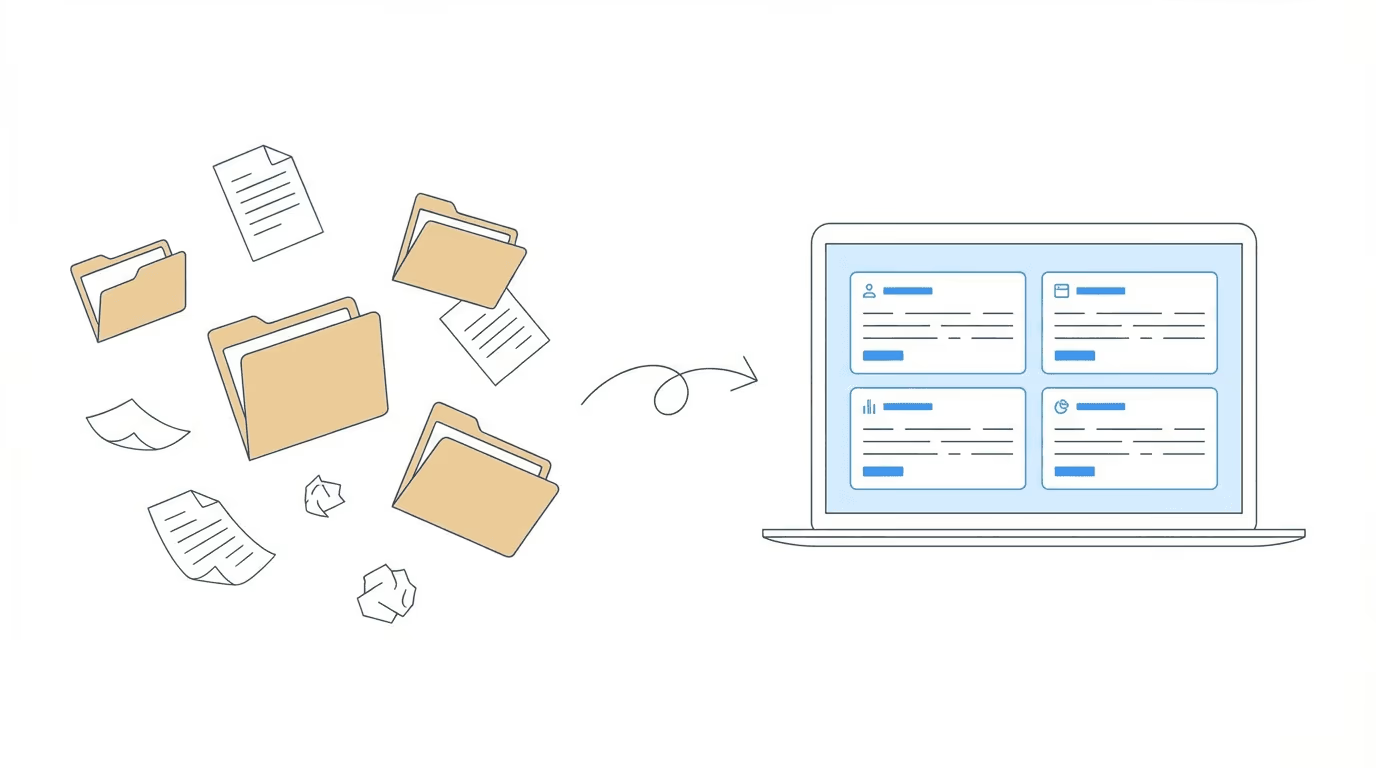
At a glance: ERE integration means different things depending on the tool. Some platforms automate document uploads. Others pull ERE data on a schedule for hearing prep. A third category: continuous monitoring, checks the ERE daily and alerts staff to changes as they happen. This guide breaks down which tools do what, so you can match capabilities to your firm’s actual workflow needs.
Every Social Security disability case passes through the Electronic Records Express portal. Medical evidence, SSA correspondence, hearing notices, status updates. It all lives in the ERE. For most firms, monitoring that portal means logging in manually, checking each case one by one, hoping nothing slipped through overnight.
This works when you have a dozen active cases. It breaks down at fifty. At a hundred or more, the risk becomes real.
Case management tools that integrate with ERE solve different parts of this problem. Some automate document uploads. Some provide automated monitoring and alerts. Some process documents with OCR and indexing. Understanding what each tool actually does helps you choose the right approach for your practice.
What Is Electronic Records Express (ERE)?
Electronic Records Express is the Social Security Administration’s system for submitting and accessing documents related to disability claims. Attorneys and representatives use ERE to upload medical records, receive SSA correspondence, and track case status through the disability determination process.
What ERE provides natively: - Document submission to SSA and Disability Determination Services - Access to case files and exhibits via Appointed Representative Services (ARS) - Status reports on pending cases - Secure transmission with HIPAA-compliant encryption
What ERE doesn’t provide: - Automated monitoring for new documents - Real-time notifications when case status changes - Team-wide access without sharing credentials - Integration with practice management tools - Document processing (OCR, indexing, medical chronologies)
The SSA built ERE for submission, not workflow. You can upload and download. But knowing when something new arrived? That requires checking manually or using third-party tools that monitor the portal on your behalf.
Why ERE Integration Matters for Disability Law Firms
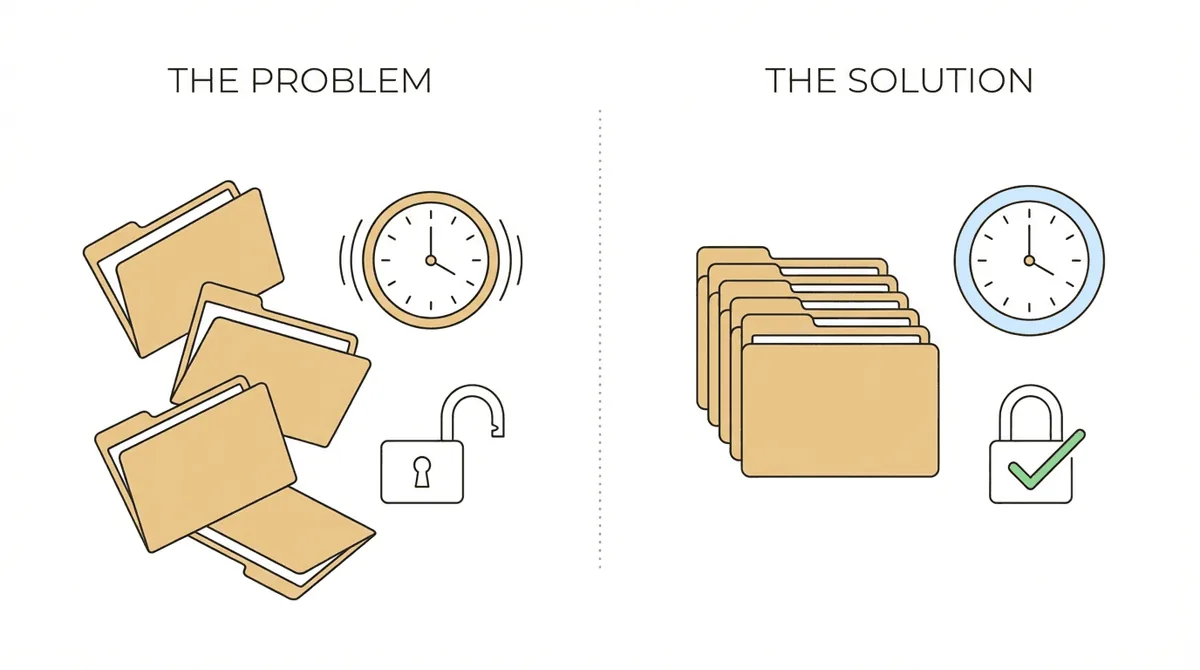
Manual ERE checking creates three problems that compound as caseload grows.
Time drain: staff spend hours weekly logging into the portal, navigating to each case, checking for updates. At scale, monitoring ERE can consume a full staff position worth of hours. A practical guide to automating ERE tracking shows how firms eliminate this overhead. Time that should go toward case preparation instead gets absorbed by repetitive portal checks.
Missed documents: when checking depends on someone remembering to do it, gaps happen. Someone gets busy. Someone assumes a colleague checked yesterday. A hearing notice sits unnoticed for three days. In disability law, those delays translate directly into deadline risk.
Security and access control: ERE requires login credentials. Most firms share those credentials among staff, passing around the password, hoping everyone logs out properly. No audit trail of who accessed what. No ability to revoke access for a single person without changing credentials for everyone.
ERE integration addresses these problems by automating what shouldn’t require human effort: monitoring, notification, access control.
Types of ERE Integration
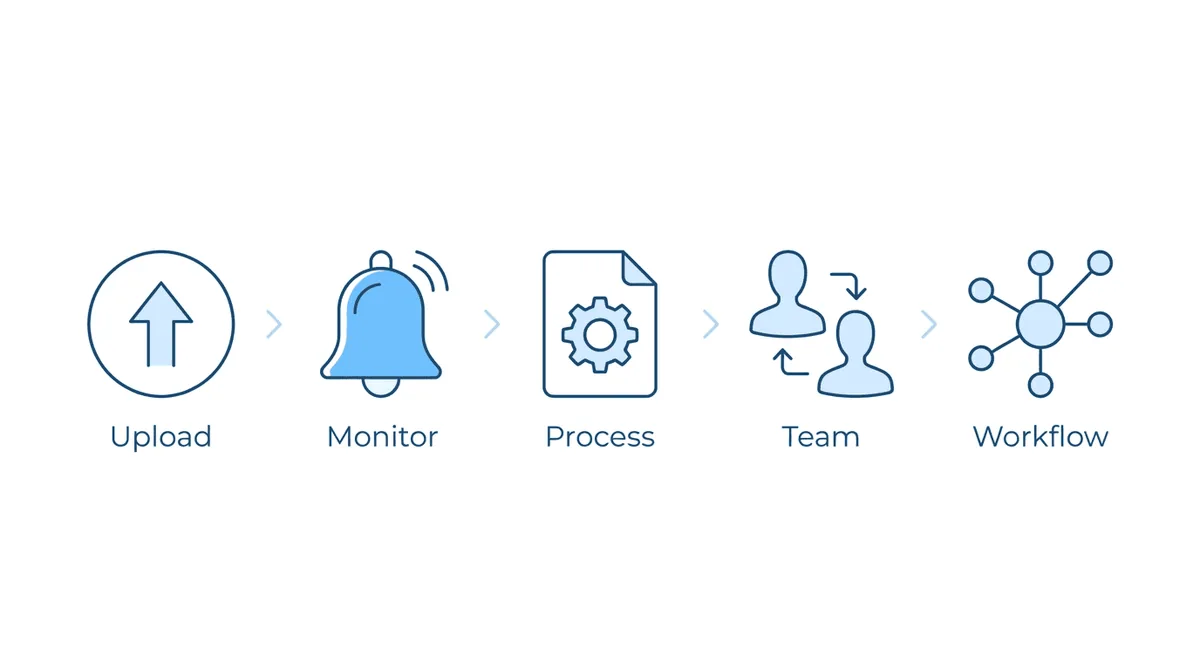
Case management tools approach ERE integration differently. Understanding the categories helps you evaluate what each product actually provides.
Upload and Download Automation
The most basic form of ERE integration. Tools that simplify the submission process: eliminating barcodes and coversheets, batch uploading multiple files, confirming successful transmission. This saves time on document handling but doesn’t address monitoring.
Monitoring and Alerts
Automated systems that check ERE regularly and notify you when something changes. Instead of staff logging in manually, the software polls the portal on a schedule and surfaces new documents or status changes. This is where most firms see the biggest operational improvement.
Document Processing
Beyond retrieving documents, some tools process them. OCR to make files searchable. Automatic table of contents generation. Indexing by exhibit type. These capabilities speed hearing preparation by making large case files navigable.
Team Access
Platforms that provide secure access to ERE data for your entire team without sharing the underlying SSA login. Each staff member gets appropriate access levels with audit trails showing who viewed or acted on each case.
Workflow Integration
API connections that let ERE data flow into your other systems. When a case status changes, trigger a task in your project management tool. When new evidence arrives, automatically notify the assigned paralegal. This is where dedicated ERE monitoring meets broader practice automation.
Case Management Tools with ERE Integration
Here’s what’s available for disability firms that need ERE connectivity.
Chronicle
Chronicle is a full-lifecycle SSD operations platform designed to work alongside whatever case management system you already use.
ERE capabilities: - Monitors ERE every two hours (Pro and Enterprise plans) across all case stages - Full-lifecycle coverage: initial application through post-hearing - Real-time dashboard showing case status across your entire caseload - Team-wide access without sharing SSA credentials - Automatic OCR and linked exhibit packets
Additional features: - AI-powered medical chronologies delivered in about an hour - Hearing transcript generation for appeals - Virtual mailroom for SSA mail management
Integrations: Clio, Filevine, MyCase, Litify, and Zapier for other platforms.
Positioning: Chronicle is a full-lifecycle operations platform that complements existing case management systems. Trusted by 100+ disability practices, the platform has processed over 1.5 million documents across 70,000+ cases.
Pricing: $9/case (Essentials), $14/case (Pro), custom Enterprise pricing. Add-ons include Medical Chronology ($50/case) and AC Brief ($100/case).
Assure Disability (Atlasware)
Assure is a hearing prep platform with Atlasware as the technology backbone for ERE access.
ERE capabilities: - Upload and download automation for hearing preparation - Document OCR with hyperlinked table of contents - Searchable file processing - Hearing-centric ERE access: typically pulls files 3-5 times total on a fixed schedule leading up to a hearing - Outside scheduled pulls, manual updates take 2-24 hours to process - Upload processing time: 2-12 hours - Firms report cutting ERE handling time roughly in half compared to fully manual processes
Additional features: - Brief Tool Pro (template wizard) + freelancer writer service - Nationwide hearing coverage network (500+ attorneys) - Atlasware Intelligence for medical chronologies - Medical record retrieval services
Integration constraints: Assure offers a simple Litify integration and connects to Prevail (which Assure acquired). Firms using Clio, Filevine, MyCase, or other CMS platforms may find limited ability to flow ERE data into their system of record.
Positioning: Assure is a hearing prep platform—not an ERE monitoring tool. ERE access is optimized for exhibit review and hearing preparation, not continuous operational visibility across the full case lifecycle. Manages 30,000+ cases monthly.
Pricing: custom, based on services selected. Requires Master Service Agreement.
Prevail
Prevail is a full case management system that integrates with ERE through Atlasware. In 2023, Prevail was acquired by Assure Disability.
ERE capabilities: - ERE integration via Atlasware connection - Monitoring follows Atlasware’s hearing-centric approach (3-5 scheduled pulls leading up to hearing) - Automated upload to claimant electronic files - Document OCR and table of contents generation
Additional features: - Full case management platform with calendaring, contacts, matters - Process Builder for custom workflows - Document generation and email integration - QuickBooks integration
Positioning: full-featured SSD case management system now part of the Assure ecosystem. The Atlasware integration requires an Assure Disability account. Firms already using Prevail get tight integration with Assure’s other services.
Pricing: custom. Contact for quote.
Dibcase
Dibcase is a cloud-based case management platform for SSD and VA practices, with a focus on affordability.
ERE capabilities: - Chronicle integration for ERE monitoring - Document assembly and merge templates - Medical record request tracking
Additional features: - Two-way SMS messaging with clients - Interactive client portal - Pre-loaded SSD and VA templates - ChatGPT integration for document assembly - Lead management
Positioning: budget-friendly option for solo and small firm practitioners. Partners with Chronicle for ERE monitoring rather than building native integration.
Pricing: contact for demo.
Wings Legal
Wings offers cloud-based practice management across multiple practice areas including Social Security disability.
ERE capabilities: - Chronicle integration for ERE monitoring - SSA forms included in platform
Additional features: - Document automation and templates - Client portal and messaging - Calendar integrations - HIPAA compliant cloud storage
Positioning: broader practice management platform serving disability, veterans law, workers’ comp, and personal injury. ERE monitoring comes through the Chronicle partnership.
Pricing: see website for details.
CloudLex
CloudLex provides case management for various practice areas including Social Security disability.
ERE capabilities: - Document management and storage - No direct ERE integration specified in available materials
Additional features: - Task automation and workflows - Microsoft 365 and email integration - Mobile apps (iOS/Android) - Client text messaging
Positioning: general legal case management with SSD-specific features. Emphasizes security (HIPAA, Microsoft Azure) and automation.
Pricing: contact for quote.
Comparison Table: ERE Integration Features
| Feature | Chronicle | Assure/Atlasware | Prevail | Dibcase | Wings | CloudLex |
|---|---|---|---|---|---|---|
| ERE Access | Every 2 hrs (all stages) | 3-5 times (hearing prep) | Via Atlasware | Via Chronicle | Via Chronicle | Not specified |
| Lifecycle Coverage | Full (application to post-hearing) | Hearing-centric | Via Atlasware | Via Chronicle | Via Chronicle | N/A |
| Team Access | No credential sharing | Yes | Yes | Yes | Yes | Yes |
| Document OCR | Yes | Yes | Yes | Limited | Yes | Yes |
| Medical Chronology | AI-powered ($50) | AI summaries | Manual | No | No | No |
| API/Integrations | Clio, Filevine, MyCase, Litify, Zapier | Simple Litify, Prevail | Atlasware | Chronicle, APIs | Chronicle | MS 365 |
| Approach | Full-lifecycle operations | Hearing prep platform | Full CMS | Affordable CMS | Multi-practice CMS | General CMS |
| Pricing | $9-14/case | Custom | Custom | Contact | Contact | Contact |
Full-Lifecycle Operations vs. Hearing Prep Platforms
The tools above represent different approaches to ERE integration and operational focus.
Hearing prep platforms (Assure/Atlasware) access ERE specifically for exhibit review and hearing preparation. The focus is on getting ready for hearings: document organization, brief writing assistance, hearing coverage. ERE access runs 3-5 times as cases approach hearing, not continuously. Assure offers a simple Litify integration and connects to Prevail. Firms using Clio, Filevine, or MyCase may find limited data flow into their system of record.
Full-lifecycle operations platforms (Chronicle) provide continuous ERE monitoring from initial application through post-hearing, plus virtual mailroom, medical chronology, and workflow automation. Chronicle checks every two hours regardless of case stage—not just as hearings approach. Direct integrations with Clio, Filevine, MyCase, and Litify mean the platform works alongside whatever CMS you already use.
Comprehensive CMS platforms (Prevail, SmartAdvocate, CloudLex) handle case management, document storage, calendaring, and client communication together. ERE integration varies: Prevail connects via Atlasware (hearing-centric), while others have limited ERE-specific capabilities.
For firms that already have a case management system they’re satisfied with, adding full-lifecycle operations often makes more sense than migrating to a new platform. Chronicle’s direct integrations exist specifically so operations data flows into your existing tools.
For firms starting fresh or frustrated with their current CMS, a comprehensive platform might consolidate multiple needs. But ERE capabilities and integration options vary significantly between platforms, so those specific questions deserve scrutiny regardless of which direction you choose.
How to Evaluate ERE Integration for Your Firm
When comparing options, consider these factors:
Monitoring frequency: how often does the system check ERE? Every two hours versus once daily creates different operational realities. More frequent monitoring means faster response to new documents.
Notification quality: when something arrives, how does the system tell you? Dashboard only? Email? SMS? Team-wide alerts or assigned-user only? The notification flow determines how quickly your team can respond.
Team access model: does every staff member need the SSA credentials? Or does the platform provide secure access with individual logins and audit trails? Credential management becomes security-relevant as teams grow.
Integration options: if you have existing systems you want to keep, does the ERE tool connect to them? Open APIs and Zapier support indicate flexibility. Closed ecosystems may require adopting the vendor’s full stack.
Document processing: beyond retrieving documents, what does the tool do with them? OCR, indexing, chronology generation? These capabilities compound time savings during hearing preparation.
Total cost: per-case pricing (Chronicle) versus custom quotes (most others) creates different budgeting dynamics. With per-case pricing, costs scale predictably with caseload.
How Chronicle’s Full-Lifecycle Operations Work
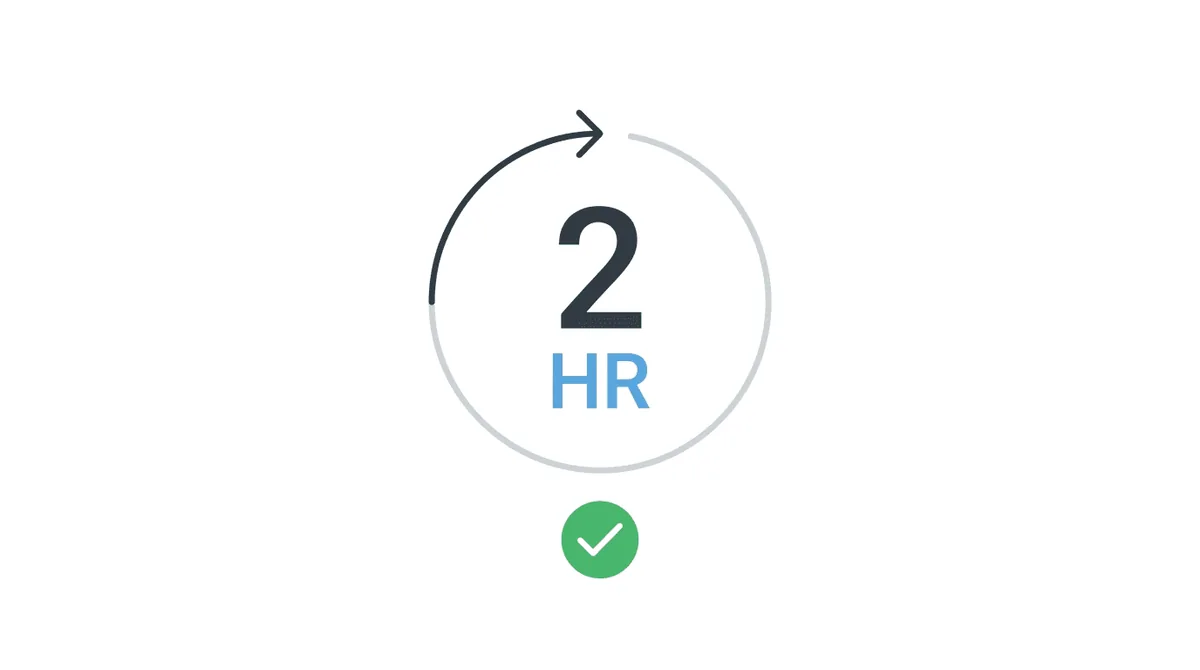
Chronicle was built for full-lifecycle SSD operations. Here’s what that looks like in practice.
Continuous monitoring: Chronicle checks ERE every two hours for Pro and Enterprise customers—from initial application through post-hearing, not just as hearings approach. When documents arrive or case status changes, your team gets notified. No manual portal checking required.
Dashboard visibility: a real-time dashboard shows status across your entire caseload. Which cases are at initial, reconsideration, or hearing? Where has new evidence arrived? The view updates as monitoring cycles complete.
Team access: your staff gets secure access to ERE data through Chronicle without sharing the underlying SSA credentials. Individual logins create audit trails. Revoking access for one person doesn’t require changing passwords for everyone.
Document processing: files arrive OCRed with linked exhibit packets. Documents are searchable and navigable, not just downloaded PDFs.
AI capabilities: medical chronologies generate in about an hour and update automatically when new evidence arrives. Hearing transcripts support appeals preparation.
Direct integrations: Chronicle connects directly to Clio, Filevine, MyCase, and Litify, plus Zapier for other platforms. When a case moves forward, trigger actions in your CMS, task manager, or client communication system.
Results from firms using Chronicle: - Ficek Law reported 67% year-over-year revenue growth and zero missed deadlines since implementation - Viner Disability Law scaled from 900 to 3,000 active cases without adding staff - Typical outcomes: 40% reduction in admin work, 15% increase in intake capacity
Chronicle offers a free trial activated through a 15-minute setup call.
Frequently Asked Questions
What is ERE integration in disability case management?
When case management software connects with SSA’s Electronic Records Express portal, that’s ERE integration. The connection can include automated document uploads, monitoring for new documents, downloading case files, and processing documents with OCR. Depth varies between platforms. Some handle only uploads; others provide real-time monitoring and notifications.
How often should ERE be monitored for new documents?
Frequent monitoring reduces the risk of missed documents and delayed responses. Chronicle monitors every two hours with Pro and Enterprise plans. Daily monitoring is common with other platforms. Manual checking, the default without integration, often happens inconsistently. Those gaps create deadline risk.
Can I use multiple tools together for ERE monitoring?
Yes. Dibcase integrates with Chronicle for ERE monitoring rather than building native capability. Chronicle is designed to complement existing case management systems through its API and Zapier integrations. You can add dedicated monitoring without replacing your CMS.
What’s the difference between ERE and ERE ARS?
ERE (Electronic Records Express) is the SSA’s system for submitting health and school records to disability claims. ERE ARS (Appointed Representative Services) is the portal that allows representatives to view, download, and upload files to the electronic case folder. Both are part of SSA’s electronic systems. ARS provides the viewing and download capabilities representatives need for case management.
Does Chronicle replace my case management software?
No. Chronicle is designed as a complement to existing case management systems, not a replacement. It focuses on ERE monitoring, document processing, and hearing preparation. Your CMS handles calendaring, contacts, billing, and other practice management functions. Chronicle’s API allows data to flow between systems.
How do I set up Chronicle’s ERE monitoring?
Setup happens in a 15-minute call with the Chronicle team. Most firms run a trial period with 10-20 cases over 1-2 weeks. Staff training takes about 30 minutes. The operational shift happens within days: instead of checking the portal manually, your team responds to notifications.
Conclusion
Case management tools that integrate with ERE range from comprehensive CMS platforms to hearing prep suites to full-lifecycle operations platforms. Atlasware accesses ERE for hearing preparation. Prevail offers ERE connectivity via Atlasware as part of case management. Dibcase and Wings connect through partnerships. CloudLex provides general case management without specified ERE integration.
Chronicle takes a different approach: full-lifecycle operations designed to work alongside whatever CMS you already use. Continuous ERE monitoring every two hours from application through post-hearing, virtual mailroom, medical chronology, and direct integrations with Clio, Filevine, MyCase, and Litify. The platform provides operational visibility at every case stage, not just as hearings approach.
For firms where manual ERE checking has become a bottleneck, consuming staff hours and creating deadline risk, full-lifecycle operations often pay for themselves quickly. The results from Chronicle customers reflect that operational shift: Ficek Law reported zero missed deadlines, Viner Disability Law scaled their caseload without proportional headcount.
If operational visibility across your full caseload is the constraint on your practice, Chronicle offers a free trial to experience the difference.
Ready to see full-lifecycle operations in action? Book a demo to see how Chronicle integrates with your workflow.